
Design templates for infographics

- Seven design templates for infographics for editing in Adobe Illustrator CS2 and higher (AI and EPS format)
- Use the vector-based templates for display on the web or for print products
- Your topic, your design: thematically diverse and modern - this is how information is communicated today
Turn your numbers into unbeatable arguments and embed them in expressive infographics that first sit and then stick with the viewer!
content
7 items
Vector-based templates for infographics


Examples of use
-
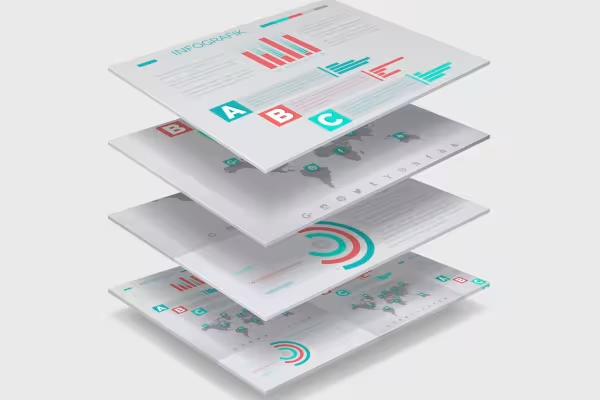 Example: Use infographics to get to the heart of your facts and figures.
 -
 Example: Create an overview and let your data jump right into the eye of the beholder.
 -
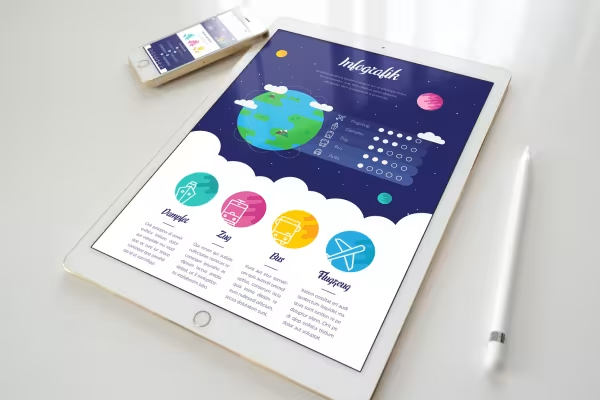 Example: Illustrate in a modern layout - bringing numbers to life.
 -
 Example: You receive a wide variety of layouts so that you can use the one that suits you best.
 -
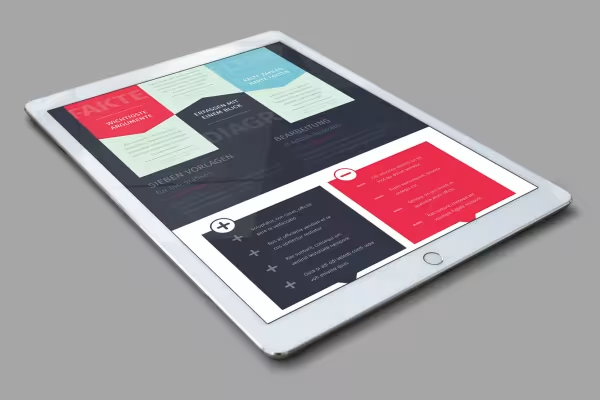 Example: Just change the text and diagrams and your visualization is ready.
 -
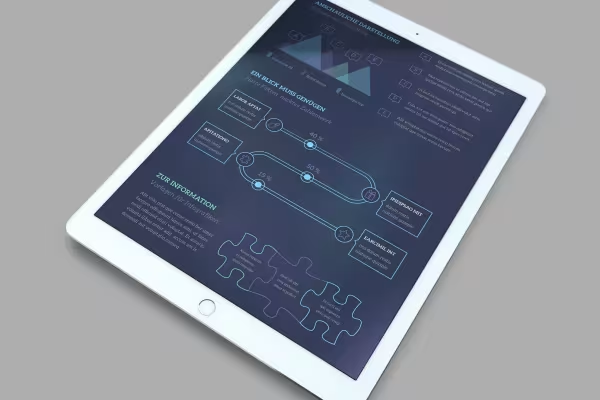 Example: Use the templates as a whole or select individual elements.
 -
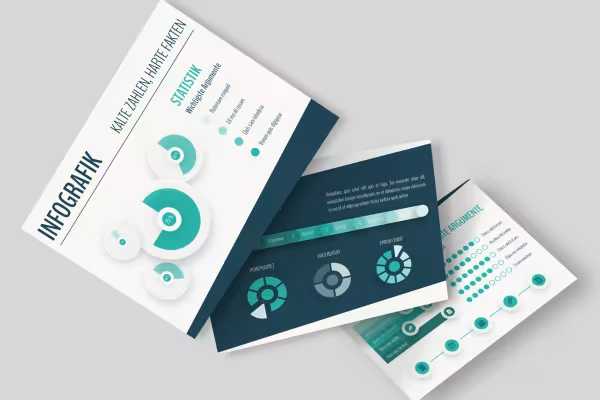 Example: Use the templates as a whole or select individual elements
 -
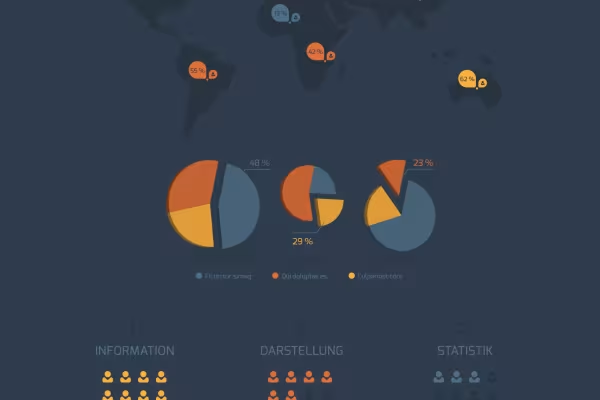 This infographic is included in the package.
 -
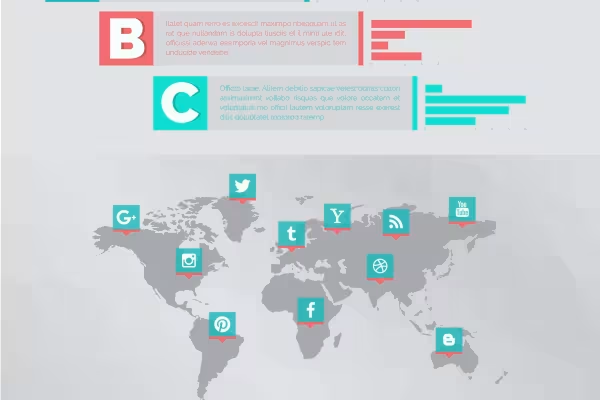 How about this modern infographic?
 -
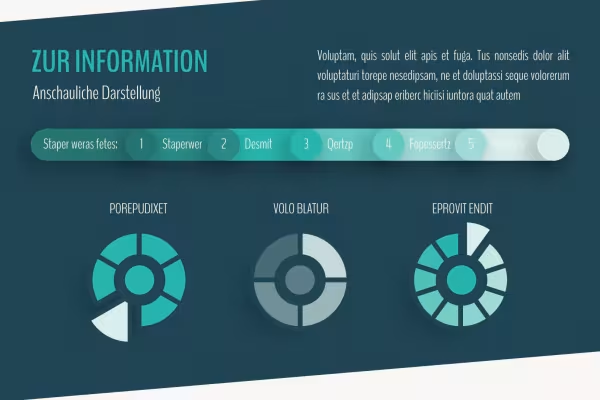 Easily customizable: Design your infographic quickly and easily.
 -
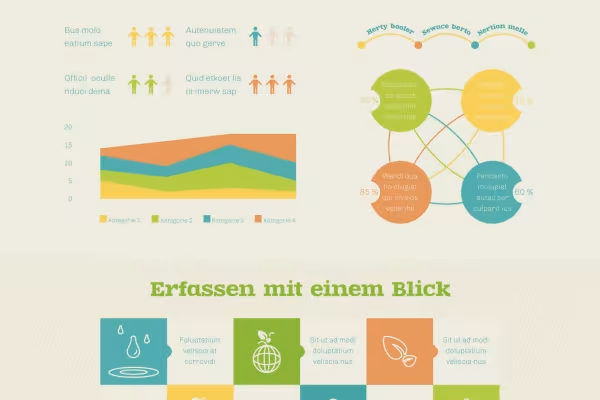 Customize the infographic to your wishes.
 -
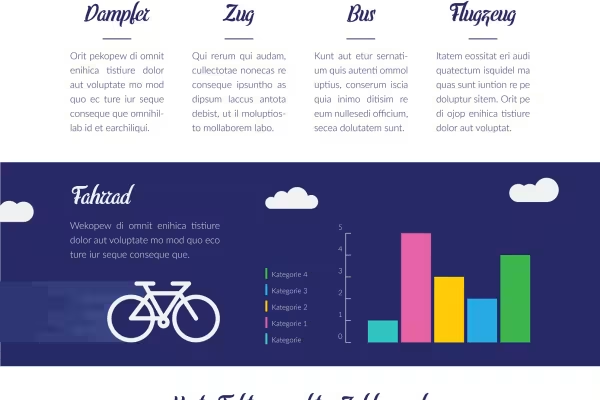 If you want to go modern, use this infographic, for example.
 -
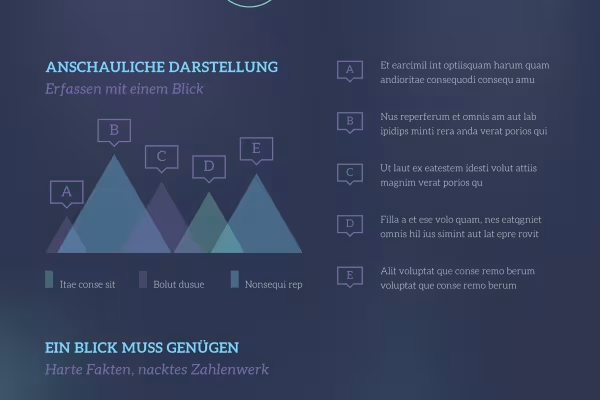 This infographic is also included in the package.
 -
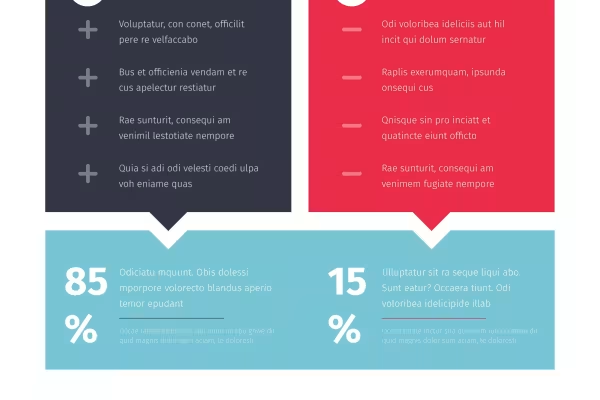 Freely editable - how to turn the template into your infographic!
Other users are also interested
You might also like
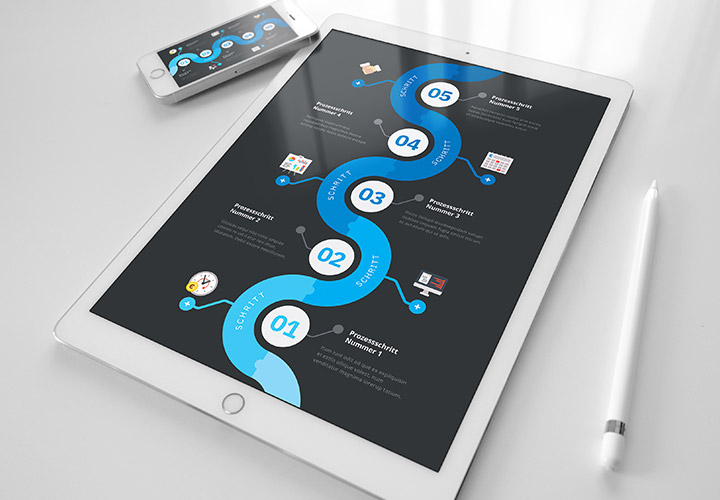
Timeline templates: Create modern timelines
Design meets clarity
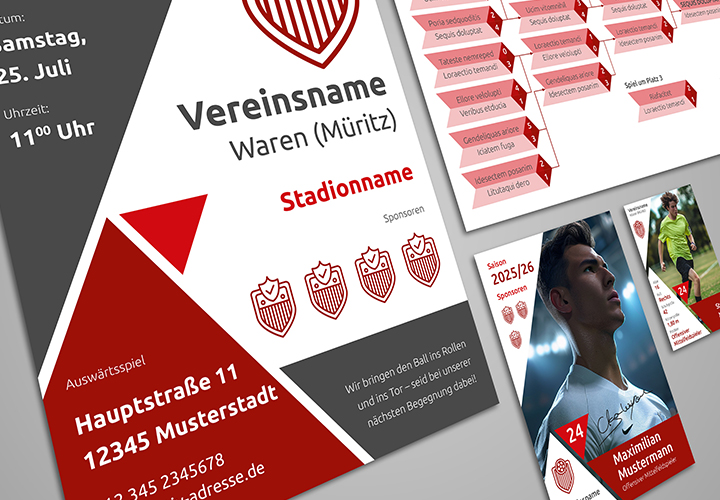
Association Design: Boosting Brands with Ads and Checks
Everything inside: Advertising banner, donation check and more
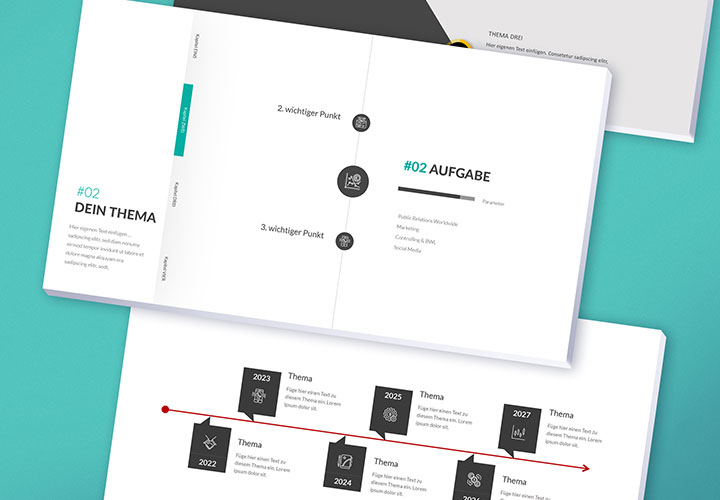
Over 100 timeline templates for PowerPoint and Keynote
Prepared timelines in grandiose designs
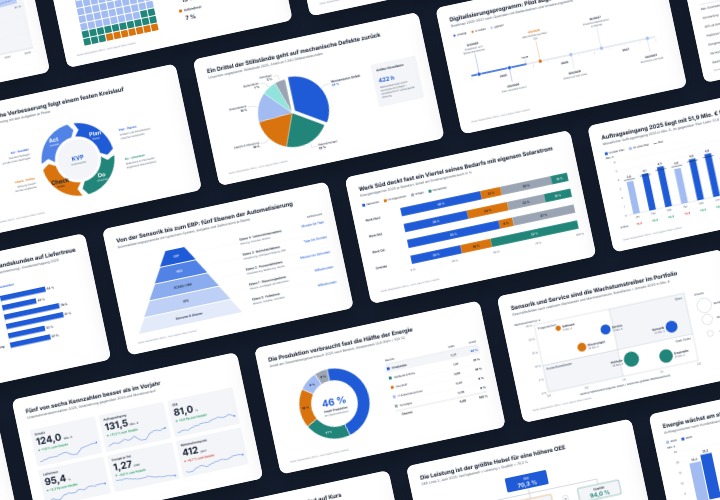
Infographic templates & diagrams for technology & B2B | TutKit
48 editable chart templates in SVG, PDF, EPS, PNG, and PowerPoint – in under a minute in the customer’s corporate identity
Comment now „Design templates for infographics“