

Overlays and textures for Photoshop, Affinity Photo and Co.
Perfect for backgrounds and overlay effects: Discover exactly the image you need now! Use the textures and overlays as backgrounds in your designs and for effective photo overlays. You can also use motifs that have already been cropped to incorporate them into your own images. You can process the files in common image editing and layout design programs such as Photoshop and InDesign. Whether you're looking for a background for lettering or a mockup, a flower image or a smoky effect to embellish a photo or textures with ornaments - you'll find it here.

Comprehensive supply!

Comprehensive coverage - that sounds good!

Fine textures for large areas

For backgrounds, lettering and 3D objects

For elegant backgrounds and image and text effects

Design digital whiteboards

Colorful, structured & diverse

Grunge style for your designs

Solid building material for your designs

Color-intensive structures

To flow with!

Poly style for small and large surfaces

Simply let it flow in now!

For backgrounds in web & print

Moving & invigorating

For greeting cards & banners
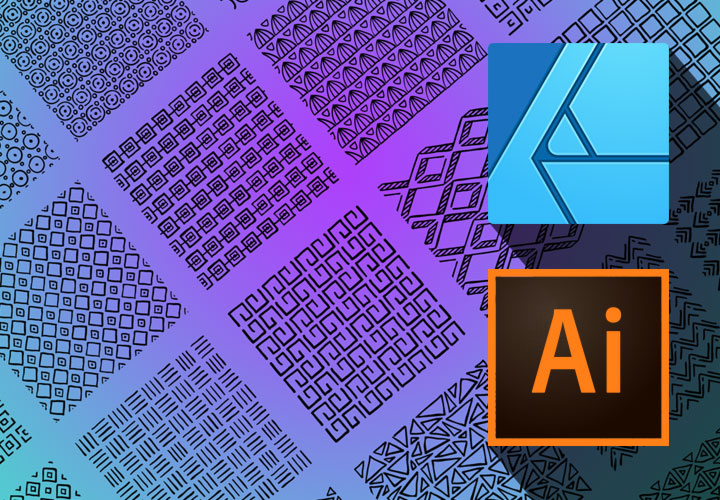
For small and large areas

Embellishment for your backgrounds

Structure for your surfaces
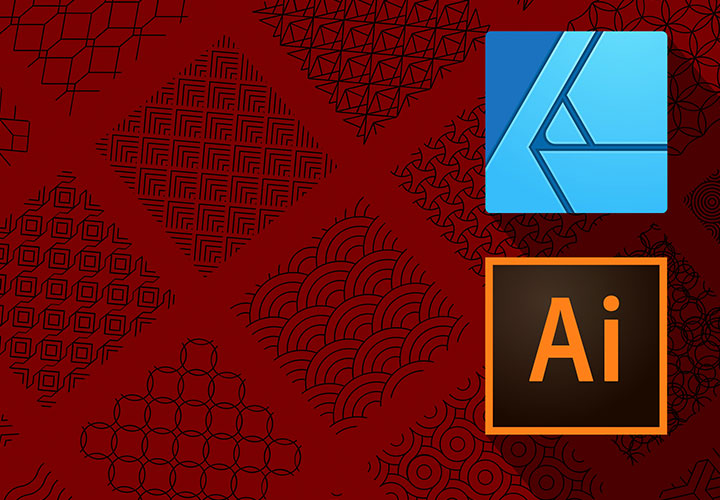
Create finely structured backgrounds

Noble value for your designs

An ornament that enlivens your design

For retro-style designs

Stylish for your designs
For the whole area!
Download textures & overlays and use them directly
Ideal for backgrounds and overlay effects
Structured over the entire surface: seamlessly tileable textures
Classic textures consist of repeating elements that you can join together. This allows you to cover even large areas with a certain structure. If you want to add grass, stone, wood or metal to your backgrounds, for example, take a look at our large texture pack. You can also create seamless tiled textures by using patterns. We have patterns for Photoshop, Affinity Photo, Affinity Designer and Adobe Illustrator, among others.
Effective overlays: high-quality overlays
Using layer blending modes, you can blend one image into another in programs such as Photoshop and Affinity Photo. You can use these functions to incorporate interesting image effects or additional motifs. You can download hundreds of overlays (sometimes also referred to as textures) from us. Sometimes we have already cropped the motifs for you so that you can insert them without using blending modes. Whether it's fire, rain or bokeh effects - add what's missing in your image with our overlays and text ures!
Compatible for your software
High image quality and software-compatible files
As you can see, many of the images in this category can be used for different purposes, as textures, overlays and backgrounds. Take a look at the galleries and instruction videos of our packages for inspiration. The images are usually based on JPG and PNG files, which are widely compatible with software. Samples are usually available in software-specific formats. When creating all images, we pay attention to high resolution and image quality so that the textures and overlays are suitable for display on the web and for printed images.