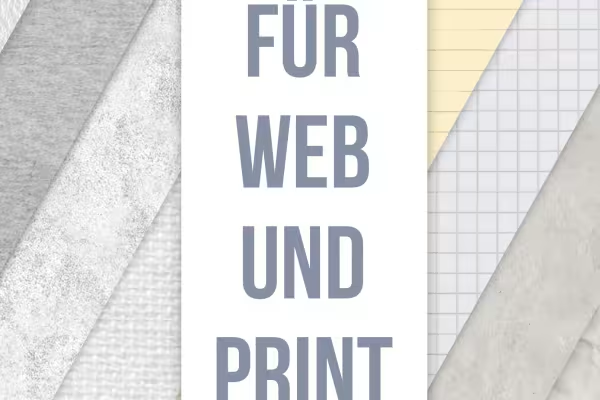
50 paper textures as patterns for Photoshop

50 paper textures as patterns for Photoshop

For finely textured backgrounds: Choose the right texture from 50 paper textures and apply it to the desired area with just a few clicks. You can freely adjust the size and alignment of the patterns in Photoshop so that you can create exactly the background you want.

  • 50 paper textures that you can apply as patterns to small and large surfaces
  • Fine textures, marbled-looking structures, old, crumpled, lined and squared paper
  • Easy to use as a pattern fill in Photoshop with just a few clicks
  • The size of the structures and their alignment can be freely adjusted
  • Ideal for structured backgrounds in designs, drawings or as an overlay on photos

Whether filigree or fabric-like structures, whether yellowed, lined or squared paper - get a multi-faceted texture package whose contents you will access again and again.

content

Details of the content

50 paper structures as patterns for Photoshop (download)

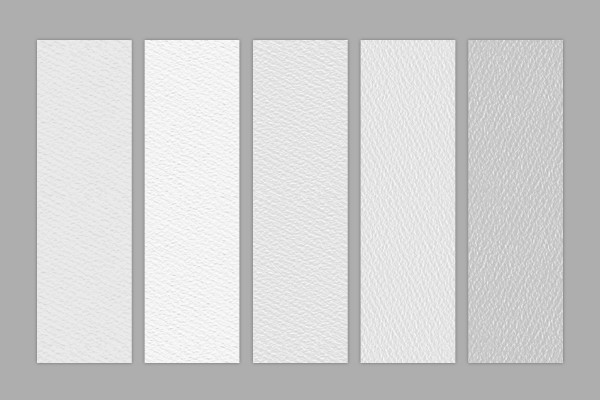
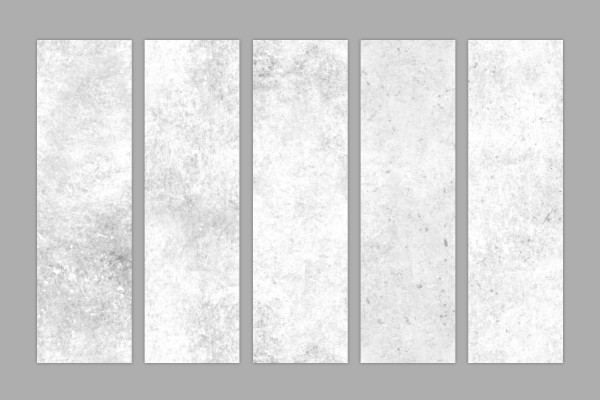
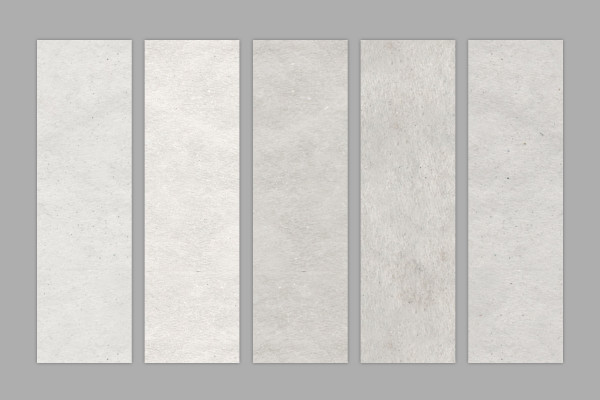
Paper structures as patterns for Photoshop: fine textures

Paper structures as patterns for Photoshop: fine textures

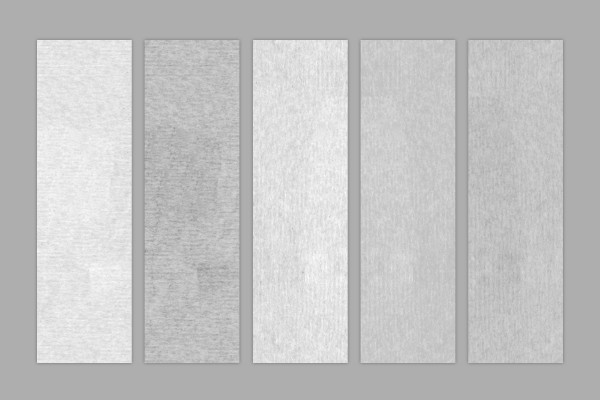
Paper textures as patterns for Photoshop: fine line textures

Paper textures as patterns for Photoshop: fine line textures

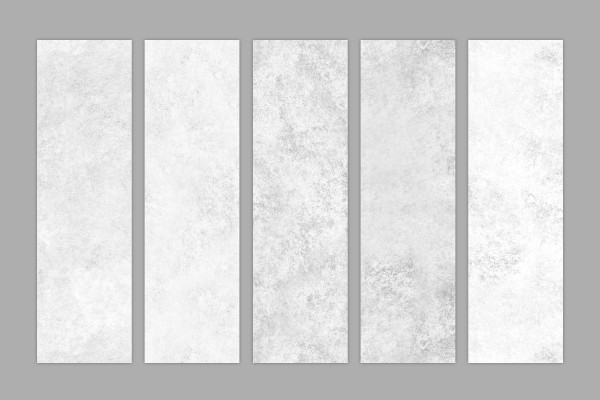
Paper structures as patterns for Photoshop: gently marbled textures

Paper structures as patterns for Photoshop: gently marbled textures

Paper structures as patterns for Photoshop: striking marbled textures

Paper structures as patterns for Photoshop: striking marbled textures

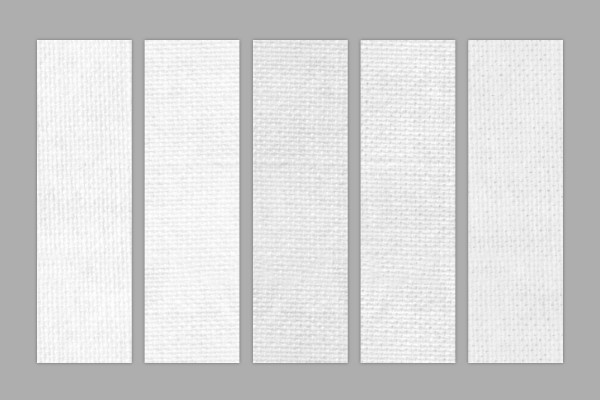
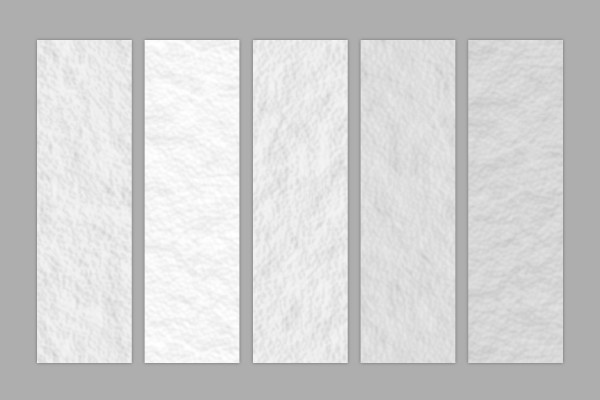
Paper textures as patterns for Photoshop: Fabric textures

Paper textures as patterns for Photoshop: Fabric textures

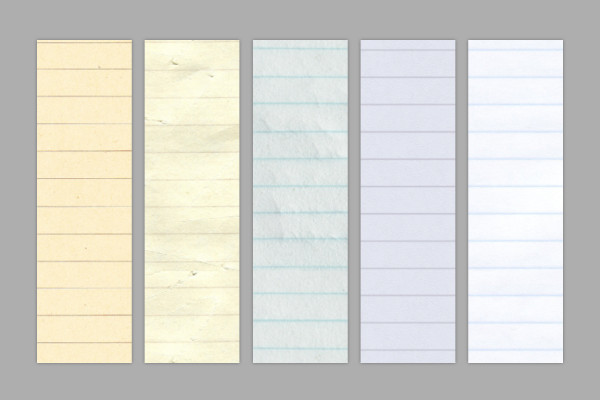
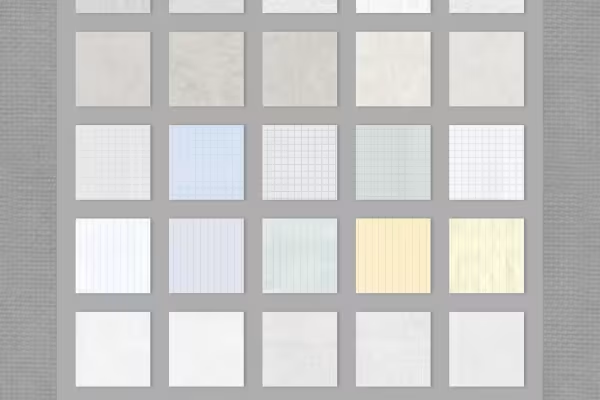
Paper structures as patterns for Photoshop: lined

Paper structures as patterns for Photoshop: lined

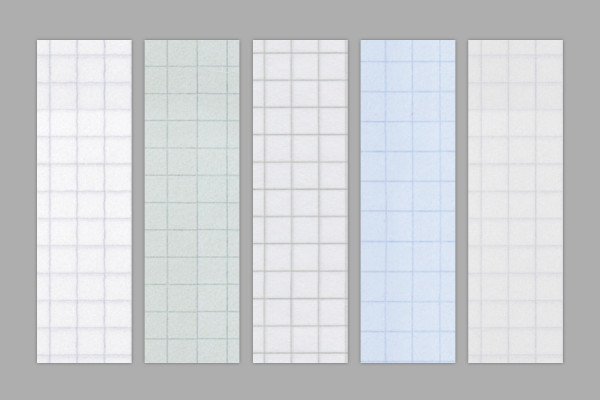
Paper structures as patterns for Photoshop: checkered

Paper structures as patterns for Photoshop: checkered

Paper structures as patterns for Photoshop: old-looking, yellowed textures

Paper structures as patterns for Photoshop: old-looking, yellowed textures

Paper structures as patterns for Photoshop: soft textures

Paper structures as patterns for Photoshop: soft textures

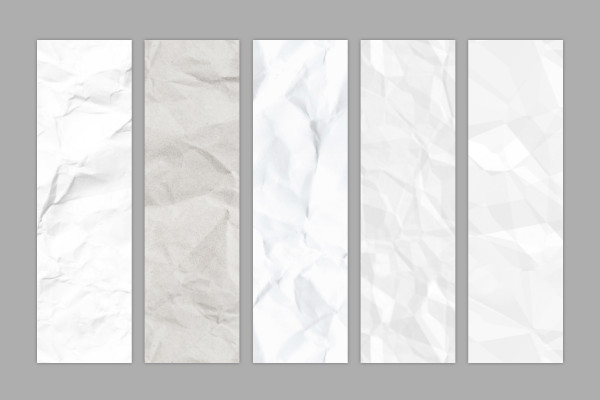
Paper structures as patterns for Photoshop: crumpled paper

Paper structures as patterns for Photoshop: crumpled paper

Examples of use

  • Examples of the paper structures
    Open gallery
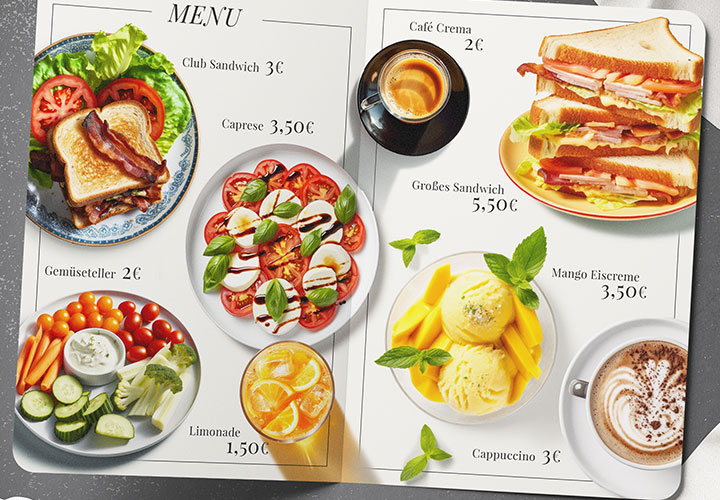
    Examples: Choose the right texture from 50 different paper structures.
  • Open gallery
    Example: Place the paper structures in the background of your pictures.
  • Examples of paper structures as patterns for Photoshop
    Open gallery
    Example: Apply the paper structures in Photoshop in the appropriate size to each surface.

help video for application

Photoshop tutorial: Create paper structures with patterns

You can create as many as 50 different paper textures using our Photoshop patterns. You can apply the textures to any surface and define the texture size and orientation. You can find out how to import the patterns and how to apply them in this Photoshop tutorial.


7 minutes · free of charge
Comments (1)

Comment now „50 paper textures as patterns for Photoshop“