
Spring motifs, Easter bunnies, Easter eggs - 70 brushes for Photoshop & Co

Spring motifs, Easter bunnies, Easter eggs - 70 brushes for Photoshop & Co

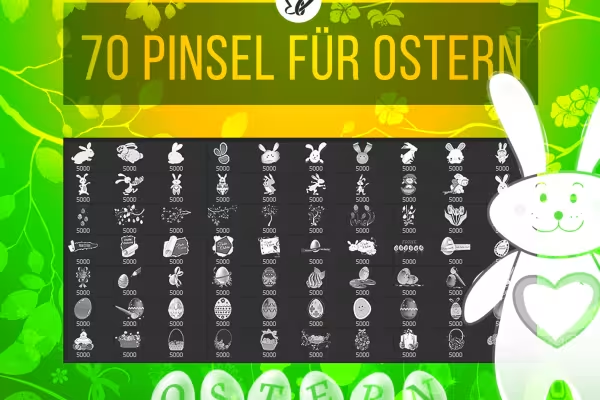
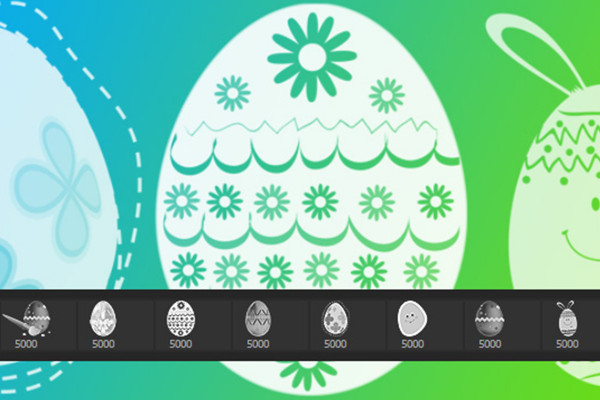
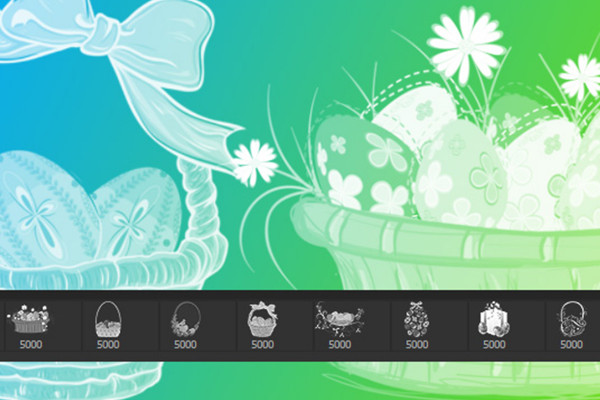
Oops, what have you stumbled across now? - A spring-fresh nest of brushes full of illustrative Easter motifs lies before you! A total of 70 brush tips are waiting to be used in the designs of your Easter greetings and party invitations. Create lovingly decorated Easter images for web and print with the various depictions of Easter bunnies, Easter eggs, flowers and baskets. Typographically prepared Happy Easter greetings are also included.

  • 70 brush tips for Photoshop, GIMP, Photoshop Elements, Adobe Fresco, Affinity Photo, PaintShop Pro
  • adjustable in size up to 2,500 px or up to 5,000 px, depending on program and version
  • numerous Easter pictures, including Easter eggs, Easter bunnies, twigs, baskets and flowers
  • design spring-fresh Easter greetings, backgrounds, invitations and Easter pictures

When it's green and sprouting outside, simply pull the right Easter motifs out of your digital paintbrush basket!

content

Details of the content

Brush: Easter

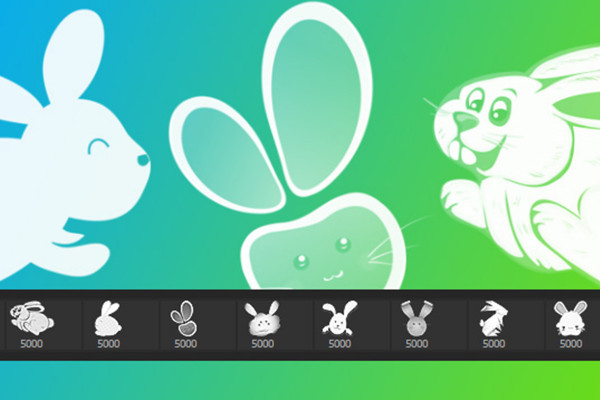
The big brush package - Easter 1: Easter bunnies

The big brush package - Easter 1: Easter bunnies

The big brush package - Easter 2: Easter bunnies

The big brush package - Easter 2: Easter bunnies

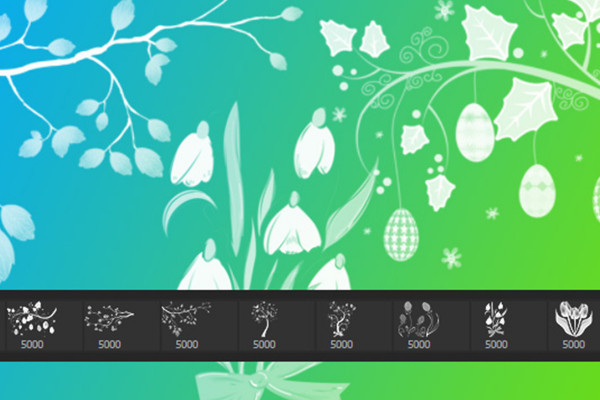
The big brush package - Easter 3: Branches, Easter eggs, Blum

The big brush package - Easter 3: Branches, Easter eggs, Blum

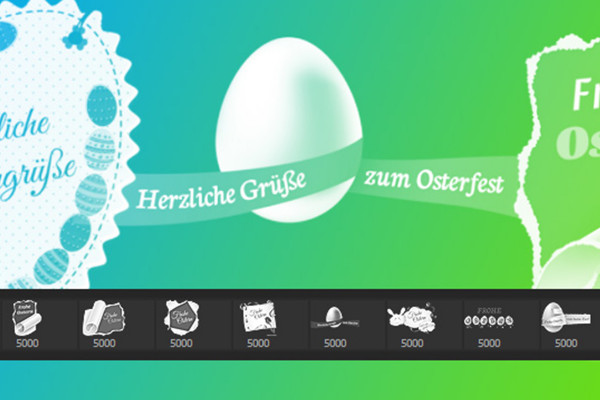
The big brush package - Easter 4: Easter greetings

The big brush package - Easter 4: Easter greetings

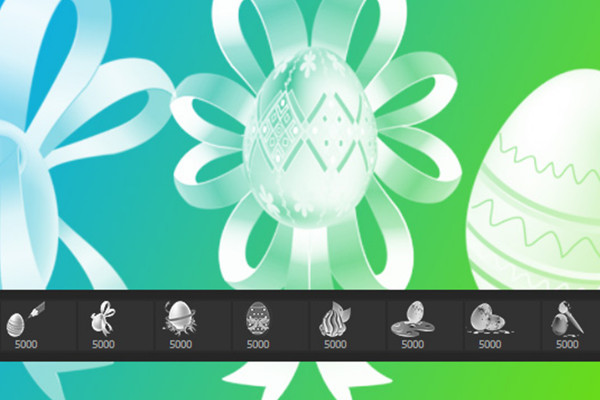
The big brush package - Easter 5: Easter eggs

The big brush package - Easter 5: Easter eggs

The big paintbrush package - Easter 6: Easter eggs

The big paintbrush package - Easter 6: Easter eggs

The big paintbrush package - Easter 7: Easter baskets, Easter eggs

The big paintbrush package - Easter 7: Easter baskets, Easter eggs

Examples of use

  • 70 brushes for Photoshop, Photoshop Elements, GIMP and Affinity Photo with Easter images and spring motifs.
    Open gallery
    70 brush tips with Easter motifs for Photoshop, PSE, Affinity Photo, PaintShop Pro and GIMP
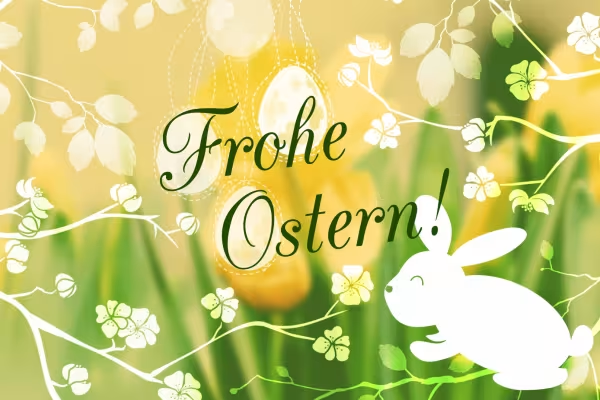
  • Example of how to use the Easter brushes with Easter bunny and twigs on your designs, layouts and Easter greetings.
    Open gallery
    Example: You can add Easter motifs to your designs with just a few clicks.
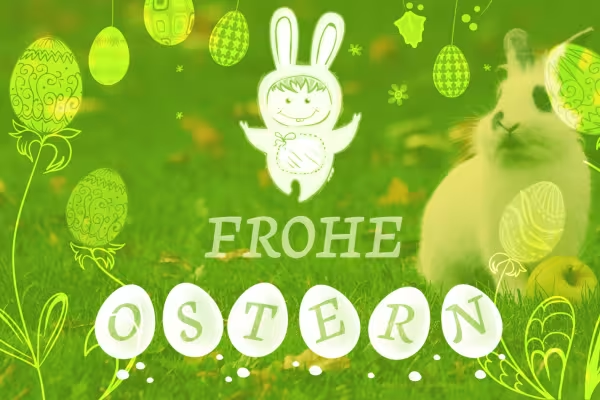
  • Example for the brushes: Easter bunny, Easter eggs, spring motifs
    Open gallery
    Example: Includes Easter bunnies, Easter eggs, Blum, branches, Easter greetings and baskets.

help video for application

How to import brushes into Photoshop

In this video, we explain how to import brushes into Photoshop.

6 minutes · free of charge
Comments (8)

Comment now „Spring motifs, Easter bunnies, Easter eggs - 70 brushes for Photoshop & Co“