


Photoshop instructions for the "double exposure" action
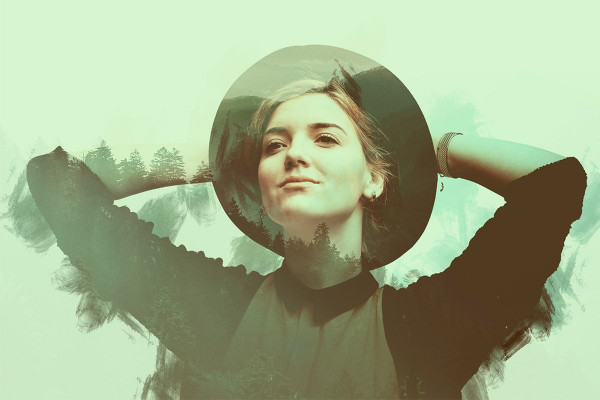
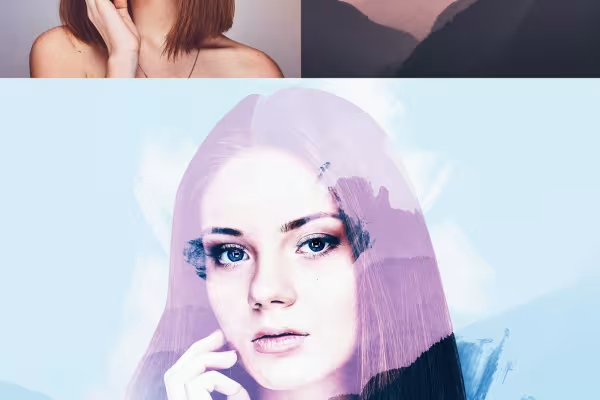
With the Photoshop "Double Exposure" action, you can create an image from two photos in which the two motifs are creatively blended. Import the action and the brushes into Photoshop by double-clicking on them. Open your image with the main motif and set it free. Then start the action. During the action, add your background image. Finally, you can further customize the final image to your liking. Matthias Petri explains exactly how to proceed and what options the action offers you for refinement in this Photoshop tutorial.



Comment now „Photoshop action "Double Exposure" - Double Exposure for your photos“