


Photoshop tutorial Halftone Patterns: How to apply the patterns for halftone screens
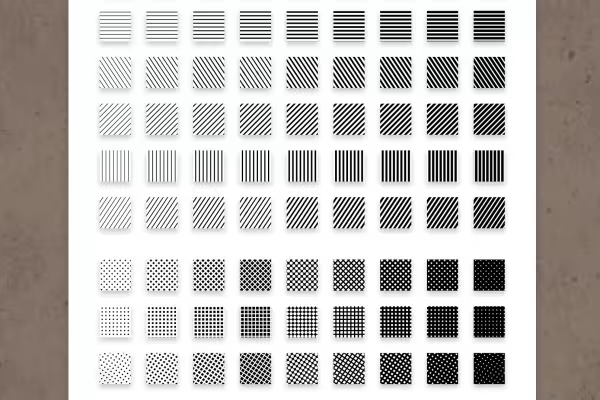
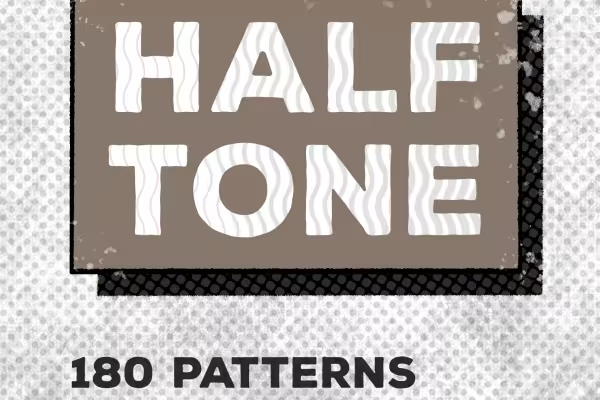
With our Halftone Patterns package, you can quickly and easily create textured backgrounds, typographic effects and, for example, textured shadows for your lettering in Photoshop. To apply the patterns, simply double-click or drag and drop them into the program. Then use the pattern fill function to select and apply the desired pattern. Find out exactly how to proceed - and more inspiring tips - in this video tutorial by Matthias Petri.



Comment now „Halftone Patterns: Patterns for halftone grids in Photoshop“