

Top templates for Google Slides
Why just present bare numbers? With our high-quality templates for Google Slides , you can entice your audience and turn facts and figures into real eye-catchers. Simply skip the time-consuming design and layout process and fill the template of your choice directly with your content. Each template has been specially prepared for Google Slides . All you have to do is download and customize it - and you're ready to present professionalism. Find your favorite variant in our top templates now and start the download!
On this page
Free tutorials for Google Slides
Trainers for Google Slides


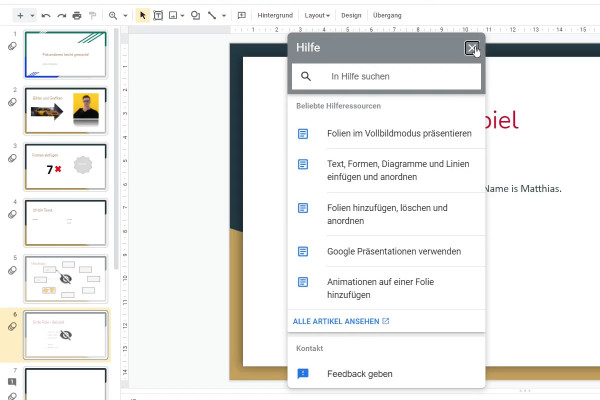
Google Slides tutorial: Create and edit presentations online
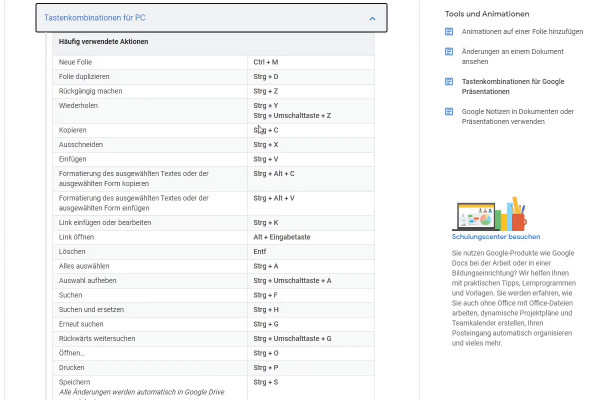
Google Slides tutorial: Create and edit presentations online
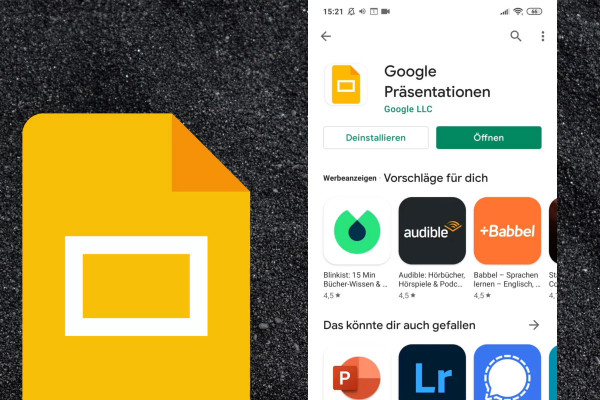
Google Slides tutorial: Create and edit presentations online
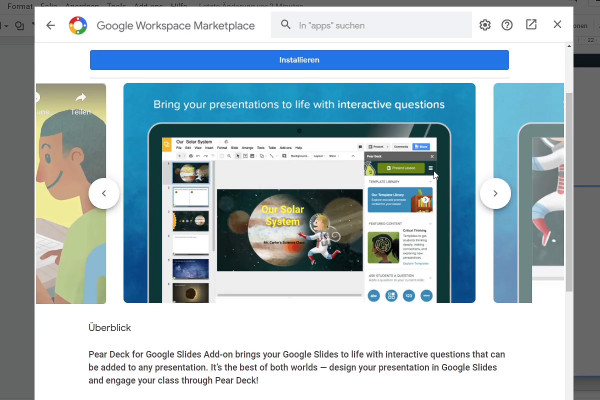
Google Slides tutorial: Create and edit presentations online

Google Slides tutorial: Create and edit presentations online