
Photoshop-action-pakke - Vol. 1 - Top 100 handlinger

- 100 Top Photoshop handlinger
- Inkl. Video-træning og PDF-vejledning til brug af handlinger og deres oprettelse
- Handlingerne kan bruges både privat og kommercielt.
Med mere fart mod målet! Fremskynd nu dit arbejde i Photoshop og skab stærke effekter med bare et enkelt klik!
2 Videoer, 32 Minutter
Billedlooks & Fotoeffekter
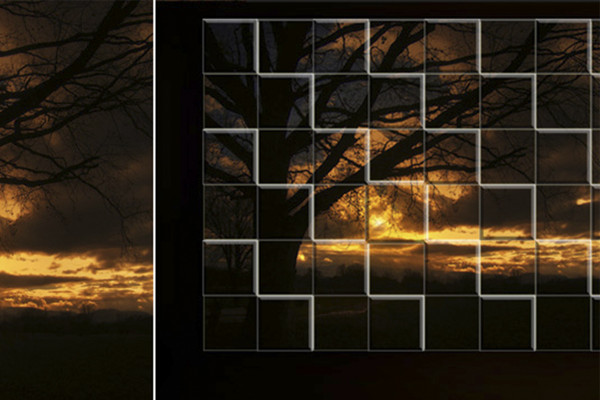

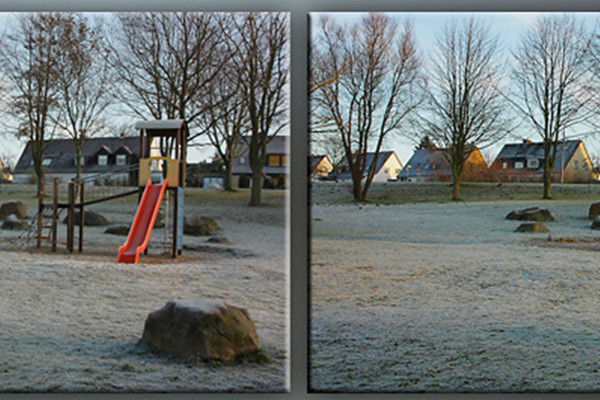
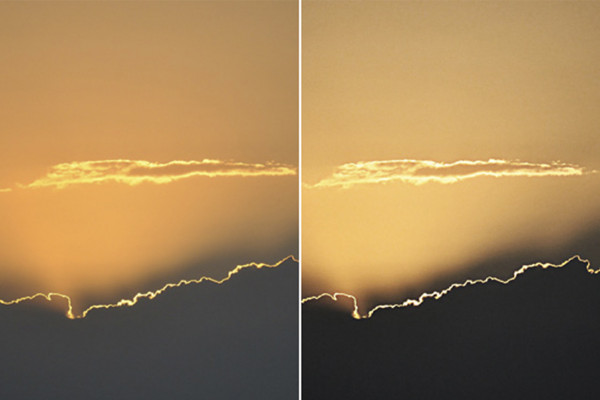
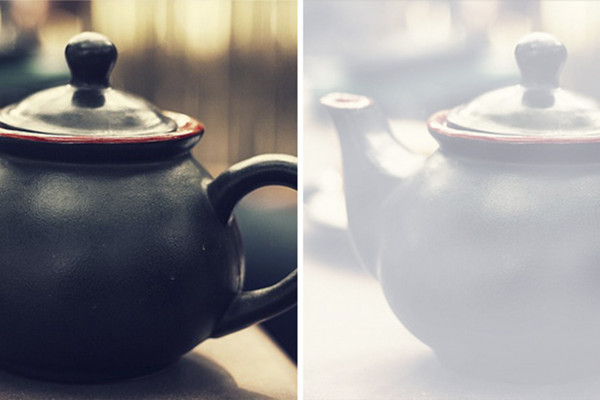
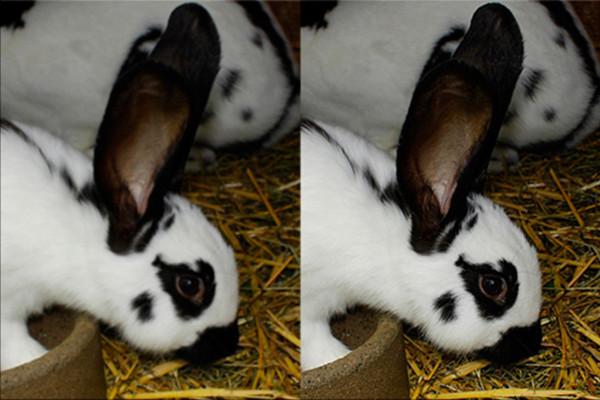
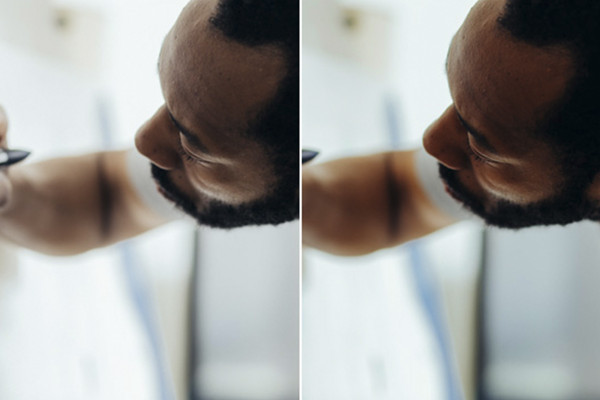
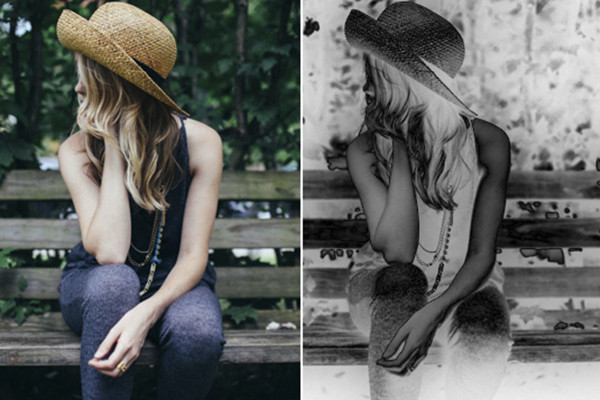
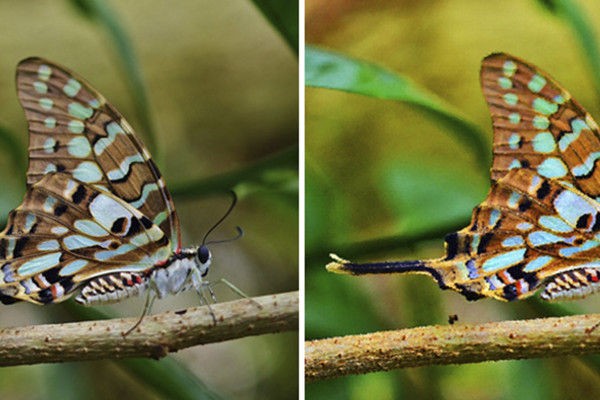
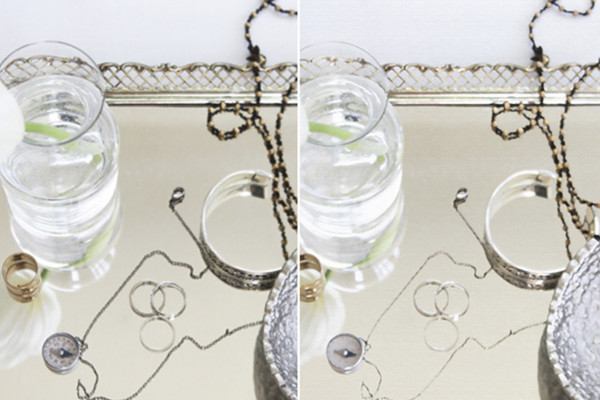
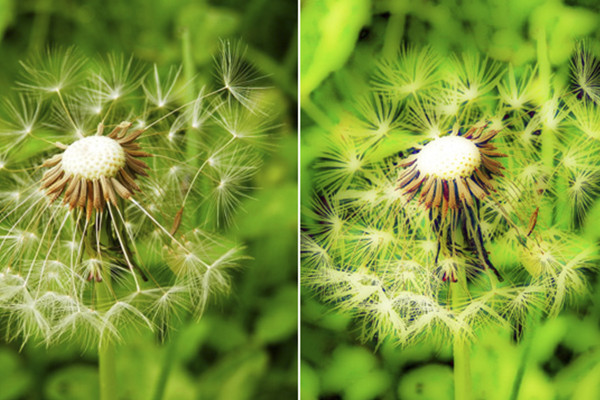
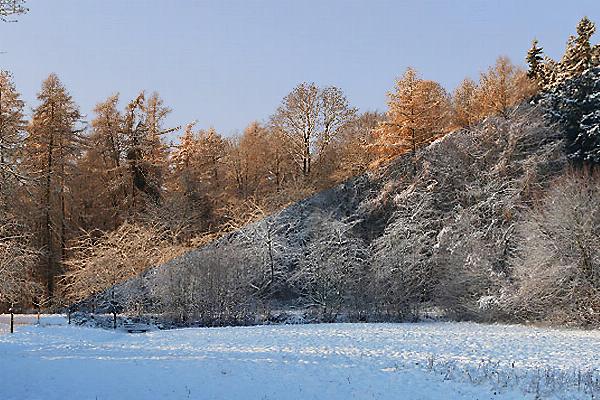
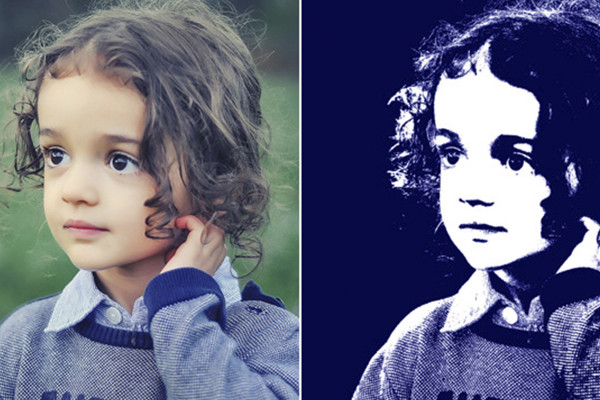
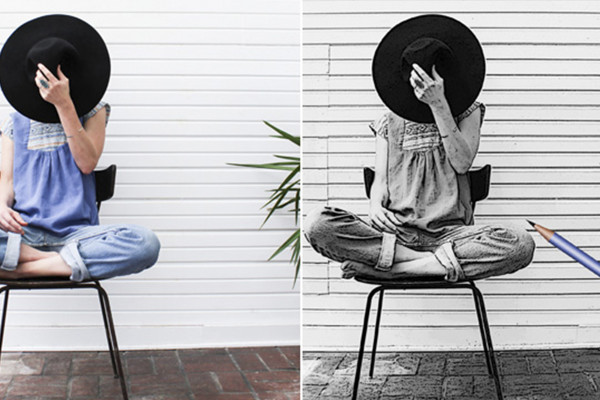
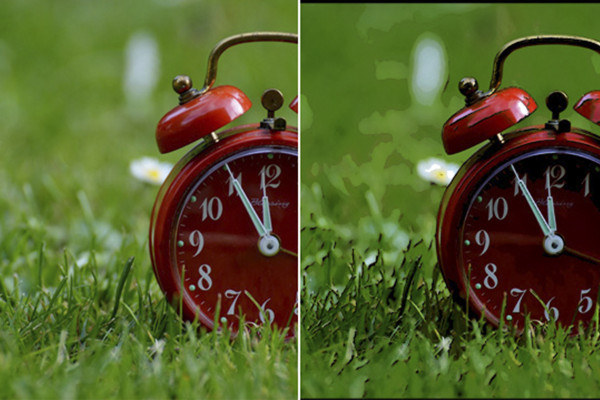
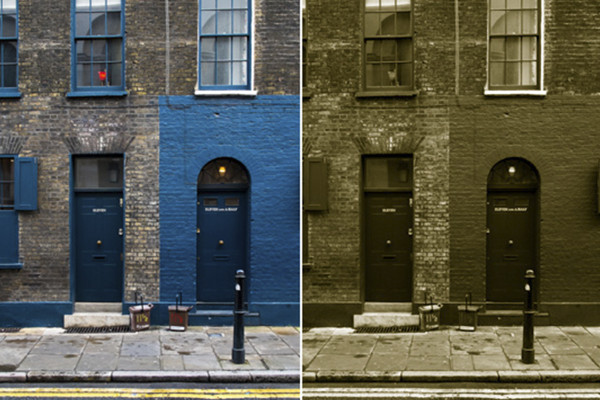
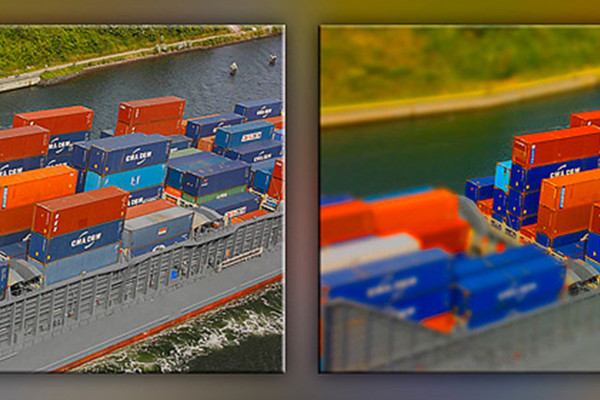
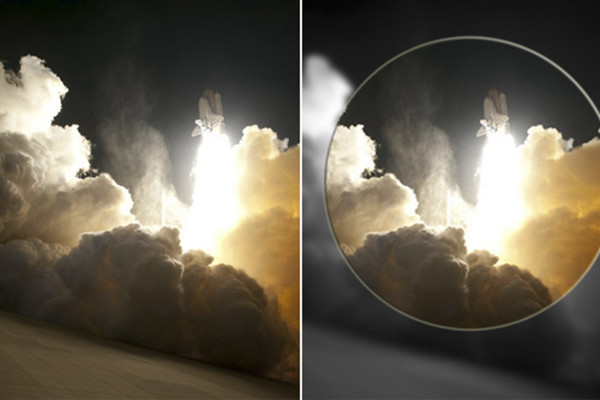
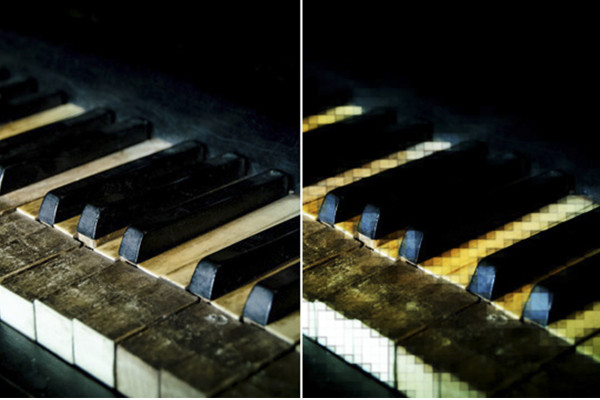

Photoshop-handling: 3D-effekt på fotos.

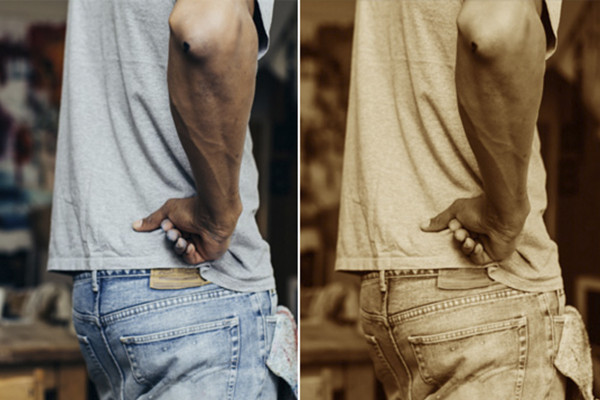
Photoshop-handling: Sepia-effekt

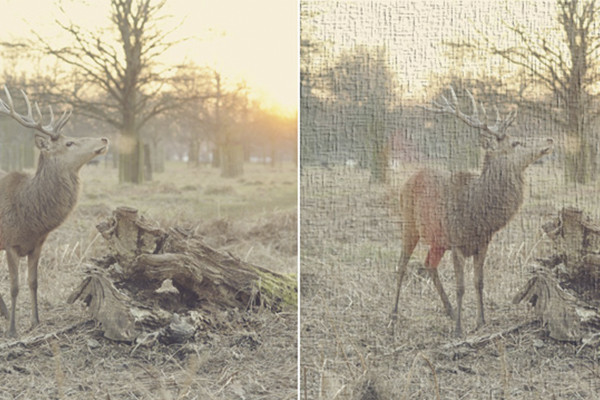
Photoshop-handling: Strukturer-handling

Photoshop-handling: Vintage-effekt

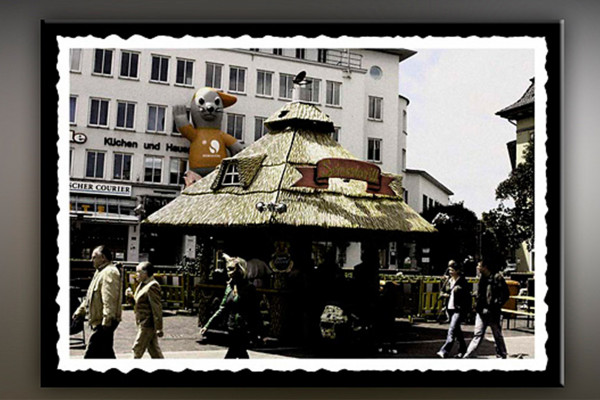
Photoshop-handling: Old Style-effekter

Gengiv brillans i billeder

Dramatisk effekt

Photoshop-handling: Tågehandling

Photoshop-handling: Målrettet skarphed

Photoshop-handling: Skarphed og mætning

Photoshop-handling: Fotoeffekter

Photoshop handling: Billede til oliemaleri.

Photoshop-handling: Maleri-handling

Tegnefilmaktion

Digital gråkort

Photoshop-handling: Warhol-effekten

Tegning

Photoshop-handling: Tegneserieeffekt.

Duplex-Triplex-aktion

Photoshop-handling: Tilt-Shift-effekt-handling.

Photoshop-handling: Fremhæv steder på billedet.

Photoshop-handling: Frosne pixels

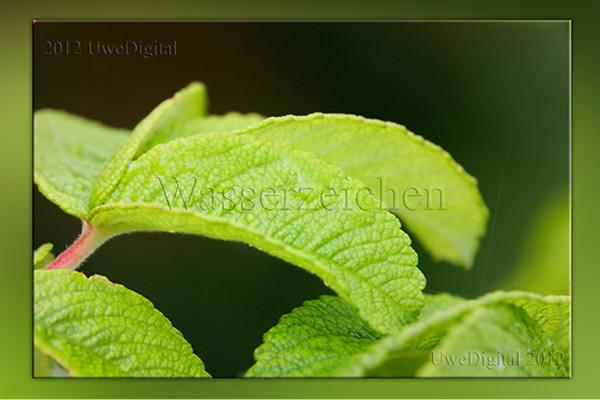
Photoshop-handling: Vandmærkehandlingen
Billedpræsentation
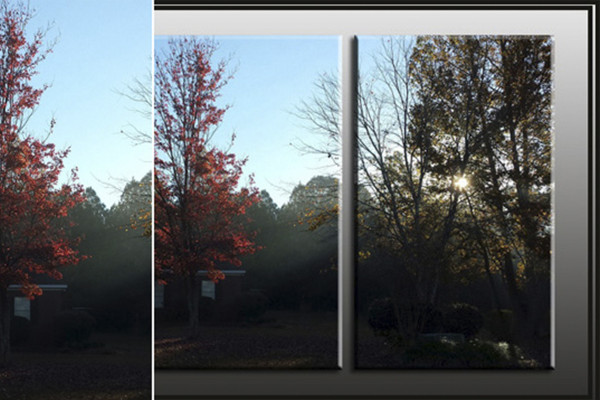
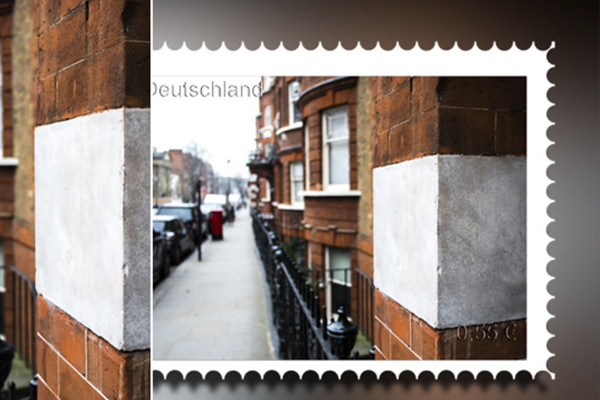
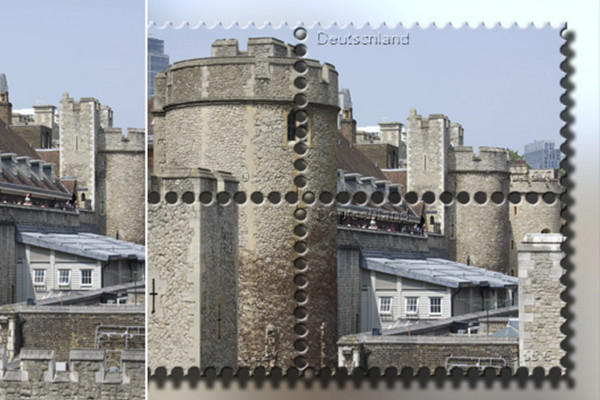
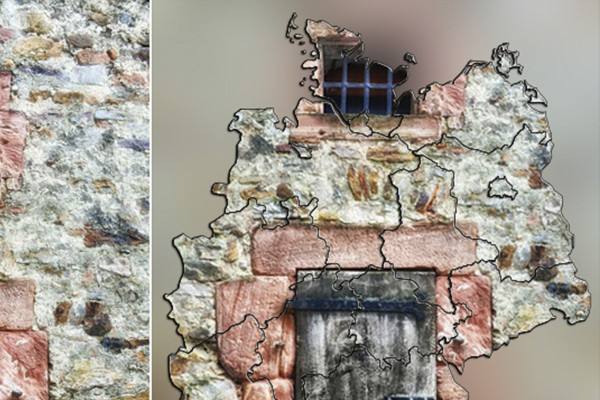
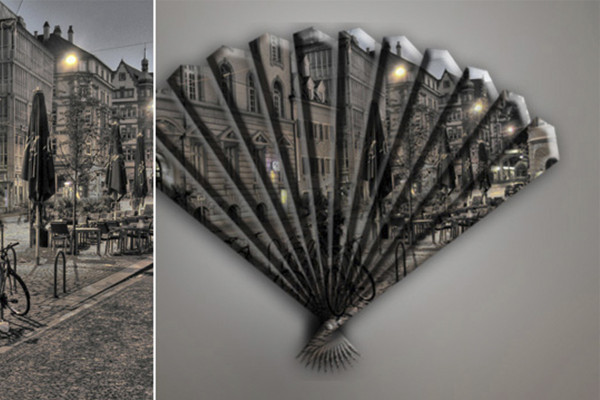
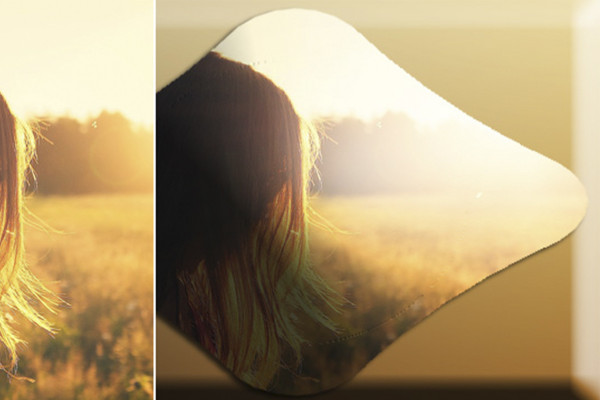
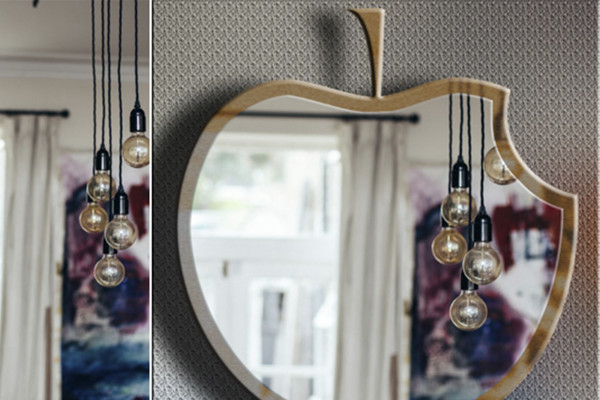
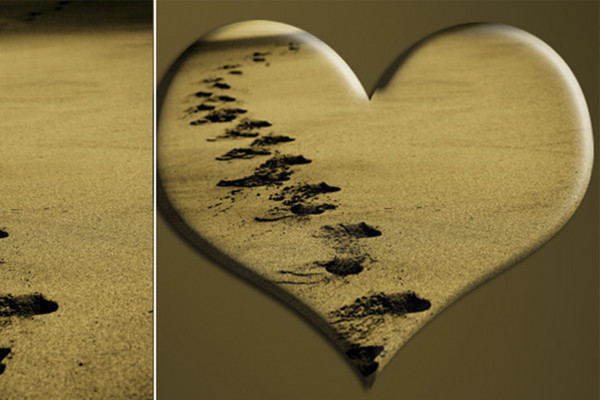
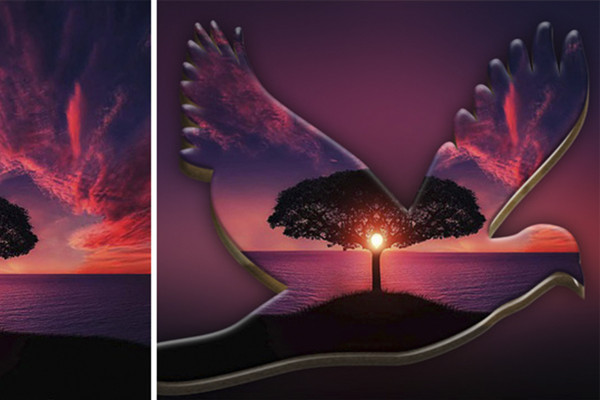
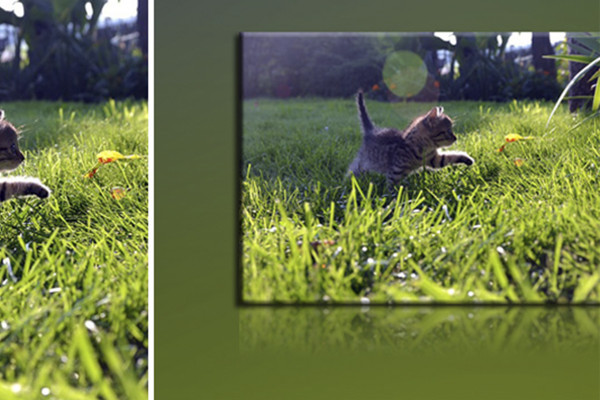
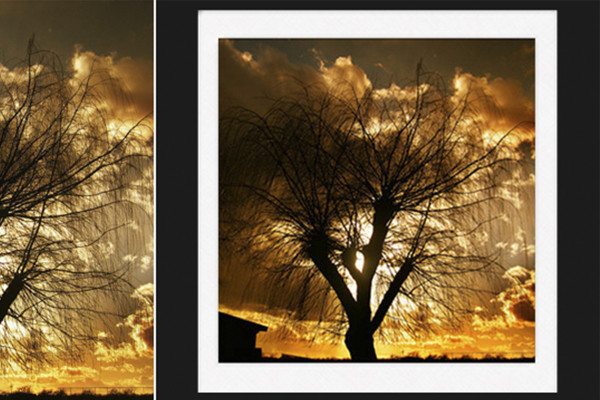
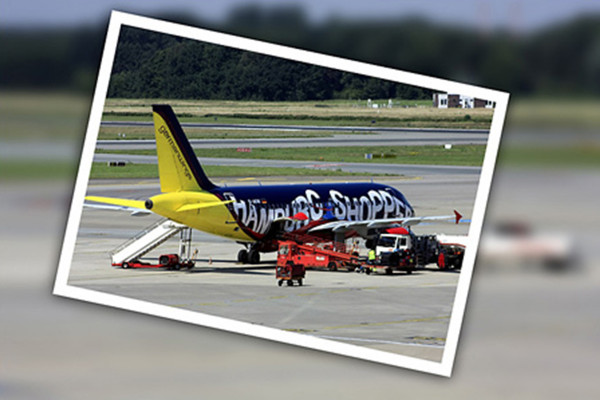
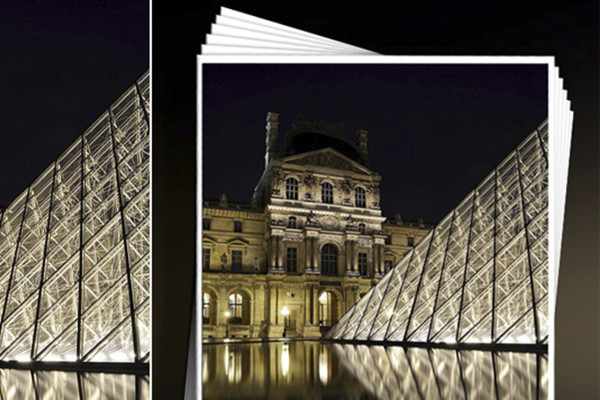
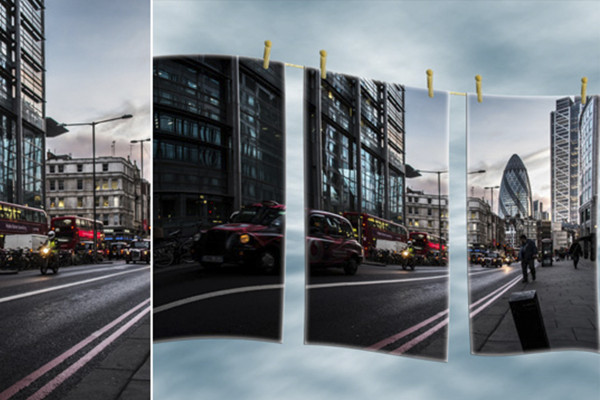
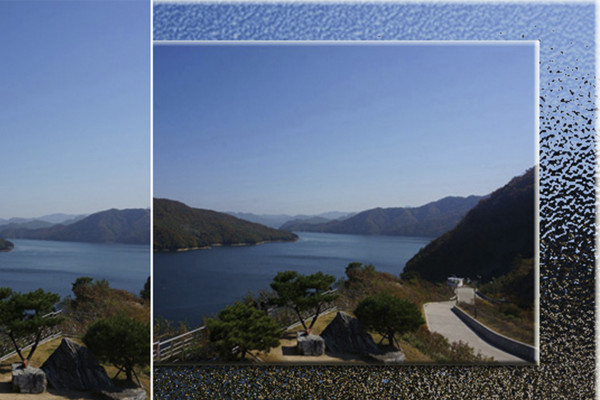
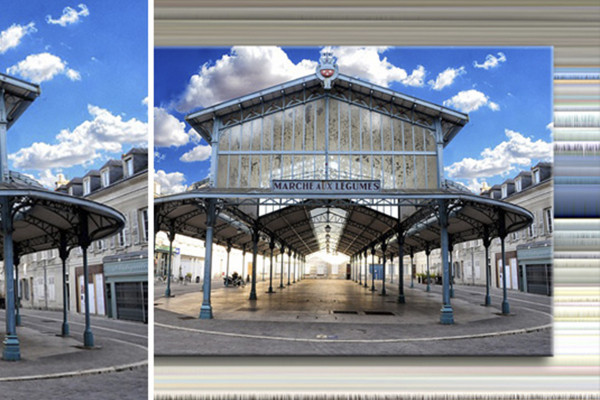
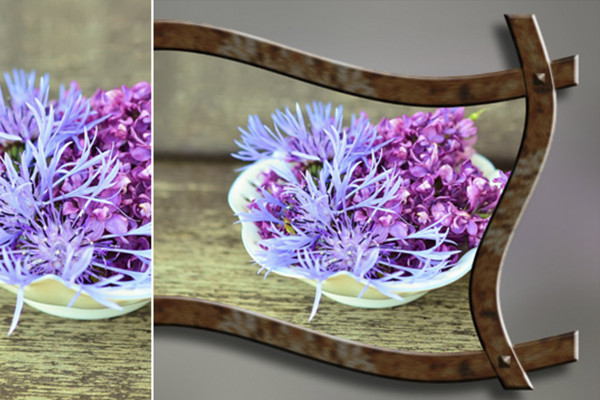
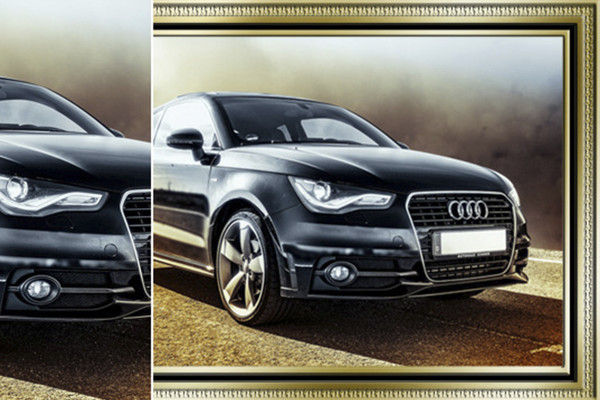
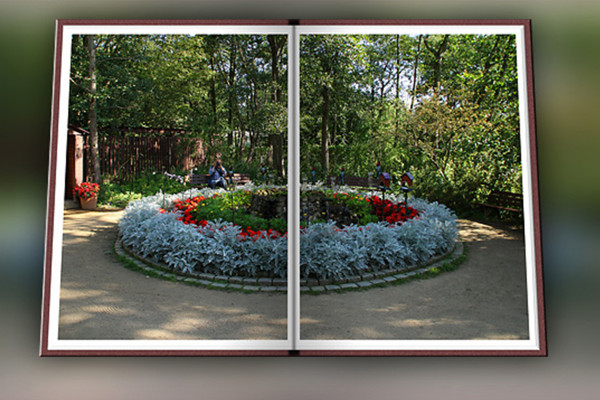
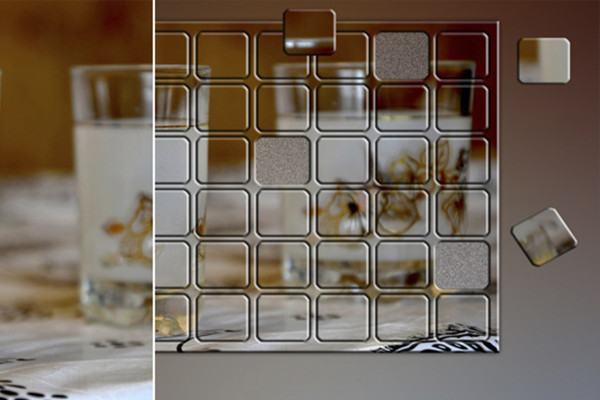
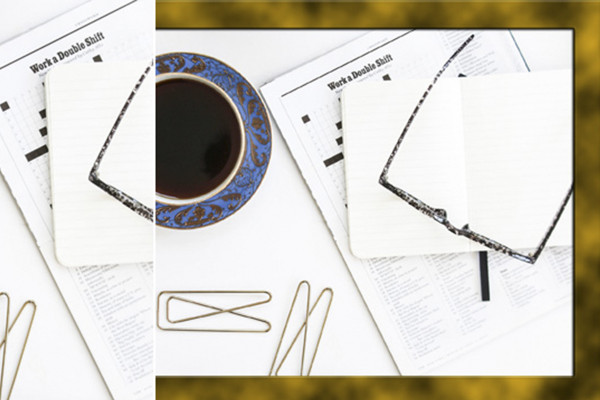
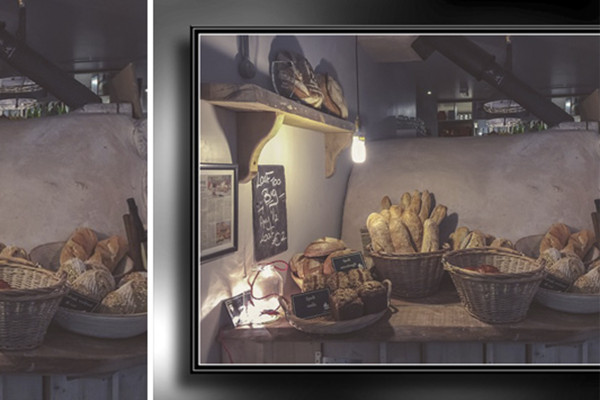
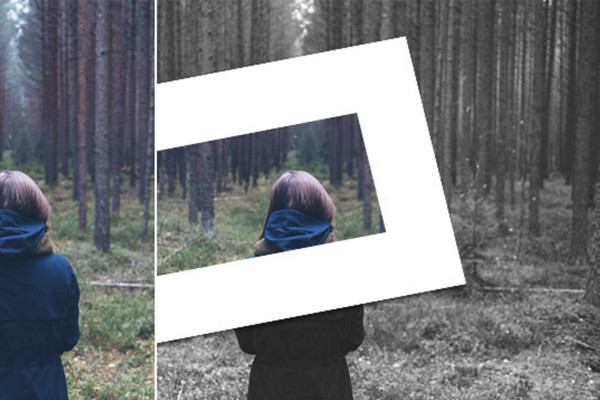
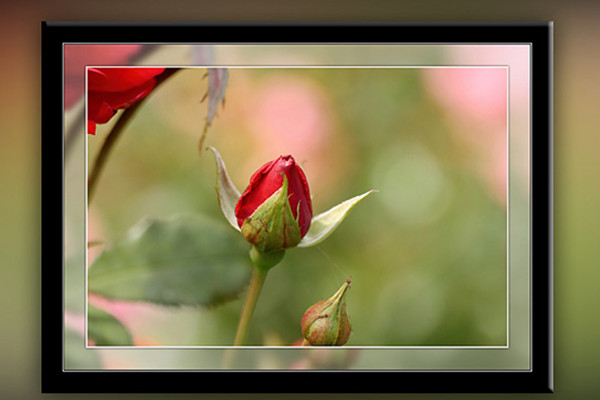
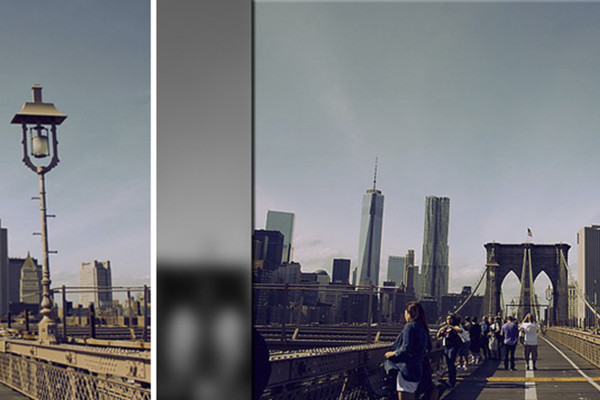
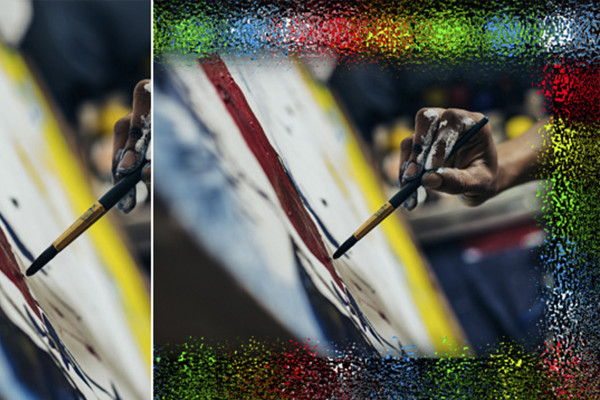

Photoshop-handling: Opret opdeling af billede i tre dele.

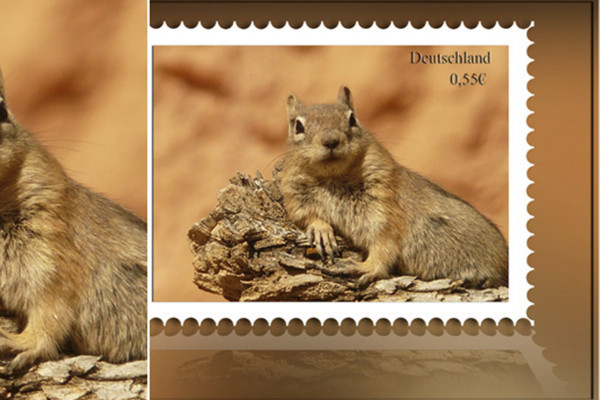
Generer frimærke.

Photoshop-handling: Frimærkehandling med frit valg af lande

Photoshop-handling: Frimærkeblok

Photoshop-handling: Tysklandskort

Photoshop-handling: Vifter med dit motiv

Former fra dine fotos.

3D-æble

Forme billeder

Photoshop handling: Opret en fugl fra dit foto med let 3D-look.

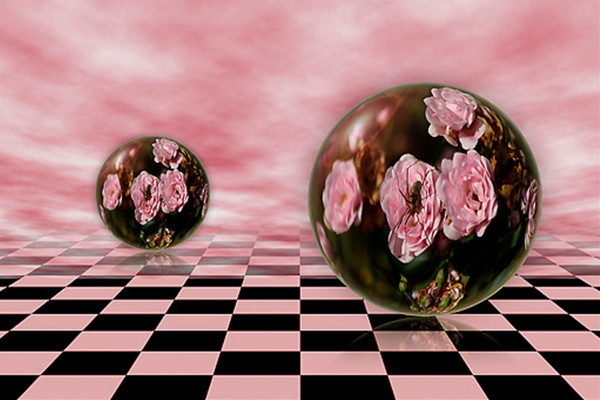
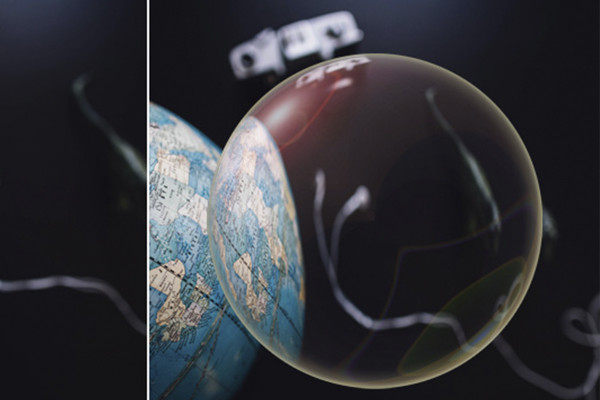
Glaskugleaktion

Photoshop-handling: Glaskugleeffekter

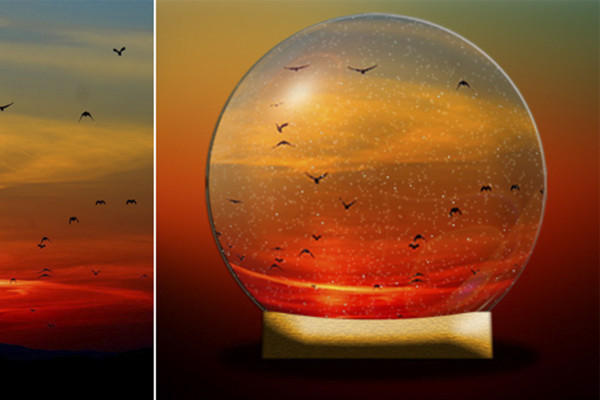
Photoshop handling: Snebold.

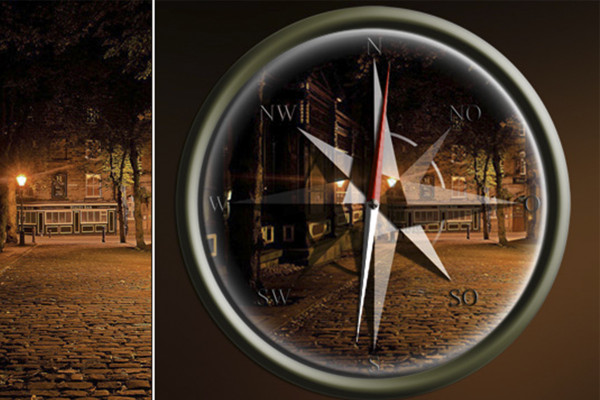
Photoshop-handling: Kompas

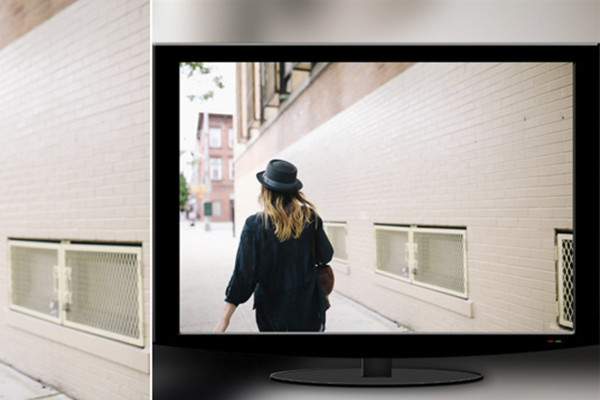
Photoshop-handling: Opret et LCD-TV med dit billede.

Billede på skærmen

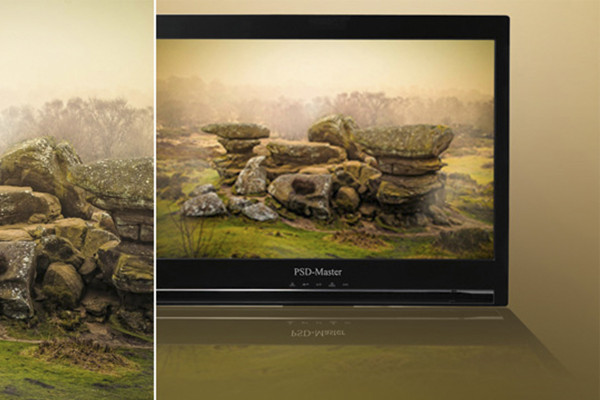
Photoshop-handling: Spejlinger 2

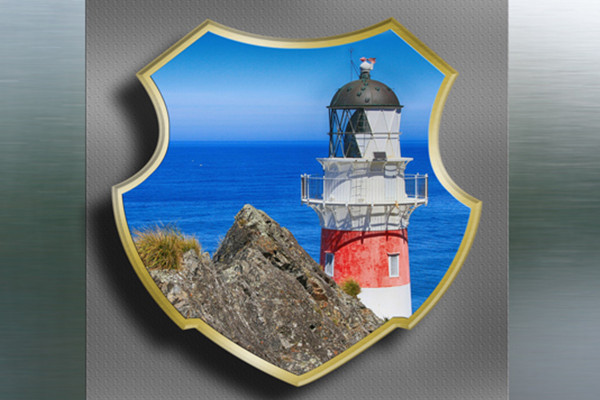
Våbenskjold 1

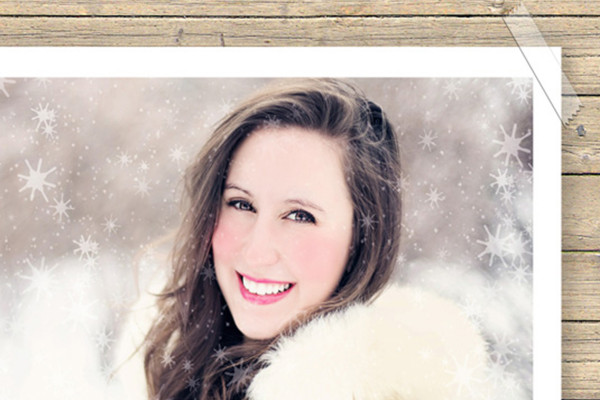
Photoshop handling: Foto med tape

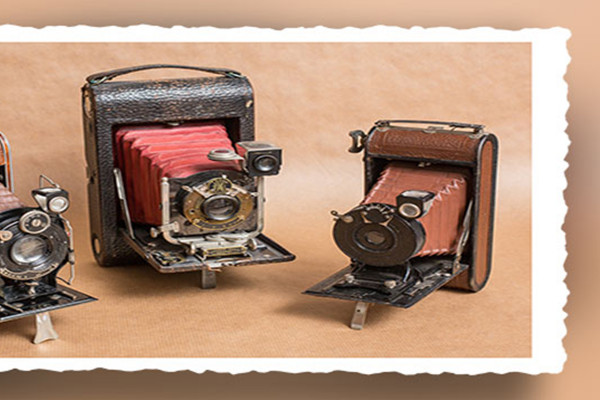
Photoshop handling: Generer billeder med kant på bue papir.

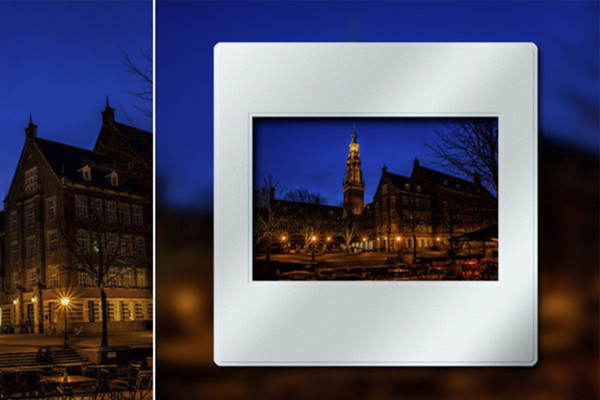
Photoshop-handling: Dias med dit billede.

Photoshop-handling: Polaroid

Photoshop-handling: Billede i billede.

Photoshop handling: Fotobunke lavet af dine fotos.

Photoshop handling: Billede på tørresnoren.

Photoshop-handling: Generer baggrunde og rammer fra fotos - Del 2

Photoshop handling: Baggrund med vind effekt.

Photoshop-handlinger: træramme

Photoshop-handling: Opret metalramme - Version 2.

Photoshop handling: Åben bog inkl. foto.

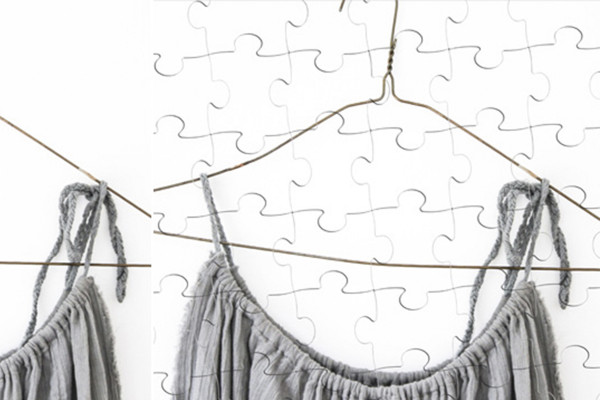
Photoshop-handling: Opret billedpuslespil - Version 2 i stående og liggende format

Photoshop-handling: Puslespil-sæt-handling

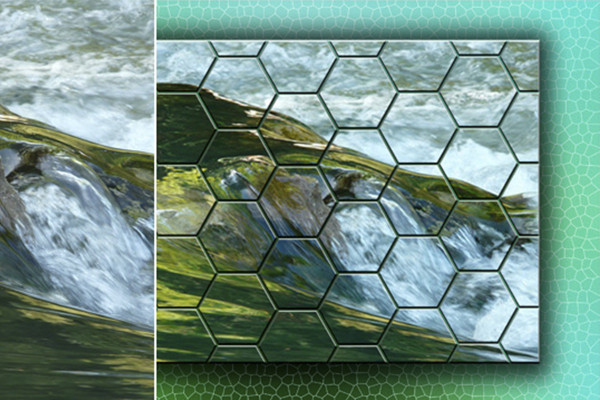
Photoshop-handling: Opret honeycomb-mønster.

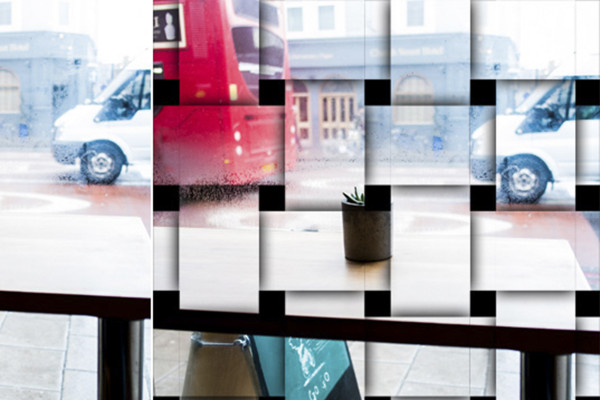
Flettede fotostriber

Photoshop-handlinger - 8 forskellige rammehandlinger

Photoshop-handling: Sorte rammer - 3 versioner

Photoshop-handling: Flydende fri ramme

Photoshop-handling: Blød ramme - Version 1

Photoshop-handling: Sort-hvid-baggrund - 6 versioner

Photoshop handling: Forvirrede rammer - 12 versioner.
Layout
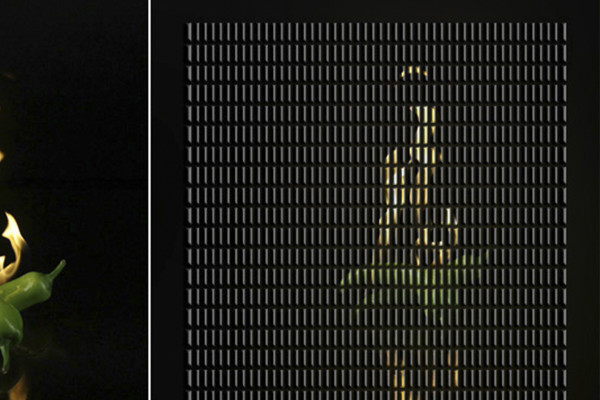
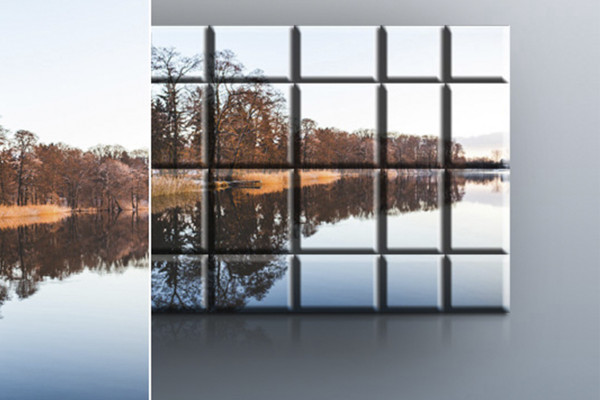
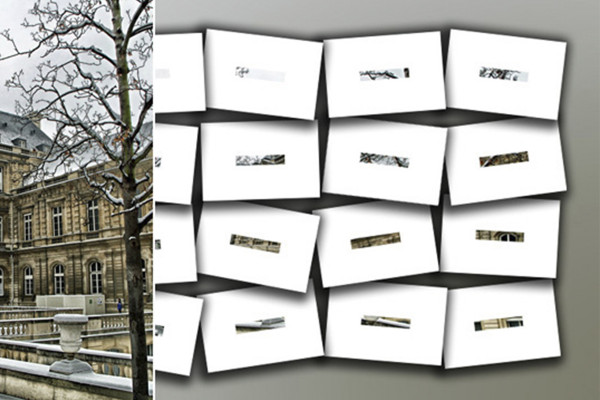
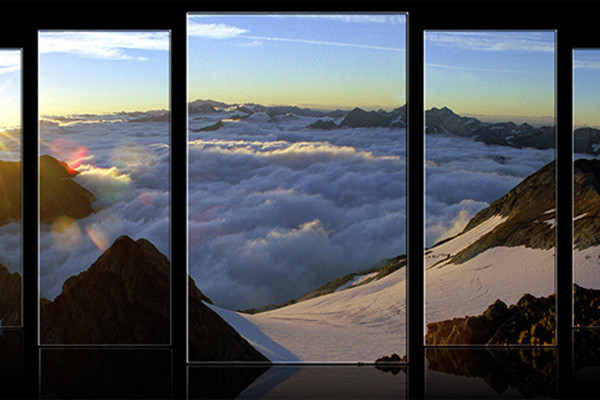
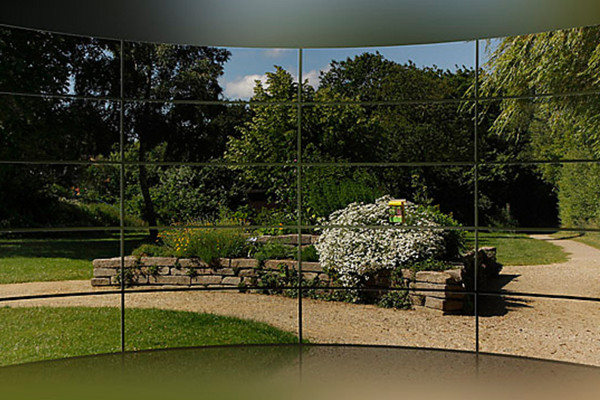
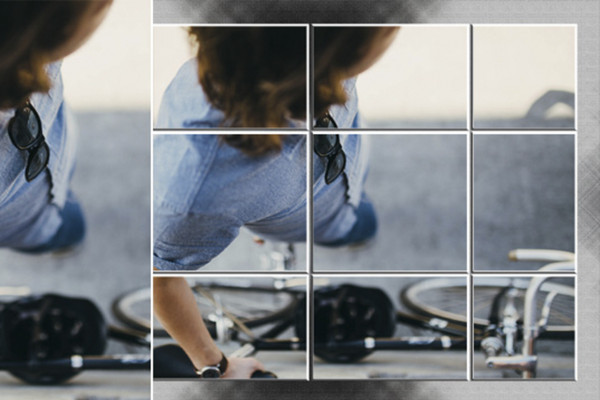
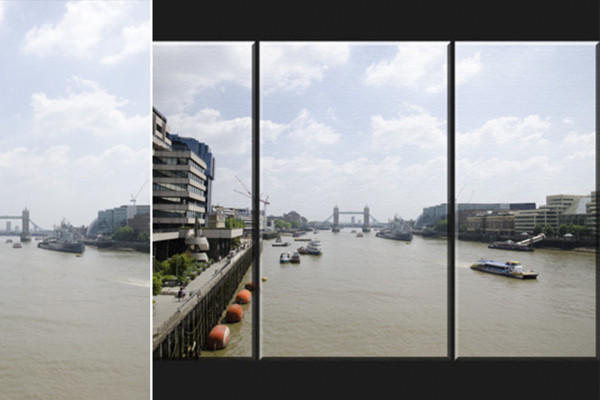
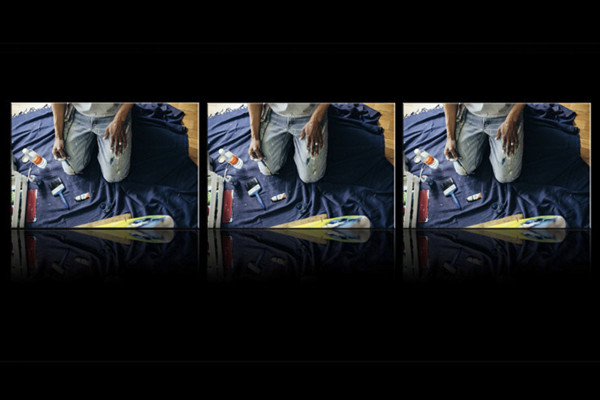
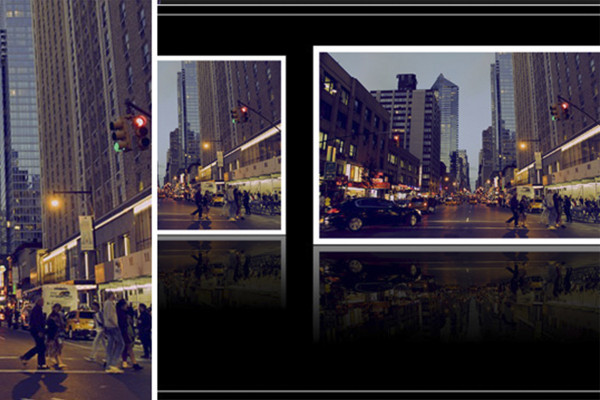
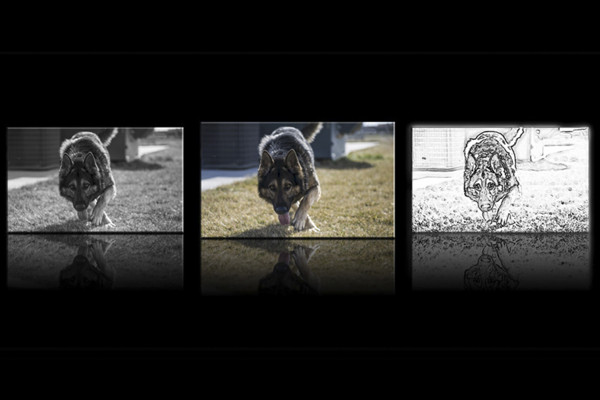
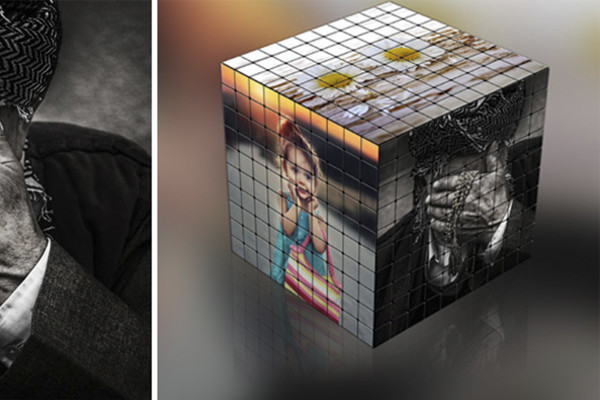
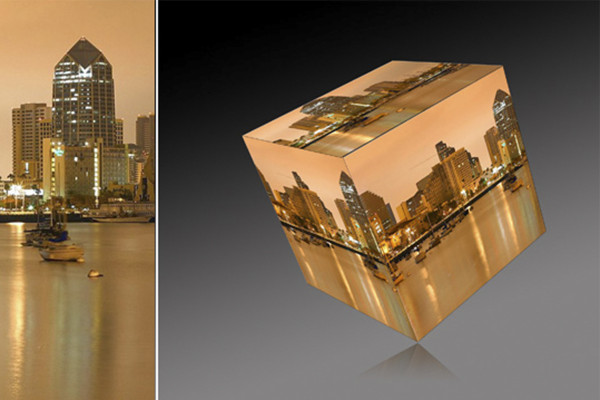
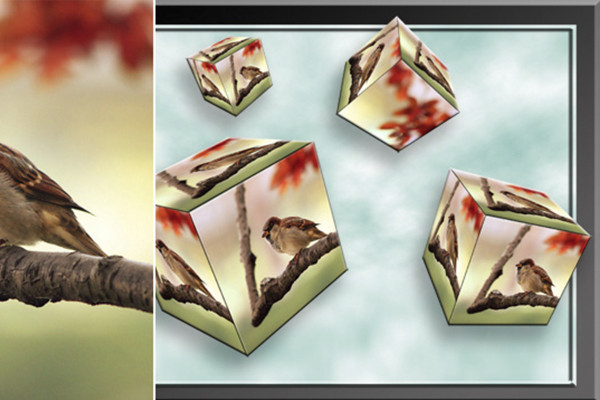
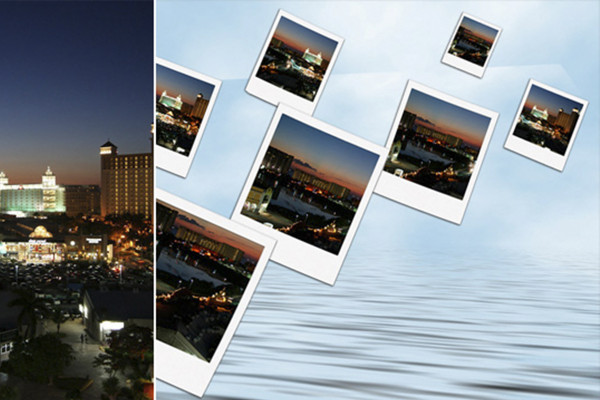
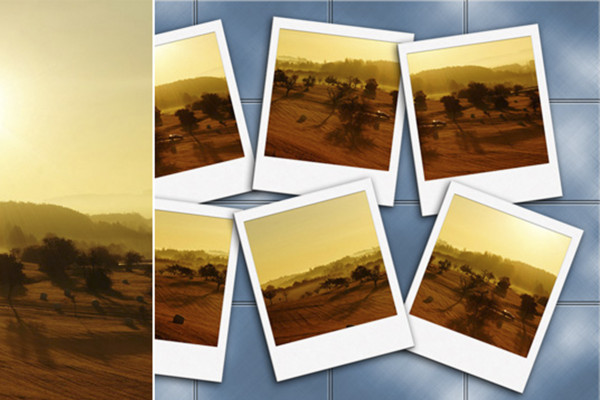
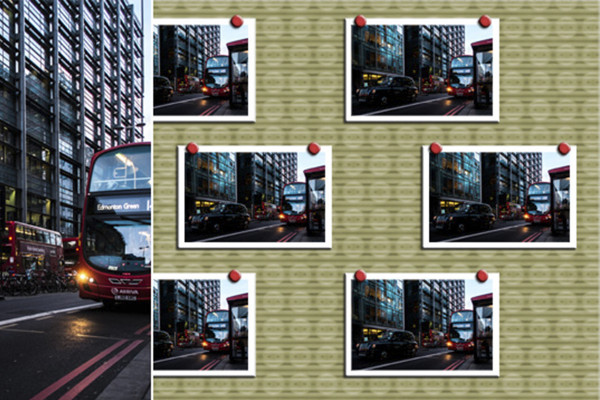
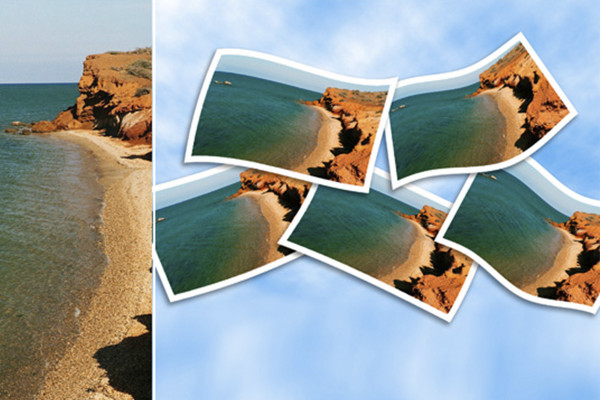
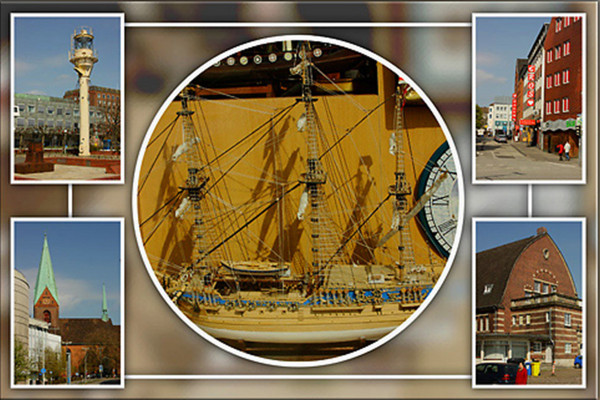
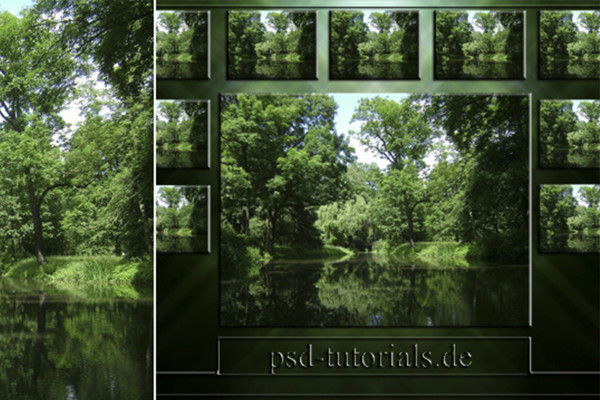
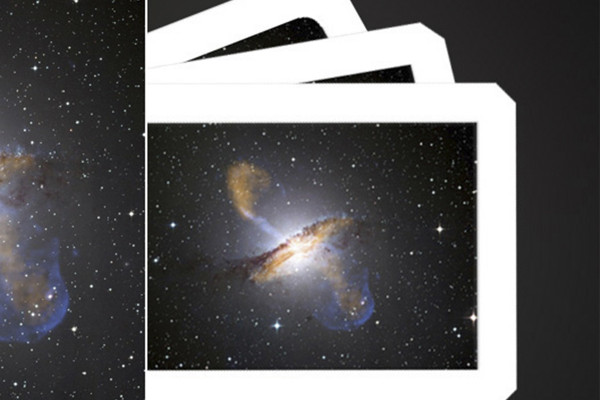
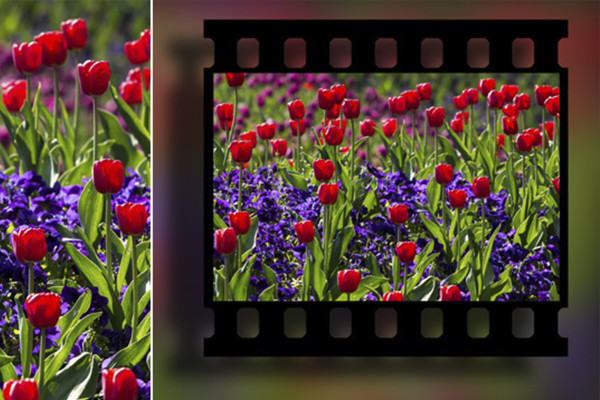
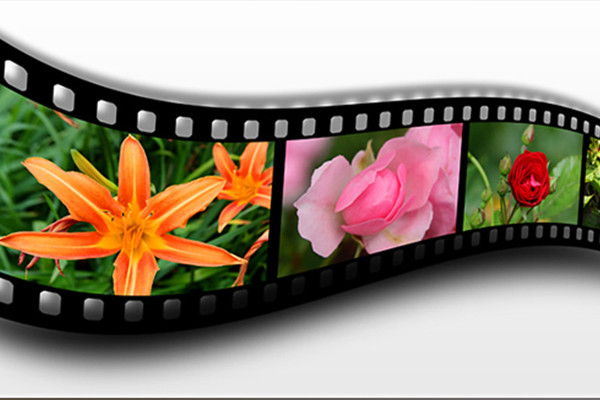
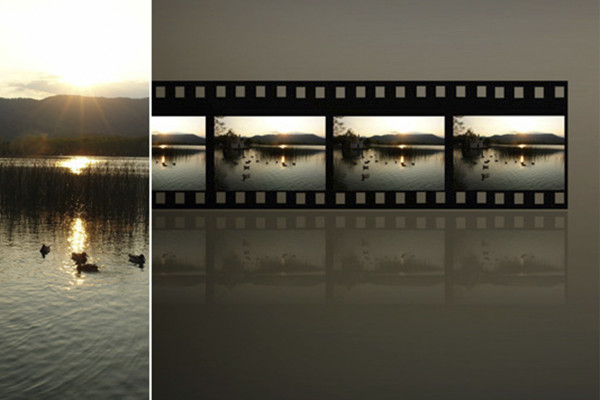
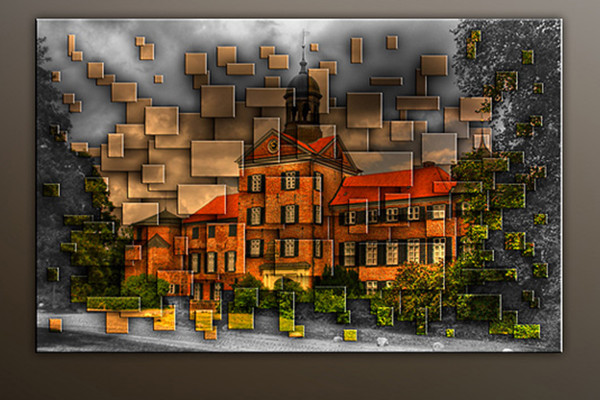
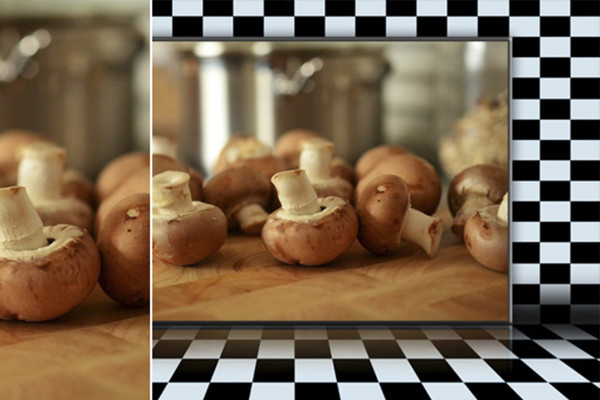
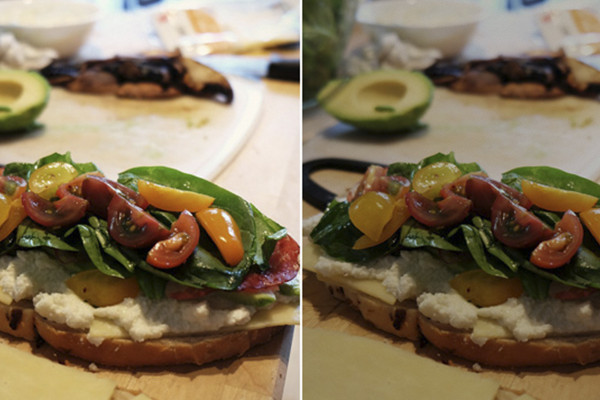

Photoshop handling: 1250 fliser

Photoshop-handling: Opret billede fra 24 dele

Photoshop handling: 16 billeder fra et billede

Photoshop-handlinger: opdelt i 5.

Photoshop-handling: Billedvæg - 10 versioner.

Photoshop-handling: Fotodeling

Photoshop-handling: Fotos på lærred

Photoshop-handling: Trilogi

Photoshop handling: Trilogi version 2

Photoshop-handling: Trilogi SWFZ

Photoshop-handling: Rubiks terning med 100 dele pr. flade

Terninger med billeder efter eget valg

Flyvende terning

Photoshop-handling: Flying Polaroid

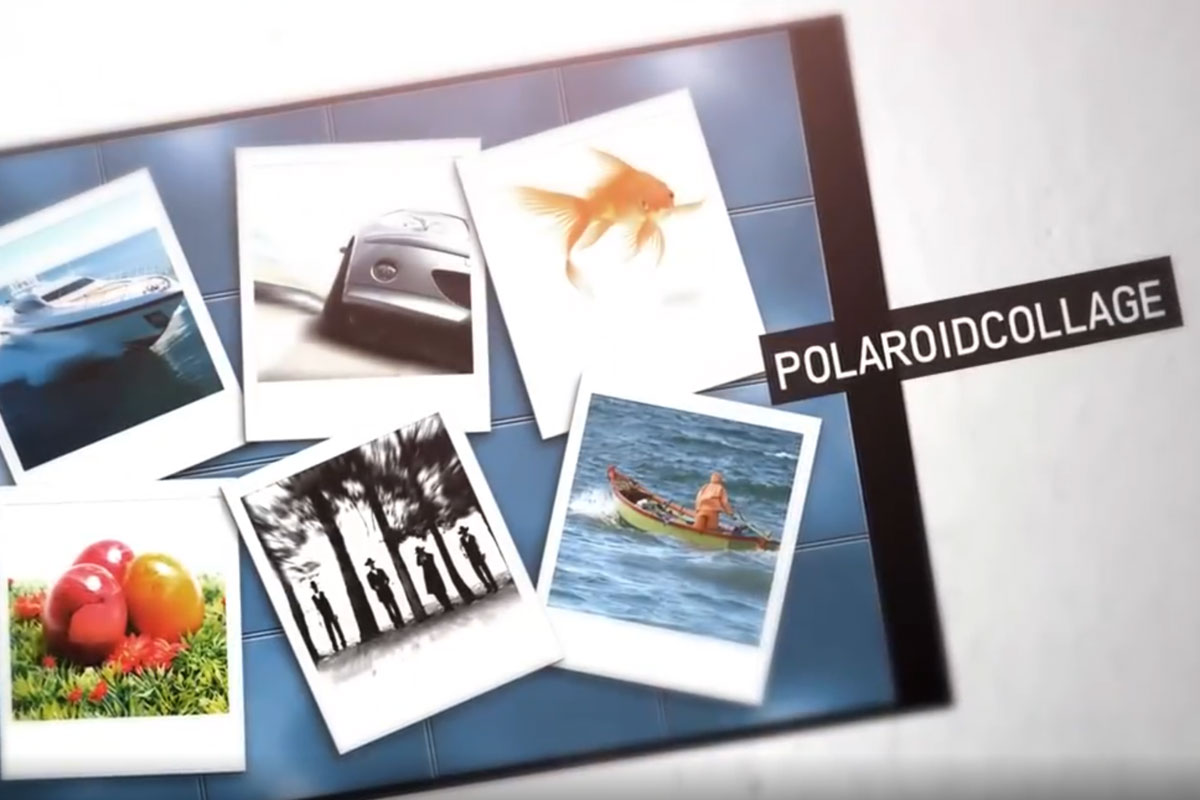
Photoshop handling: Polaroid-collage

Photoshop-handling: Fastgjort

Photoshop-handling: Fotorodnad

Photoshop-handling: Billedcollage.

Photoshop-handling: Billedcollage med tekstindtastning

Photoshop handling: Billedstak

Photoshop-handling: diasstrimmel

Photoshop handling: Bølgede diasstrimler

Opret en filmstrimmel med dine fotos

Photoshop-handling: Samlede fotodeler

Photoshop handling: Rutet baggrund

Photoshop-handling: Seks effekter til flyer og fotos

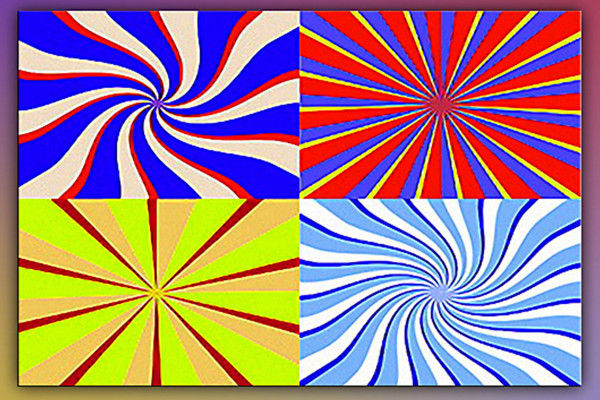
Photoshop-handlinger: Retro stråleeffekt til flyers og tapeter - den tredje

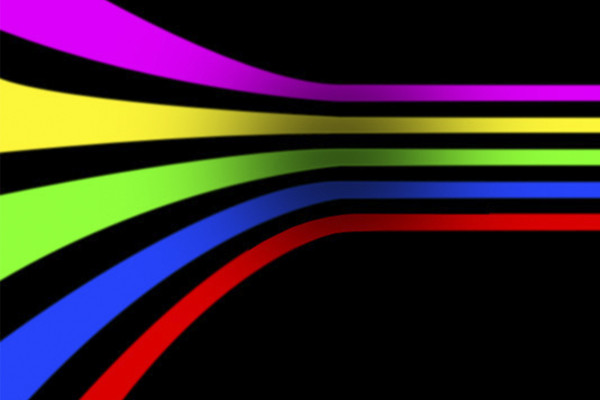
Photoshop-handling: Stribeeffekt til flyveblad og tapet
Video-træning
Brug handlinger i Photoshop.
En meget nyttig funktion er at optage handlinger. For eksempel, hvis man ønsker at foretage den samme farvekorrektion for alle fotos i en mappe, behøver man kun at udføre dette på et enkelt billede og afspille handlingen på de resterende 100 fotos. På den måde er man færdig inden for et minut! Handlinger i Photoshop er generelt ikke komplekse og vanskelige myter, men simpelthen en række kommandoer udført i Photoshop. Så hvis en filter er blevet optaget i en handling, vil den blive anvendt på hvert billede, som handlingen anvendes på. Denne video-workshop handler om brugen af handlinger.
Optag handlinger i Photoshop.
En meget nyttig funktion er at generere gentagne arbejdsprocesser automatisk. Hvis du f.eks. gerne vil lave den samme farvekorrektion til alle fotos i en mappe, behøver du kun at udføre den på ét enkelt billede og derefter afspille handlingen for alle de andre fotos. Ved at automatisere handlinger sparer Du tid! Alt, hvad du skal vide om optagelse af handlinger, finder Du i denne video-træning.
Anvendelseseksempler
-
 Photoshop-handlingspakke - Vol. 1 - Top 100 handlinger
 -
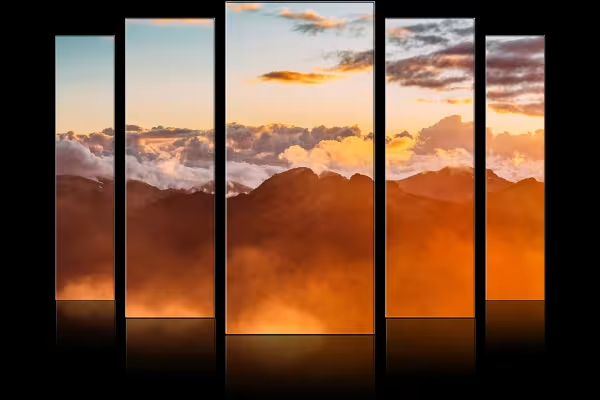 Et eksempel: En af handlingerne adskiller automatisk dit billede og viser det sådan.
 -
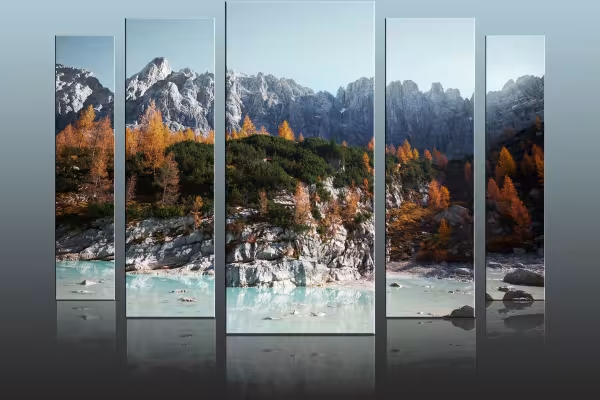 Skab storslåede scener, der får dine fotos til at skinne i et nyt lys.
 -
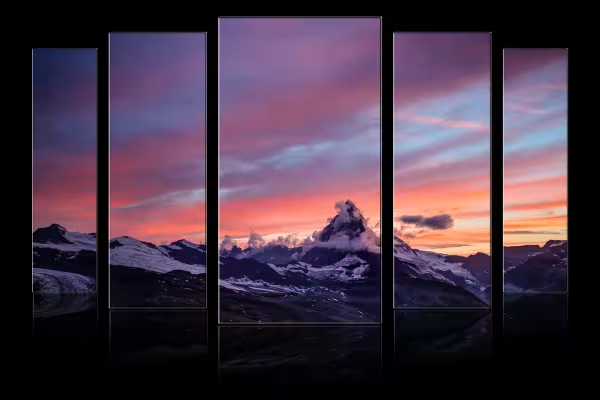 Eksempel: Få klik - og du skaber fantastiske resultater med Photoshop-handlinger.
 -
 Eksempel: Sæt dine billeder sammen i en Polaroid-collage med få klik.
 -
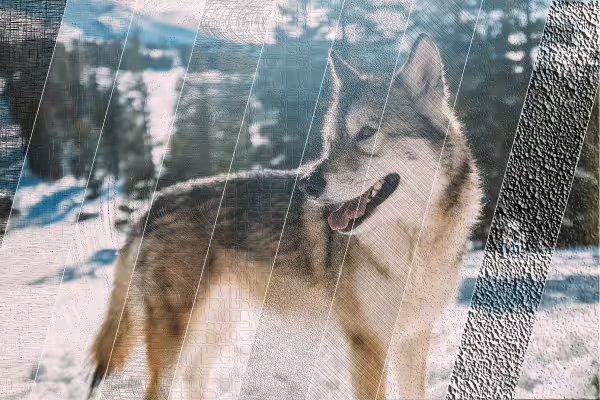 Eksempel: Leg hurtigt og nemt flotte struktureffekter på dine billeder.
 -
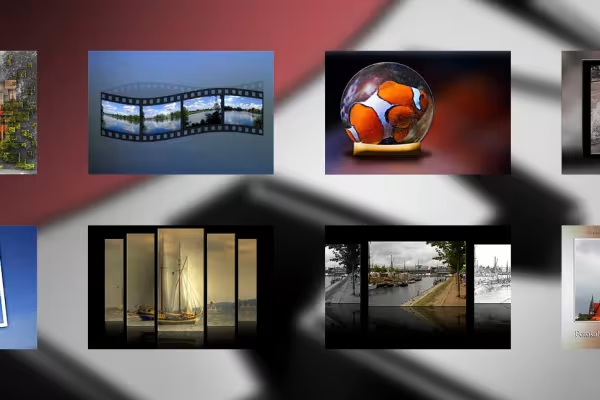 Eksempel: 100 Photoshop-handlinger - utallige muligheder for at præsentere dine billeder!
Dette kunne også interessere dig

Perfekt til usædvanlige udstillinger.

Og dine optagelser virker som tegnet.
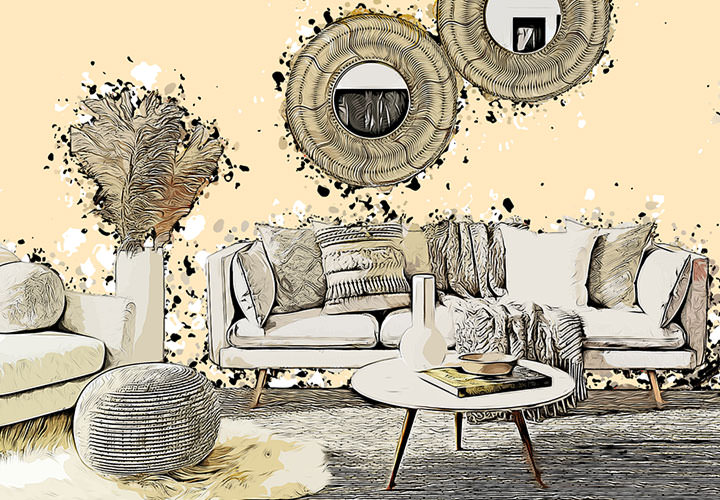
Bedre præsentere ejendomme

For flere visninger af dine ejendomme!
Kommenter nu „Photoshop-action-pakke - Vol. 1 - Top 100 handlinger“