Fra 0 til 100 muligheder! Photoshop-handlingspakken - Vol. 2 - Top 100 handlinger er en fortsættelse af den populære forgænger Vol. 1. Udvid din effektportefølje i Photoshop med hundrede flere fantastiske handlinger fra PSD-Tutorials.de.
100 Top-Photoshop-handlinger
Inkl. Video-træning til håndtering af handlinger og oprettelse af disse
Handlinger kan både bruges privat og kommercielt.
Med mere fart mod målet! Accelerer dit arbejde i Photoshop nu og skab kraftfulde effekter med blot ét klik!
Indhold
Oplysninger om indhold
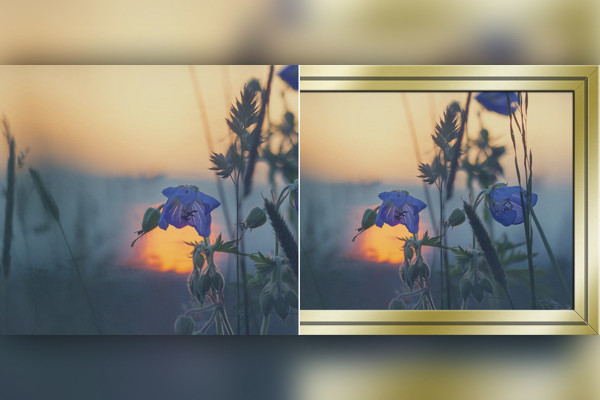
Ramme
Photoshop-handling: Fotoramme i farver
Dit billede i en farvet ramme.
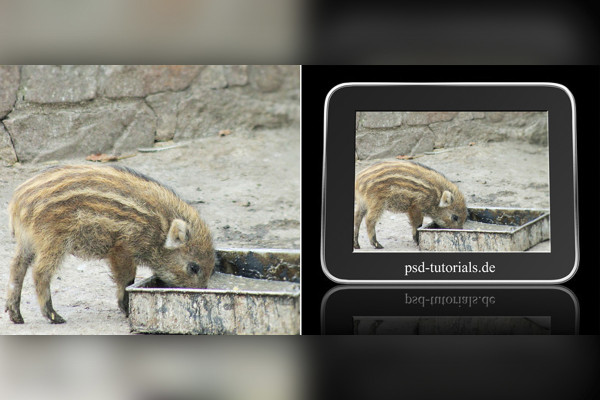
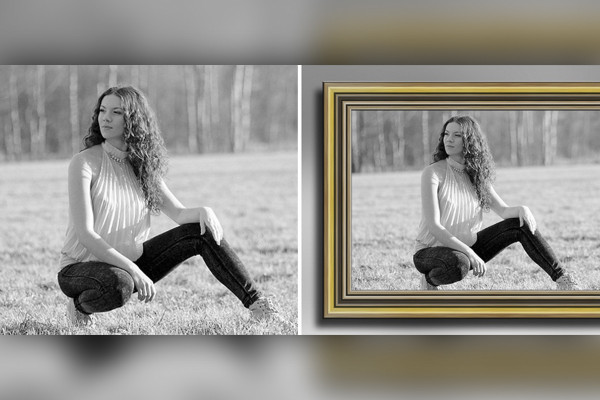
Photoshop-handling: digital billedramme
Dit billede i en digital ramme.
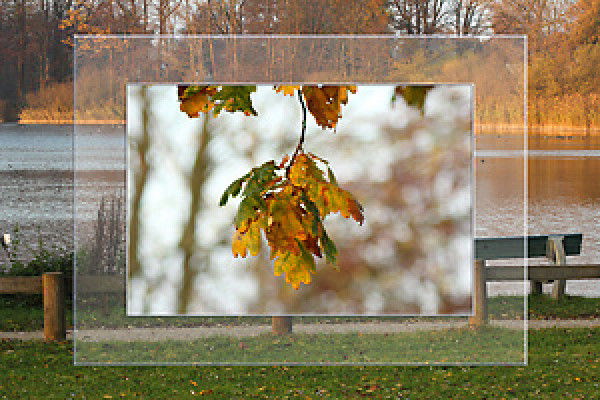
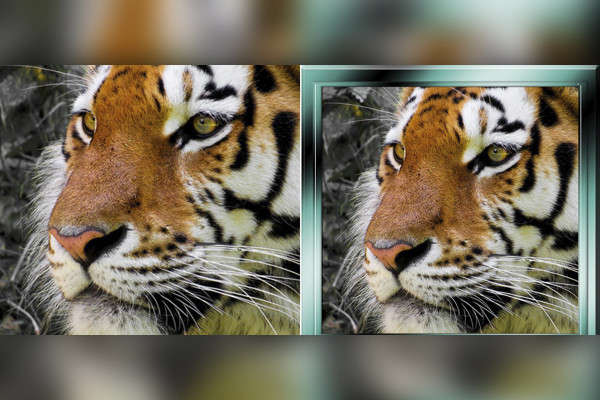
Photoshop-handling: Glasbilledramme 1
Denne handling opretter en glasfotoramme til dine billeder.
Photoshop-handling: Glasbilledramme 2
Denne handling opretter en glasramme til dine billeder.
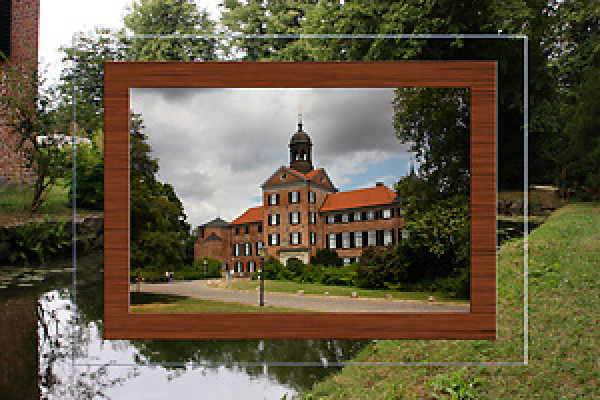
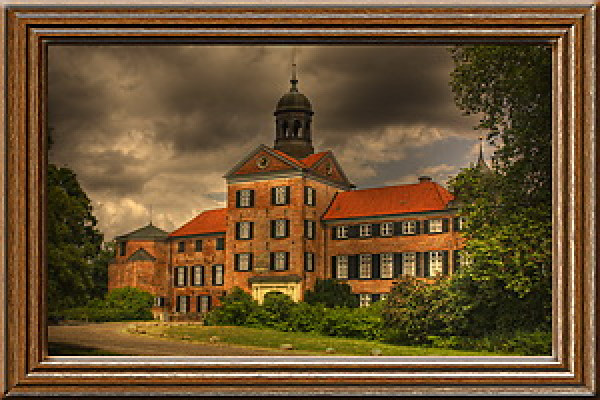
Photoshop-handling: Træramme 3
Denne handling opretter en træramme omkring et billede; der er 2 versioner tilgængelige i handlingen.
Photoshop-handling: Træramme 10
Denne handling opretter en træramme omkring et billede.
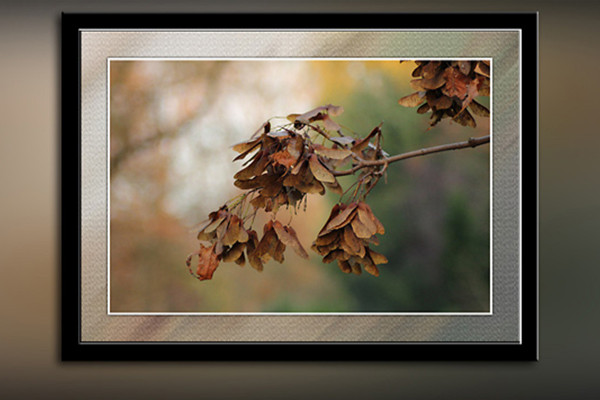
Photoshop handling: Blød ramme
Handlingen skaber en blød ramme.
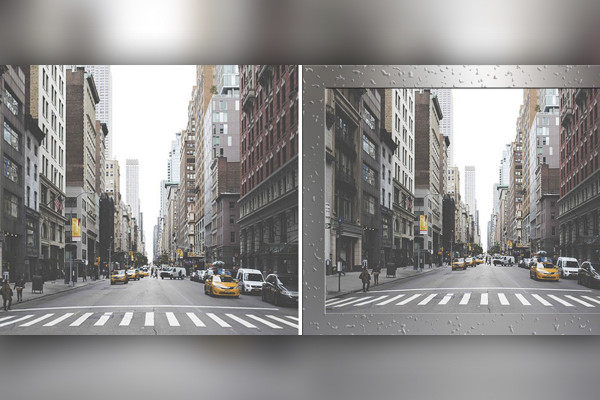
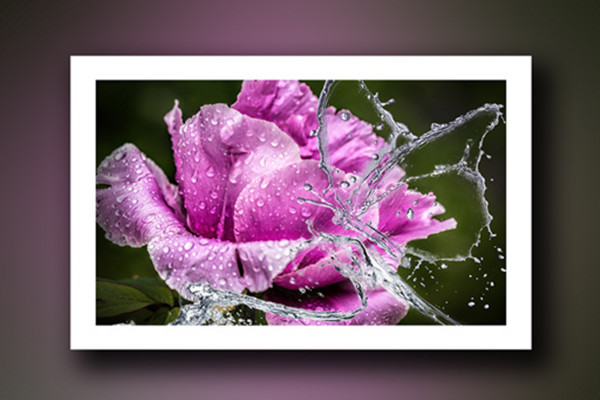
Photoshop-handling: Vanddråbe ramme.
Denne handling opretter en vanddråberamme.
Photoshop-handling: Metalramme 5
Denne handling opretter en metalramme omkring et billede.
Gammel træramme
Denne handling opretter en gammel træramme til dit billede.
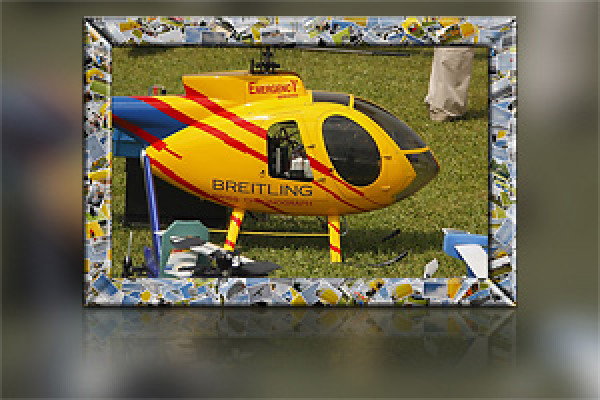
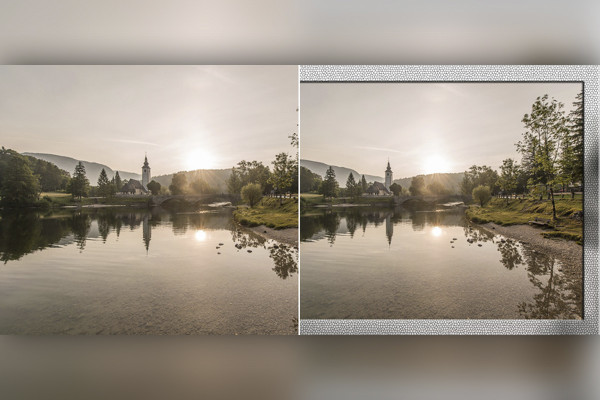
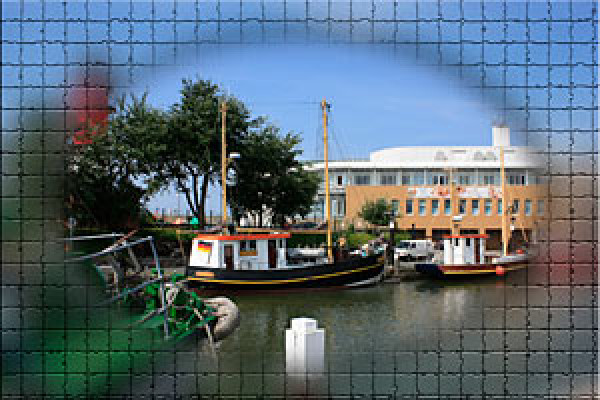
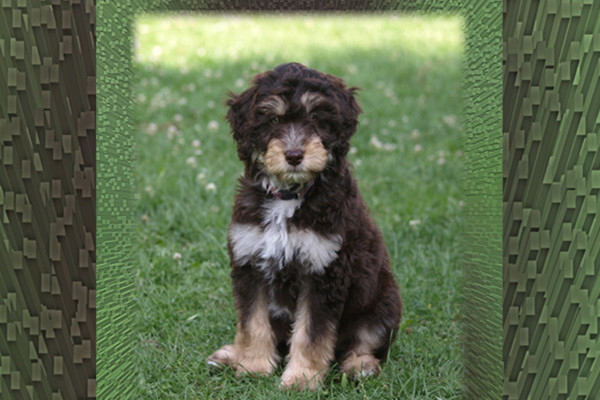
Photoshop-handling: mosaikeffekt ramme
Denne handling skaber en mosaikramme til et billede.
Photoshop-handling: Rammesæt 2
Denne handling vil oprette 17 forskellige rammer til dig.
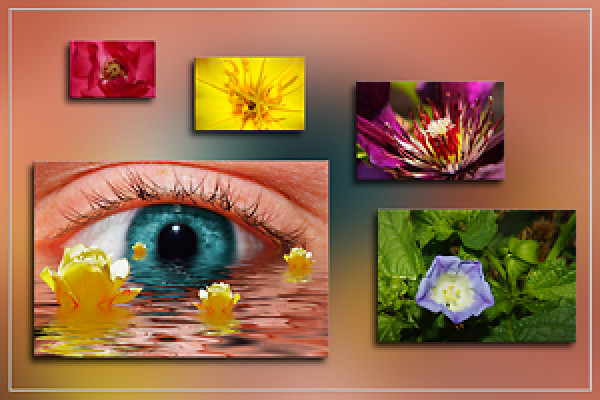
Photoshop-handling: Ekstraordinære rammer
Denne handling opretter 5 forskellige rammer til dig, som ikke er helt almindelige.
Photoshop handling: Rammesæt
Denne handling opretter forskellige rammer for dig på få minutter. Der er allerede nogle eksempler at se i forhåndsvisningen.
Photoshop-handling: Opret lagdelt ramme
Start og se handlingen.
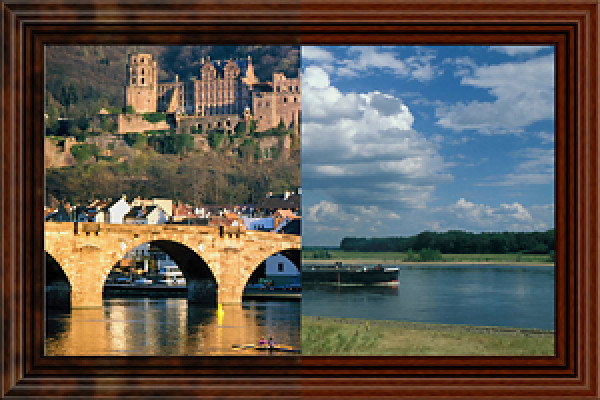
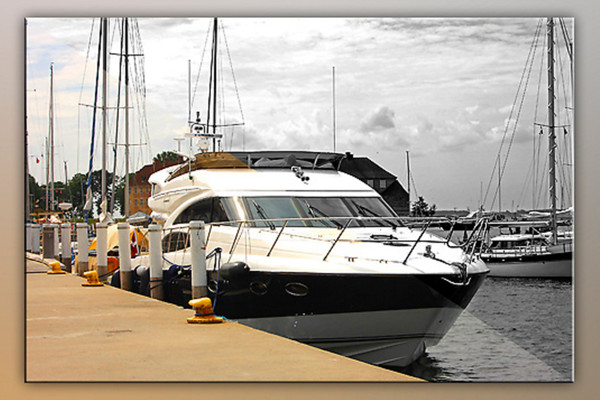
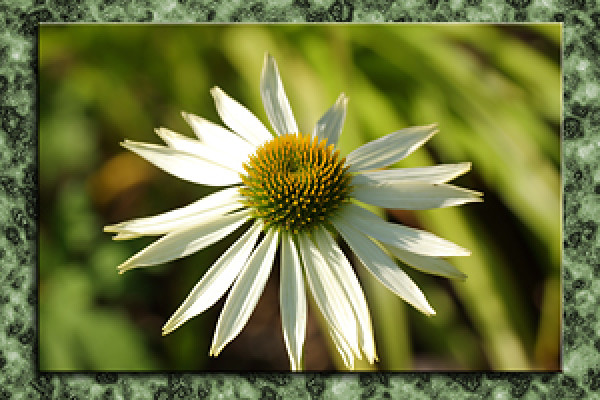
Photoshop-action: Foto i marmorbillede.
Denne handling placerer dit billede i en marmorrámme. Forskellige farver til liggende format er angivet og kan også justeres. For stående format kan farven vælges frit.
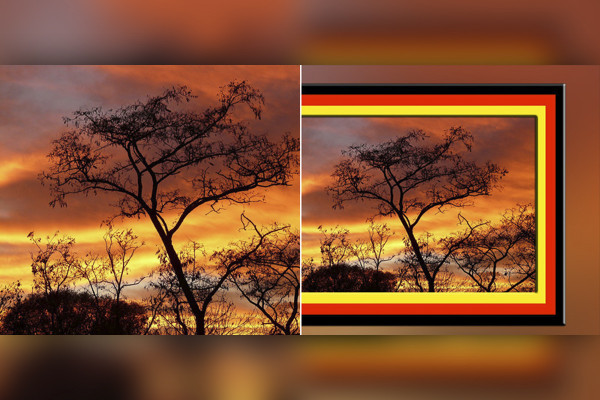
Photoshop-handling: Ramme i landsfarver
Denne handling opretter en ramme i dit lands farve omkring dit foto. Der er 15 lande at vælge imellem i handlingen.
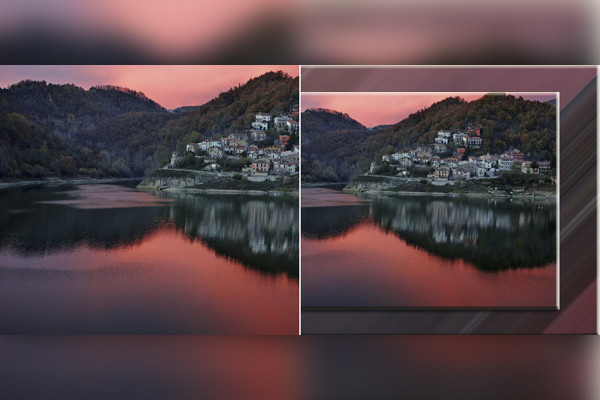
Photoshop-handling: Generer baggrunde og rammer fra fotos.
Denne handling skaber 5 forskellige baggrunde til dit billede/ fra dine billeder. Baggrunde er farvekoordineret med billedet.
Photoshop-handling: Fotoramme i farver
Photoshop-handling: digital billedramme
Photoshop-handling: Glasbilledramme 1
Photoshop-handling: Glasbilledramme 2
Photoshop-handling: Træramme 3
Photoshop-handling: Træramme 10
Photoshop handling: Blød ramme
Photoshop-handling: Vanddråbe ramme.
Photoshop-handling: Metalramme 5
Gammel træramme
Photoshop-handling: mosaikeffekt ramme
Photoshop-handling: Rammesæt 2
Photoshop-handling: Ekstraordinære rammer
Photoshop handling: Rammesæt
Photoshop-handling: Opret lagdelt ramme
Photoshop-action: Foto i marmorbillede.
Photoshop-handling: Ramme i landsfarver
Photoshop-handling: Generer baggrunde og rammer fra fotos.
Billeder & Fotoeffekter
Photoshop-handling: Sort-hvid-foto med et enkelt klik.
Med bare ét klik bliver dit foto sort/hvid.
Photoshop-handling: Sort-hvid-foto med et enkelt klik.
Diverse
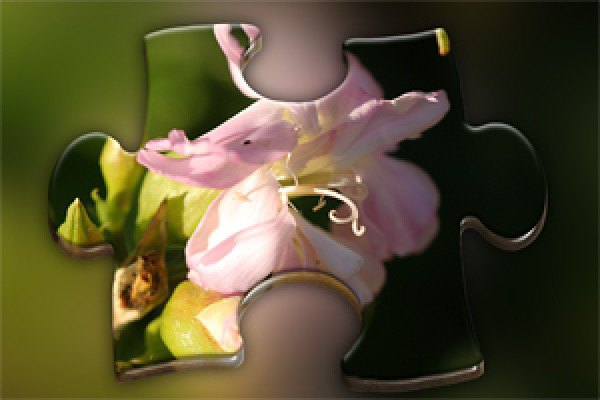
Photoshop handling: 3D-puslespilsdel 2
Denne handling skaber en 3D-puslebrik fra et billede.
Photoshop-handling: Cremet farveeffekt
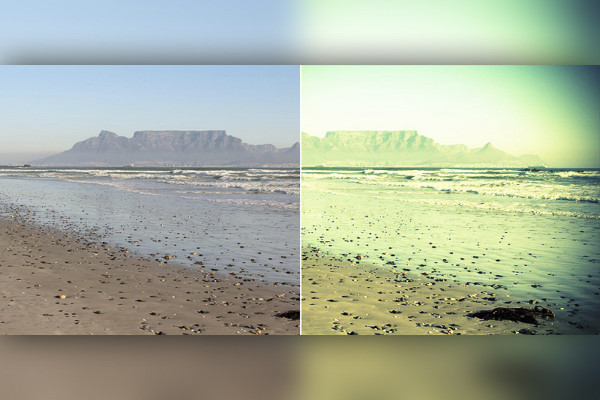
Denne handling skaber en Creamy-Colour-effekt på et billede.
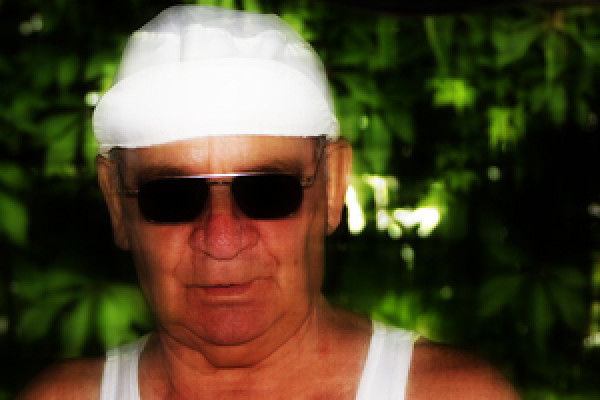
Photoshop-handling: Digital krydsbehandling
Denne handling skaber en digital krydsudvikling fra dit billede.
Photoshop handling: Billede på tørresnoren.
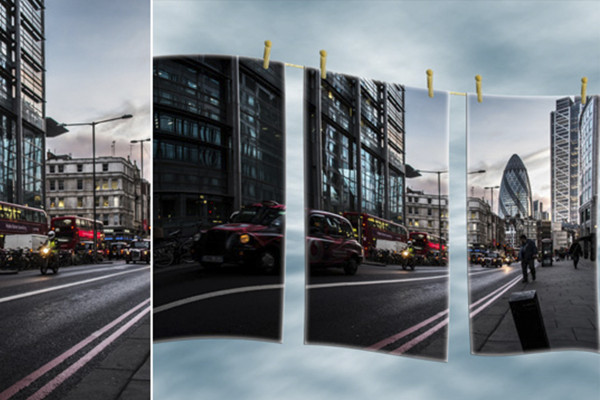
Som overskriften siger: et billede på tørresnoren.
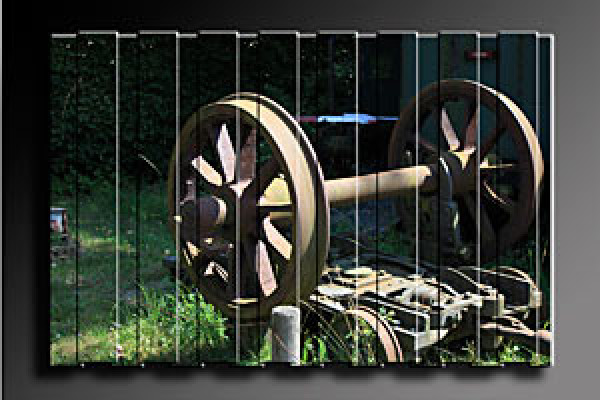
Photoshop-handling: Billede på lærred 2.
Diese Aktion erstellt aus euren Fotos ein mehrteiliges Leinwandbild. Ihr könnt wählen, ob ihr es mit oder ohne Struktur haben möchtet. Den Ebenenstil könnt ihr nach eurem Geschmack anpassen.
Denne handling opretter et flerstykket lærredsbillede ud fra jeres fotos. I kan vælge, om I ønsker det med eller uden struktur. I kan tilpasse lagstilen efter jeres smag.
Photoshop-handling: Billede med skygge og kontur.
Denne handling præsenterer dit foto med en smuk kontur samt skygge.
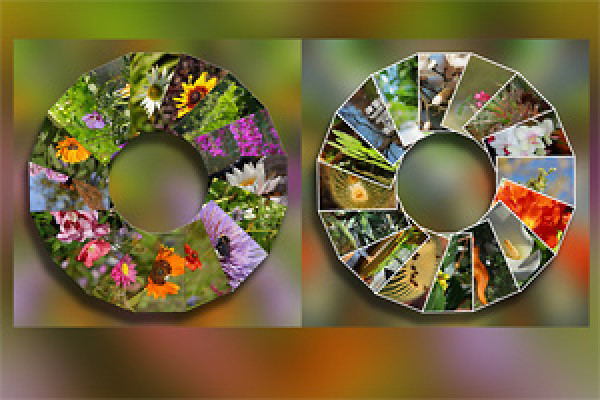
Photoshop-handling: Fotocirkel
Denne handling opretter en fotocirkel for dine smukkeste billeder.
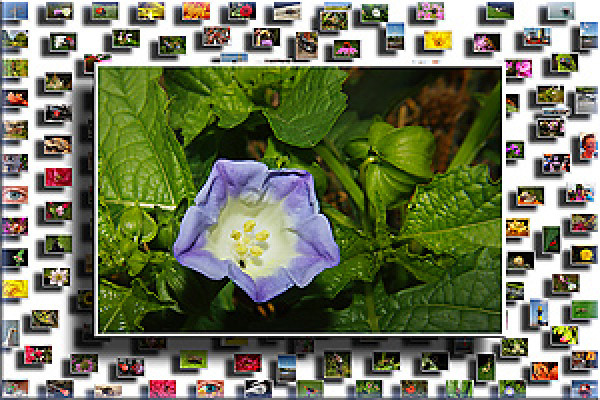
Billeder på væggen 2
Billeder på væggen 2 - effekten kan ses på forhåndsvisningsbilledet. Handlingen fungerer fra CS2 og Photoshop Elements; i den tyske og engelske version.
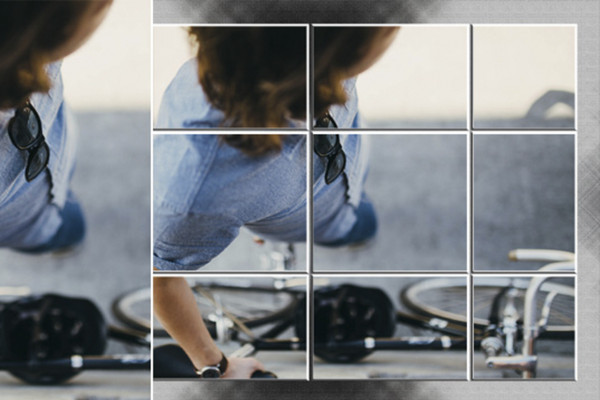
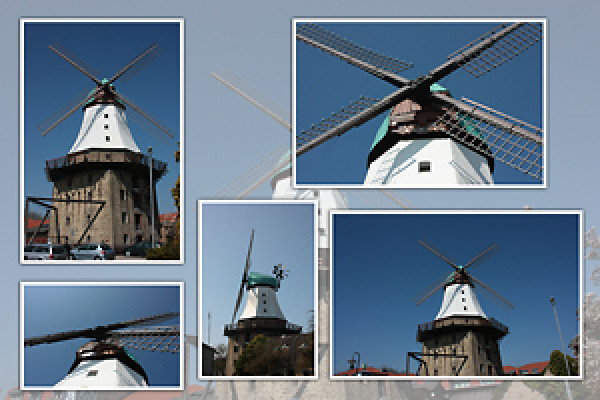
Photoshop-handling: Fotodeling
Denne handling deler et billede og genererer en hvid ramme omkring de små dele.
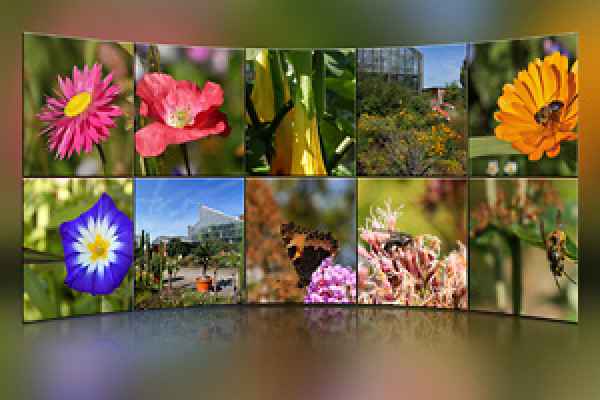
Fotovæg med 10 fotos
Lad dig overraske. Aktiviteten gælder for Photoshop CS2-CS5; i den tyske version.
Photoshop-handling: Fem på ét billede.
Denne handling skaber en form i 3D-udseende fra et billede.
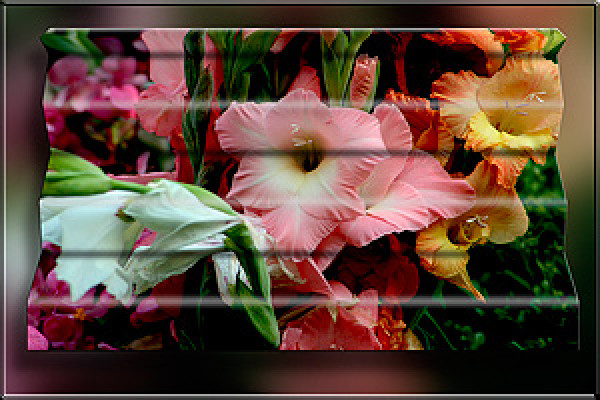
Photoshop handling: Foldet billede
I forhåndsvisningen ser du effekten. Handlingen fungerer fra CS2 og Photoshop Elements; i den tyske og engelske version.
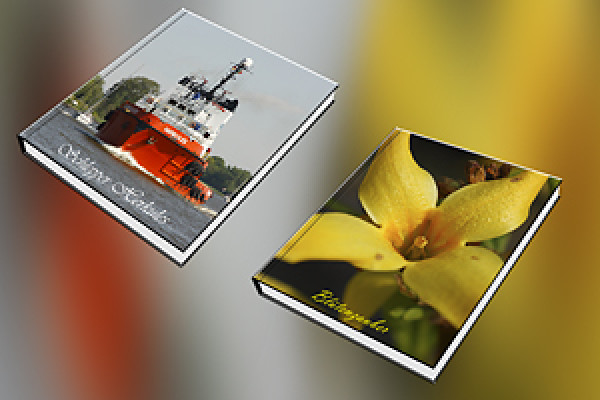
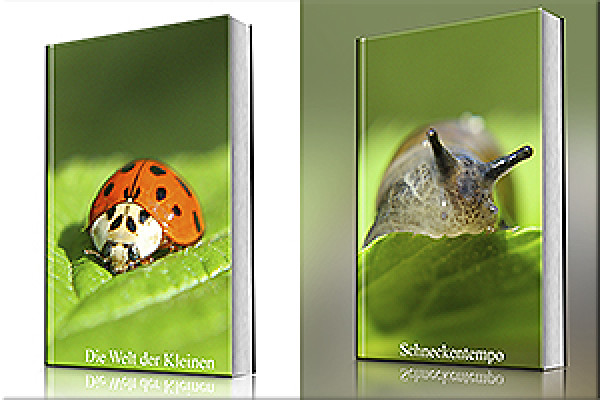
Photoshop-handling: Lukket bog 2
Denne handling bruger dine fotos som omslag til en lukket bog.
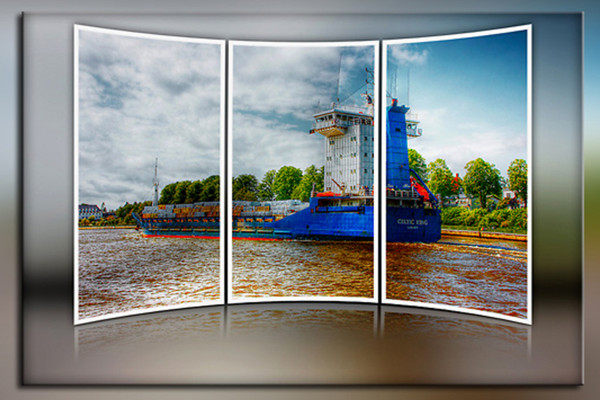
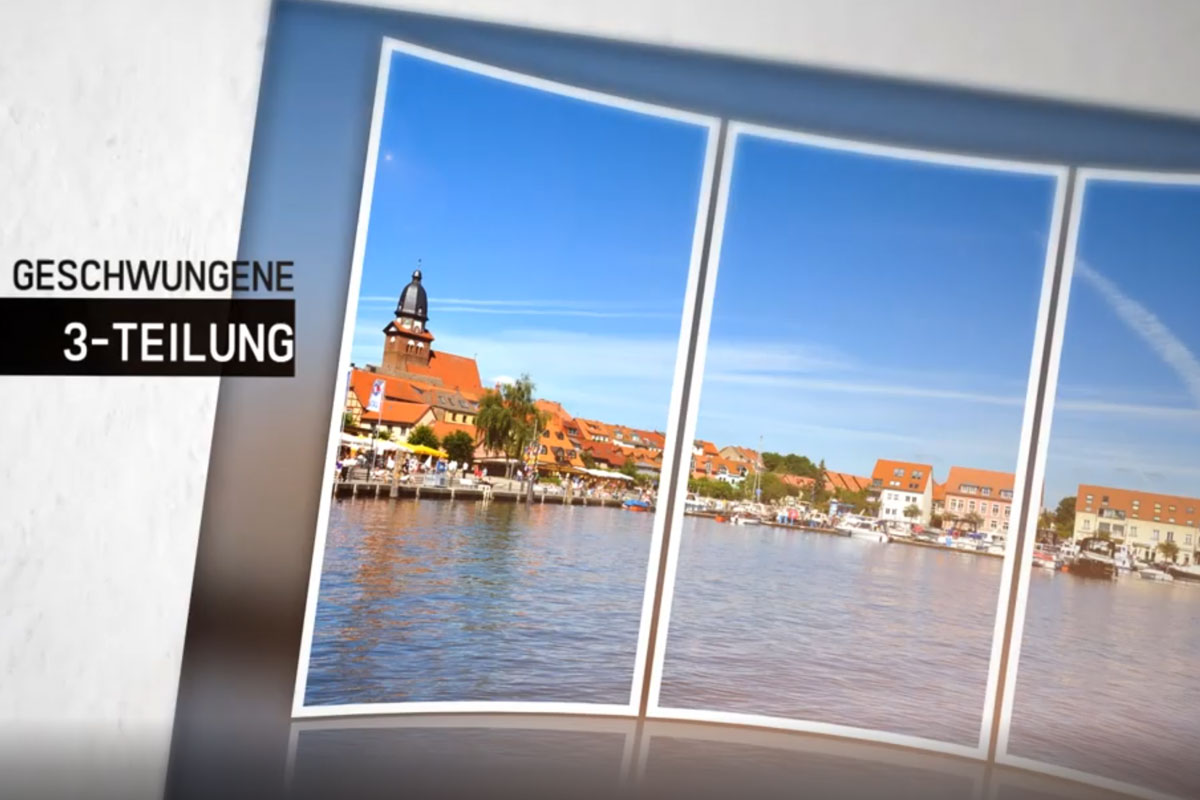
Photoshop Handling: Kurveret 3-del spejlet.
Denne handling genererer et billede delt i 3, bøjet og spejlet.
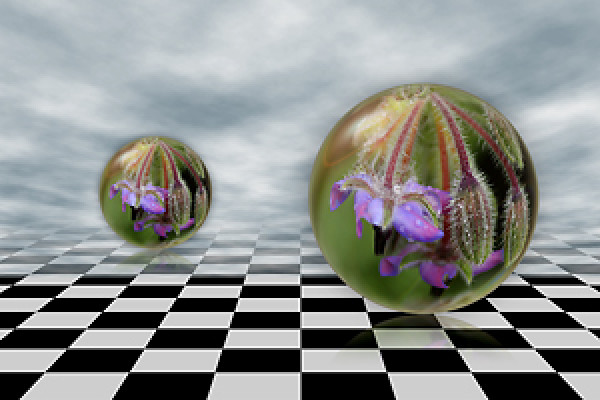
Photoshop handling: Snebold på en anden måde.
Bare en helt anderledes krystalkugleaktion.
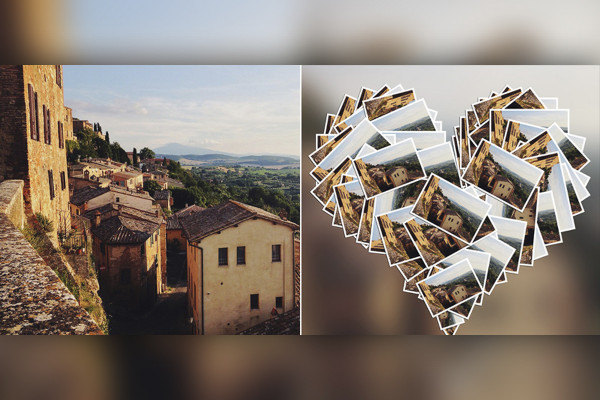
Photoshop-handling: Hjertecollage
Lav en rigtig fed hjertecollage med denne handling.
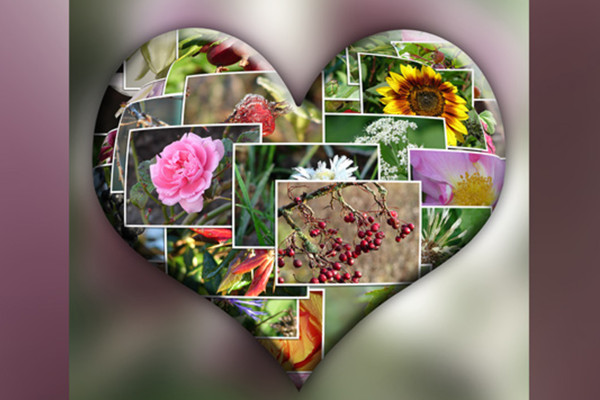
Photoshophandling: Hjertecollage - Variant 2
Denne handling opretter et hjertekollage for dig.
Photoshop-handling: Baggrund til fotos 1.
Denne handling opretter en baggrund til fotos; rammebredde og farvetone kan justeres frit.
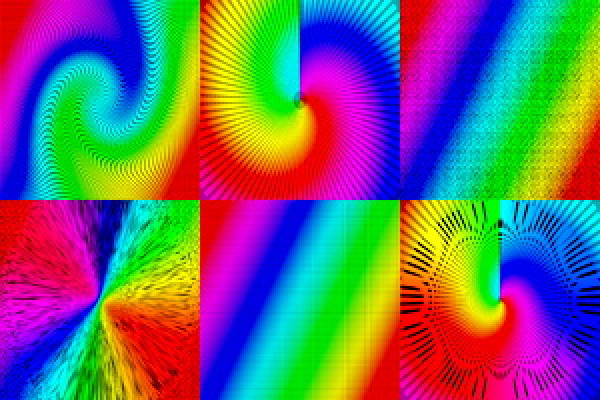
Baggrundsmønster i regnbuens farver til flyer.
Denne handling skaber forskellige baggrundsmønstre i regnbuens farver.
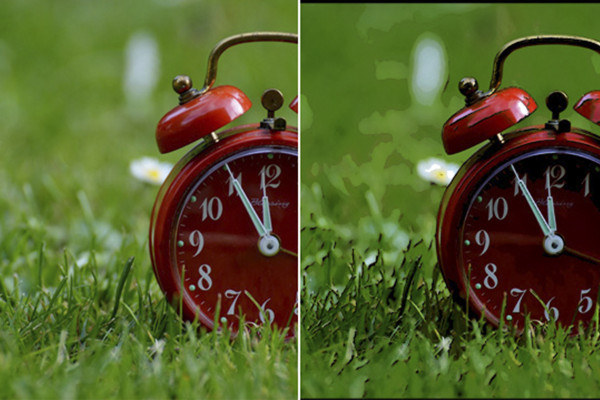
Korsfokusering
Denne handling skaber en kryds-uskarphed på et billede. Der er to versioner inkluderet i handlingen.
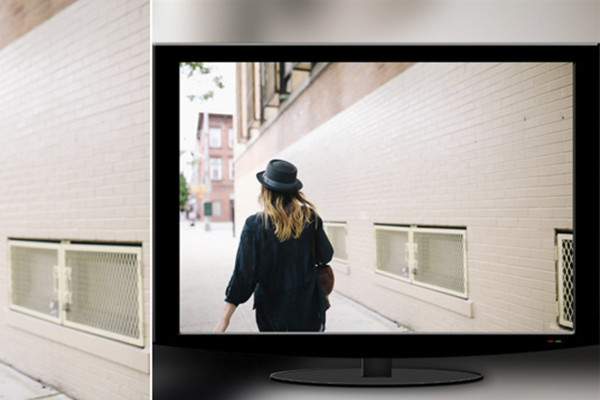
Photoshop-handling: Opret et LCD-TV med dit billede.
Denne handling genererer et LCD-TV og placerer et billede efter dit valg.
Retro-comic-effekt
Denne handling laver et billede fra et foto med en retro tegneserieeffekt.
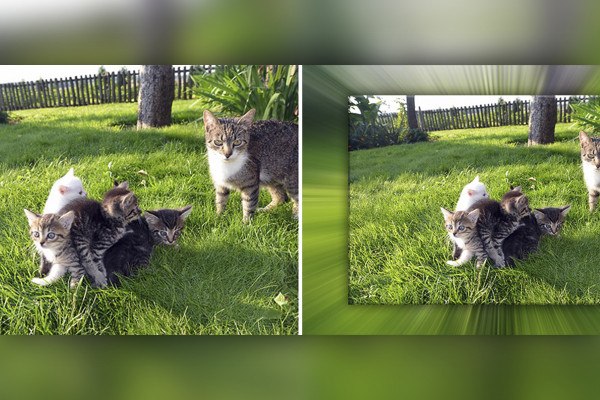
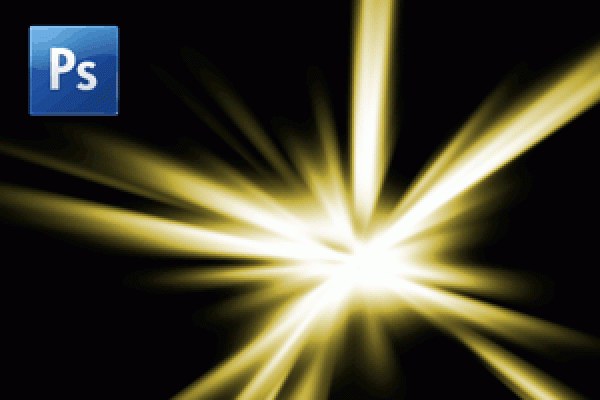
Photoshop-handling: Stråleeffekt 2
Denne handling opretter baggrunde til dit billede - med stråleeffekter.
Sat op 1
Hvilken effekt du kan opnå, kan ses i miniaturebilledet. Handlingen fungerer fra CS2 og Photoshop Elements; i den tyske og engelske version.
Photoshop-handling: Sat i scene 2
Dit billede er smukt sat i scene.
Baggrund med miniaturefigurer
Har du lyst til en baggrund med miniature? Aktiviteten fungerer fra CS2 og Photoshop Elements; i den tyske og engelske version.
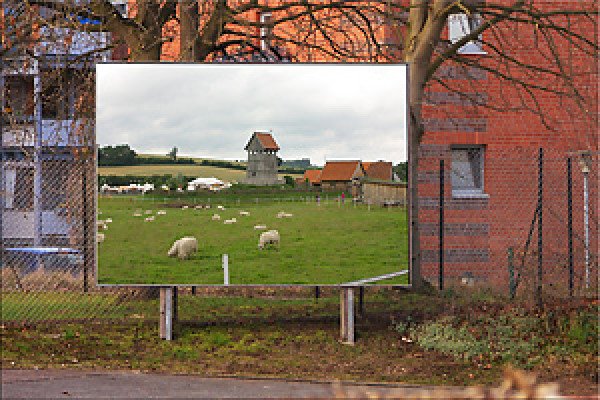
Photoshop-handling: Plakatvæg
Dit billede på en plakatvæg.
Plakatvæg 2
Plakatvægskampagne – i forhåndsvisningsbilledet kan du se effekten. Kampagnen fungerer fra CS2 og Photoshop Elements; i den tyske og engelske version.
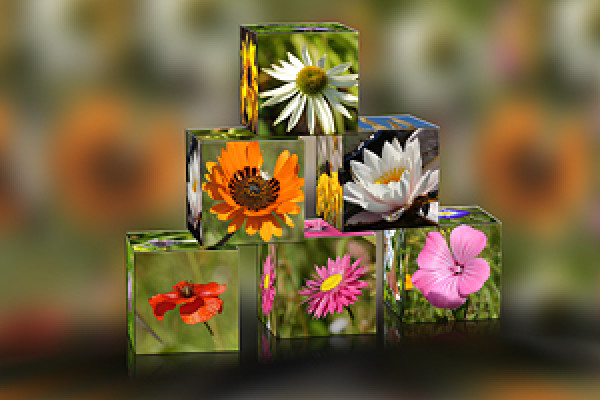
Photoshop-handling: Pyramide.
Denne handling opretter en pyramide af terninger med dine billeder.
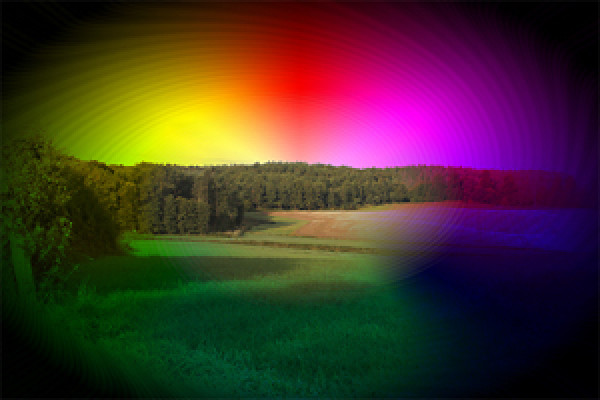
Photoshopaktion: Regnbuefarver
Billeder bliver farvet med forskellige regnbuefarver og effekter.
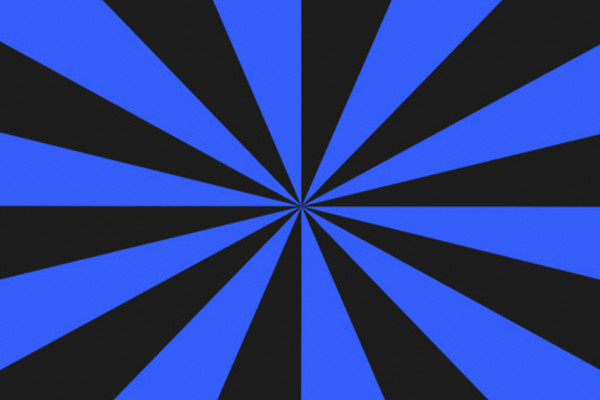
Photoshop-handling: Retrostråleeffekt til flyers og baggrunde
Denne handling skaber en retrostråleeffekt til flyers og tapet.
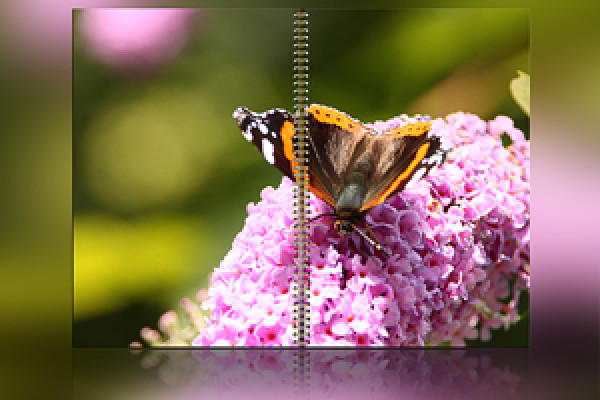
Photoshop-handling: Ringbinding
Dit billede i en ringbinding.
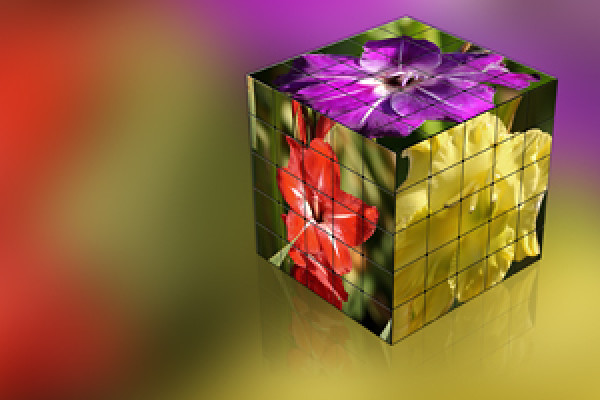
Rubiks terning med 25 dele pr. side
Denne handling skaber en Rubiks Cube med 25 dele pr. overflade ud af 3 billeder af dit valg.
Photoshop-handling: Smukt collage 1
Denne handling opretter en collage af dine smukkeste billeder.
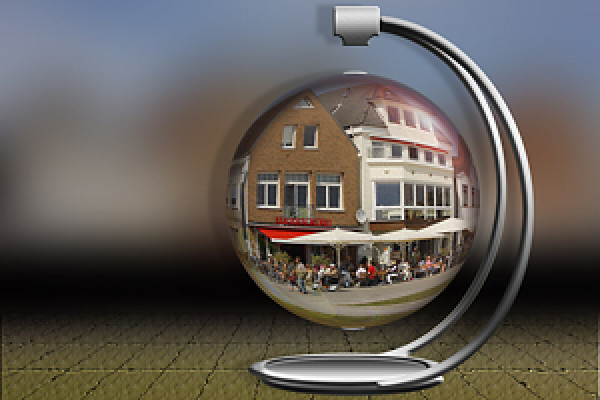
Photoshop-handling: Svævekugle
Denne handling skaber en svævekugle ud fra et foto.
Stående bog
Denne handling opretter en stående bog med et billede af dit valg. Handlingen virker fra Photoshop CS2-CS5; i den tyske version.
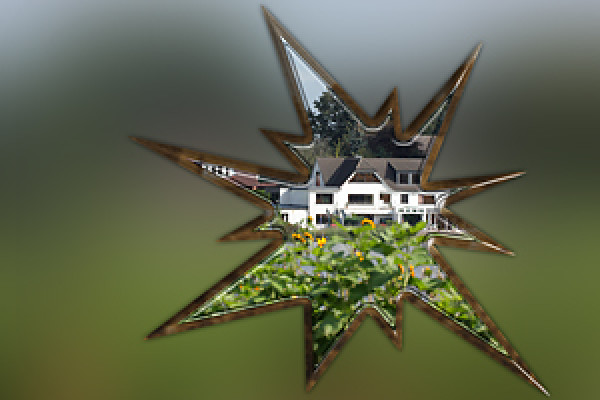
Photoshop handling: Stjernehandlingen
Denne handling skaber en form i 3D-look fra et billede.
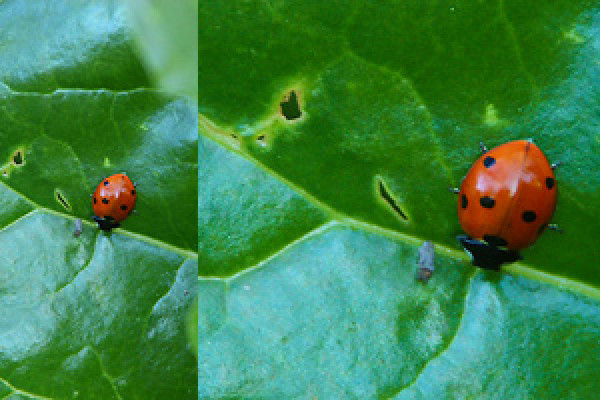
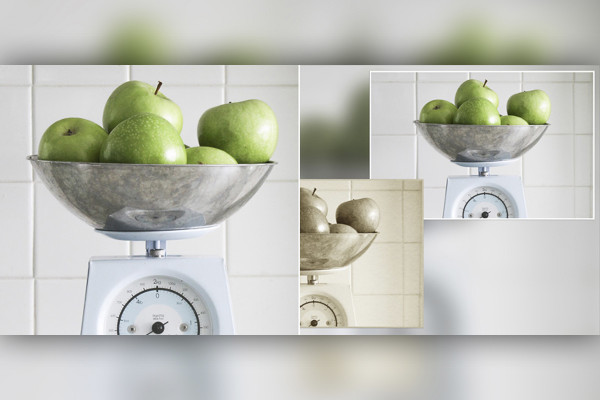
Photoshop handling: Super-zoom
Denne handling giver et billede mere brændvidde i trin på 50%, 100% og 125%.
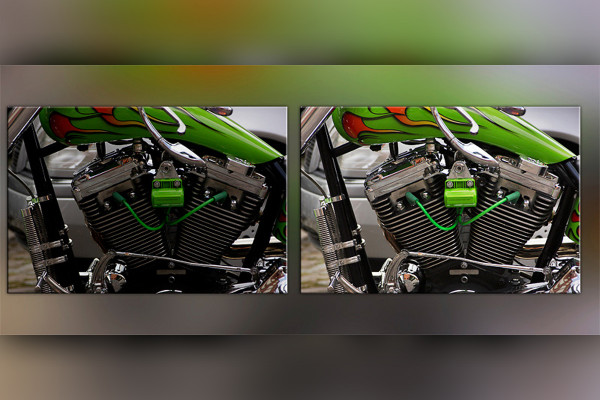
Photoshop-handling: Dybde-/lysjustering
Denne handling optimerer dit foto ved at justere skygger og højdepunkter.
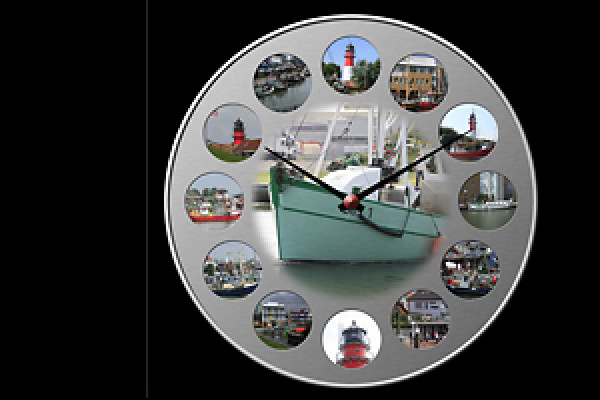
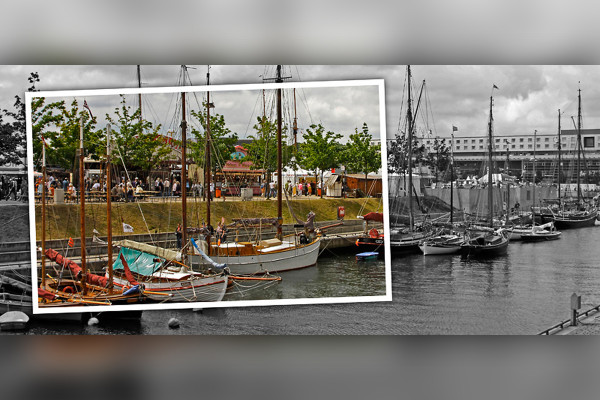
Urskabelon til 12 fotos
Se billedet i forhåndsvisningen. Handlingen udløber ved CS2; i den tyske og engelske version.
Terninge handling 2
Download, start og lad dig overraske.
To-rækket collage spejlet
Lad dig overraske. Kampagnen løber fra Photoshop CS2 til CS5; i den tyske version.
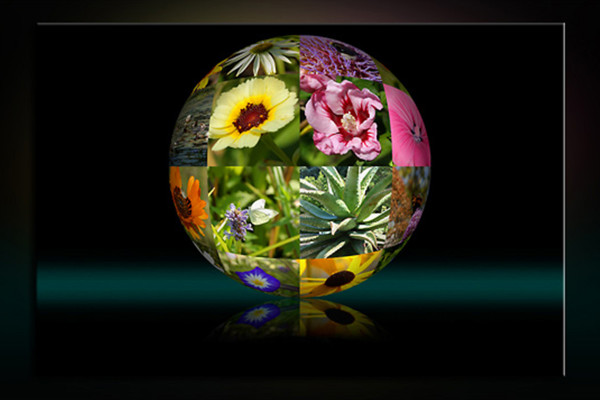
Photoshop-handling: fotokugle
Denne handling skaber en fotokugle af 16 billeder.
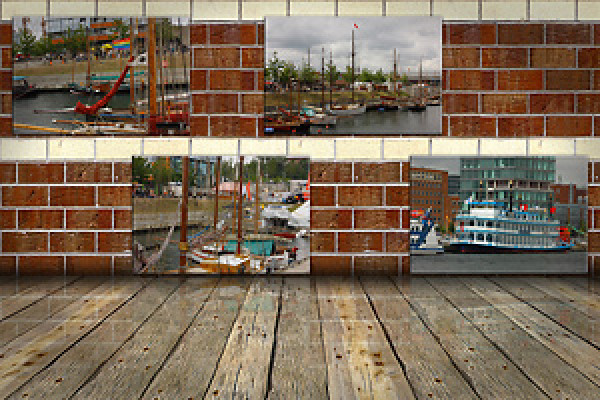
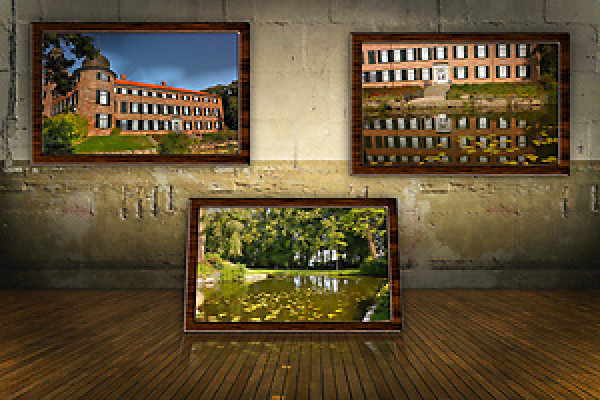
Billeder på væggen
Se eksempelbillede. Handlingen fungerer fra CS2 og Photoshop Elements; i den tyske og engelske version.
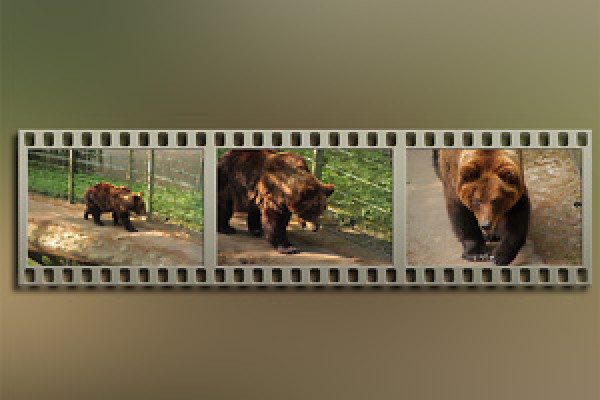
Metal-filmstrimlen 3
Denne handling skaber en metal-filmstrimmel med 3 billeder. Handlingen fungerer fra Photoshop CS2-CS5; på den tyske version.
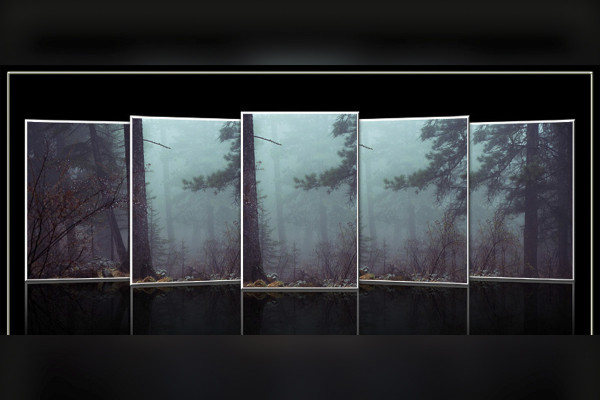
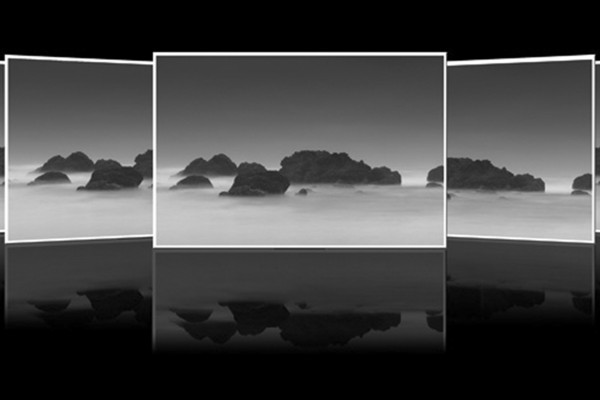
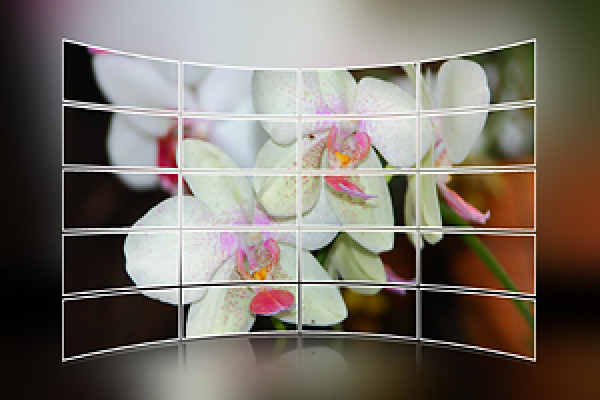
Photoshop-handling: Cover Flow 3
Denne handling skaber en cover flow med lodret orienterede fotos.
Cover Flow 2
Se og have det sjovt.
Handlingen fungerer fra Photoshop CS2-CS5; i den tyske version.
Photoshop-handling: Den rigtige klip til Photoshop og Photoshop Elements.
Med denne handling beskærer du dine fotos med et fast sideforhold efter dit valg.
Følgende sideforhold er tilgængelige i handlingen: 3:2, 2:3, 4:3, 3:4, 7:5, 5:7, 9:7 7:9, 16:9, 9:16
Photoshop-handling: Kun en farve
Bare se på det.
Photoshop-handling: Colorkey-handling
Denne handling skaber en lidt anderledes farvekode på et billede.
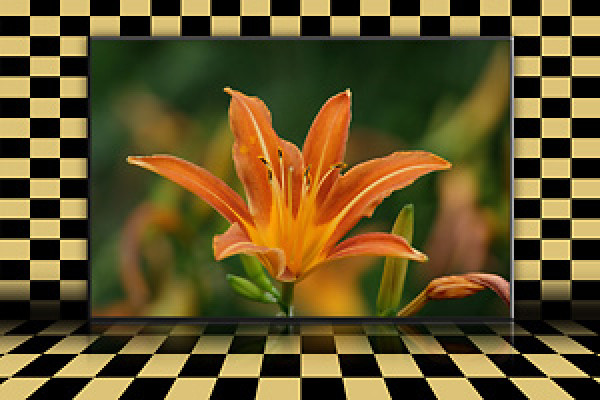
Rutet baggrund til Photoshop og Photoshop Elements
Denne handling opretter et rutet baggrundsbillede til et foto, som du kan tilpasse farven på. Handlingen er blevet revideret og tilpasset til Photoshop Elements. En vejledning medfølger.
Whiteboard til Photoshop og Photoshop Elements
Denne handling er blevet revideret og tilpasset til Photoshop Elements.
Der medfølger en vejledning.
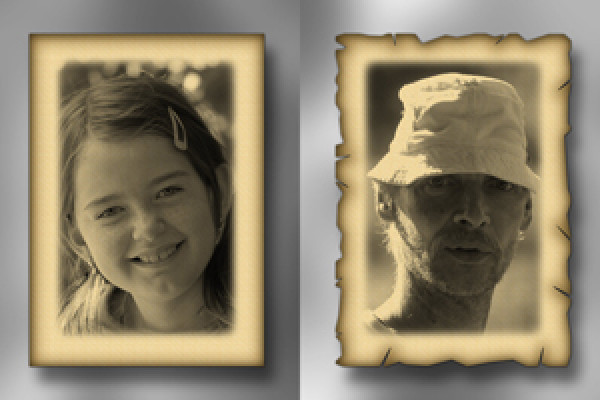
Photoshop-handling: Gammelt papir
Denne handling skaber et billede på gammelt papir fra et foto.
Photoshop-handling: Gammelt og nyt
Denne handling skaber et gammelt billede fra et nyt foto; begge billeder bliver arrangeret på billedet.
Photoshop-handling: Fotomapper
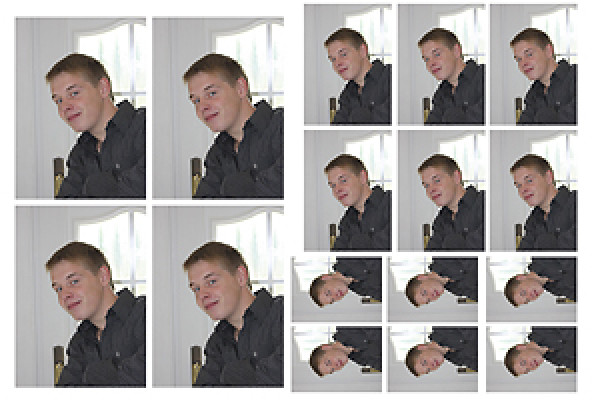
Denne handling opretter en- og tosidet fotomapper i stående og liggende format.
Photoshop-handling: Billedvæg-handling til Photoshop Elements.
Din virkelig fantastiske billedvæg-aktion for din Photoshop eller Photoshop Elements.
CD- og DVD-cover-skabeloner
Denne handling genererer cover-skabeloner til CD'er og DVD'er.
Handlingen fungerer med Photoshop CS2-CS5; i den tyske version.
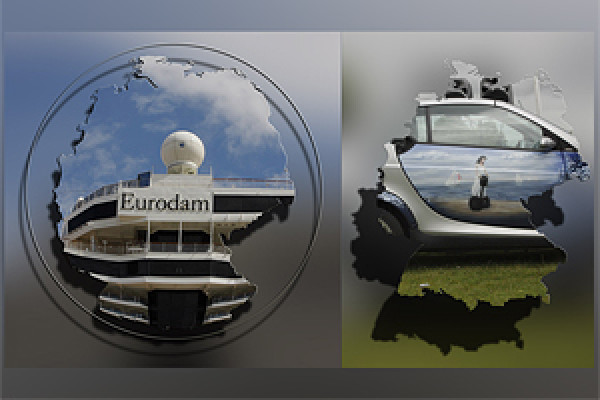
Tysklandskort 2
Denne handling opretter et Tysklandskort for jer ud af et portrætfoto efter eget valg. I denne version er kortet uden delstatsgrænser.
Photoshop-handling: Æreskrans til jubilæum
Denne handling opretter en æreskrans (jubilæumskrans). Handlingen indeholder forskellige muligheder, f.eks. æreskrans enkel, med skygge, metaleffekt og frit justerbar farve. Du kan ændre udseendet individuelt ved at ændre lagstilen.
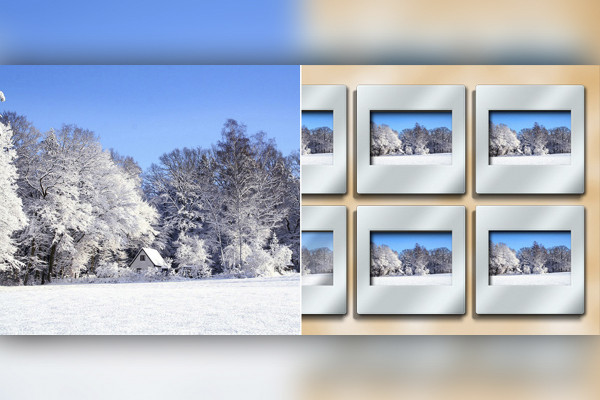
Photoshop-handling: Diakollage
Denne handling opretter en dias-collage for dig fra seks af dine valgte fotos. Handlingen indeholder to versioner: den første er som vist på forhåndsvisningsbilledet, og den anden har farvede diasrammer. Du kan tilpasse farven på diasrammerne selv.
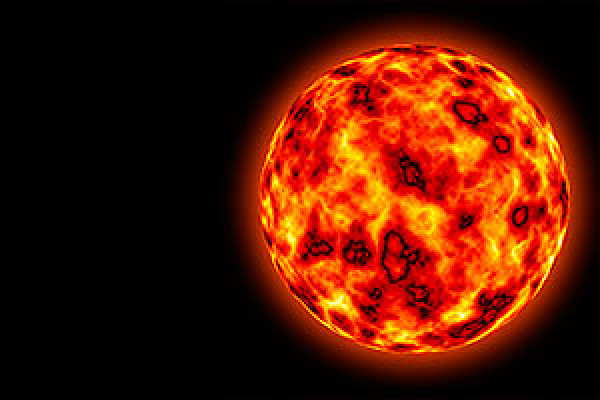
Lav solen med Photoshop.
Denne handling opretter en sol for dig på få minutter. Til CS2 og CS3.
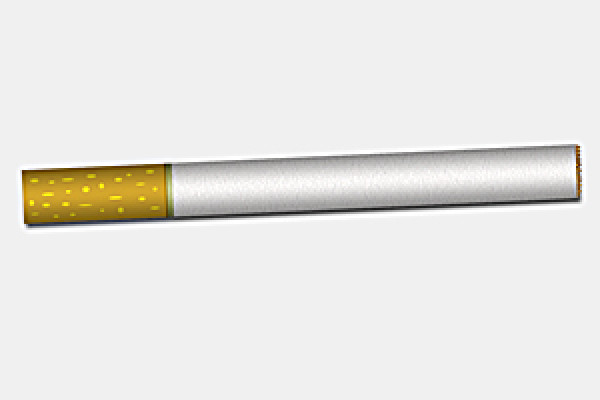
Photoshop-handling: Opret cigaret i Photoshop.
Denne handling opretter en cigaret for dig. For CS2 og CS3 (CS4 i demoversionen).
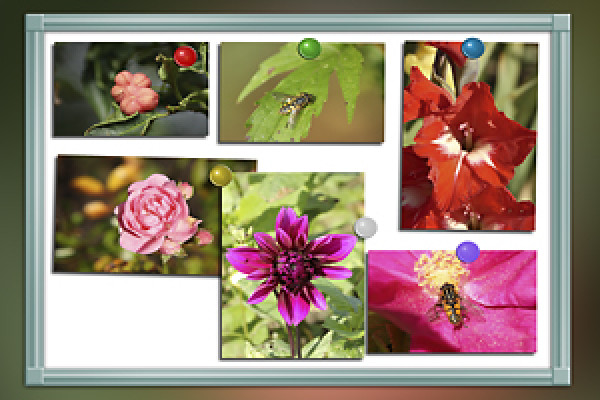
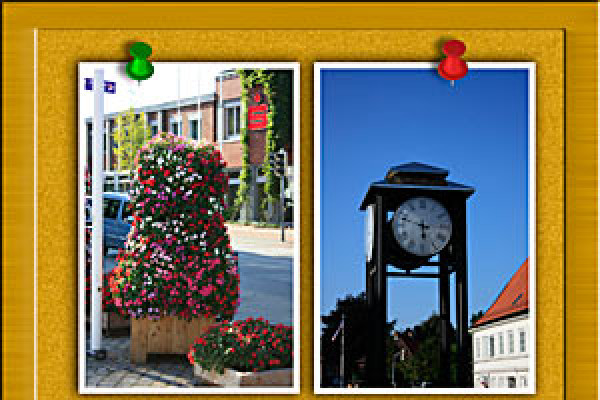
Photoshop-handling: Tack It - Foto hæfte på opslagstavlen.
Denne handling opretter en opslagstavle til dig, på hvilken et billede efter eget valg bliver placeret og markeret med en nål. I liggende format vil der blive placeret et billede, og i stående format to. Du får adgang til forskelligfarvede pins i handlingen. Efter handlingen kan du dreje, vinkle, skalere og flytte billedet efter behag.
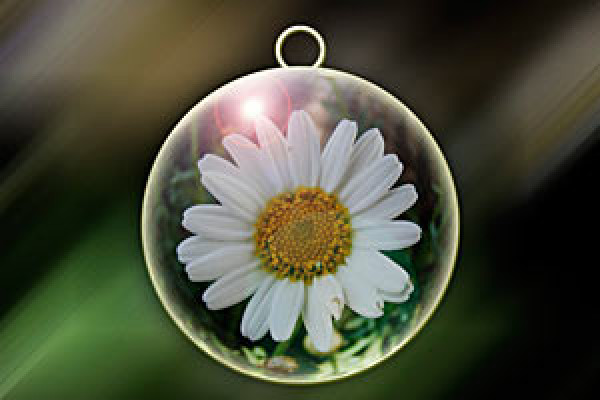
Julekugleaktion
Denne handling opretter en julekugle ud fra et foto af dit valg. Der er nu en anden version uden blændeflekker inkluderet i handlingen. Til CS 2 og CS3.
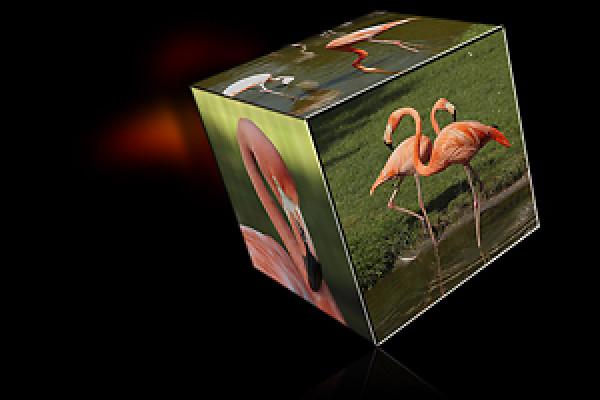
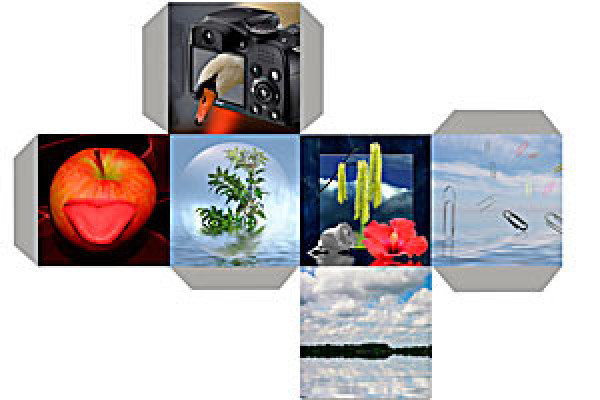
Photoshop-handling: Fotokube
Denne handling opretter fladerne til en terning med 6 billeder efter dit valg. Du kan udskrive skabelonen efter oprettelsen, klippe den ud og lime den sammen til en terning.
Photoshop handling: 3D væg
En 3D-væg lavet af dine fotos.
Photoshop-handling: Fotoeffekter
I denne handling er der 15 effekter inkluderet.
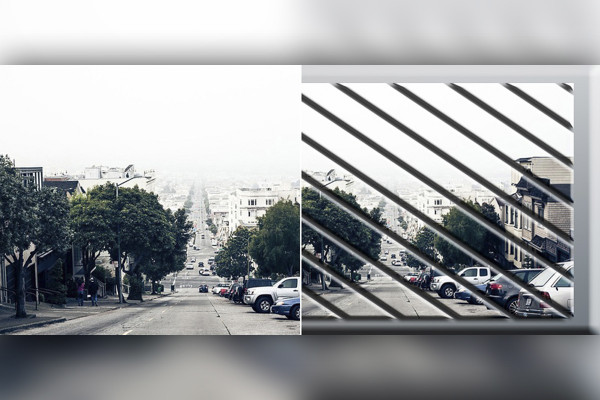
Photoshop-handling: Diagonal billedopdeling
Denne handling deler dit billede diagonalt. I handlingen er der stadig en anden inkluderet; den skaber diagonale firkanter i vandret format og romber i lodret format.
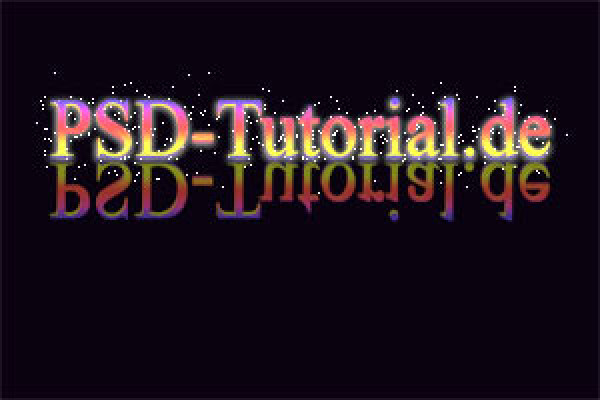
Glowende teksteffekt
Handlingen opretter en Glowing-tekst. Kører på CS2 og CS3.
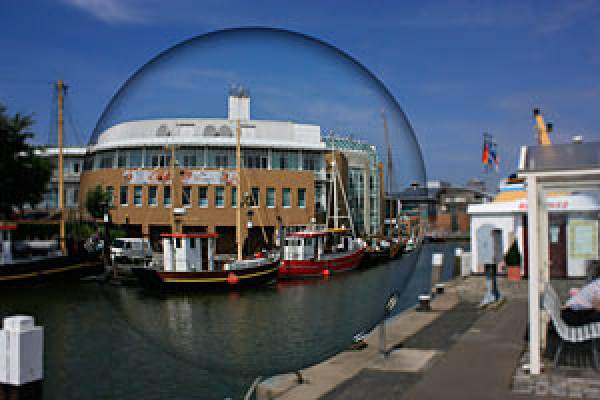
Photoshop handling: Glaskugle i foto.
Denne handling opretter en glaskugle i dit billede. Du kan skala størrelsen frit ved at trykke på Skift-tasten, så proportionerne bevares, og flytte valget i billedet til det sted, du har valgt.
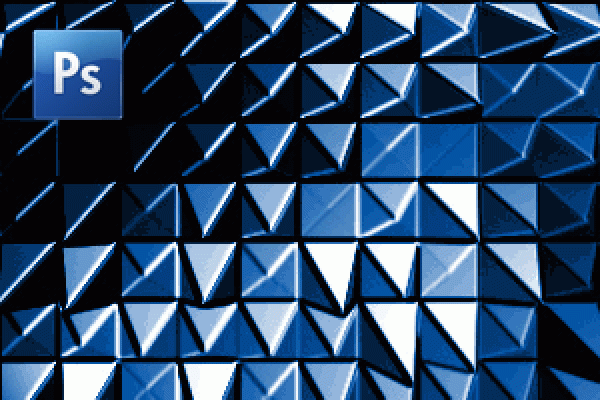
Abstrakt: Generer interessant tekstur om handling
Handlingen genererer en interessant abstrakt tekstur. En kvadratisk pixelstørrelse er optimal for denne handling. Nyd handlingen.
Abstrakt: Skab stjernestøveeffekten som handling.
Handlingen genererer en stjernestøveffekt. Du har mulighed for at bestemme slutresultatet inden for handlingen. Handlingen stopper derfor op og beder dig om at tegne en skabelon med penslen. Tryk på Stop i dialogboksen, mal lidt med penslen og vælg Play i handlingsvinduet for at fortsætte handlingstrinnene. God fornøjelse med handlingen.
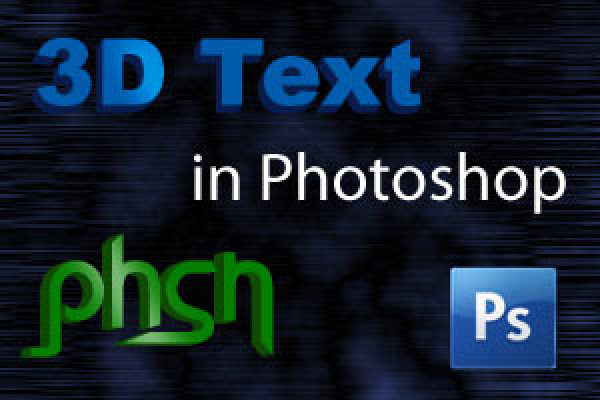
Generer 3D-tekst og 3D-logoer i Photoshop.
Denne lille pakke består af 4 handlinger. 5px, 10px, 20px og 40px ekstruder. Dette gør det muligt at ekstrudere teksten eller logoet med enten 5px, 10px, ... . Retningen af ekstrusionen kan vælges frit.
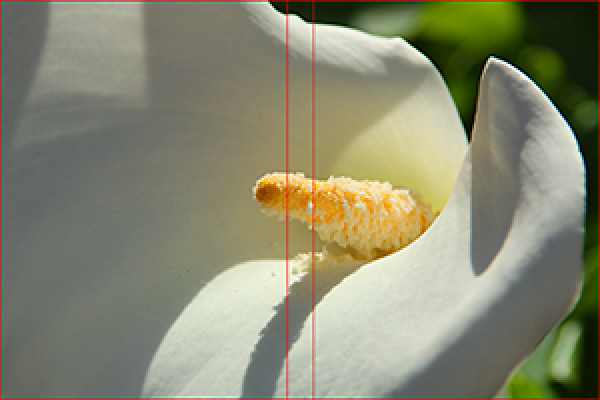
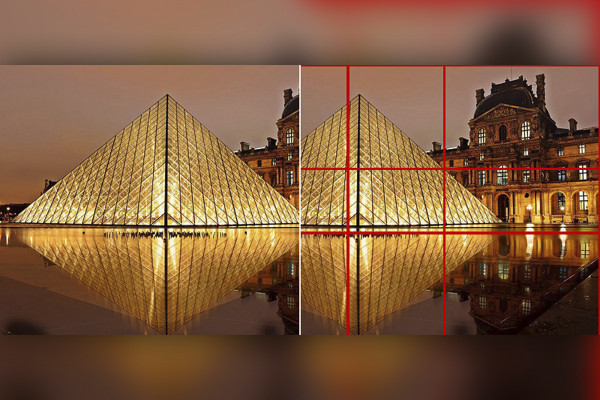
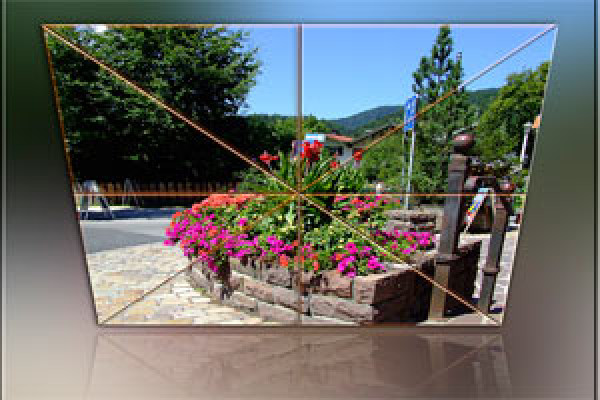
Photoshop-handling: Skabelon Den Gyldne Snit
Den gyldne snit er et designelement til den ideelle proportion i et billede. Når et billede justeres efter dette, opnås en betydelig gevinst i æstetik og harmoni. Handlingen genererer grundlinjerne for det gyldne snit som en separat lag. Farven og tykkelsen af linjerne kan også tilpasses. Derefter kan det gyldne snit meget let og bekvemt anvendes på billeder og fotos.
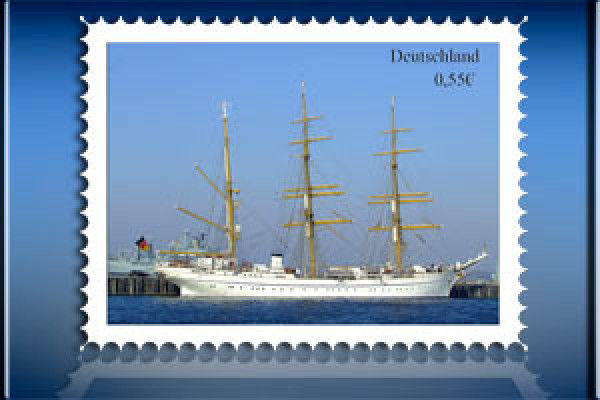
Generer frimærke til CS2.
Denne handling opretter et frimærke, hvor et billede efter eget valg indsættes. Denne handling er oprettet til 4x3-format i liggende format. Hvis dit billede afviger fra 4x3-formatet, anbefaler jeg at beskære dit billede til 4x3-format på forhånd. Handlingen er optimeret til CS2, men fungerer også fejlfrit på CS3.
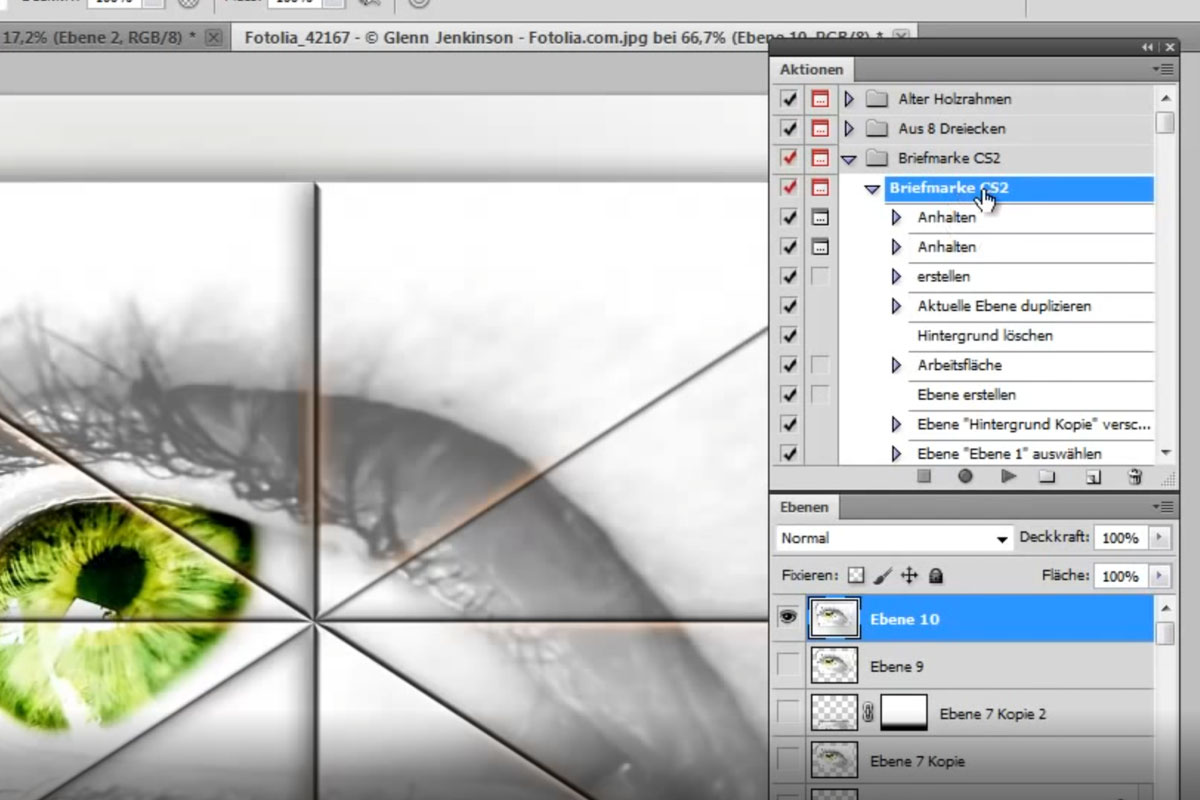
Photoshop handling: Af 8 trekanter.
Denne handling skaber et billede af dit motiv med 8 trekanter med blødt spejlbillede og en fin ramme. God fornøjelse.
Photoshop-handling: Tegneserieeffekt.
Denne handling skaber et billede med en tegneserie-effekt ud fra et billede.
Photoshop-handling: Udtrukket baggrund
Et billede i forgrunden og i baggrunden en ekstruderet effekt.
Photoshop-handling: Farverige tegninger
Bare se.
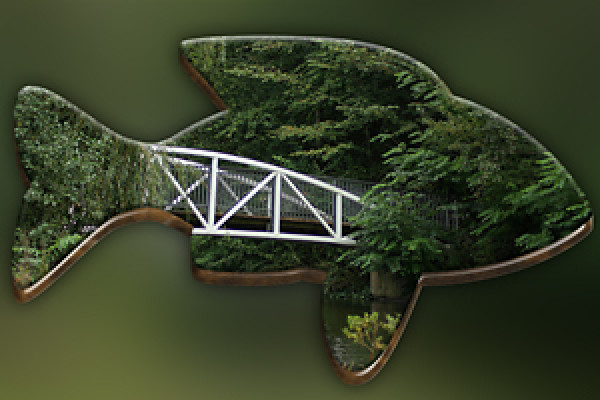
Photoshophandling: Fisk
Denne handling skaber en form i 3D-udseende ud fra et foto.
Photoshop handling: 3D-puslespilsdel 2
Photoshop-handling: Cremet farveeffekt
Photoshop-handling: Digital krydsbehandling
Photoshop handling: Billede på tørresnoren.
Photoshop-handling: Billede på lærred 2.
Photoshop-handling: Billede med skygge og kontur.
Photoshop-handling: Fotocirkel
Billeder på væggen 2
Photoshop-handling: Fotodeling
Fotovæg med 10 fotos
Photoshop-handling: Fem på ét billede.
Photoshop handling: Foldet billede
Photoshop-handling: Lukket bog 2
Photoshop Handling: Kurveret 3-del spejlet.
Photoshop handling: Snebold på en anden måde.
Photoshop-handling: Hjertecollage
Photoshophandling: Hjertecollage - Variant 2
Photoshop-handling: Baggrund til fotos 1.
Baggrundsmønster i regnbuens farver til flyer.
Korsfokusering
Photoshop-handling: Opret et LCD-TV med dit billede.
Retro-comic-effekt
Photoshop-handling: Stråleeffekt 2
Sat op 1
Photoshop-handling: Sat i scene 2
Baggrund med miniaturefigurer
Photoshop-handling: Plakatvæg
Plakatvæg 2
Photoshop-handling: Pyramide.
Photoshopaktion: Regnbuefarver
Photoshop-handling: Retrostråleeffekt til flyers og baggrunde
Photoshop-handling: Ringbinding
Rubiks terning med 25 dele pr. side
Photoshop-handling: Smukt collage 1
Photoshop-handling: Svævekugle
Stående bog
Photoshop handling: Stjernehandlingen
Photoshop handling: Super-zoom
Photoshop-handling: Dybde-/lysjustering
Urskabelon til 12 fotos
Terninge handling 2
To-rækket collage spejlet
Photoshop-handling: fotokugle
Billeder på væggen
Metal-filmstrimlen 3
Photoshop-handling: Cover Flow 3
Cover Flow 2
Photoshop-handling: Den rigtige klip til Photoshop og Photoshop Elements.
Photoshop-handling: Kun en farve
Photoshop-handling: Colorkey-handling
Rutet baggrund til Photoshop og Photoshop Elements
Whiteboard til Photoshop og Photoshop Elements
Photoshop-handling: Gammelt papir
Photoshop-handling: Gammelt og nyt
Photoshop-handling: Fotomapper
Photoshop-handling: Billedvæg-handling til Photoshop Elements.
CD- og DVD-cover-skabeloner
Tysklandskort 2
Photoshop-handling: Æreskrans til jubilæum
Photoshop-handling: Diakollage
Lav solen med Photoshop.
Photoshop-handling: Opret cigaret i Photoshop.
Photoshop-handling: Tack It - Foto hæfte på opslagstavlen.
Julekugleaktion
Photoshop-handling: Fotokube
Photoshop handling: 3D væg
Photoshop-handling: Fotoeffekter
Photoshop-handling: Diagonal billedopdeling
Glowende teksteffekt
Photoshop handling: Glaskugle i foto.
Abstrakt: Generer interessant tekstur om handling
Abstrakt: Skab stjernestøveeffekten som handling.
Generer 3D-tekst og 3D-logoer i Photoshop.
Photoshop-handling: Skabelon Den Gyldne Snit
Generer frimærke til CS2.
Photoshop handling: Af 8 trekanter.
Photoshop-handling: Tegneserieeffekt.
Photoshop-handling: Udtrukket baggrund
Photoshop-handling: Farverige tegninger
Photoshophandling: Fisk
Anvendelseseksempler
Gå til indhold
Photoshop-aktionspakke - Bind 2 - Top 100 handlinger.
Gå til indhold
Photoshop-actions-pakke - Vol. 2 - Top 100 handlinger
Åbn galleri
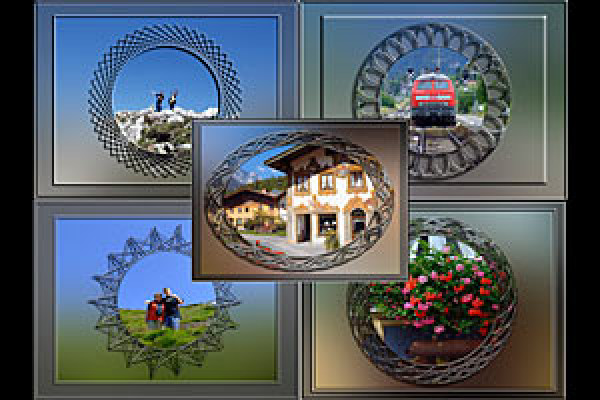
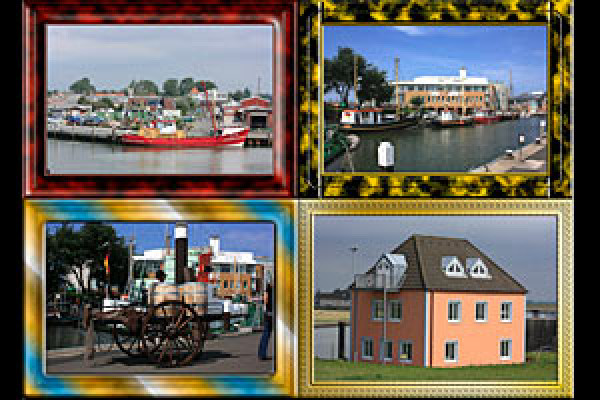
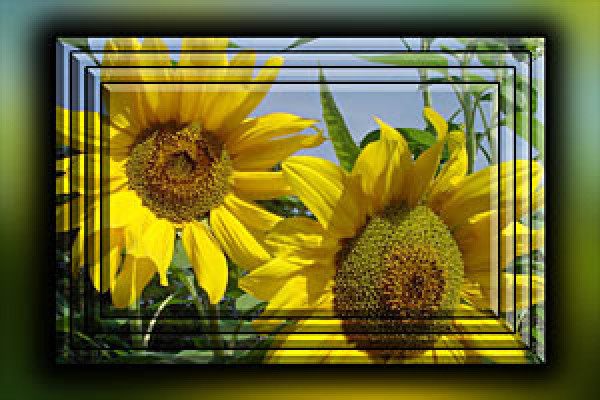
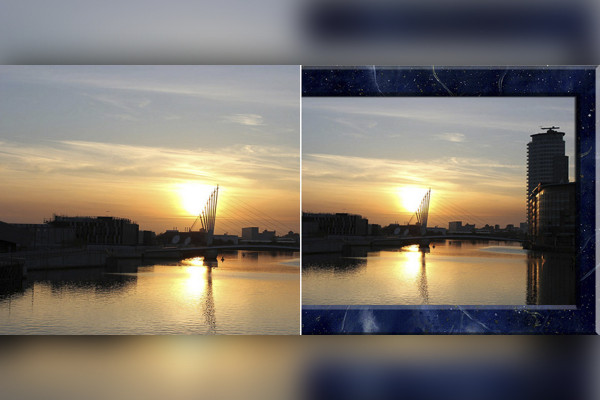
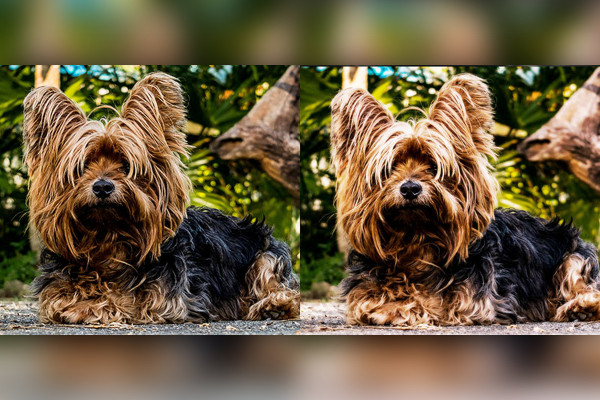
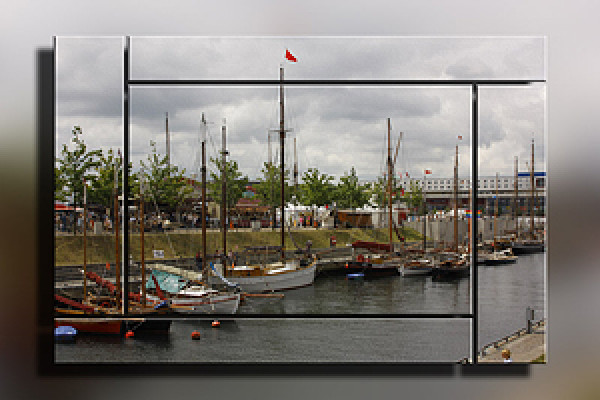
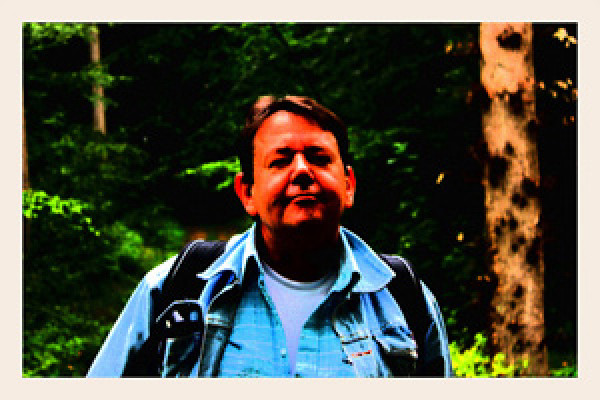
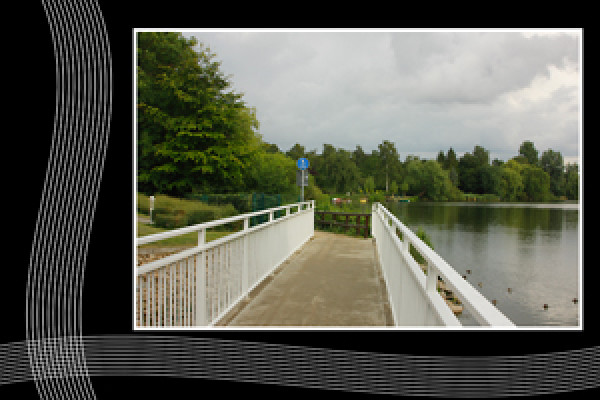
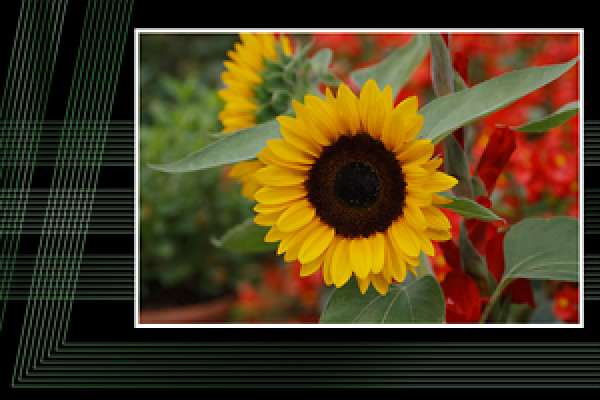
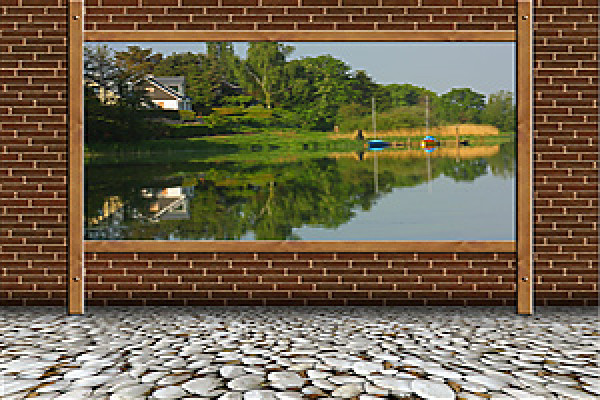
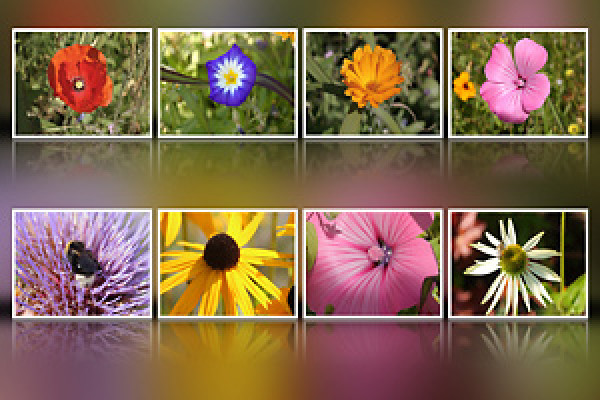
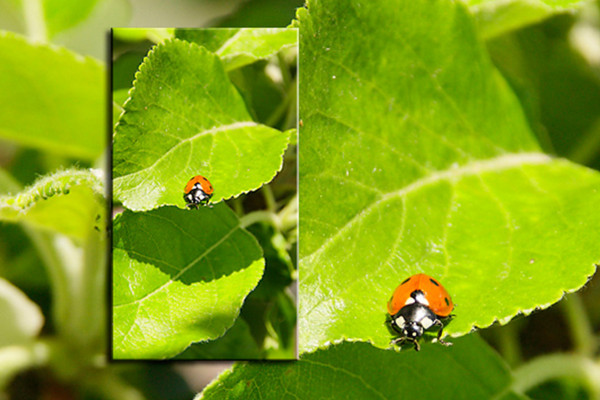
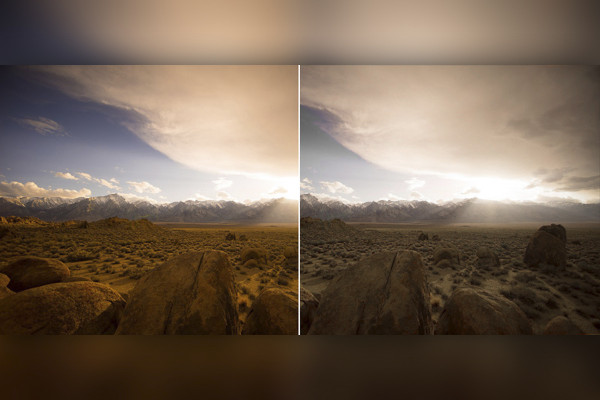
Handlingerne kan bruges på mange måder: smidige baggrundsmønstre, seje stilarter til tekst, kreative rammer til fotos.
Kommentarer (69)
Kommenter nu „Photoshop-actions-pakke - Vol. 2 - Top 100 handlinger“









 Photoshop-aktionspakke - Bind 2 - Top 100 handlinger.
 Photoshop-actions-pakke - Vol. 2 - Top 100 handlinger
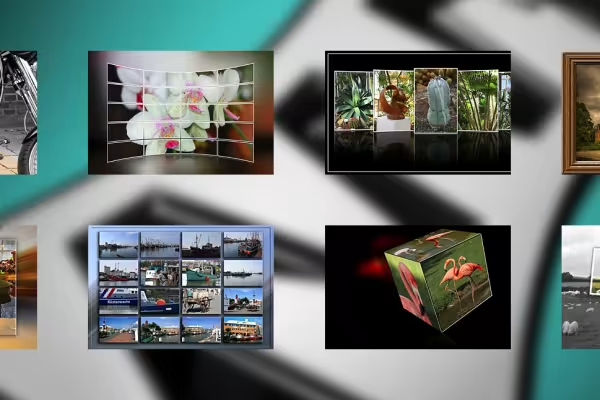 Handlingerne kan bruges på mange måder: smidige baggrundsmønstre, seje stilarter til tekst, kreative rammer til fotos.


Kommenter nu „Photoshop-actions-pakke - Vol. 2 - Top 100 handlinger“