
Design your own advertising banners in Photoshop - 10 modern top designs to recreate (tutorial)

- Simply design it yourself: How to build effective advertising banners in Photoshop
- Your learning success: You will be able to create beautiful banners yourself
- From job offers to company anniversaries: explained using 10 modern top design examples
- For social media, websites, newsletters and more: advertising banners in various sizes
- Instructive at every step: how and why you create the banner layouts in exactly the same way
- Ideas for your design: get inspiration for contemporary advertising banner designs
- Over four hours of practical Photoshop tutorial by design professional Stefan Riedl
Could your banner ads use more attention? Then press play and let this informative and entertaining tutorial inspire you to create new designs and approaches!
10 Videos, 261 minutes
Photoshop – modern design
Advertising banner in Photoshop: 01 | Lead magnet for Instagram stories
33 minIn this video, we create a banner (1080 px × 1920 px) that acts as a so-called "lead magnet" and fits perfectly into the format of the popular Instagram stories. The aim here is to inspire the viewer with a goodie (the download of a free e-book) by redirecting them to a landing page.
Ideal for joining in: In the project file for this tutorial you will find assets from TutKit.com as well as a readme with links to the fonts, images and icons used in all the tutorials in this training.
Advertising banner in Photoshop: 02 | Place job offer on social media
25 minHere we create a job banner that is perfect for social media appearances on Instagram. The 4:5 aspect ratio makes perfect use of the available space in the social feeds. In the video, we go into the cropping of people and the use of identity-creating "corporate patterns".
Advertising banner in Photoshop: 03 | Advertise offer, service
25 minA convincing offer is waiting in the wings? Here comes the banner! In a wide 16:9 format, we use a creative play on words and effective, large typography to advertise a service and incorporate a rating system.
Advertising banners in Photoshop: 04 | Present customer reviews
23 minProject successfully completed? Then share it with your future clients! In this video, we take up the idea of presenting positive customer reviews particularly prominently: in 4:5 format with a trendy cover overlay.
Advertising banners in Photoshop: 05 | Melting Skyscraper on the margins of websites
37 minThe integration of a skyscraper at the edges of websites is a popular way of attracting a lot of attention. Equipped with a modern long color effect and slab serif fonts, there are many tricks to discover in this tutorial.
Advertising banners in Photoshop: 06 | Typography style
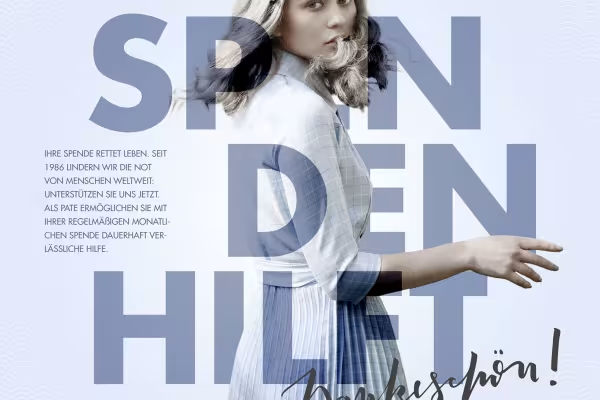
26 minTypography works! We use a quick clipping technique and blur the font with our motif using blending modes and layer masks. A pattern in the background and calligraphic hand lettering are also used in 1:1 format.
Advertising banner in Photoshop: 07 | Announce company anniversary
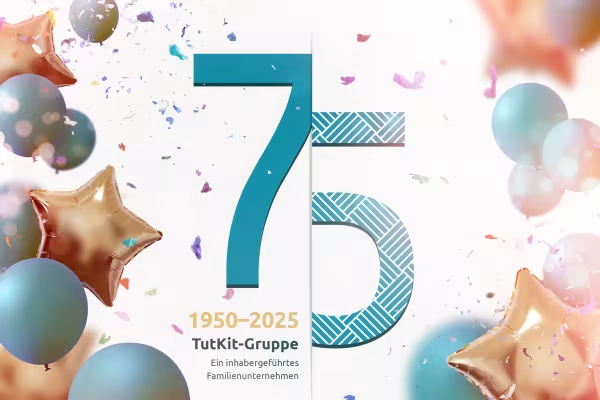
18 minAn anniversary coming up? You don't always have to reinvent the wheel. In this video, we use the finished figures as an asset and enrich them with confetti, balloons and bokeh overlays.
Advertising banner in Photoshop: 08 | Christmas, Advent season, Christmas sale
21 minIn this video, we create a design that is equally suitable for the Advent and pre-Christmas season as well as for the end of the year. Elegant gold gradients and carefully selected font combinations create a festive character in 4:3 format.
Advertising banners in Photoshop: 09 | Typography in focus
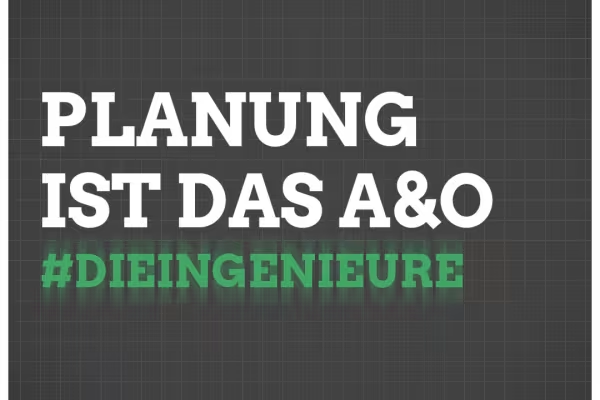
22 minSpecial attention is achieved when you leave out everything superfluous in a design. This 1:1 banner is a good example of how impressive typography can be as a stylistic device. The sources for icons, fonts and materials are also discussed.
Advertising banners in Photoshop: 10 | Announce festival events in Facebook posts
30 minThe ideal size for announcing events on Facebook: The format can be used perfectly as a header for event pages as well as a classic post. Impressive lighting effects and the matching polygon style create this composition.
Examples of use
-
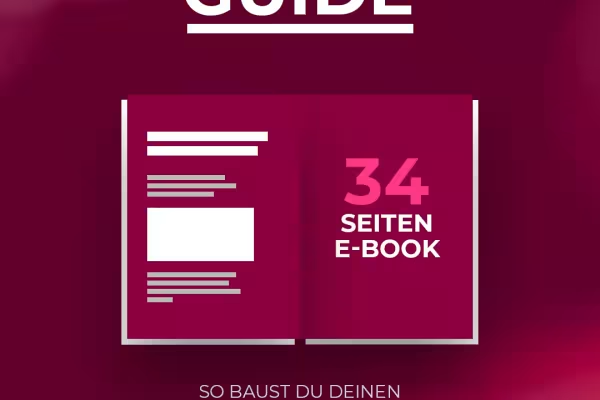 Create a reel banner that redirects to a landing page for a free goodie.
 -
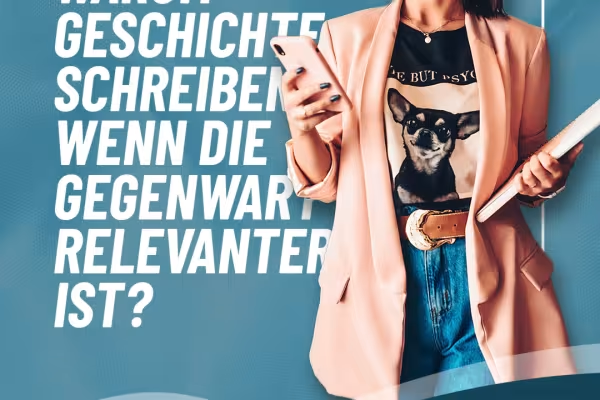 Grab the talent - with appealing advertising banners for your job ads.
 -
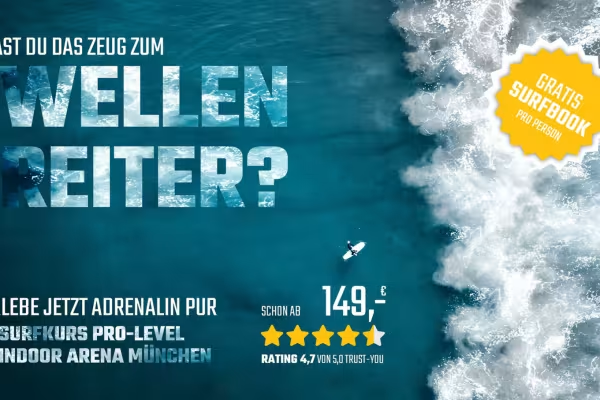 Offer? Discount? Promotion? Learn how to create banner ads worth seeing in the tutorial!
 -
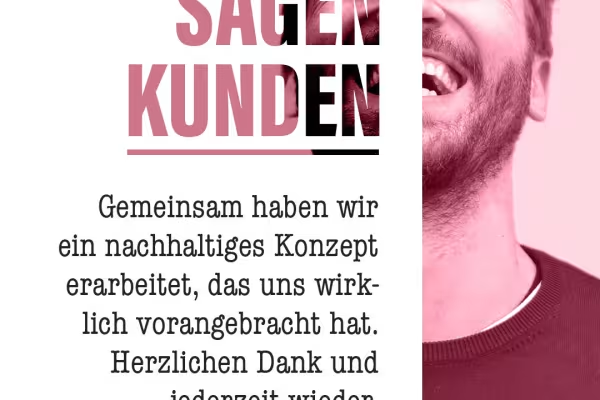 Lots of text in the banner? Take a look at how you can perfectly showcase customer testimonials, for example!
 -
 This allows you to utilize the space in the Hightower format so that your advertising banner stretches out illustratively.
 -
 Whether for social media, websites or newsletters - different banner formats are discussed in the tutorial!
 -
 Follow each editing step in Photoshop so that you can easily create the banners yourself.
 -
 Discount promotions for Christmas? There are plenty of them. So use the training to design a banner that stands out from the crowd.
 -
 Be inspired by different banner styles - for example the big typo look!
 -
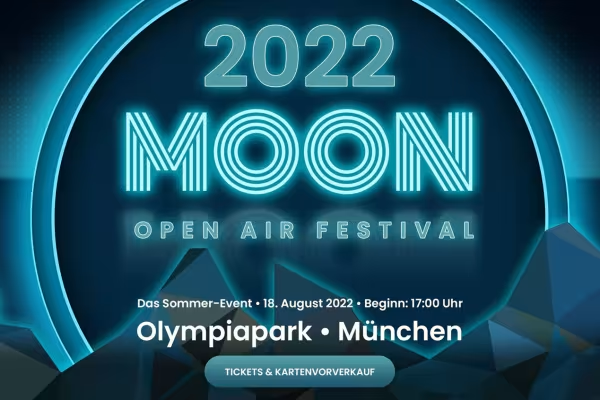 Luminous power! See how you can achieve great effects for your banners in Photoshop.
You might also like
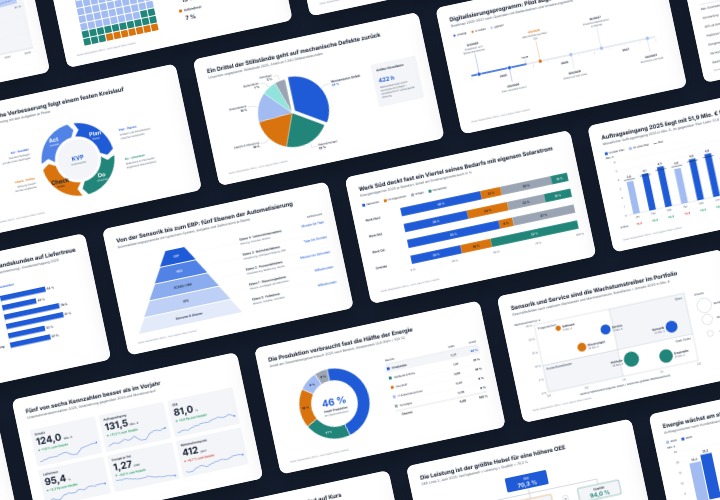
48 editable chart templates in SVG, PDF, EPS, PNG, and PowerPoint – in under a minute in the customer’s corporate identity
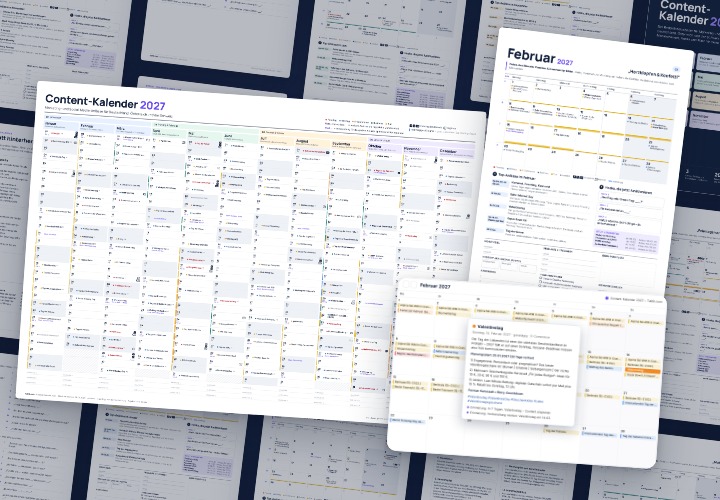
277 occasions with 3 post ideas each, wall planner A2/A1, monthly calendar A4, Excel database, calendar file, and bonus tools
10 sets of 50 vector icons in line and duotone, available in SVG, EPS, and PNG

20 sets in 4K (4096 × 4096 px, 300 DPI) as JPG plus Photoshop patterns, calibrated to the fill method
Comment now „Design your own advertising banners in Photoshop - 10 modern top designs to recreate (tutorial)“