Because it can be captured and read more quickly on screens: If you want to apply digitally, we recommend an application folder in landscape format. These templates provide you with a modern design for the cover sheet, CV, cover letter and references. Download them now and easily customize them in Word, InDesign or Affinity Publisher.
Send it out today: customize the application template in Word, InDesign or Affinity Publisher
Ideal as a digital application folder: all 5 color designs in A4 landscape format
Fully equipped: With layouts for cover sheet, cover letter, CV and references
This saves time! Start creating your digital application folder directly with a prepared design - simply start the download, open the file and insert your content.
content
Details of the content
Templates for a digital application folder in landscape format
Template for a digital application folder in landscape format (green)
If you would like to apply by email or via your company's application portal: Here is your template for a digital application folder. Prepared in A4 landscape format, your information can be easily captured on monitors. Download the design created in green and simply customize it in Word, Affinity Publisher or InDesign.
Template for a digital application folder in landscape format (turquoise)
Looking for a template for your digital application folder in landscape format? You've found what you're looking for: Download the turquoise design and customize the cover sheet, cover letter, CV, references and attachments. It's easy - in Word, InDesign and Affinity Publisher. Download now and get started!
Template for a digital application folder in landscape format (purple)
Your shortcut to a finished digital application folder: Grab this purple template and make all your customizations easily in Word, Affinity Publisher or InDesign. The template offers you layouts in landscape format for the cover sheet, CV, cover letter and a page for references and your overview of attachments. Download now!
Template for a digital application folder in landscape format (salmon red)
A4 pages in landscape format are much easier to read on monitors. So if you want to apply digitally, we recommend this template for an application folder in landscape format. It includes layouts for the cover page, CV, cover letter and a reference page. Download the salmon red template now and customize it in Word, Affinity Publisher or InDesign.
Template for a digital application folder in landscape format (dark green)
Prefer landscape to portrait? Here you go: This template for a digital application folder in dark green and designed in landscape format is easy to customize in Word, Affinity Publisher and InDesign. Download the template now and customize the cover page, CV, cover letter and references page as you wish.
Template for a digital application folder in landscape format (green)
Template for a digital application folder in landscape format (turquoise)
Template for a digital application folder in landscape format (purple)
Template for a digital application folder in landscape format (salmon red)
Template for a digital application folder in landscape format (dark green)
Examples of use
Open gallery
Prepared in landscape format: Layouts for cover sheet, cover letter, CV and references.
Open gallery
Easier to capture on screen - the landscape format template is particularly suitable as a digital application folder.
Open gallery
Customize the templates in Word, InDesign or Affinity Publisher as you wish.
Comments (0)
Comment now „Digital application folder - template in landscape format“



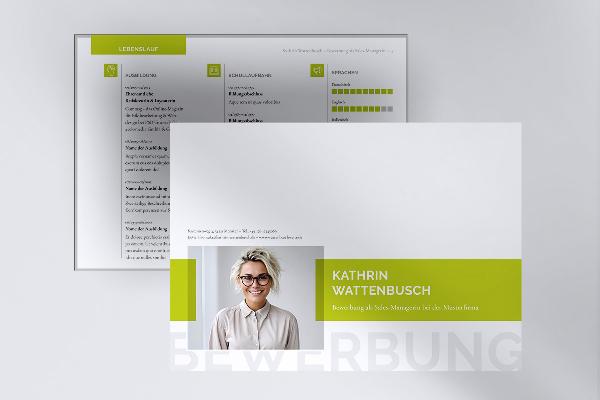
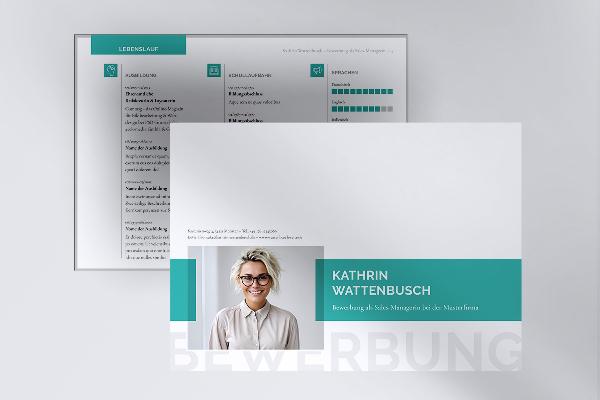
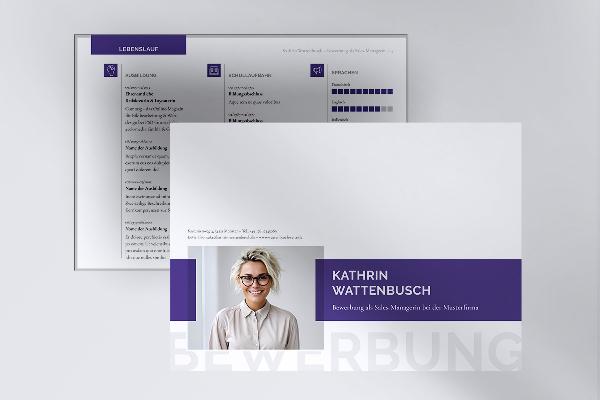
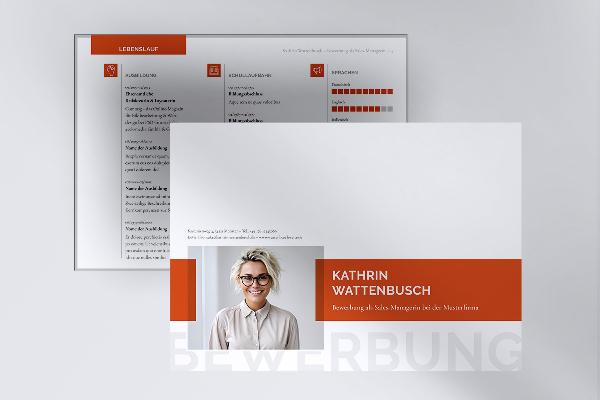
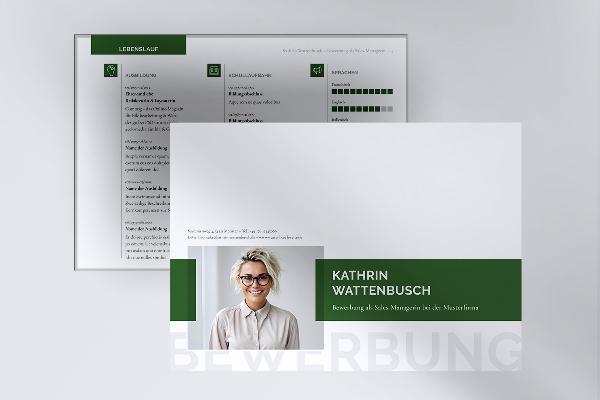


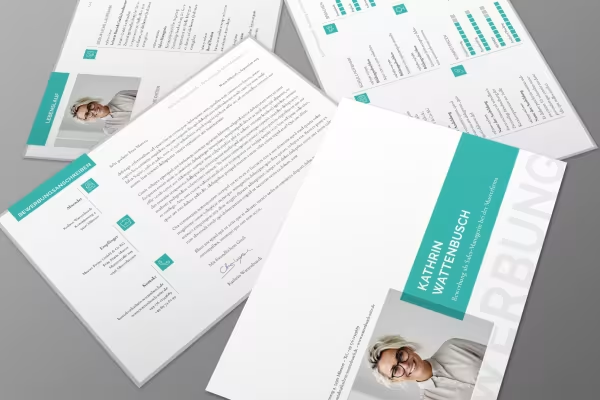 Prepared in landscape format: Layouts for cover sheet, cover letter, CV and references.
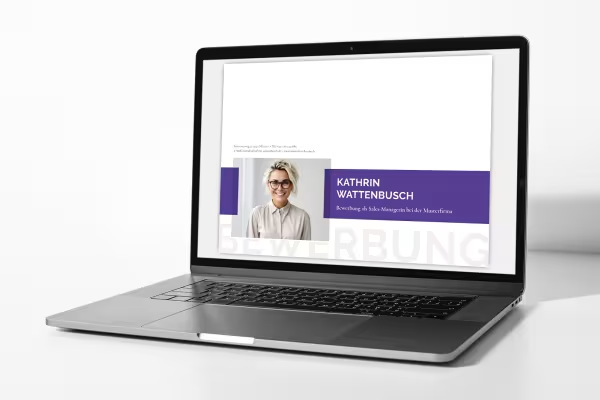 Easier to capture on screen - the landscape format template is particularly suitable as a digital application folder.
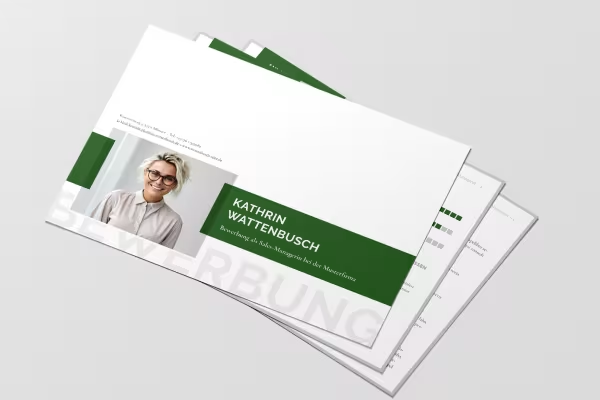 Customize the templates in Word, InDesign or Affinity Publisher as you wish.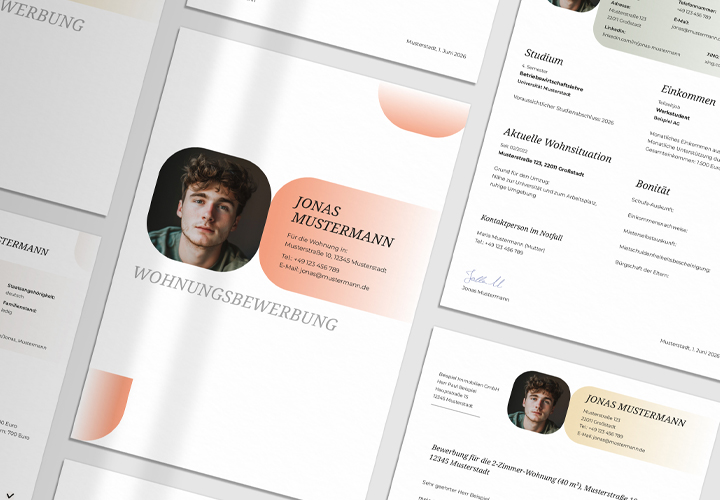
Comment now „Digital application folder - template in landscape format“