
Sticker & Pop – 100 Photoshop Styles for Promotional Graphics

- Design action words, discount badges, and event titles with your own content instead of adopting ready-made lettering images.
- Make text and shapes stand out clearly from the background with outlines, shadows, and edges – even over photos.
- Adjust the layer effects involved, such as stroke width, shadow distance, or the colors of a color overlay or gradient overlay.
- Start in an editable PSD template or transfer an imported style to a layer in your own document.
Choose a look, insert your text, and adjust the effects to fit your format.
content
5 items
The five style sets


Other users are also interested
You might also like
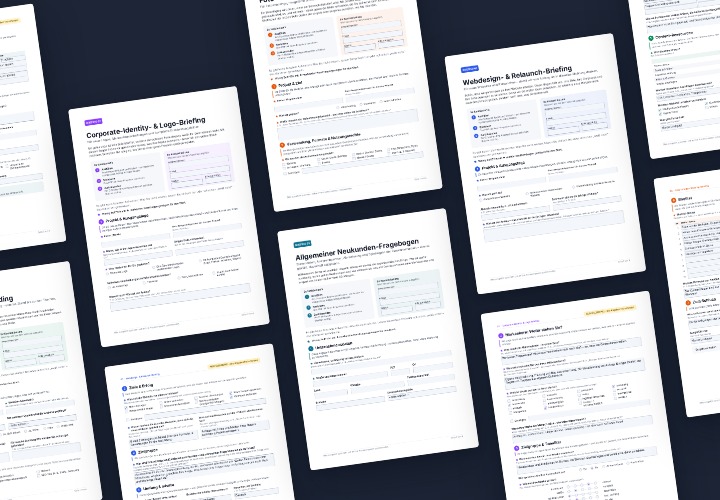
Briefing Templates for Agencies: 5 Fillable PDFs
5 sheets of 4 A4 pages each as a fillable PDF – with filling examples and a guide for Acrobat and InDesign
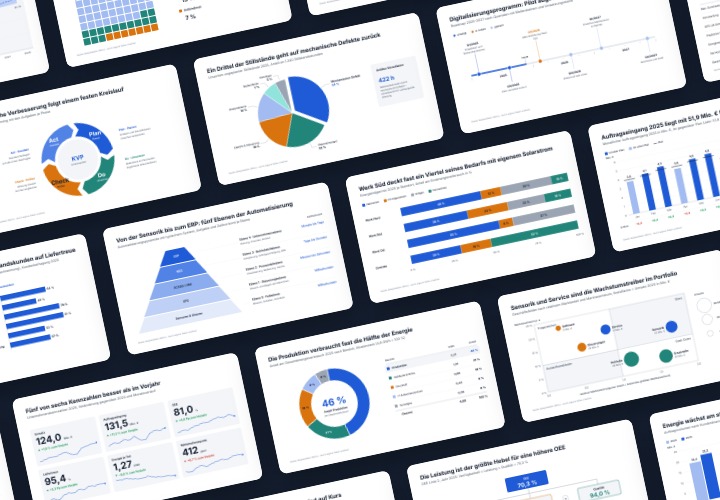
Infographic templates & diagrams for technology & B2B | TutKit
48 editable chart templates in SVG, PDF, EPS, PNG, and PowerPoint – in under a minute in the customer’s corporate identity

Preset Mega Package: 100 Looks for Lightroom & Capture One
100 presets in 5 themes · each look in .xmp, .dng, and .costyle · for desktop and smartphone
new
−40%
International price
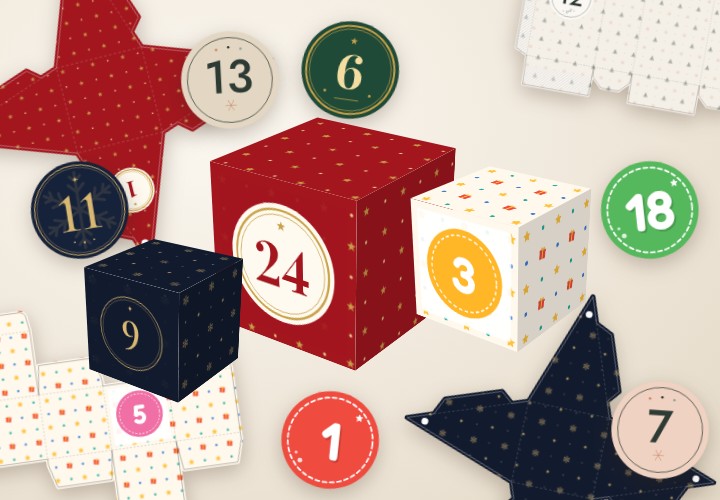
Printable Advent Calendar – Kit with 7 Template Sets
7 template sets in 4 design lines – A4 PDF with crop marks, plotter SVG, JPG/PNG, PPTX, DOCX and XLSX
Comment now „Sticker & Pop – 100 Photoshop Styles for Promotional Graphics“