


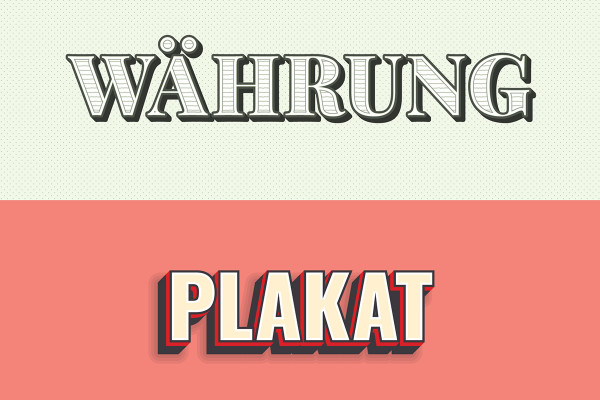

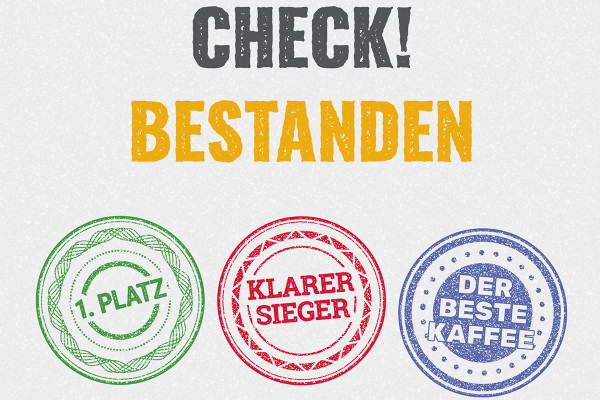
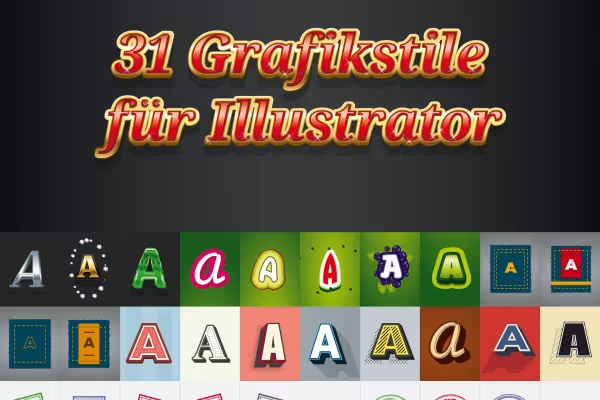

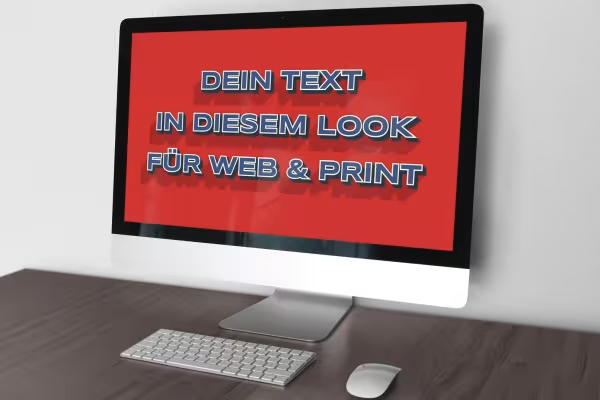
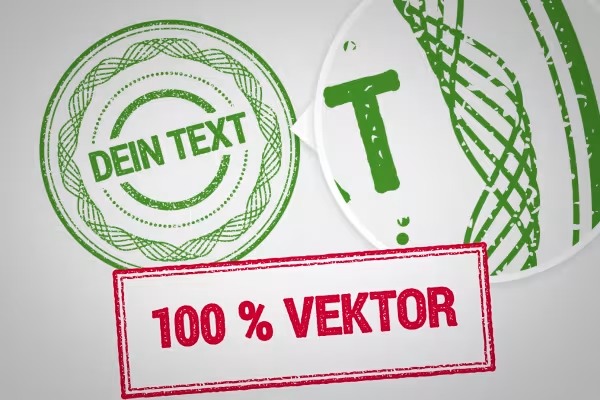
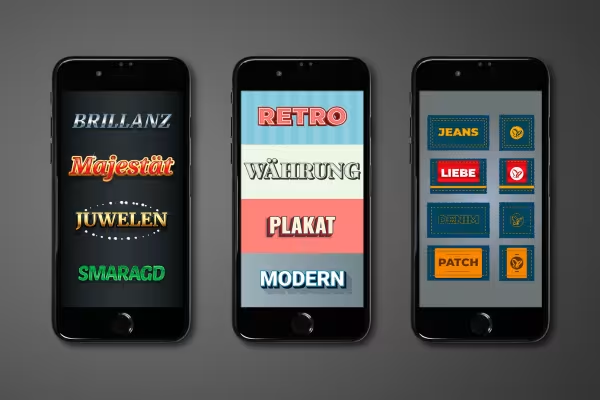
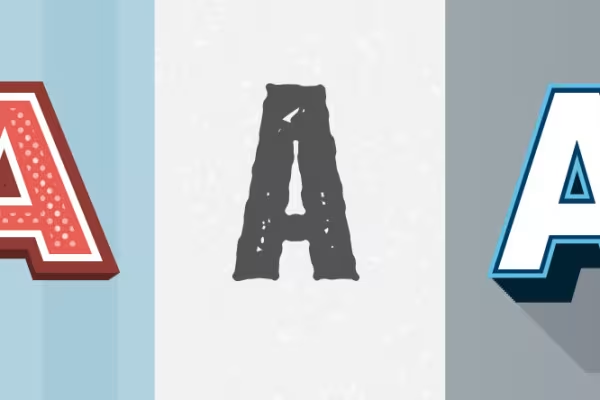
One click - a new look! Turn your texts and vector graphics into jeans patches and stamps. Present them in a summery watermelon, majestic glamor or classic vintage style. How to achieve this! Download the 31 graphic styles for Illustrator and apply them to your lettering, logos and other design elements with just one click. It's so easy to create illustrative designs for websites and print layouts.
Overwhelmingly easy to use and simply fantastic results - start the download now and enrich your Illustrator library with fantastically beautiful graphic styles.
Graphic styles in Illustrator are a wonderful way to apply prepared effects such as shadows, gloss or contours to text or vector graphics . We have created 31 high-quality looks for you that you can apply to your objects with just one click.
The package contains a total of 31 graphic styles for 6 themes . Use the styles to give a logo a new look, for example. Create eye-catching seals for an online store, poster or flyer. Create illustrative banners that attract attention online ... Your graphic styles:
The graphic styles are based on your vector graphics and can be scaled without loss of quality. This makes the graphic styles suitable for developing illustrations for display on the web and in print. Whether you place the looks and styles on a banner for your website or on a large-format poster - the graphic styles present themselves in the best form and color in small and large, digital and printed formats.
The graphic styles are available in AI files for Illustrator. To avoid having to reload them every time, save them in your graphic style libraries. After downloading the files , copy them to the GraphicStyles folder , which is located under the default settings in your Illustrator directory. To find out exactly where the folder is located, click on Window>Graphic Style Libraries>Other Library... in Illustrator and the corresponding path will be displayed.
Immediately after copying the files, the graphic styles are available to you at any time: Open the Graphic Styles panel in Illustrator under Windows. Click on the icon for the "Graphic style libraries" menu at the bottom left and select the desired library. Activate the text or vector graphic to which you want to apply the graphic style and click on the graphic style. Done.
A little tip on scaling: If you subsequently change the size of your design element, pay attention to the Scale contours and effects setting in the Transform control panel. Whether this is activated or not affects the behavior of the graphic style when scaling. Alternatively, you can use the sample files provided: Open them in Illustrator and simply change the default texts.
Vector-based and versatile
260 assets for your graphics library!
How to build trust with customers
Simply create shiny effects
25 icons in different, editable variants
Get your designs up to speed!
Show with clear symbolism what guests can expect
90 vector-based, modern graphics