Photoshop action "Architecture": Sketch look for buildings and rooms

Photoshop action "Architecture": Sketch look for buildings and rooms

With the Photoshop action, you can give your images an artistic sketch look in just a few clicks. The automatically generated image style is particularly suitable for the field of architecture, for the representation of buildings and rooms. Use the action for exclusive real estate exposés, for example.

  • Give your architectural images an aesthetically pleasing Sketch look
  • Define an area and start the action - Photoshop creates the image style automatically
  • Ideally suited for pictures of buildings, houses, apartments, interiors
  • Use the sketch look, for example, in real estate exposés, on portfolio pages or for blog posts
  • Includes action, pattern, video and PDF quick guide

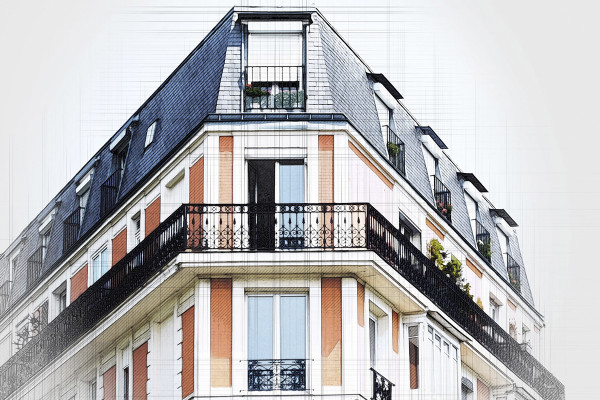
A combination of black and white, delicate colors and sketchy hatching - start the action and create extravagant architectural views.

content

Details of the content

Photoshop action "Architecture": Sketch look for buildings and rooms

Photoshop action "Architecture": Sketch look for buildings and rooms

Photoshop action "Architecture": Sketch look for buildings and rooms

Examples of use

  • Open gallery
    Example: Create an aesthetically high-quality sketch look in just a few seconds!
  • Example of the Photoshop action Architecture - Buildings in sketch look
    Open gallery
    Example: Use a few brushstrokes to determine how you want to use the effect.
  • Open gallery
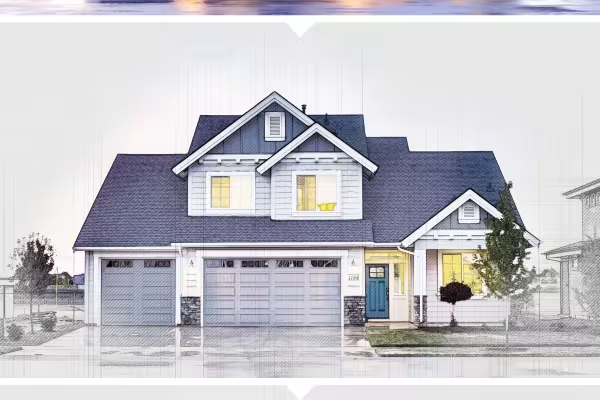
    Example: Ideally suited for exterior and interior views.
  • Open gallery
    Example: The generated hatchings are based on the image content.
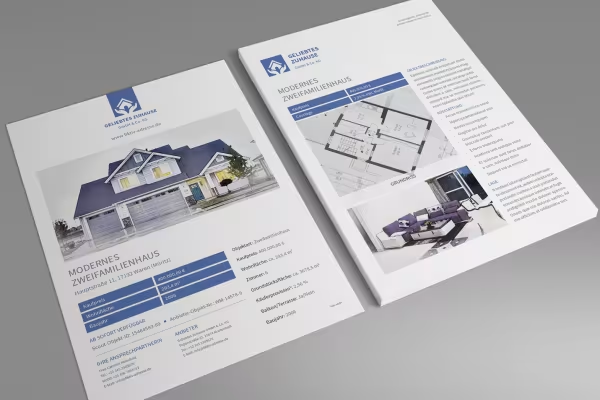
  • Real estate exposé with house in sketch look, created with the Photoshop action
    Open gallery
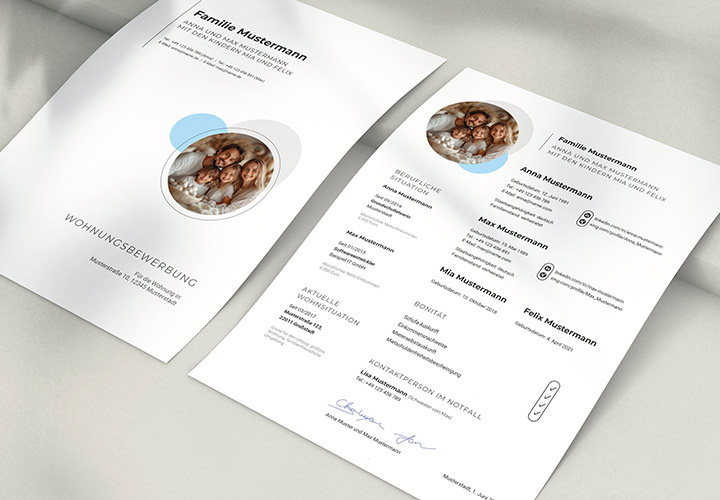
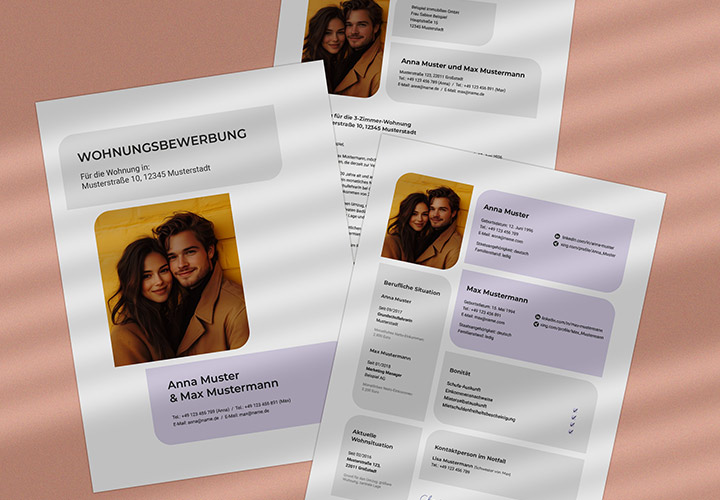
    Use the sketch style for presentation and use practical exposé templates.

help video for application

Video instructions for the Photoshop action -Architecture-

Using the Photoshop "Architecture" action is very simple. After downloading it, import it into Photoshop together with the pattern. On a new layer above your image, define areas where you want the effect to be particularly strong. After starting the action, Photoshop automatically creates the sketch look. Watch this video tutorial by Matthias Petri to find out how to proceed and get a few additional tips on how to use it.
9 minutes · free of charge
Comments (14)

Comment now „Photoshop action "Architecture": Sketch look for buildings and rooms“