


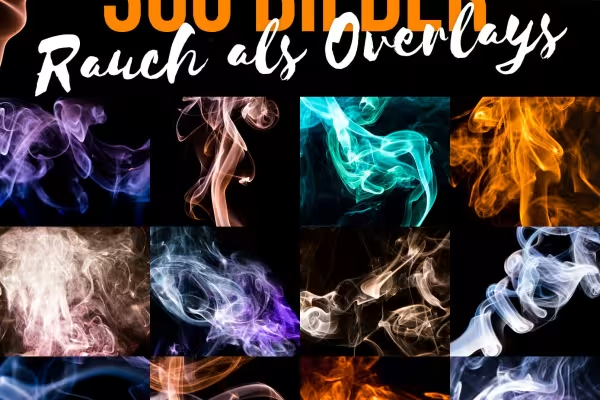
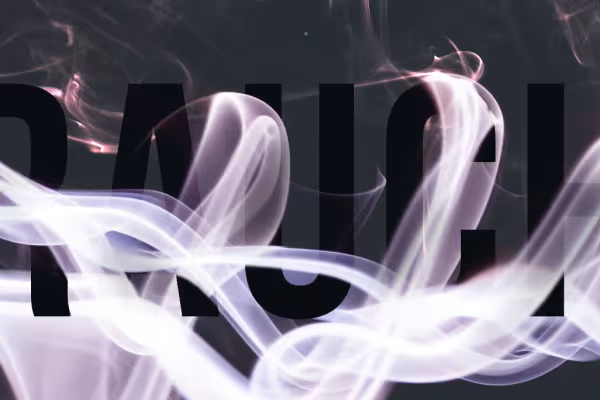
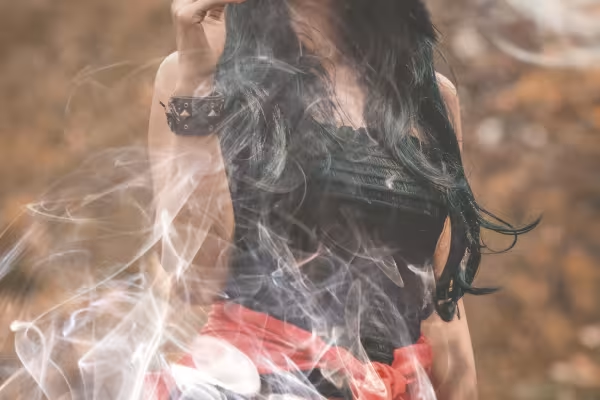
Video tutorial for Photoshop: How to apply the smoke overlays
If you want to add haze, smoke and fumes to your photos or image compositions, we recommend our 300 smoke overlays. Watch this video tutorial to find out how to apply the high-resolution JPG files. In Photoshop, load the desired smoke image, place it over your work and set the blend mode to Multiply negative. The black background will disappear and the smoke effect will merge with your image. You can find more tips on how to use it in the video. Incidentally, the procedure can also be transferred to programs such as Affinity Photo. Have fun creating your smoky effects!



Comment now „300 smoke overlays - pictures with smoke and fumes in different colors“