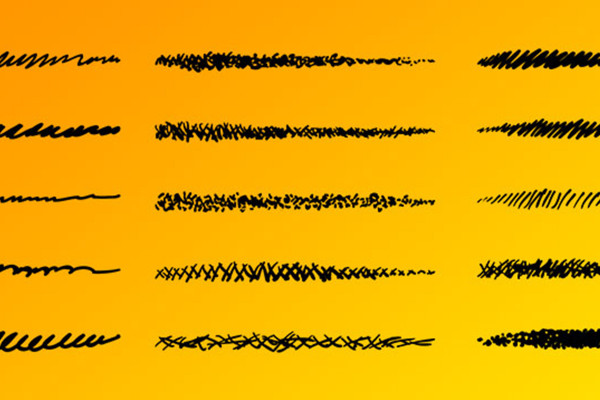
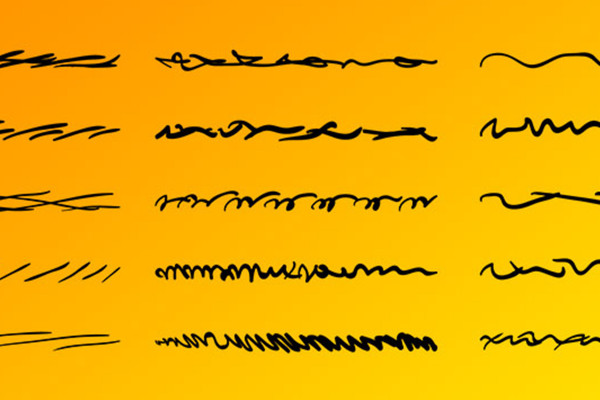
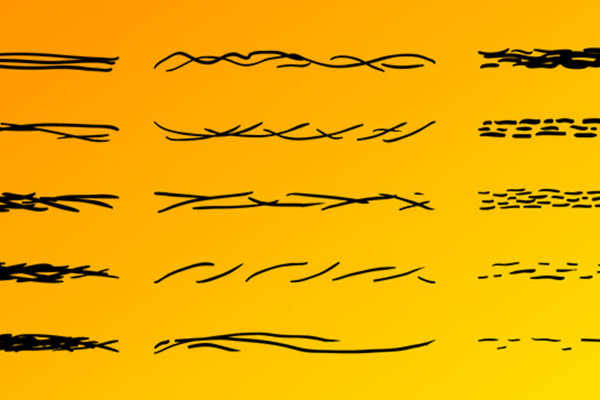
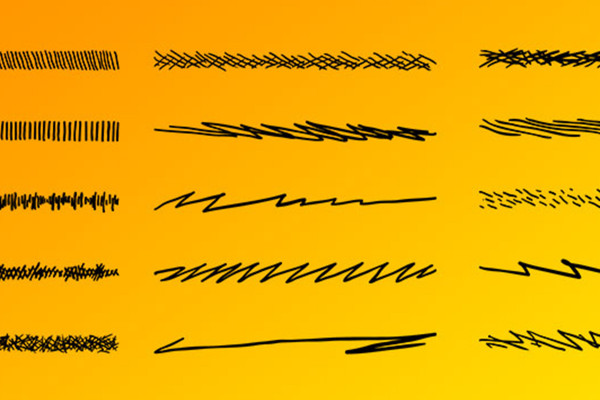
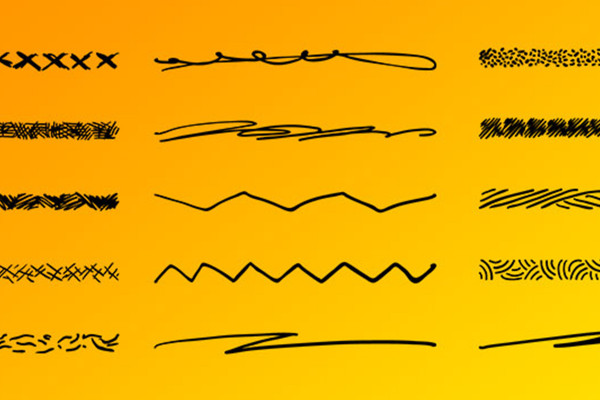
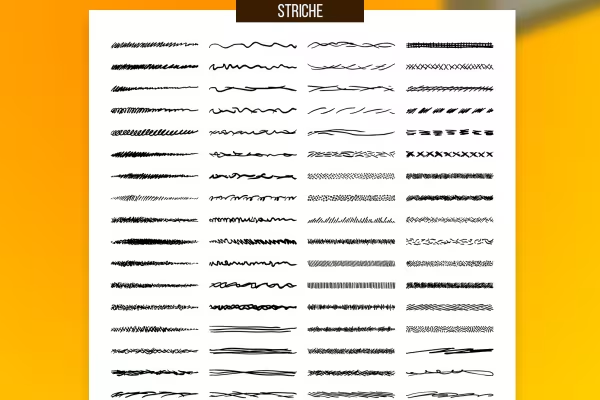
The color: freely customizable. The size: scalable without loss. The result: your vector graphics look like they were drawn by hand. Download a whopping 100 brushes for Affinity Designer to draw artistic lines or outline your graphic objects. The digital sketch look is that easy!
As soon as you want your drawings and graphics to take on the sweep of a hand-held pen - pull out one of the brushes and create the sketch look directly in Affinity Designer.
Edgy and straightforward is easy. But what if you want your digital graphics to look like you drew them with pen and paper? - In such cases, simply reach for the 100 brushes in this Affinity Designer pack .
Whether you want to draw a cartoon character or give your logo a sketchy look, you can use the brushes to create lines and contours that conjure up curlicues and squiggles in your graphics. The 100 variants deliberately dispense with straight lines and add crooked, crooked, short, long, wavy or jagged strokes to your brush repertoire. They all leave a trace that looks as if it was drawn by hand.
Affinity Designer brushes come in two varieties - one is pixel-based, the other vector-based. The brushes in this package offer you vector quality so that you can scale their size without loss even after use. You can also decide for yourself which color your lines, strokes and contours should be displayed in.
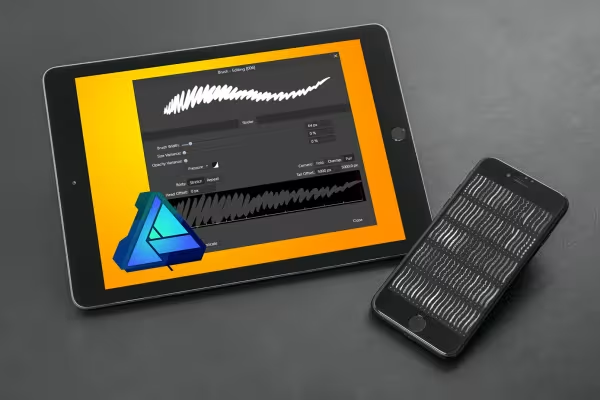
Double-click on the brush files or drag and drop them into Affinity Designer to load them into the program. Alternatively, select Import brushes from the menu in the top right-hand corner of the Brushes panel.
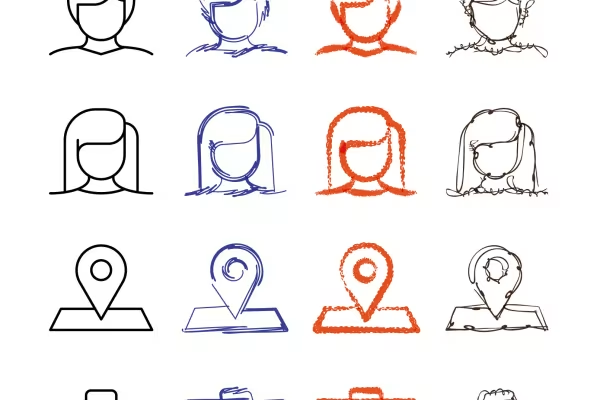
To draw freeform shapes, select the paint brush and a desired brush. You can also achieve great effects by selecting your graphic objects and applying the brushes as an outline . This allows you to easily apply the sketch-like appearance to logos, icons or lettering, for example.
Show with clear symbolism what guests can expect
Get your designs up to speed!
Vector-based and versatile
90 vector-based, modern graphics
How to build trust with customers
Simply create shiny effects
260 assets for your graphics library!
25 icons in different, editable variants