



Photoshop tutorial: How to create magical glowing image effects
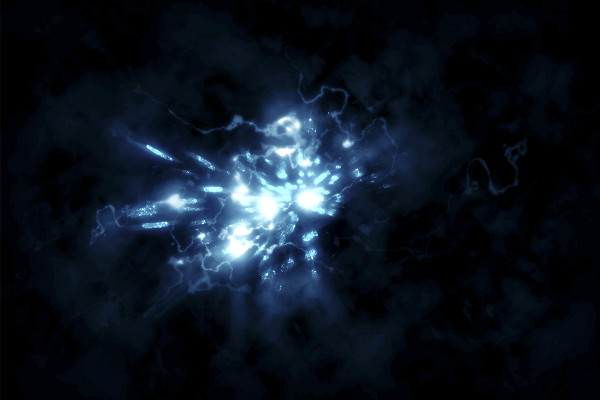
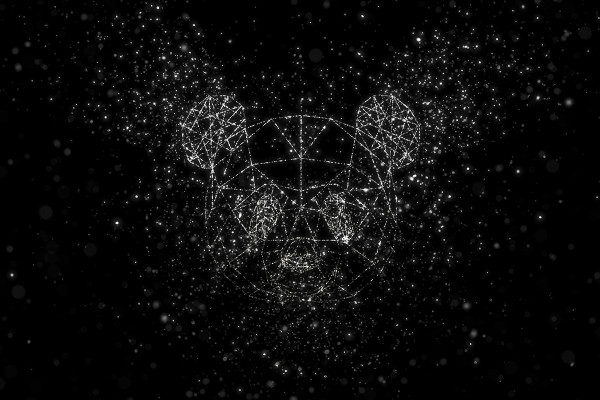
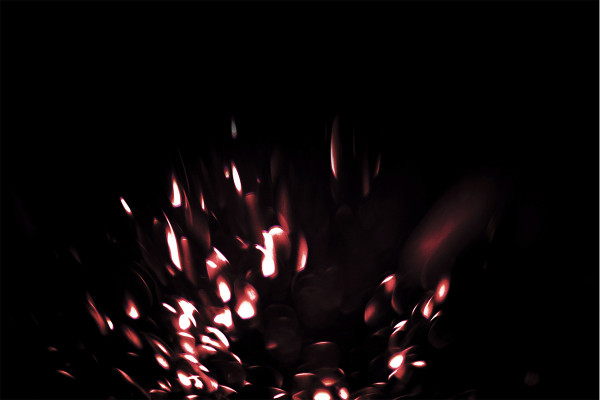
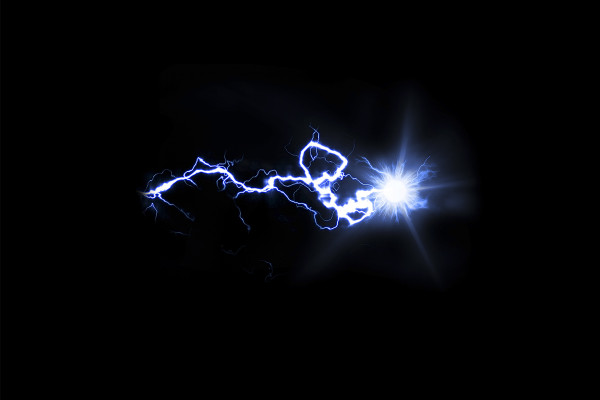
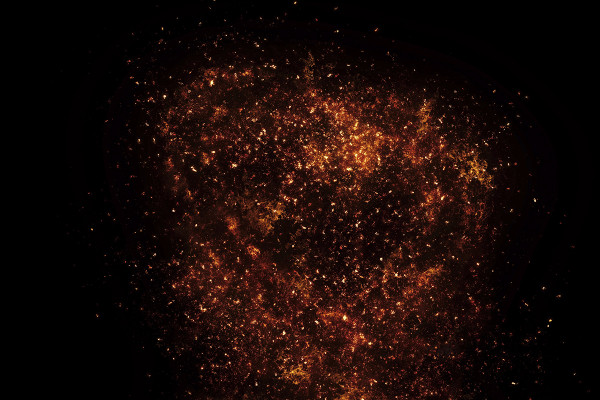
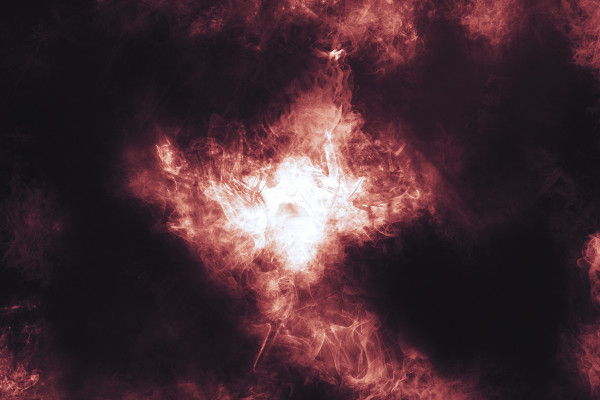
With the help of our 60 magical glowing picture effects, you can quickly and easily light up your pictures, photos and compositions with lightning, sparks, smoke and glitter. All motifs are set against a black background. To remove this, change the layer's blend mode to Multiply negative. Once the image effects are in your work, you can edit them further, for example by resizing, cropping or rotating them. Stefan Riedl explains exactly how to proceed and what you should pay attention to in this inspiring Photoshop tutorial.



Comment now „60 magically glowing picture effects: Lightning, sparks, smoke and glitter“