


Instructions: How to convert photos into painted images with the Photoshop action -Painting look-
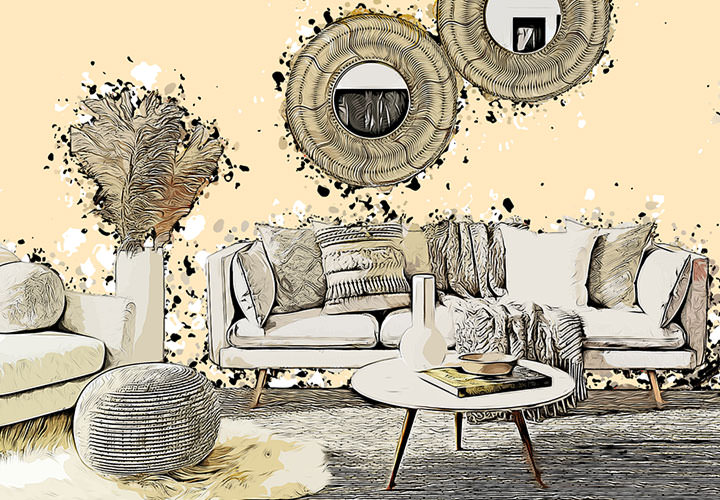
Using the Photoshop "Painting look" action is very simple: First import the action, the brushes and patterns provided into Photoshop. Then create a new layer and draw a few brushstrokes on it. Then start the action. During the course of the action, you have the option of refining the appearance by clicking and dragging a brush. The action quickly transforms your photo into a picture that looks like it has been painted. You can find out exactly how to proceed in this video tutorial.



Comment now „Convert photos into painted images: Photoshop action "Painting look"“