

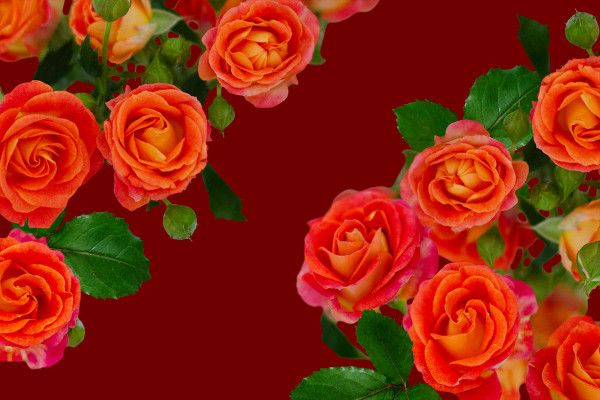




Photoshop tutorial: How to insert images with red and yellow roses into your photos
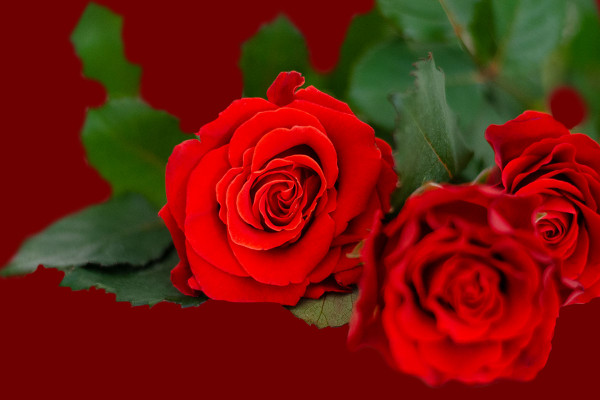
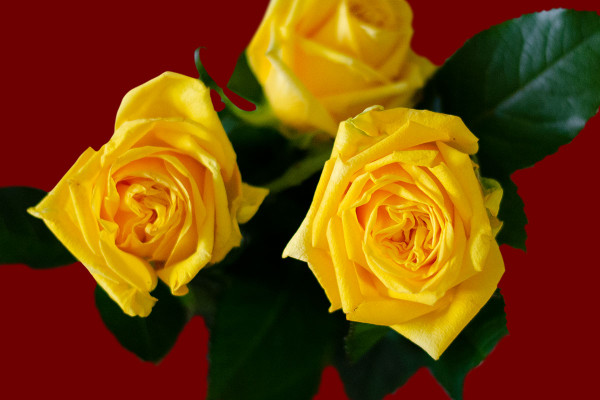
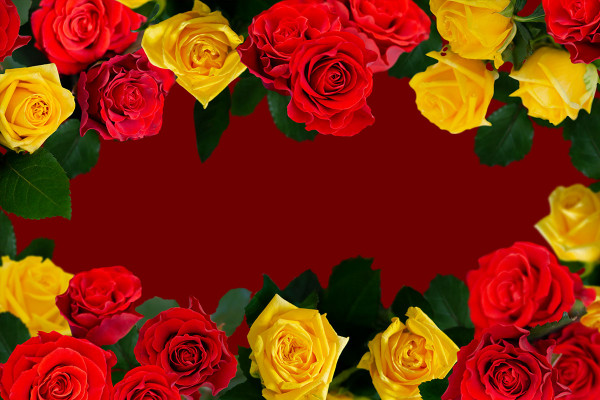
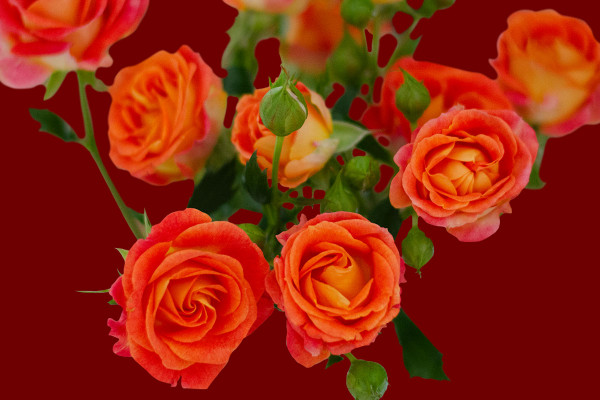
Would you like to let the wonderful blooms of red, yellow and red-yellow roses blossom in your photos? - It's easy with our Blum images: choose the right motif, place it on a separate layer and adjust the size and orientation. Stefan Riedl explains what else you should pay attention to and which tips and tricks will lead you to a convincing end result in the video of this inspiring Photoshop tutorial.



Comment now „65 images of red and yellow roses for your photos“