

Creative set: Portrait picture frame with watercolor effects for Photoshop & Co.

Creative set: Portrait picture frame with watercolor effects for Photoshop & Co.

Textures, backgrounds and splashes of color - limitless combination possibilities! Create picture frames with watercolor effects in Photoshop, GIMP, Affinity Photo and more to perfectly match each of your portraits. Simply assemble and insert photos - the eye-catcher is pre-programmed!

  • The large creative set for freely customizable picture frames with watercolour effects
  • Simple modular principle: combine the accents, backgrounds and splashes of color to create individual frames
  • In print quality: prepared for photos in landscape and portrait format (300 dpi, 4,000 px × 6,000 px)
  • Excellent for portraits - and can also be used for many other photo motifs
  • Software-compatible JPG and PNG files for layer-based programs such as Affinity Photo
  • Bonus: all 45+ assets are also available in PSD files specially prepared for Photoshop

Do you love the delicate gradients of watercolors? Do you like variety? And colorful? Then grab this set and create one watercolor look after another for your photos.

content

Details of the content

Creative set for download: portrait picture frame with watercolor effects for Photoshop & Co.

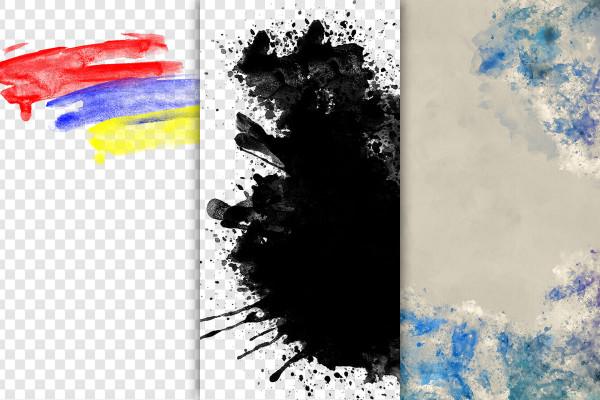
Portrait picture frame with watercolor effects for Photoshop (PSD file)

Portrait picture frame with watercolor effects for Photoshop (PSD file)

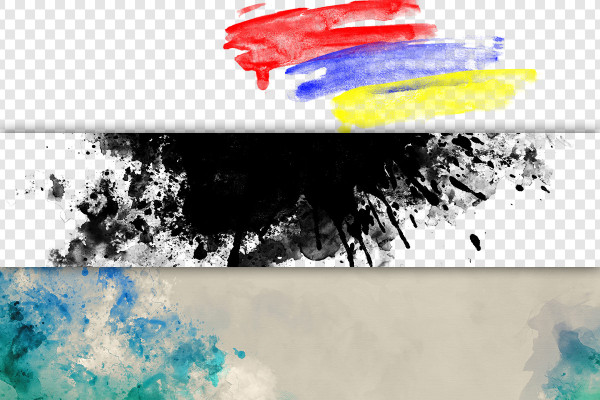
Landscape picture frame with watercolor effects for Photoshop (PSD file)

Landscape picture frame with watercolor effects for Photoshop (PSD file)

Portrait picture frames with watercolor effects (PNG and JPG files)

Portrait picture frames with watercolor effects (PNG and JPG files)

Landscape picture frames with watercolor effects (PNG and JPG files)

Landscape picture frames with watercolor effects (PNG and JPG files)

Examples of use

  • Open gallery
    Example: Create individual frames with a watercolor effect for your photos.
  • Photo of a child in a picture frame with watercolor effect
    Open gallery
    Example: Combine the different assets as you like and to suit your portrait.
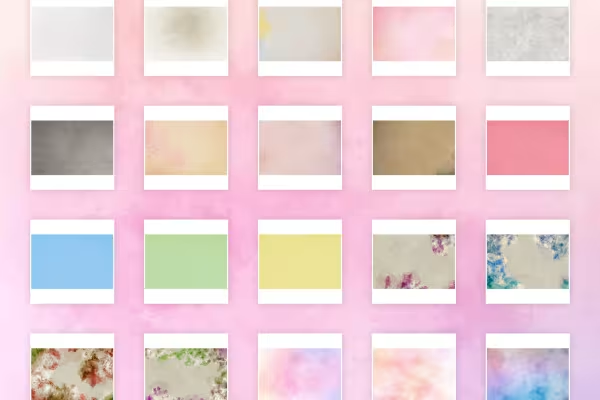
  • 20 backgrounds with watercolor effect
    Open gallery
    Step 1 ... Choose the right background from 20 backgrounds.
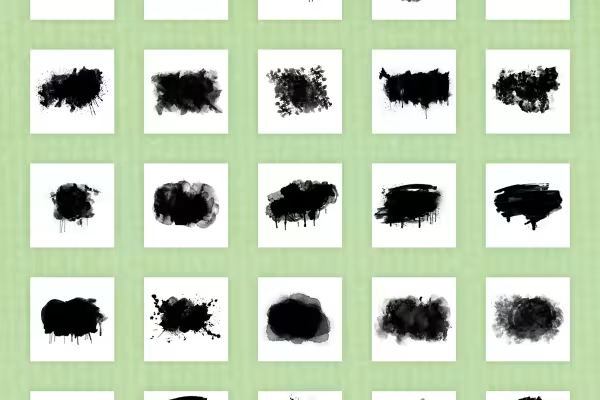
  • Water-colored blobs that serve as picture frames for photos
    Open gallery
    Step 2 ... Add the desired watercolor blob and place your photo in it.
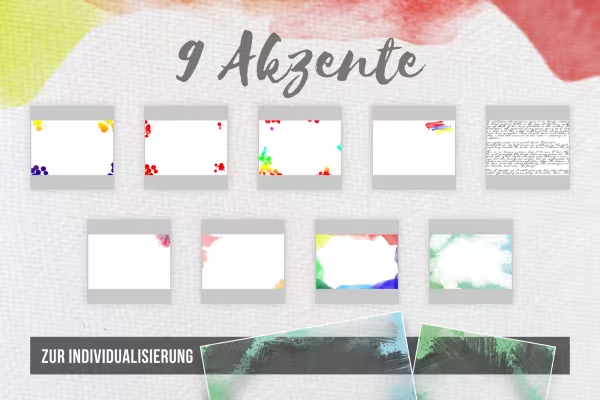
  • Pictures with textures add additional accents to the picture frames
    Open gallery
    Step 3 ... Add more structures and motifs to the picture frames.
  • Photo of a dog in a picture frame with watercolor effect
    Open gallery
    Example: To flow away ... add water-colored frames to your favorite photos.

help video for application

Video tutorial: How to create individual picture frames with watercolor effects

With our large creative set for picture frames, you can create individual picture frames for your photos. You can use backgrounds, splashes of color and accents with watercolor effects.

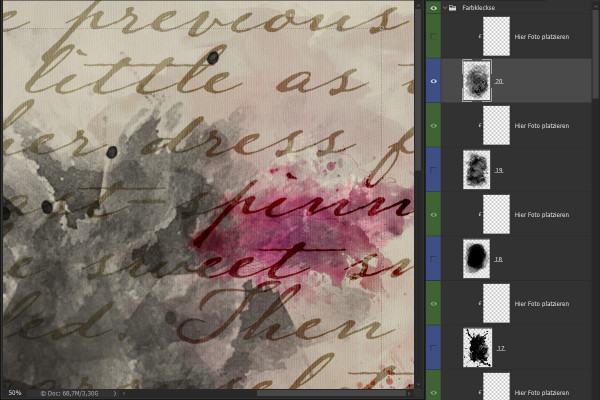
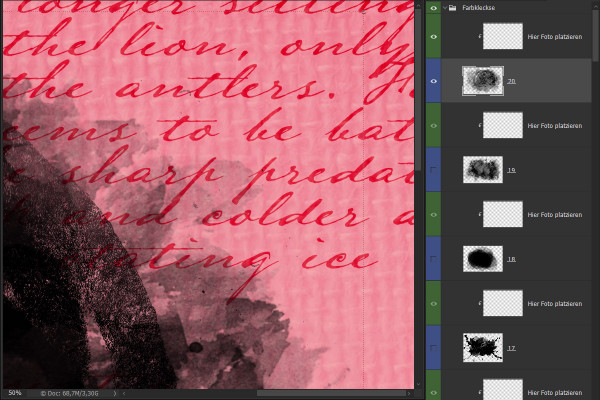
In Photoshop, it's best to use the prepared PSD files in which you simply add the desired layers. In other layer-based programs such as GIMP and Affinity Photo, you can use the PNG and JPG files that you simply drag into the workspace. Place your photo over the color blob you have selected, create a clipping mask and adjust the sizes. Your picture frame is finished. Matthias Petri explains exactly how to do this in this instruction video.


7 minutes · free of charge
Comments (1)

Comment now „Creative set: Portrait picture frame with watercolor effects for Photoshop & Co.“