

Adobe Fresco - Download brushes, apply brushes
Paint and draw digitally - let your creativity run wild with our brushes for Adobe Fresco ! You can simply download the brushes and import them into Adobe Fresco. Whether it's smoke, hair, water splashes or fire - we have a huge selection of brushes that are ideal for use in Adobe Fresco . Take a look right now and get the brushes you need for your drawings and pictures. Download now and use them straight away!
On this page





Filigree and splendid for your photos, texts & designs

Brush tips for the cold season

Blums, leaves, butterflies & co
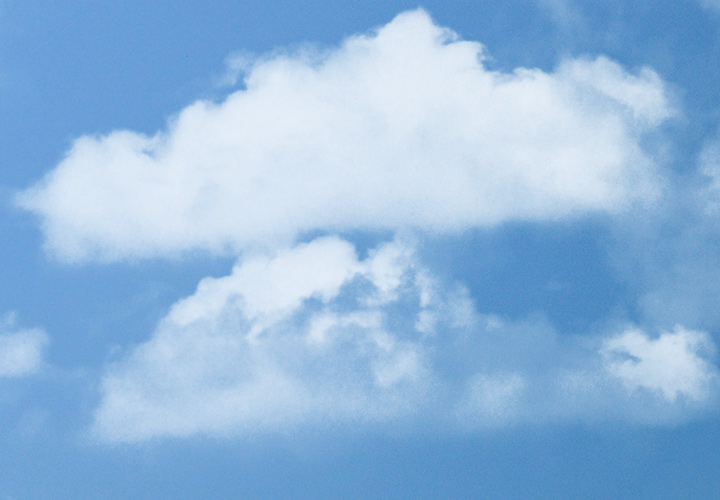
Ascend to cloud nine!
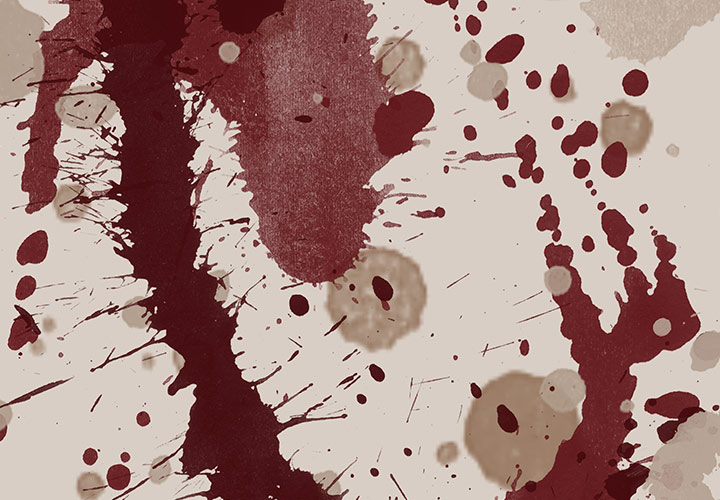
For Photoshop and Photoshop Elements!
Motifs for your drawings
Brushes for Adobe Fresco for download
Download, import and draw brushes
About Adobe Fresco
Adobe Fresco is an application from Adobe that has been specially developed for digital drawing and painting with touch and pen devices. You can use the app to create digital artwork, illustrations and paintings. Adobe Fresco offers you a variety of tools and simulates natural painting techniques on digital devices.
Brushes in Adobe Fresco
A particularly interesting feature of Adobe Fresco is the integration of so-called live brushes. These brushes are designed to recreate the authentic painting experience on paper or canvas, including the mixing of colors in real time. Fresco also supports working with layers, which allows you to organize your work and achieve different effects.
Adobe Fresco is available for multiple platforms, including iPad, iPhone, for select Surface Pro and Windows devices.
Digital painting and drawing with Adobe Fresco
One-paint brushes with matching motifs
Give the artist in you the brush. Or even a few hundred. With our brushes for Adobe Fresco , you can bring true works of art to life for you and your customers. The professional painting and drawing app Adobe Fresco already includes vector and live brushes as well as all the brushes you know from Photoshop. But the ones you don't know yet are even more exciting. We have prepared thousands of additional brushes that you can integrate directly into Fresco. See what you can do with them and download them now ...
Painterly compatibility: pixel brushes in ABR format for Adobe Fresco
You can simply download our brushes in AB R format and then import them into Adobe Fresco. There you can now choose one of the many brush tips to your heart's content and start drawing immediately. Feel free to give your brushstrokes more size - up to 2,500 px, for example. This way, you can give even huge pictures more vibrancy with a flick of the wrist. Are you more of a Photoshop or Affinity Photo person? No problem - simply use our brushes across all software.