
Photoshop Actions Pack - Vol. 1 - Top 100 Actions

- Märchenhafte, abwechslungsreiche Darstellungen
- Purer Ausmalspaß: über 150 Ausmalbilder mit Motiven von Meerjungfrauen
- Meerjungfrauen in verschiedenen Szenen, unter Wasser, mit Tieren, Schiffen und mehr!
Achieve your goal with more speed! Speed up your work in Photoshop now and create powerful effects with just one click!
2 Videos, 32 minutes
Image looks & photo effects


Image presentation


Layout


Video training
Using actions in Photoshop
21 minA very helpful function is to record actions. For example, if you want to make the same color correction for all photos in a folder, you only need to do this for a single image and then play the action for all other photos, e.g. 100 photos. You'll be done within a minute! Actions in Photoshop are basically not complex and difficult myths, but quite simply a sequence of commands executed in Photoshop. So if a filter is recorded in an action, it will be applied to every image you apply it to. This video workshop is about the use of actions.
Recording actions in Photoshop
11 minA very helpful function is to automatically generate repetitive work processes. For example, if you want to make the same color correction for all photos in a folder, you only need to do this for a single image and then run the action for all other photos. Automate your work with actions! Everything you need to know about recording actions can be found in this video training.
Examples of use
-
 Photoshop Actions Pack - Vol. 1 - Top 100 Actions
 -
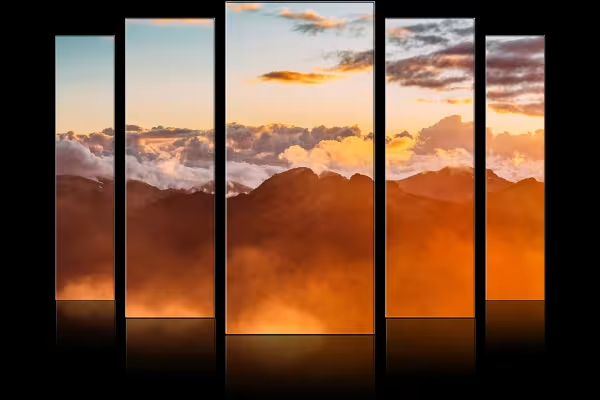 Example: One of the actions automatically disassembles your photo and displays it in this way.
 -
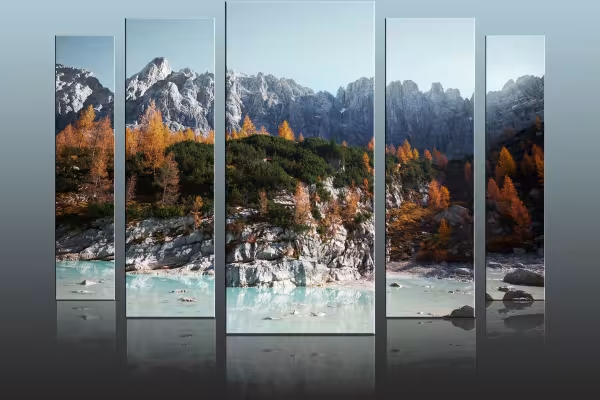 Example: Create grandiose scenes that show your photos in a new light.
 -
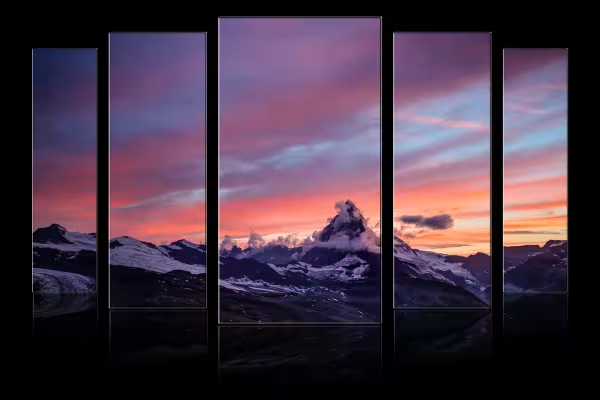 Example: A few clicks - and you create breathtaking results with Photoshop actions.
 -
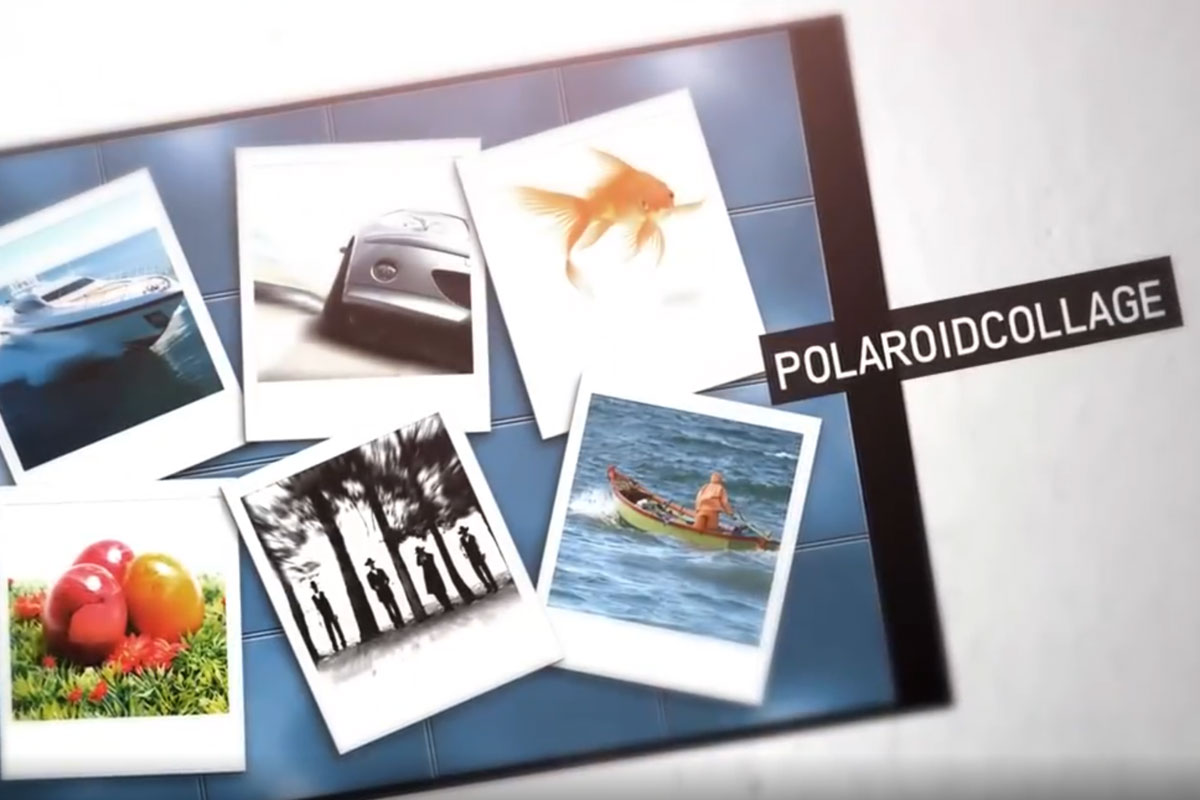
 Example: Put your photos together in a Polaroid collage with just a few clicks.
 -
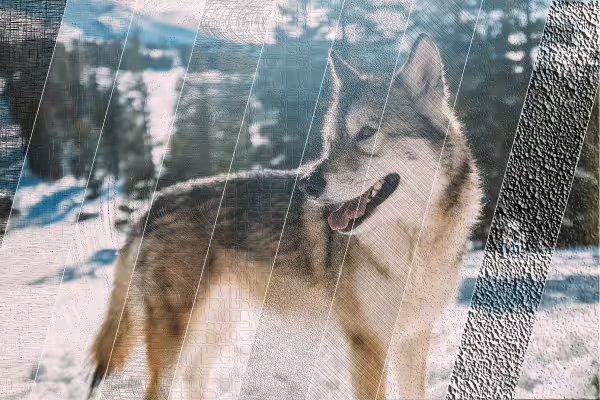 Example: Add great textured effects to your pictures quickly and easily.
 -
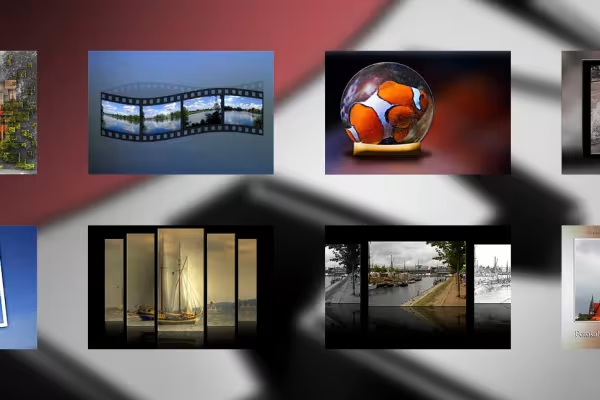 Example: 100 Photoshop actions - countless ways to present your images!
You might also like
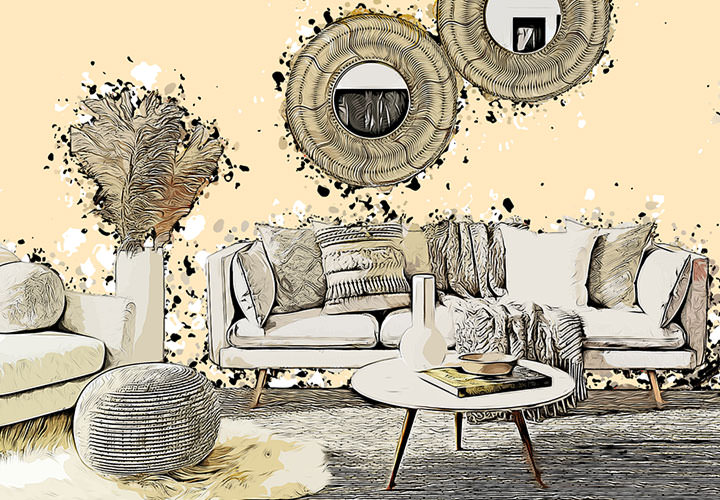
Better presentation of real estate

For more views of your properties!

Perfect for extraordinary exposés

And your shots look like they've been drawn
Comment now „Photoshop Actions Pack - Vol. 1 - Top 100 Actions“