From 0 to 100 possibilities! The Photoshop Actions Pack - Vol. 2 - Top 100 Actions is the sequel to its popular predecessor Vol. 1. Expand your Photoshop effects portfolio with one hundred more fantastic actions from PSD-Tutorials.de.
100 top Photoshop actions
Incl. video training on handling and creating actions
Actions can be used both privately and commercially
Achieve your goal with more speed! Speed up your work in Photoshop now and create powerful effects with just one click!
content
Details of the content
Frame
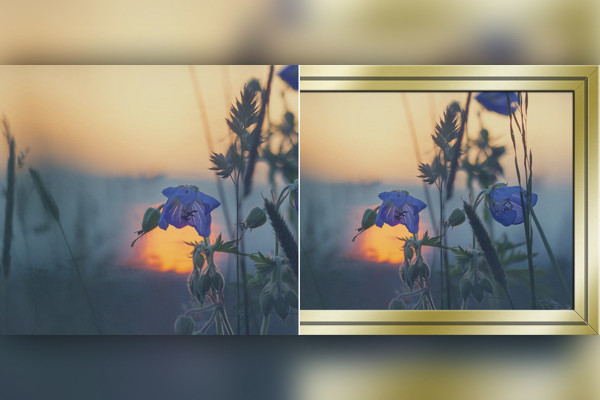
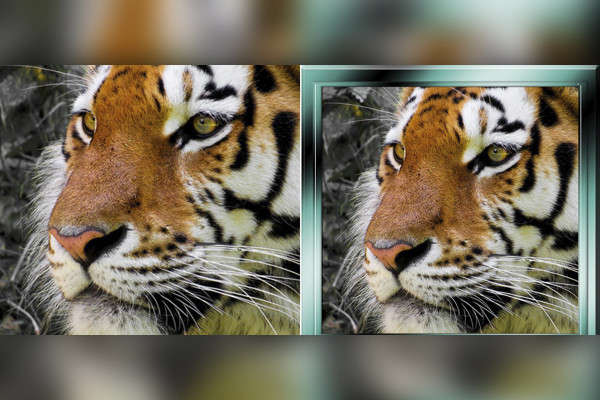
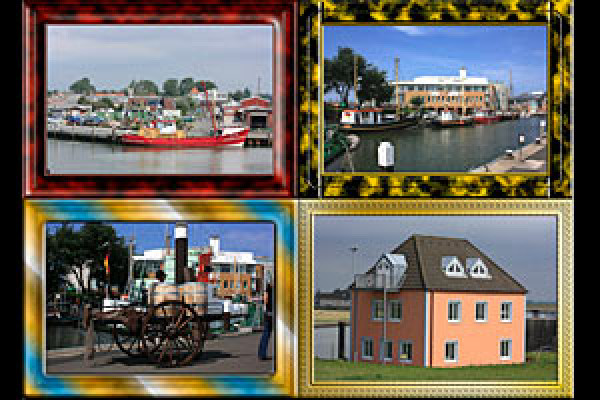
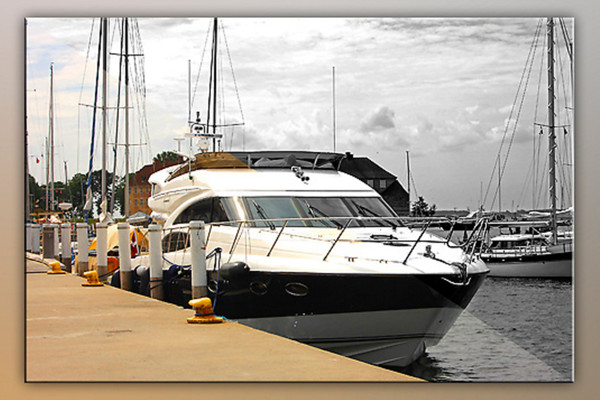
Photoshop action: Photo frame colored
Your photo in a colored frame.
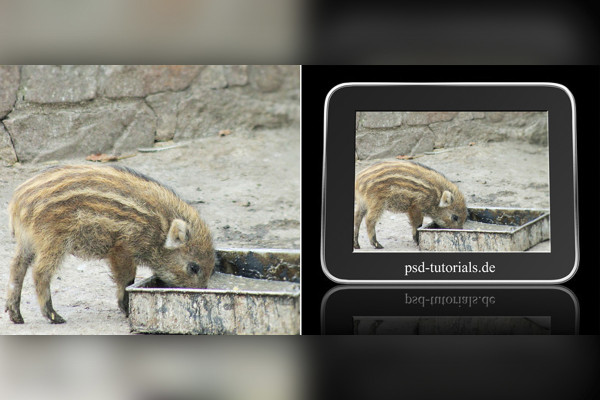
Photoshop action: Digital picture frame
Your photo in a digital frame.
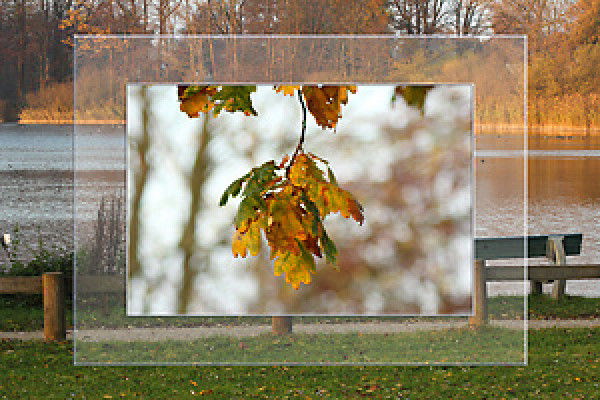
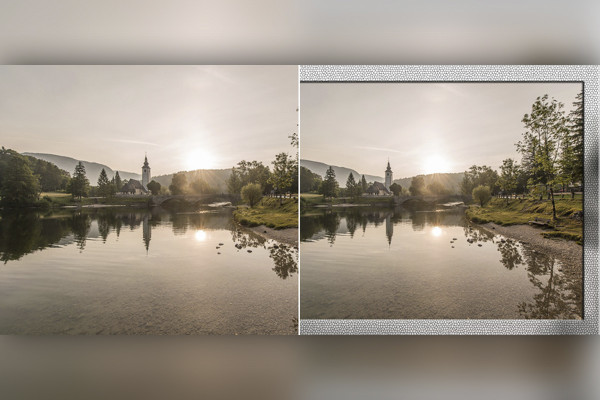
Photoshop action: Glass picture frame 1
This action creates a glass picture frame for your photos.
Photoshop action: Glass picture frame 2
This action creates a glass picture frame for your photos.
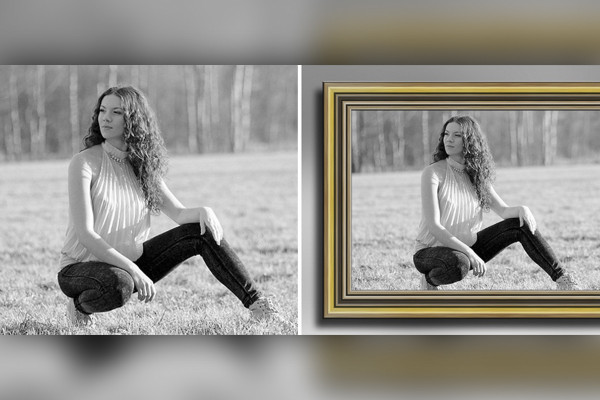
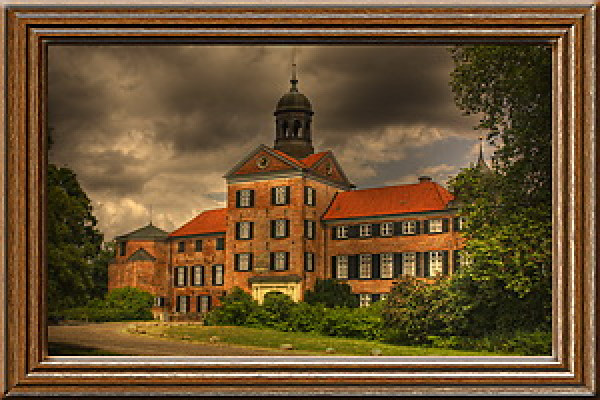
Photoshop action: Wooden frame 3
This action creates a wooden frame around a photo; 2 versions are available in the action.
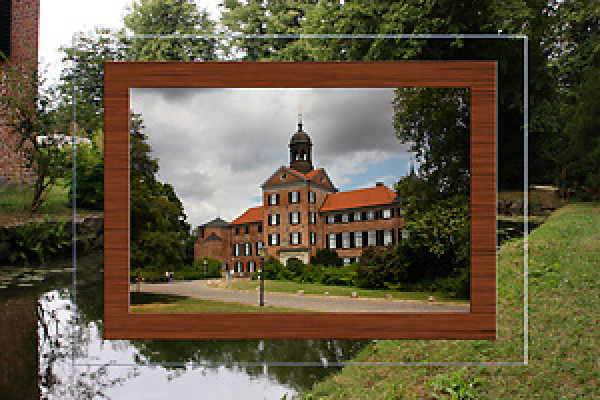
Photoshop action: Wooden frame 10
This action creates a wooden frame around a photo.
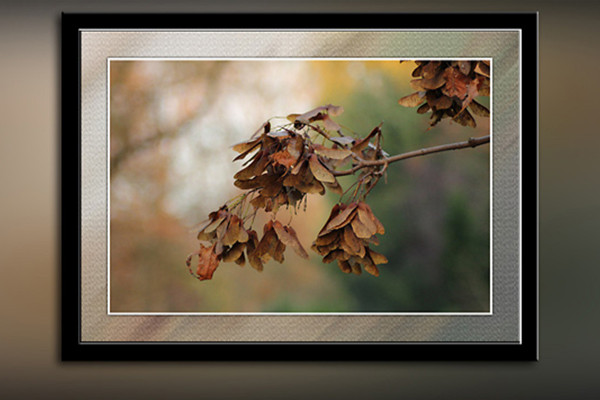
Photoshop action: Soft frame
The action creates a soft frame.
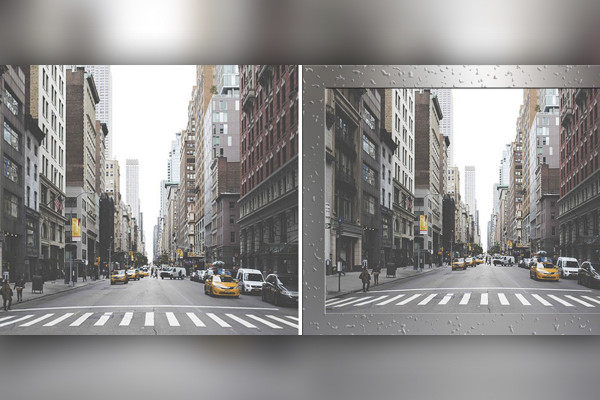
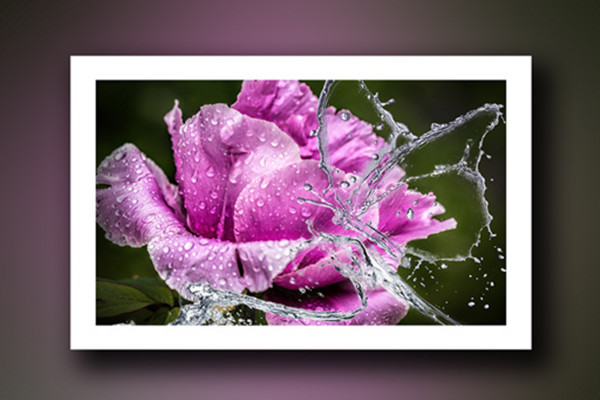
Photoshop action: Water drop frame
This action creates a water drop frame.
Photoshop action: Metal frame 5
This action creates a metal frame around a photo.
Old wooden frame
This action creates an old wooden frame for your photo.
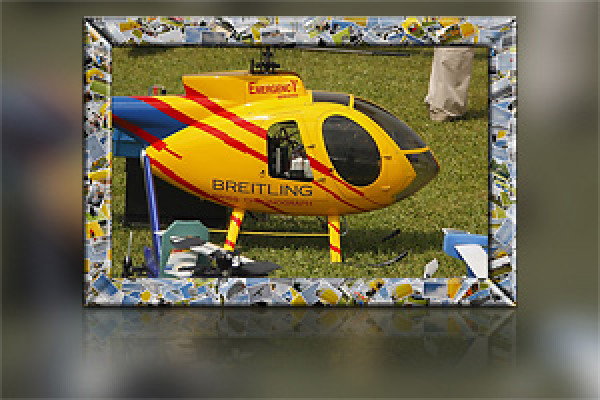
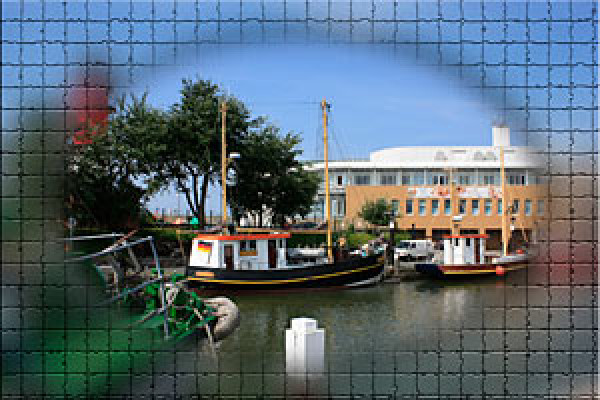
Photoshop action: Mosaic frame
This action creates a mosaic frame for a photo.
Photoshop action: Frameset 2
This action creates 17 different frames for you.
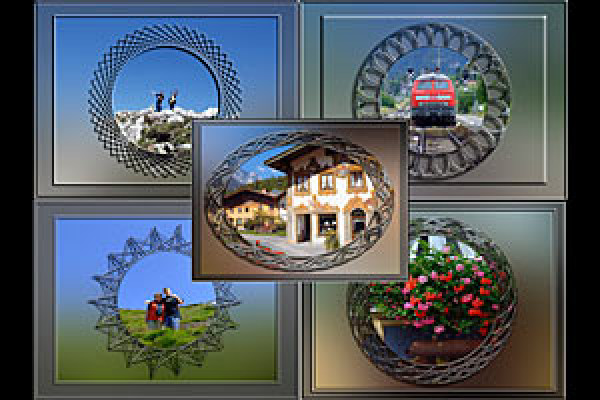
Photoshop action: Unusual frames
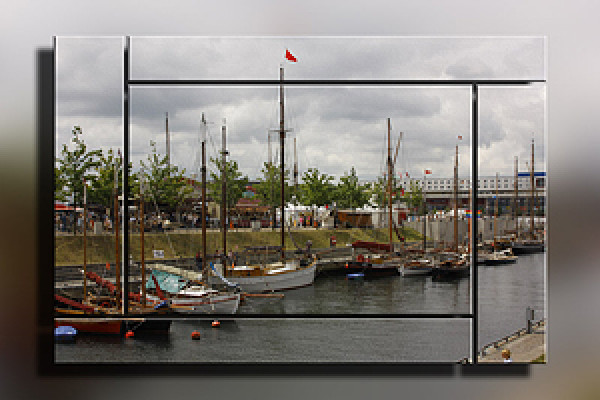
This campaign creates 5 different frames that are not quite commonplace.
Photoshop action: Frameset
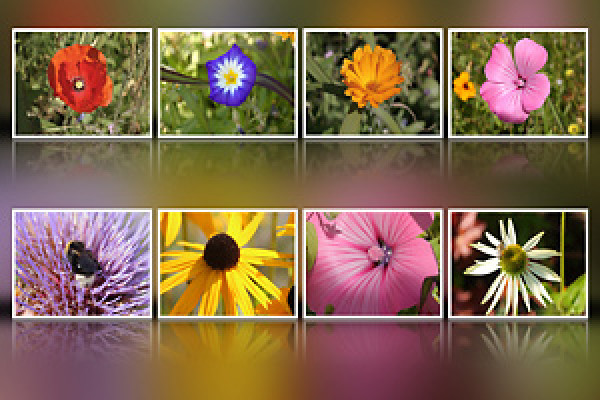
This action creates different frames in a few minutes. You can already see some examples in the preview image.
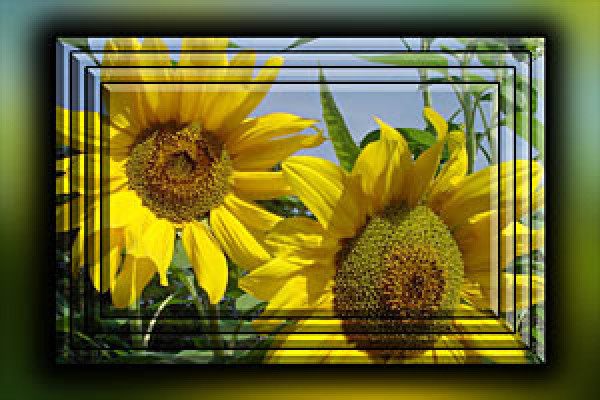
Photoshop action: Create stepped frame
Start action and watch.
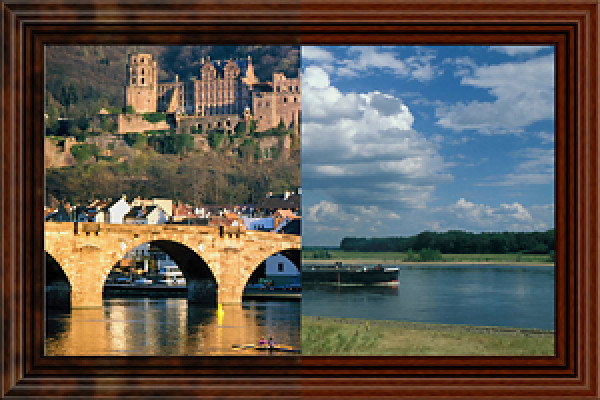
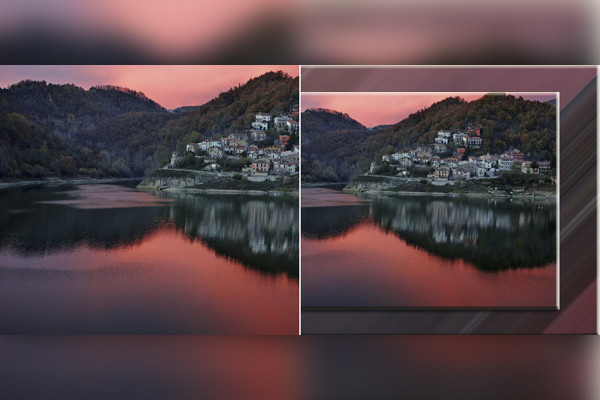
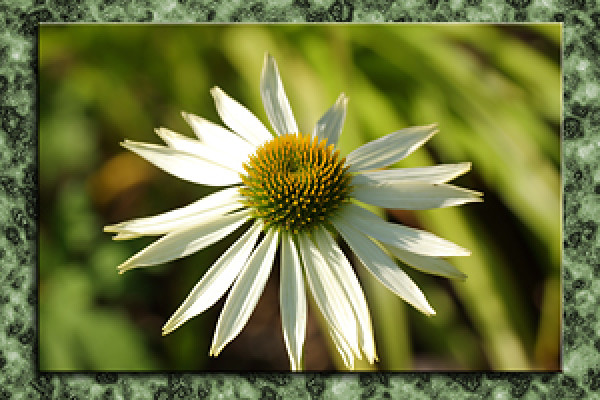
Photoshop action: Photo in marble frame
This action builds your photo into a marble frame. Various colors for the landscape format are predefined and can also be set by the user. The color for the portrait format is freely selectable.
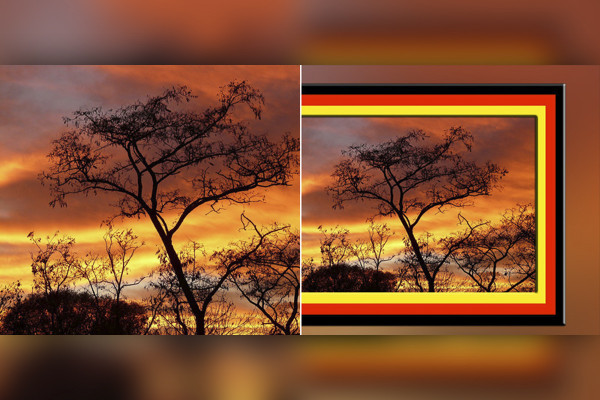
Photoshop action: frames in country colors
This action creates a frame around your photo in the color of the country. There are 15 countries to choose from in the action.
Photoshop action: Create backgrounds and frames from photos
This action creates 5 different backgrounds for your photo(s). The backgrounds are colored to match the photo.
Photoshop action: Photo frame colored
Photoshop action: Digital picture frame
Photoshop action: Glass picture frame 1
Photoshop action: Glass picture frame 2
Photoshop action: Wooden frame 3
Photoshop action: Wooden frame 10
Photoshop action: Soft frame
Photoshop action: Water drop frame
Photoshop action: Metal frame 5
Old wooden frame
Photoshop action: Mosaic frame
Photoshop action: Frameset 2
Photoshop action: Unusual frames
Photoshop action: Frameset
Photoshop action: Create stepped frame
Photoshop action: Photo in marble frame
Photoshop action: frames in country colors
Photoshop action: Create backgrounds and frames from photos
Image looks & photo effects
Photoshop action: Black and white photo with one click
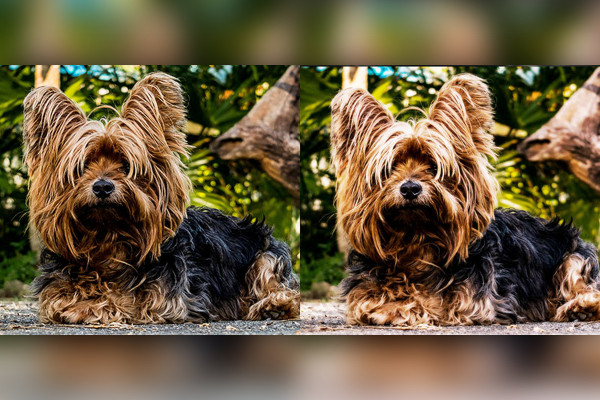
With just one click, your photo is black and white.
Photoshop action: Black and white photo with one click
Miscellaneous
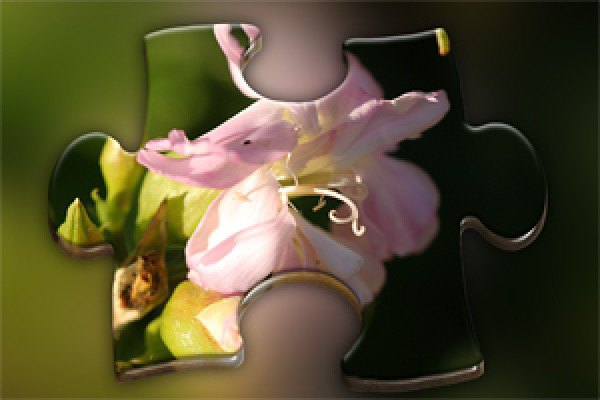
Photoshop action: 3D puzzle piece 2
This action creates a 3D puzzle piece from a photo.
Photoshop action: Creamy color effect
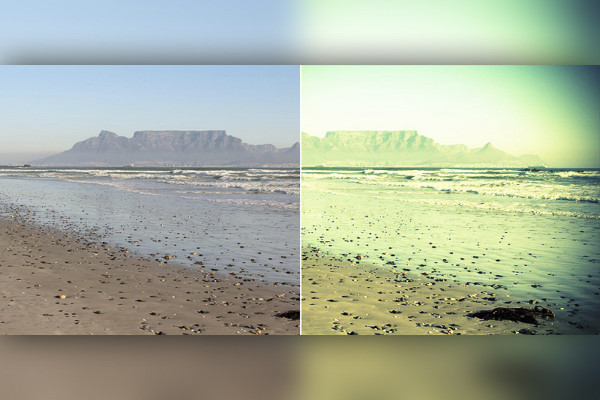
This action creates a creamy color effect on a photo.
Photoshop action: Digital cross development
This action creates a digital cross-development from your photo.
Photoshop action: Photo on the clothesline
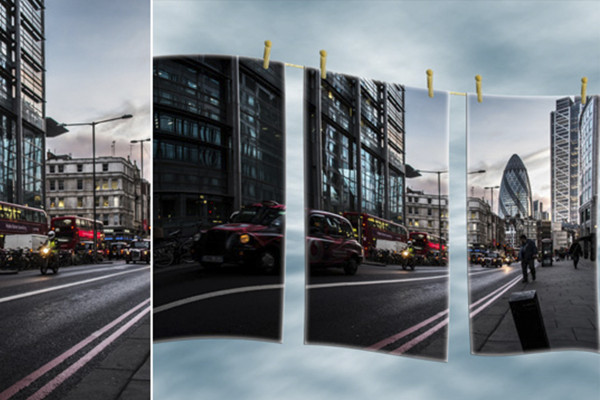
As the title says: a photo on the washing line.
Photoshop action: Photo on canvas 2
This campaign creates a multi-part canvas picture from your photos. You can choose whether you want it with or without texture. You can adjust the layer style to suit your taste.
Photoshop action: Photo with drop shadow and contour
This action presents your photo with a beautiful contour and drop shadow.
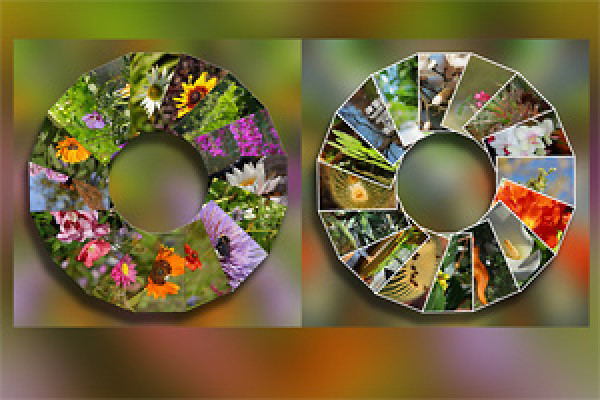
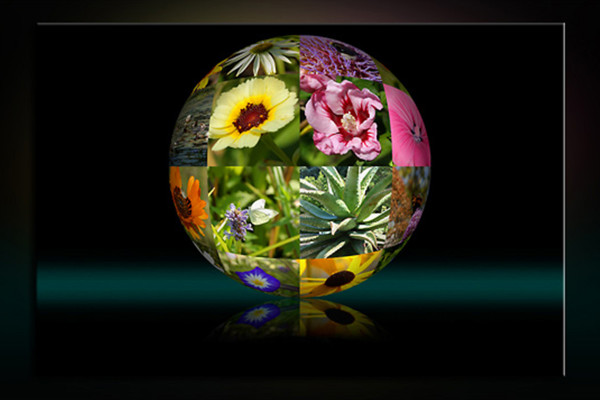
Photoshop action: Photo circle
This campaign creates a photo circle for your best pictures.
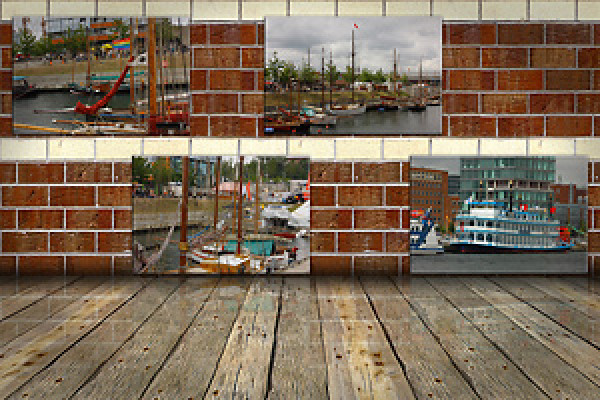
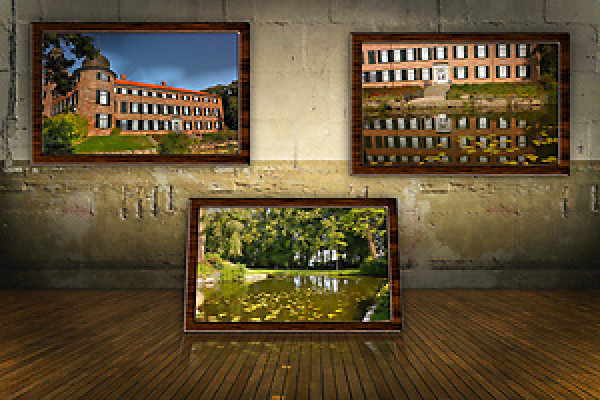
Photos on the wall 2
Photos on the wall 2 - you can see the effect in the preview image. The action runs from CS2 and Photoshop Elements; in the German and English version.
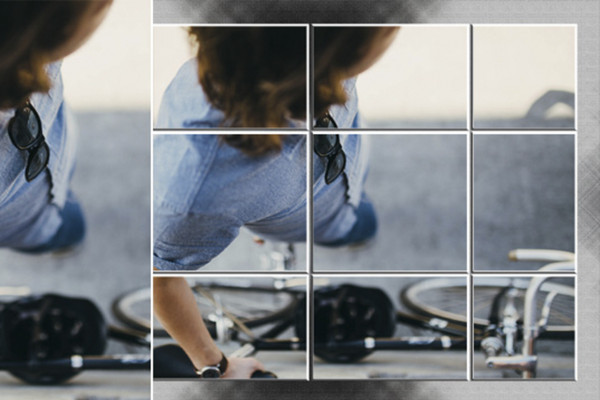
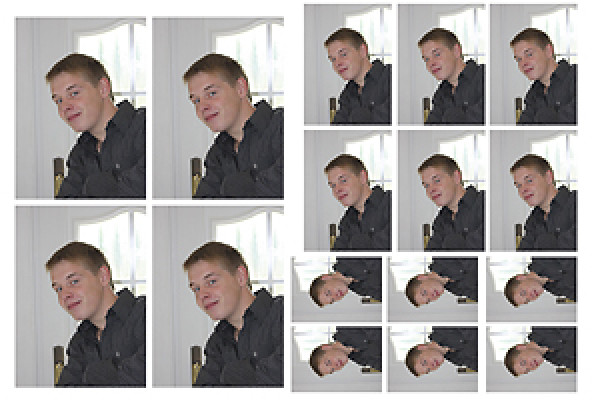
Photoshop action: Photo sharing
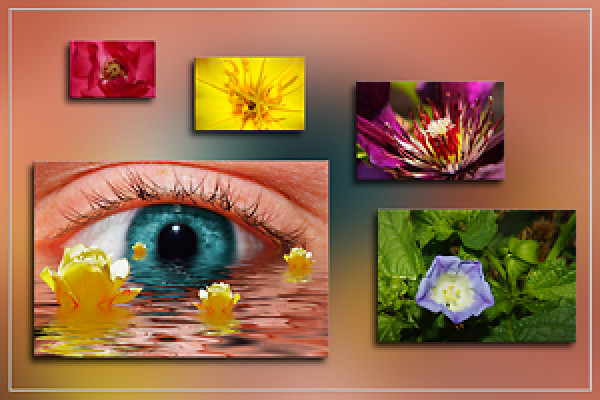
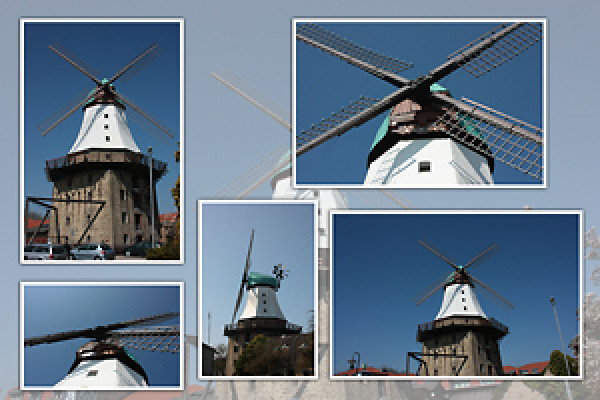
This action splits a photo and creates a white frame around the small parts.
Photo wall with 10 photos
Let us surprise you. The promotion runs from Photoshop CS2-CS5; in the German version.
Photoshop action: Five in one picture
This action creates a 3D-look shape from a photo.
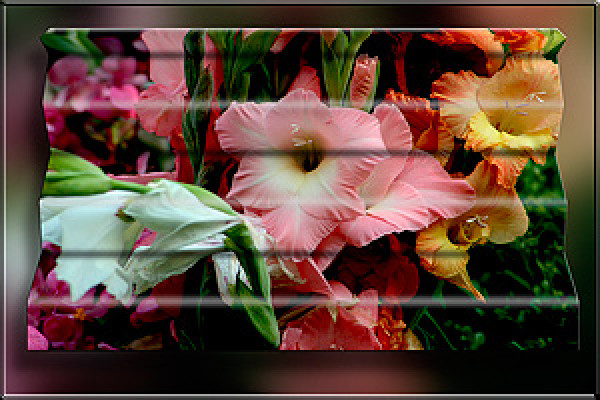
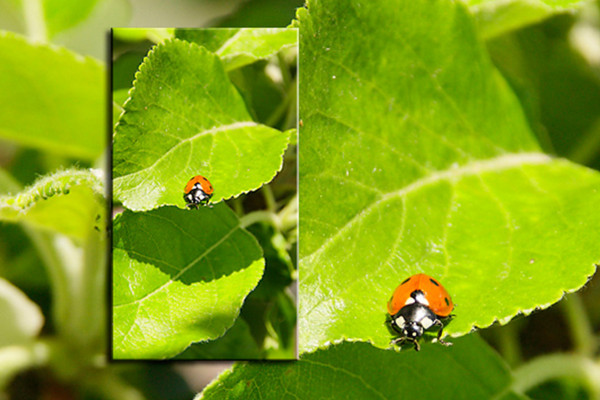
Photoshop action: Folded image
You can see the effect in the preview image. The action runs from CS2 and Photoshop Elements; in the German and English version.
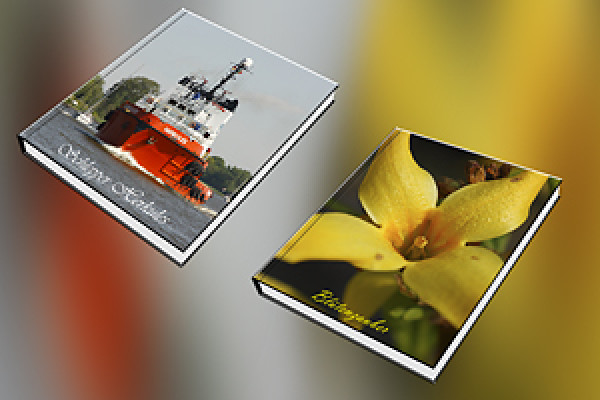
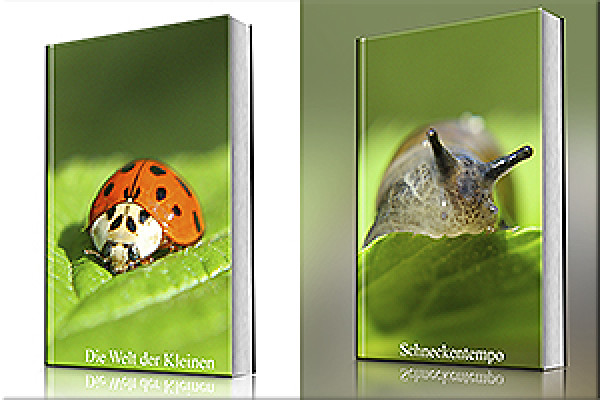
Photoshop action: Closed book 2
This campaign uses your photos as the cover for a closed book.
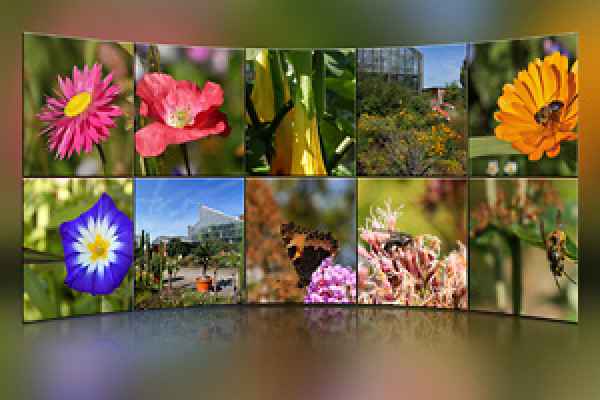
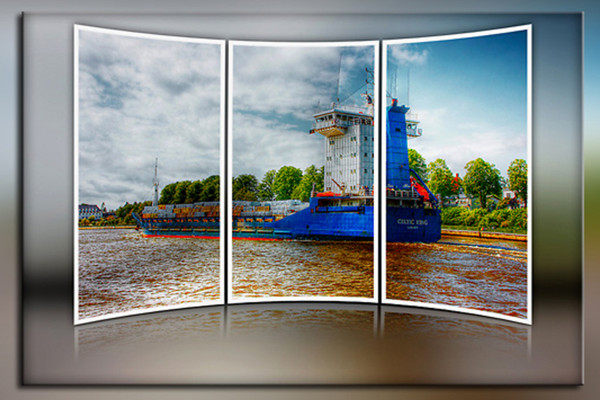
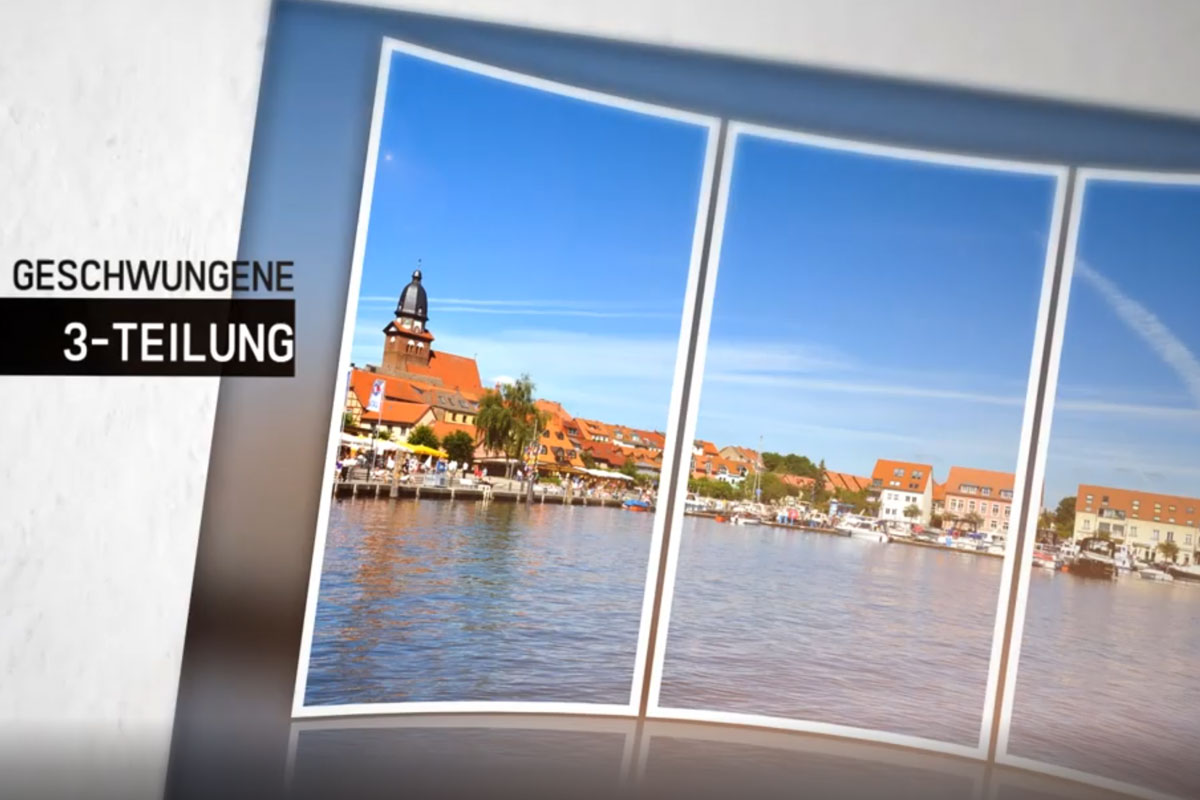
Photoshop action: Curved 3-division mirrored
This action creates a 3-split photo, curved and mirrored.
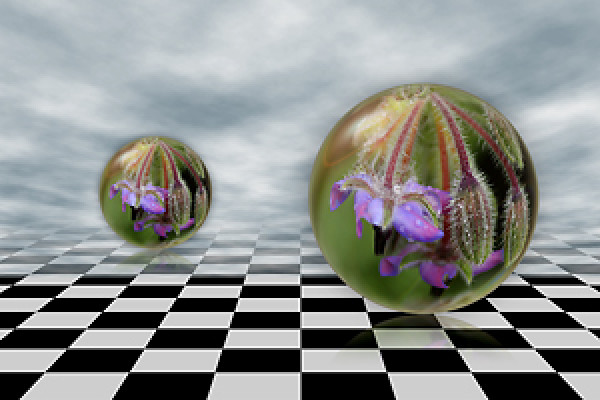
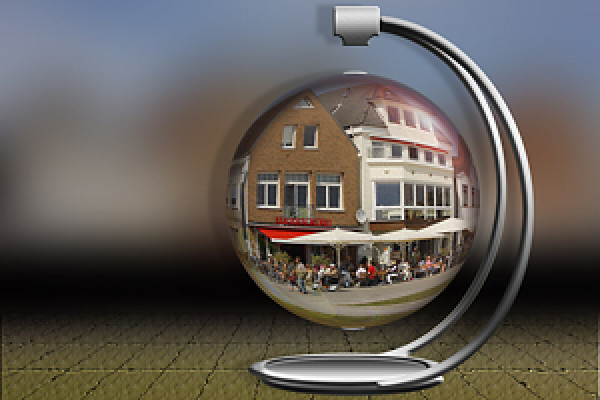
Photoshop action: A different kind of glass ball
A completely different glass ball game.
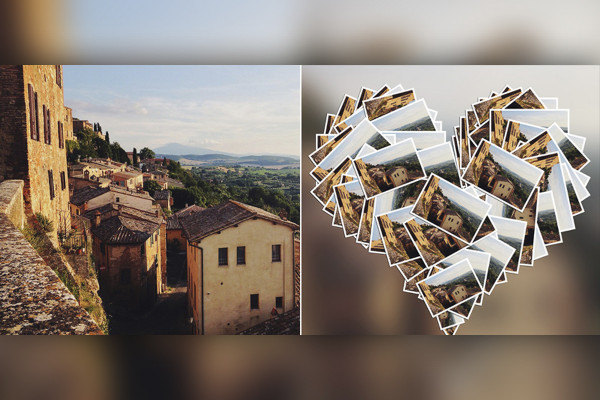
Photoshop action: Heart collage
A really cool heart collage created this campaign.
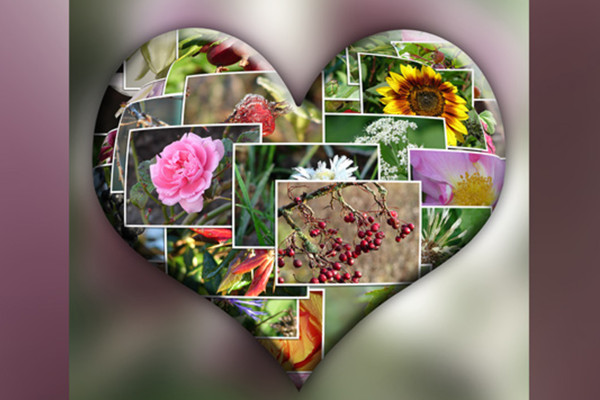
Photoshop action: Heart collage - variant 2
This action creates a heart collage for you.
Photoshop action: Background for photos 1
This action creates a background for photos; frame width and color tone are freely adjustable.
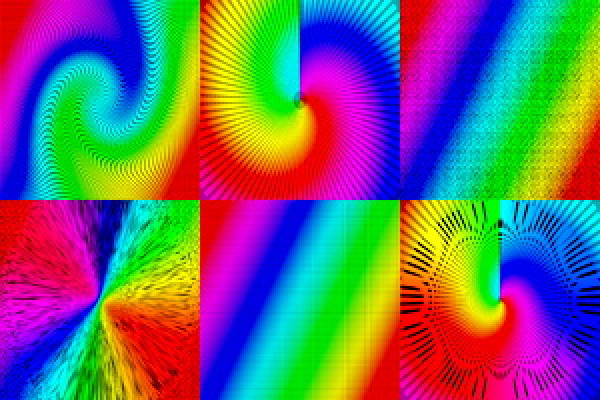
Background pattern in rainbow colors for flyers
This action creates different background patterns in rainbow colors.
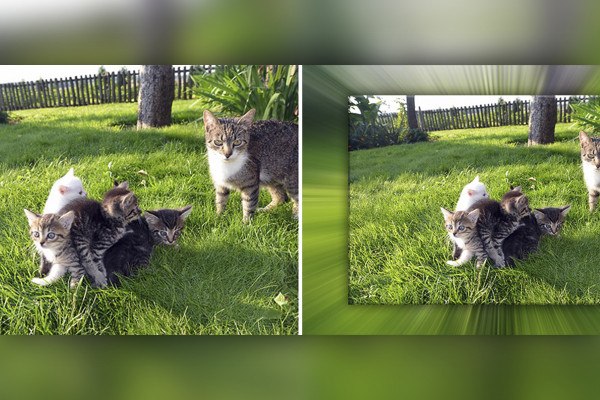
Cross blurring
This action creates a cross blur on a photo. Two versions are included in the action.
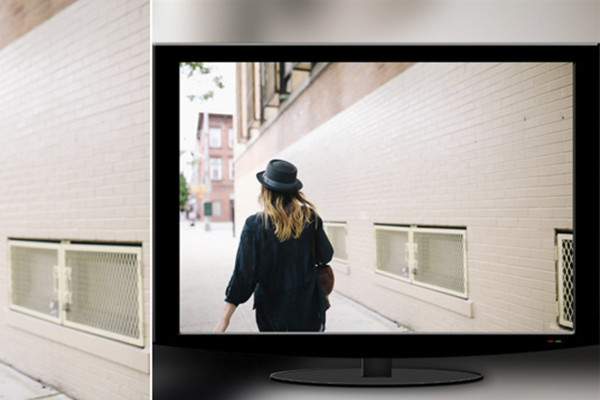
Photoshop action: Create an LCD TV with your photo
This action creates an LCD TV and places a photo of your choice.
Retro comic effect
This action creates an image with a retro comic effect from a photo.
Photoshop action: Ray effect 2
This action creates backgrounds for your photo - with beam effects.
Staged 1
You can see the effect you can achieve in the preview image. The action runs from CS2 and Photoshop Elements; in the German and English version.
Photoshop action: Staged 2
Your photo is beautifully staged.
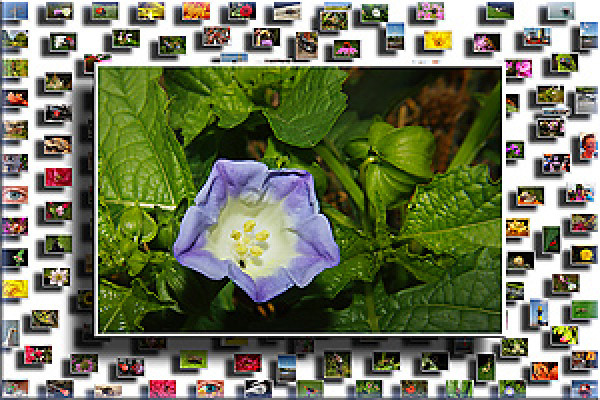
Background with miniatures
Fancy a background with miniatures? The campaign runs from CS2 and Photoshop Elements; in the German and English version.
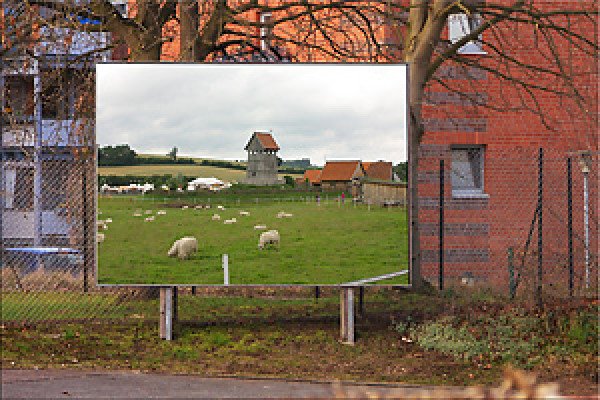
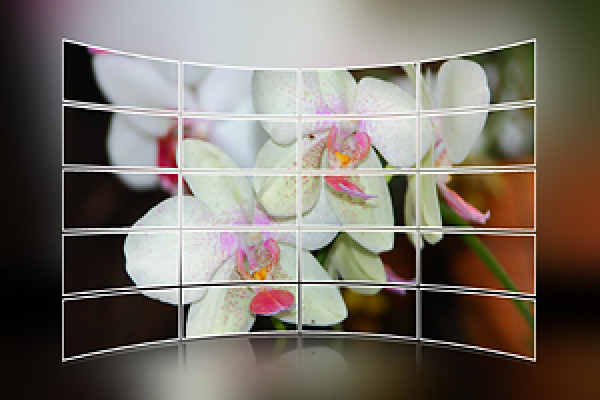
Photoshop action: billboard
Your photo on a billboard.
Billboard 2
Billboard action - you can see the effect in the preview image. The action runs from CS2 and Photoshop Elements; in the German and English version.
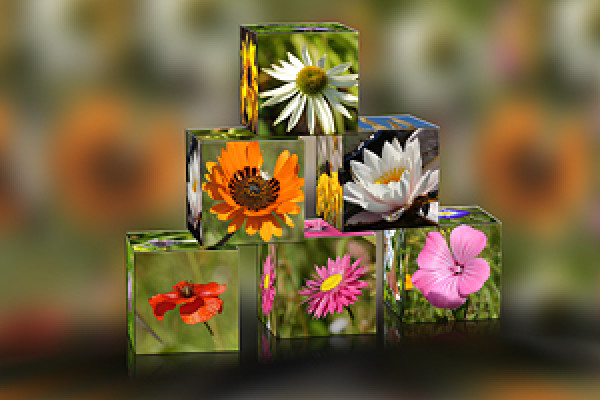
Photoshop action: Pyramid
This action creates a pyramid of cubes with your pictures.
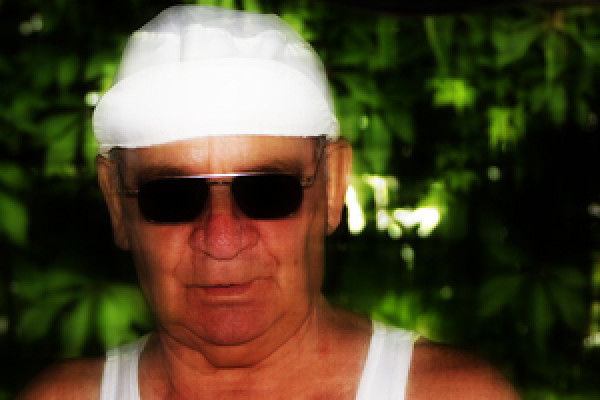
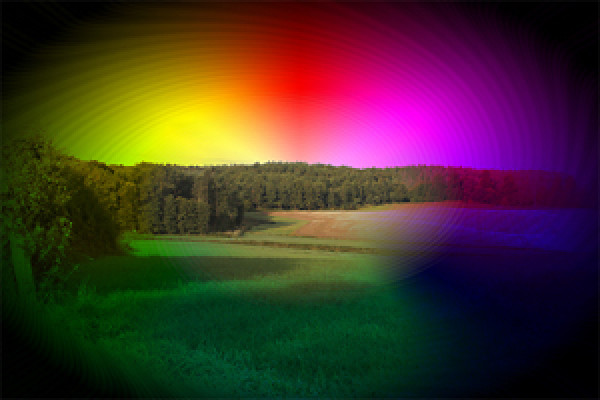
Photoshop action: Rainbow colors
Photos are colored with different rainbow colors and effects.
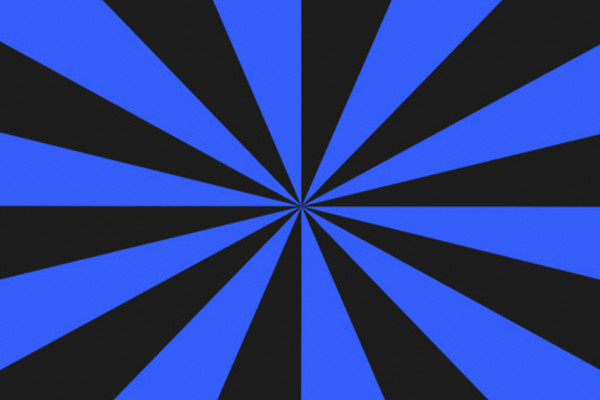
Photoshop action: Retro beam effect for flyers and wallpapers
This action creates a retro beam effect for flyers and wallpapers.
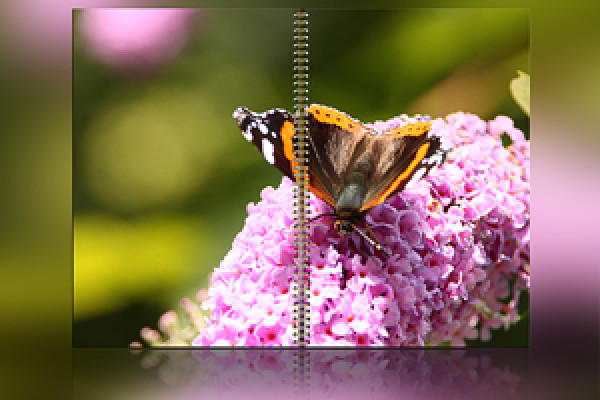
Photoshop action: Ring binding
Your photo in a ring binding.
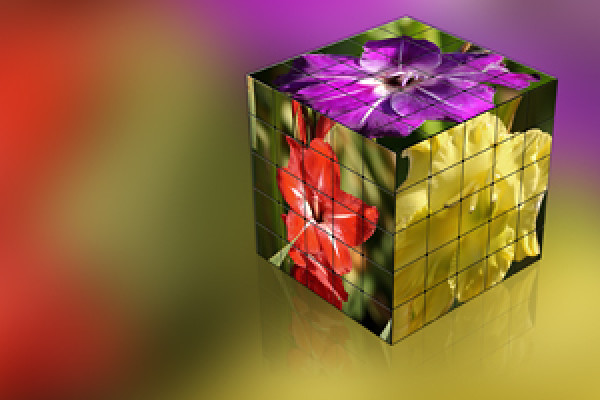
Rubik's Cube with 25 pieces per face
This action creates a Rubik's Cube with 25 pieces per face from 3 photos of your choice.
Photoshop action: Beautiful collage 1
This action creates a collage of your best pictures.
Photoshop action: Floating ball
This action creates a floating sphere from a photo.
Standing book
This action creates a standing book with a photo of your choice. The action runs from Photoshop CS2-CS5; in the German version.
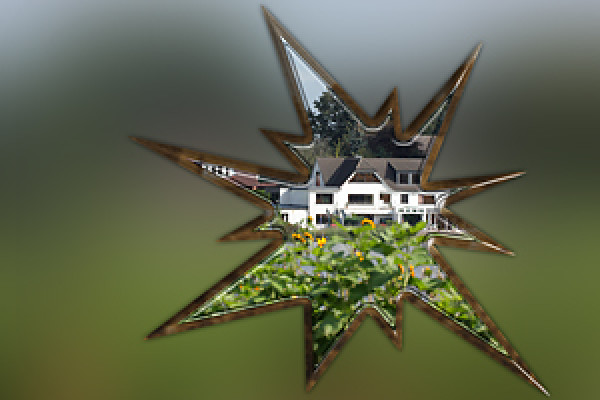
Photoshop action: Star action
This action creates a 3D-look shape from a photo.
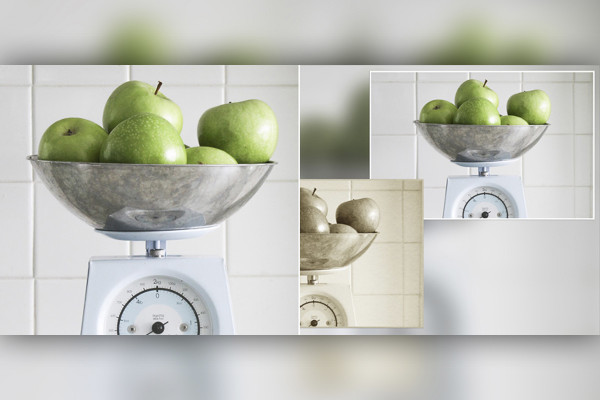
Photoshop action: Super Zoom
This action gives a photo more focal length at 50%, 100% and 125%.
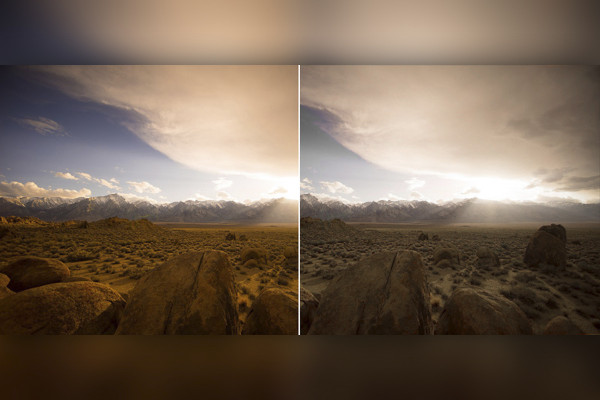
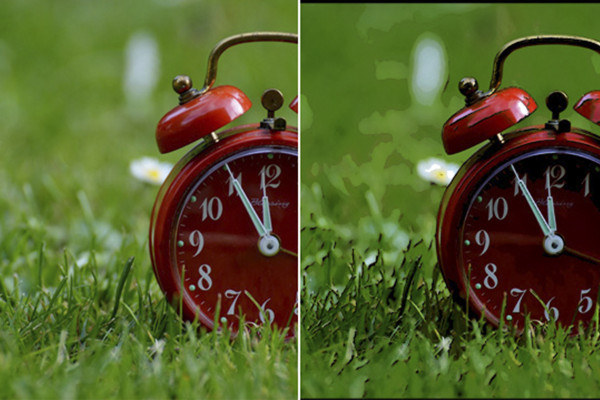
Photoshop action: Depth/highlight correction
This action optimizes your photo in terms of depth and highlights.
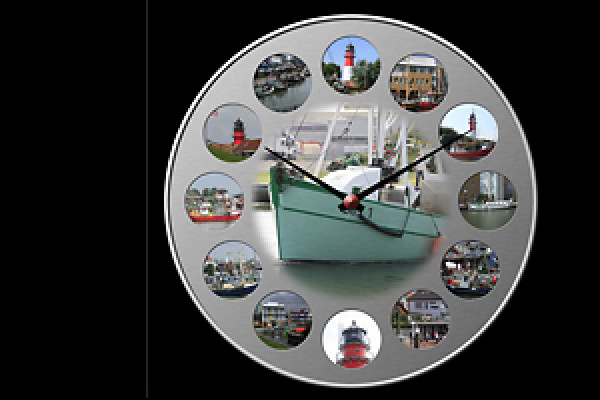
Clock template for 12 photos
See preview image. The campaign runs from CS2; in the German and English version.
Dice action 2
Download, start and be surprised.
Two-row collage mirrored
Let us surprise you. The promotion runs from Photoshop CS2-CS5; in the German version.
Photoshop action: Photo ball
This action creates a photo sphere from 16 photos.
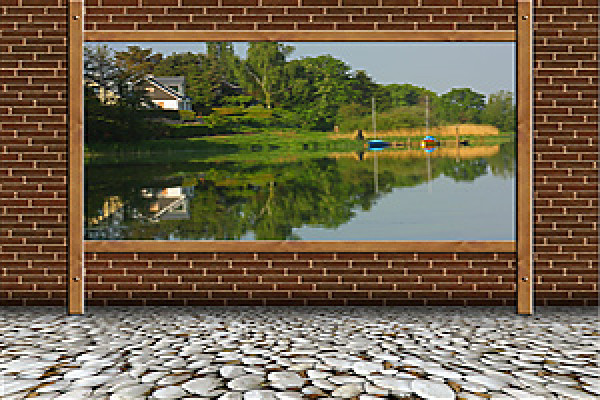
Photos on the wall
See preview image. The campaign runs from CS2 and Photoshop Elements; in the German and English version.
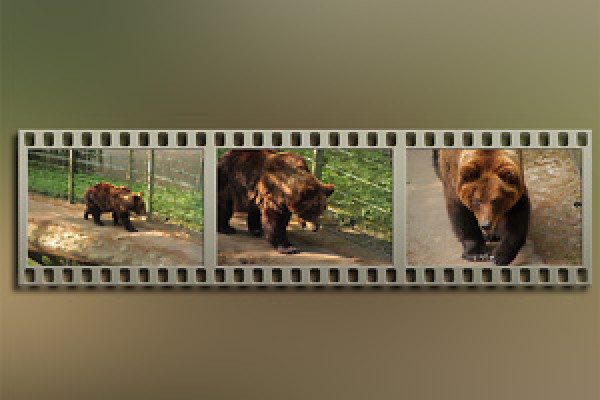
Metal film strip 3
This action creates a metal film strip with 3 photos. The action runs from Photoshop CS2-CS5; in the German version.
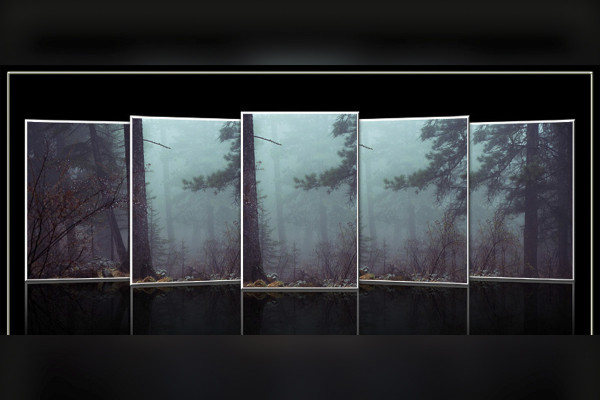
Photoshop action: Cover Flow 3
This action creates a cover flow with photos in portrait format.
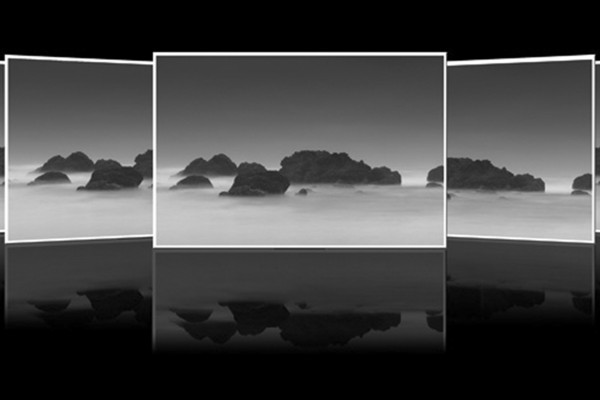
Cover Flow 2
Watch and have fun.
The campaign runs from Photoshop CS2-CS5; in the German version.
Photoshop action: The right cut for Photoshop and Photoshop Elements
With this action you crop your photos with a fixed aspect ratio of your choice.
The following aspect ratios are available in the action: 3:2, 2:3, 4:3, 3:4, 7:5, 5:7, 9:7 7:9, 16:9, 9:16
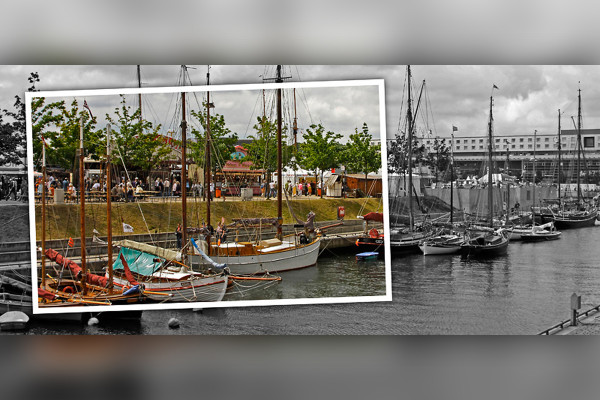
Photoshop action: Only one color
Just take a look.
Photoshop action: Colorkey action
This action creates a slightly different colorkey on a photo.
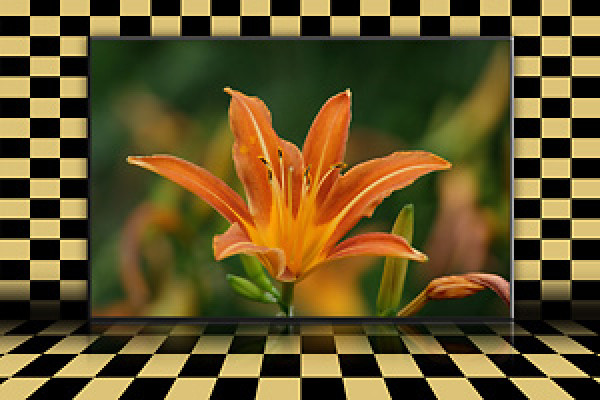
Checkered background for Photoshop and Photoshop Elements
This action creates a checkered background for a photo, which you can adjust in color. The action has been revised and adapted for Photoshop Elements. Instructions are included.
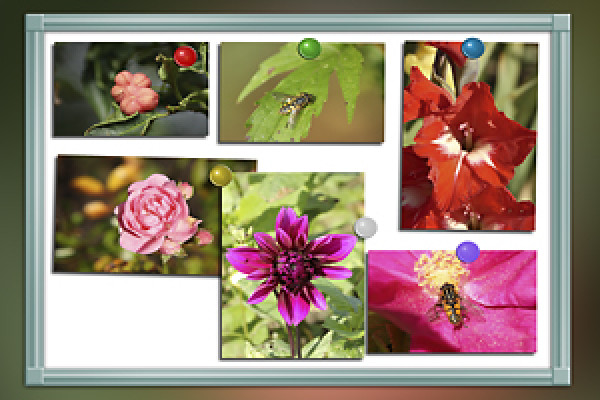
Whiteboard for Photoshop and Photoshop Elements
This action has been revised and adapted for Photoshop Elements.
Instructions are included.
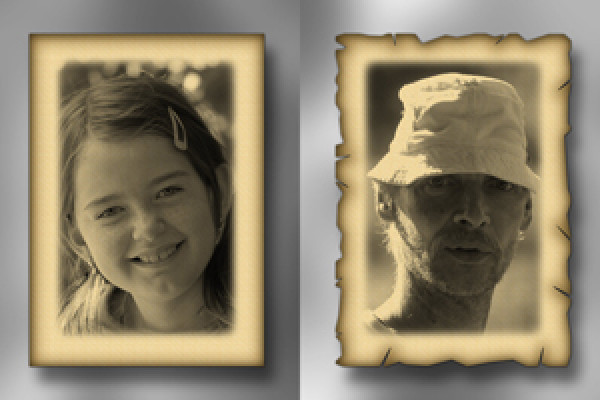
Photoshop action: Old paper
This action creates an image on old paper from a photo.
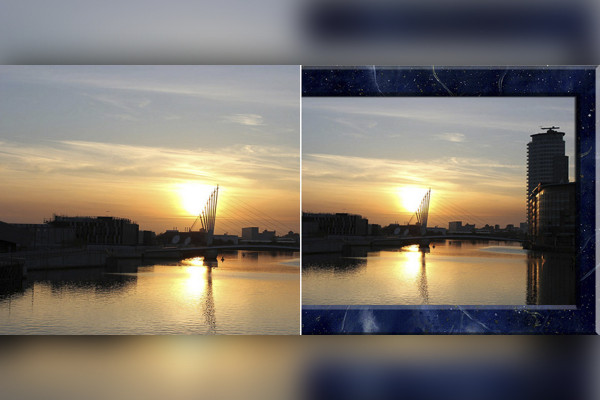
Photoshop action: old and new
This action creates an old photo from a new photo; both photos are arranged on the image.
Photoshop action: Photo folders
This action creates single and double-sided photo folders in portrait and landscape format.
Photoshop action: Picture wall action for Photoshop Elements
Your really great picture wall action for your Photoshop or Photoshop Elements.
CD and DVD cover templates
This action creates cover templates for CDs and DVDs.
The action runs from Photoshop CS2-CS5; in the German version.
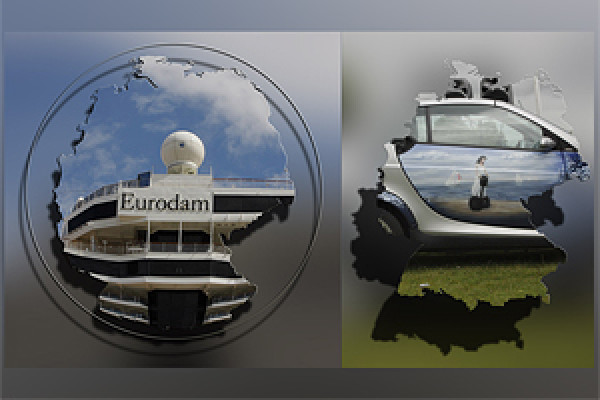
Map of Germany 2
This action creates a map of Germany from a portrait photo of your choice. In this version, the map is without the borders of the federal states.
Photoshop campaign: Wreath of honor for anniversary
This action creates a wreath of honor (anniversary wreath). Different actions are included in the action, e.g. wreath of honor simple, with shadow, metal effect and color freely adjustable. You can change the appearance individually by changing the layer style.
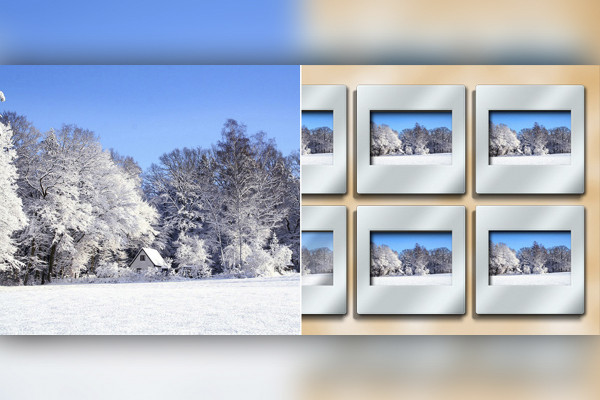
Photoshop action: Slide collage
This action creates a slide collage from six of your photos of your choice. Two versions are included in the action; the first is as shown in the preview image and the second is with colored slide frames. You can change the color of the slide frames yourself.
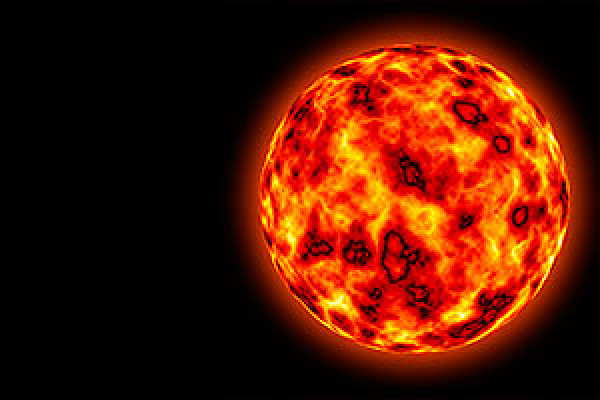
Create sun with Photoshop
This action creates a sun in just a few minutes. For CS2 and CS3.
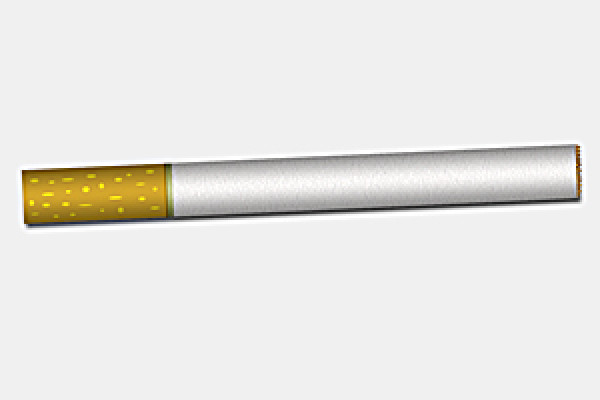
Photoshop action: Create a cigarette in Photoshop
This action creates a cigarette for you. For CS2 and CS3 (CS4 in the demo version).
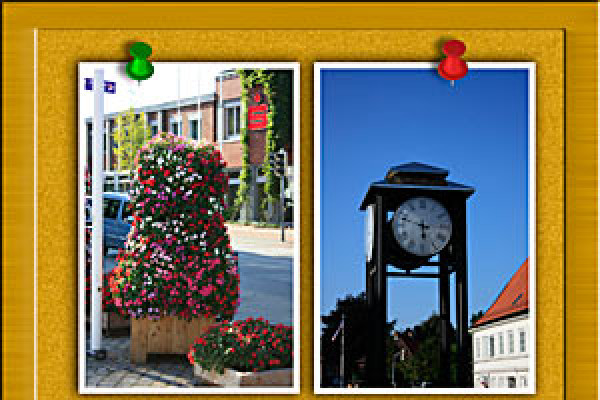
Photoshop action: Tack It - Tack a photo onto a pinboard
This action creates a pinboard in which a photo of your choice is placed and pinned. One photo is placed in landscape format and two in portrait format. Different colored pins are available in the action. After the action has finished, you can rotate, tilt, scale and move the photo as you wish.
Christmas ball campaign
This action creates a Christmas bauble from a photo of your choice. Now a second version without fade spots is included in the action. For CS 2 and CS3.
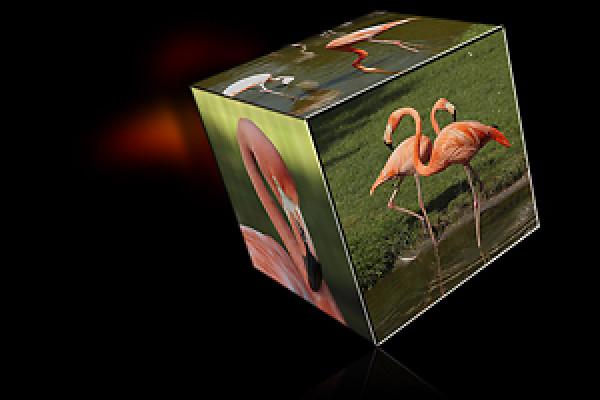
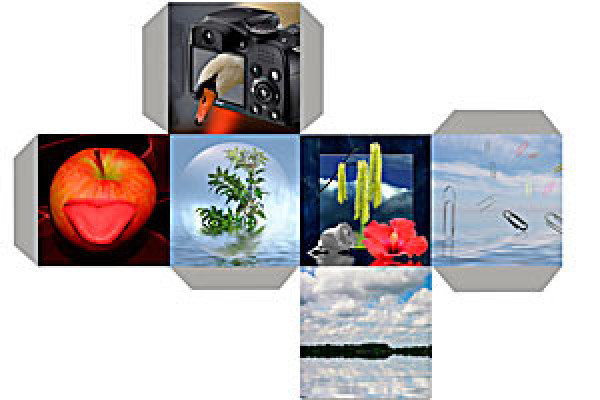
Photoshop action: Photo cube
This activity creates the surfaces for a cube with 6 photos of your choice. After creating the template, you can print it out, cut it out and glue it together to form a cube.
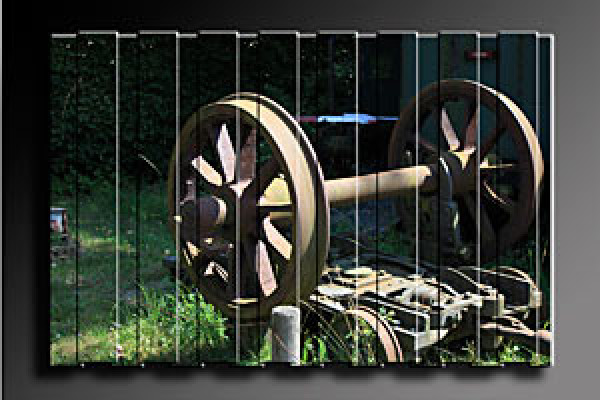
Photoshop action: 3D wall
A 3D wall made from your photos.
Photoshop action: Photo effects
This promotion includes 15 effects.
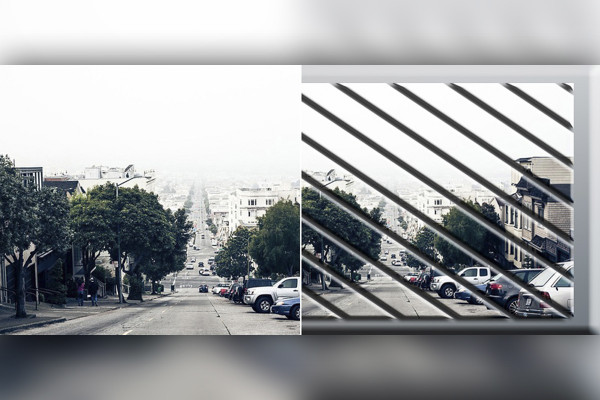
Photoshop action: Diagonal image division
This action divides your photo diagonally. The action also contains a second one; it creates diagonal squares in landscape format and rhombuses in portrait format.
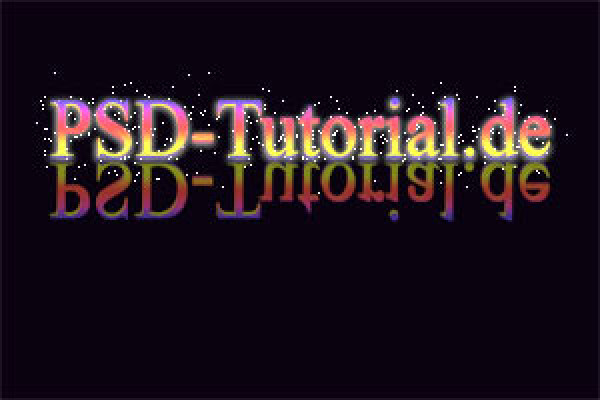
Glowing text effect
The action creates a glowing text. Works for CS2 and CS3.
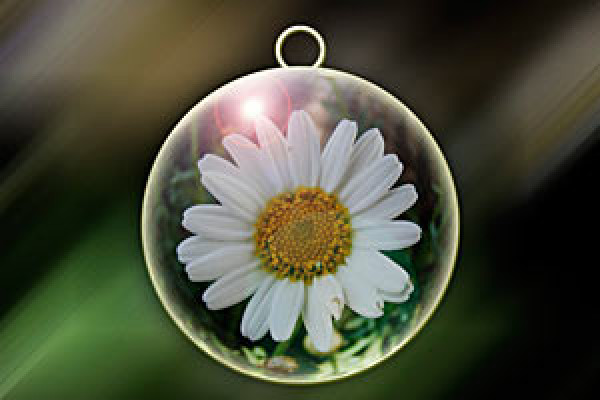
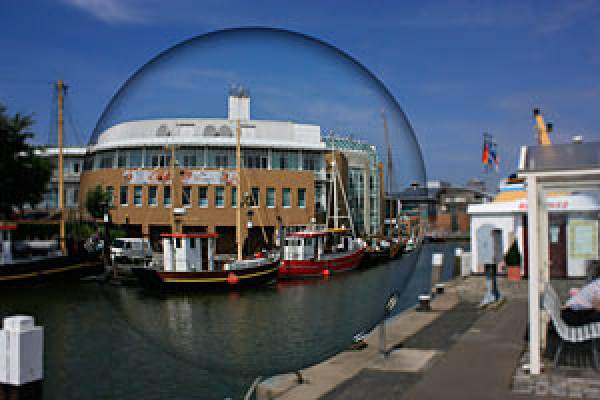
Photoshop action: Glass ball in a photo
This action creates a glass sphere in your photo. You can scale the size freely by pressing the Shift key to maintain the proportions and move the selection in the photo to a position of your choice.
Abstract: Generate interesting texture via action
The action generates an interesting abstract texture. A square pixel size is ideal for this action. Have fun with the action.
Abstract: Generating a star effect as an action
The action generates a stardust effect. Within the action, you have the option to help determine the final effect. To do this, the action stops and prompts you to draw a template with the brush. To do this, press Stop in the dialog window, paint a little with the brush and select Play in the action window to continue the action steps. Have fun with the action.
Generate 3D text and 3D logos in Photoshop
This small package consists of 4 actions. 5px, 10px, 20px, and 40px extruder. This extrudes the text or logo either 5px, 10px, ... . The direction of the extrusion is freely selectable.
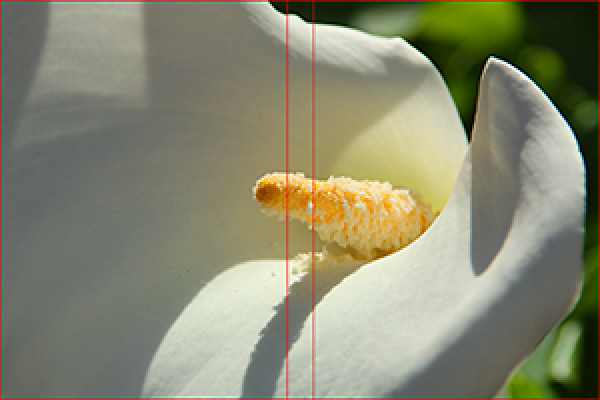
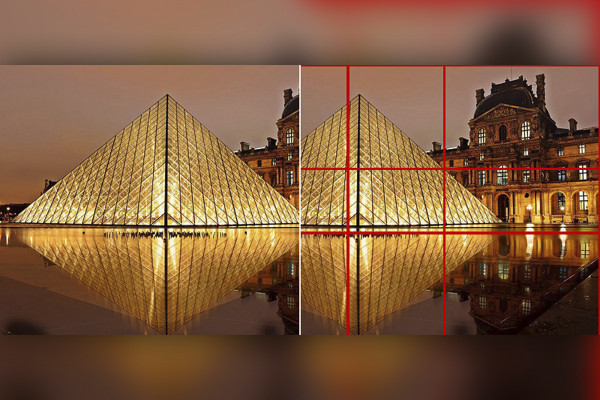
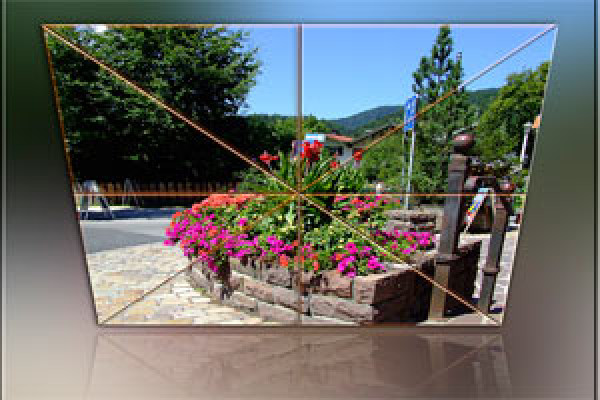
Photoshop action: Golden ratio template
The golden ratio is a creative means of achieving the ideal proportions in a picture. If a picture is aligned according to this, there is a considerable gain in aesthetics and harmony. The action generates the basic lines of the golden ratio as a separate layer. The color and thickness of the lines can also be adjusted. The golden ratio can then be used very easily and conveniently for images and photos.
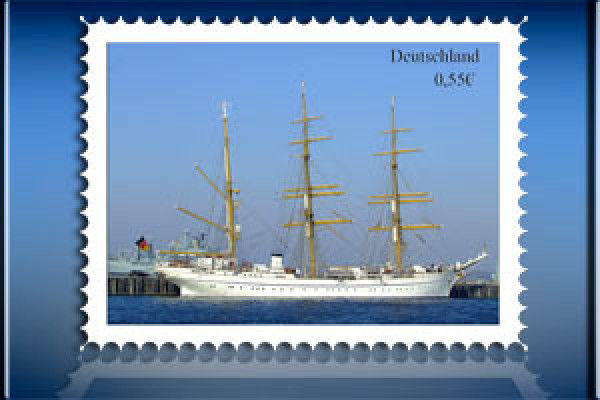
Generate stamp for CS2
This action creates a stamp in which a photo of your choice is inserted. This action is created for the 4x3 format in landscape format. If your photo differs from the 4x3 format, I recommend cropping your photo to a 4x3 format beforehand. The action is optimized for CS2, but also runs flawlessly on CS3.
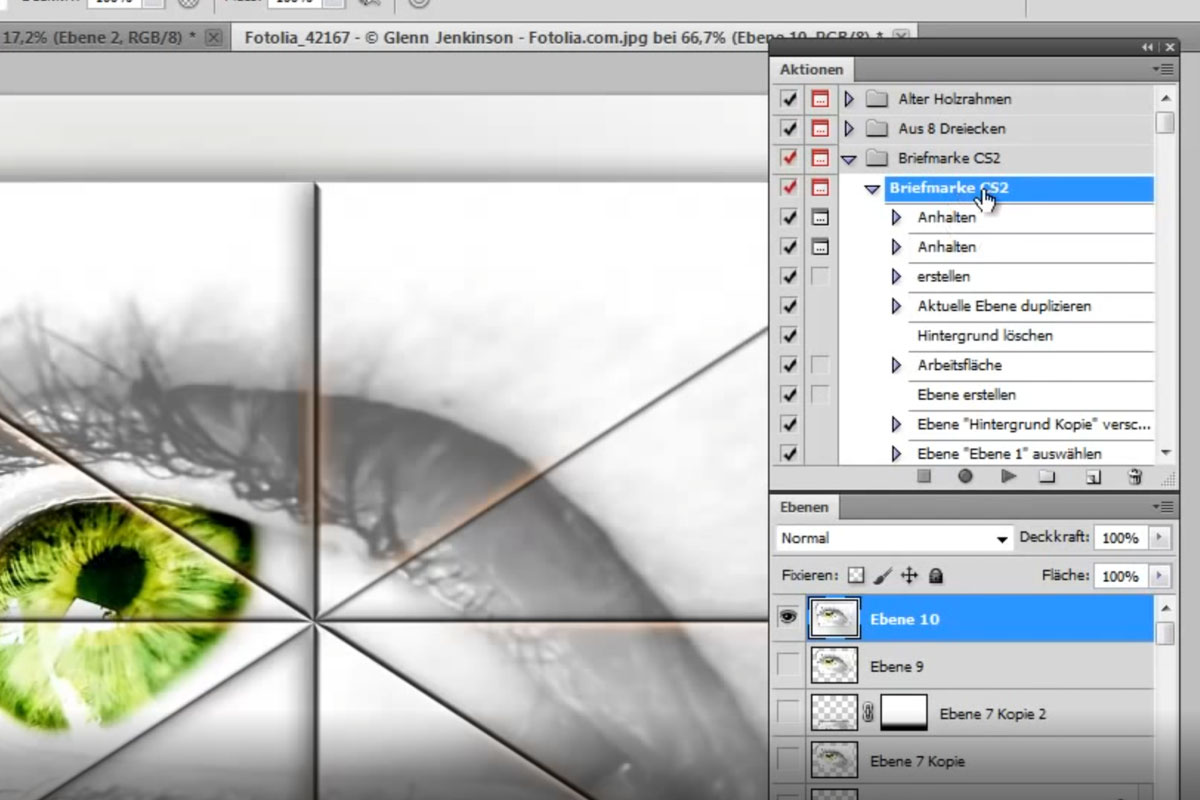
Photoshop action: From 8 triangles
This action creates a photo of 8 triangles with a soft reflection and a fine frame from your motif. Have fun with it.
Photoshop action: Comic book effect
This action creates an image with a comic book effect from a photo.
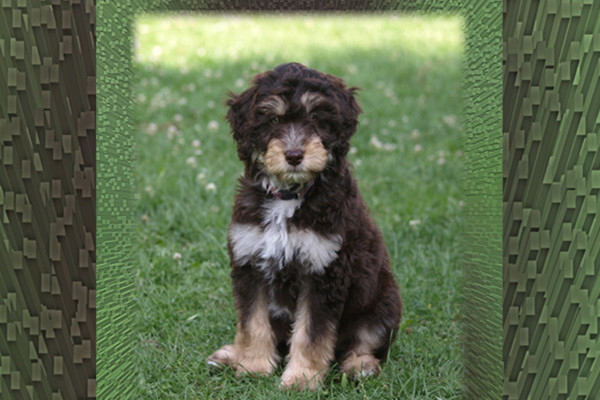
Photoshop action: Extruded background
A photo in the foreground and an extruded effect in the background.
Photoshop action: Colored drawings
Just take a look.
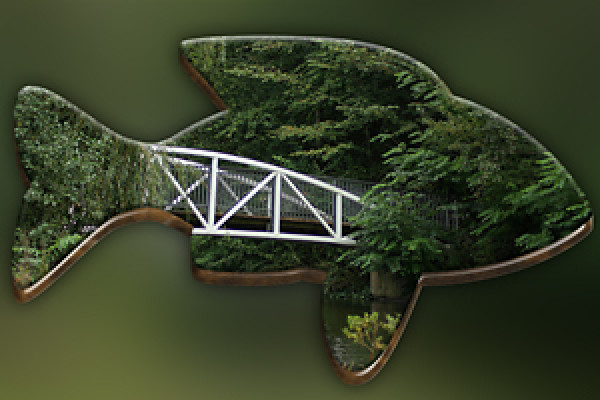
Photoshop action: Fish
This action creates a 3D-look shape from a photo.
Photoshop action: 3D puzzle piece 2
Photoshop action: Creamy color effect
Photoshop action: Digital cross development
Photoshop action: Photo on the clothesline
Photoshop action: Photo on canvas 2
Photoshop action: Photo with drop shadow and contour
Photoshop action: Photo circle
Photos on the wall 2
Photoshop action: Photo sharing
Photo wall with 10 photos
Photoshop action: Five in one picture
Photoshop action: Folded image
Photoshop action: Closed book 2
Photoshop action: Curved 3-division mirrored
Photoshop action: A different kind of glass ball
Photoshop action: Heart collage
Photoshop action: Heart collage - variant 2
Photoshop action: Background for photos 1
Background pattern in rainbow colors for flyers
Cross blurring
Photoshop action: Create an LCD TV with your photo
Retro comic effect
Photoshop action: Ray effect 2
Staged 1
Photoshop action: Staged 2
Background with miniatures
Photoshop action: billboard
Billboard 2
Photoshop action: Pyramid
Photoshop action: Rainbow colors
Photoshop action: Retro beam effect for flyers and wallpapers
Photoshop action: Ring binding
Rubik's Cube with 25 pieces per face
Photoshop action: Beautiful collage 1
Photoshop action: Floating ball
Standing book
Photoshop action: Star action
Photoshop action: Super Zoom
Photoshop action: Depth/highlight correction
Clock template for 12 photos
Dice action 2
Two-row collage mirrored
Photoshop action: Photo ball
Photos on the wall
Metal film strip 3
Photoshop action: Cover Flow 3
Cover Flow 2
Photoshop action: The right cut for Photoshop and Photoshop Elements
Photoshop action: Only one color
Photoshop action: Colorkey action
Checkered background for Photoshop and Photoshop Elements
Whiteboard for Photoshop and Photoshop Elements
Photoshop action: Old paper
Photoshop action: old and new
Photoshop action: Photo folders
Photoshop action: Picture wall action for Photoshop Elements
CD and DVD cover templates
Map of Germany 2
Photoshop campaign: Wreath of honor for anniversary
Photoshop action: Slide collage
Create sun with Photoshop
Photoshop action: Create a cigarette in Photoshop
Photoshop action: Tack It - Tack a photo onto a pinboard
Christmas ball campaign
Photoshop action: Photo cube
Photoshop action: 3D wall
Photoshop action: Photo effects
Photoshop action: Diagonal image division
Glowing text effect
Photoshop action: Glass ball in a photo
Abstract: Generate interesting texture via action
Abstract: Generating a star effect as an action
Generate 3D text and 3D logos in Photoshop
Photoshop action: Golden ratio template
Generate stamp for CS2
Photoshop action: From 8 triangles
Photoshop action: Comic book effect
Photoshop action: Extruded background
Photoshop action: Colored drawings
Photoshop action: Fish
Examples of use
Go to content
Photoshop Actions Pack - Vol. 2 - Top 100 Actions
Go to content
Photoshop Actions Pack - Vol. 2 - Top 100 Actions
Open gallery
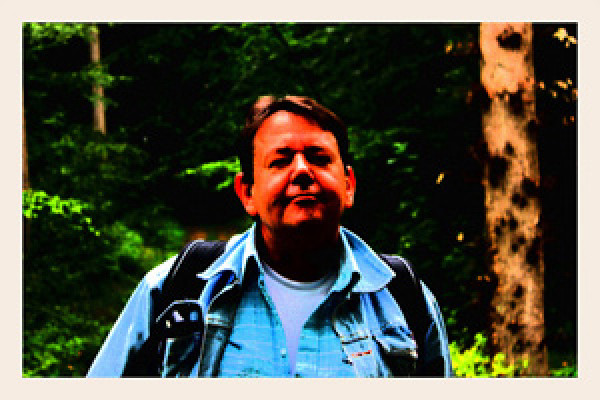
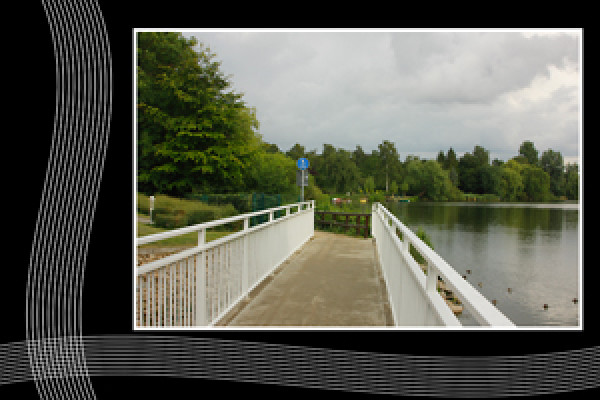
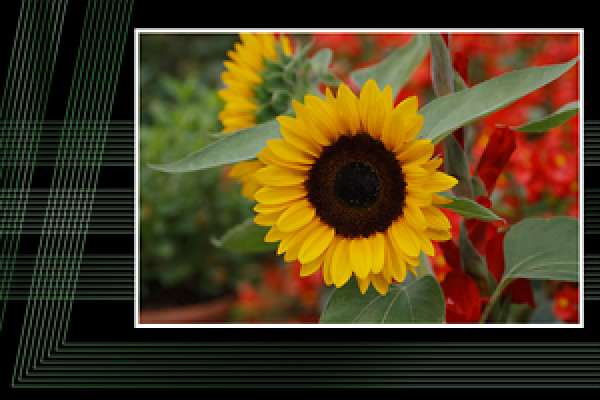
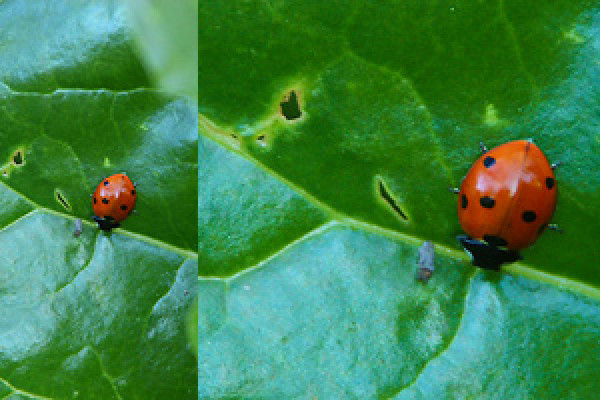
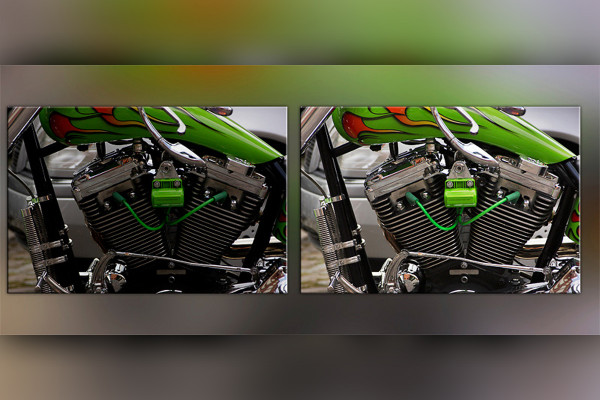
The actions can be used in a variety of ways: smooth background patterns, cool styles for texts, creative frames for photos.
Comments (69)
Comment now „Photoshop Actions Pack - Vol. 2 - Top 100 Actions“









 Photoshop Actions Pack - Vol. 2 - Top 100 Actions
 Photoshop Actions Pack - Vol. 2 - Top 100 Actions
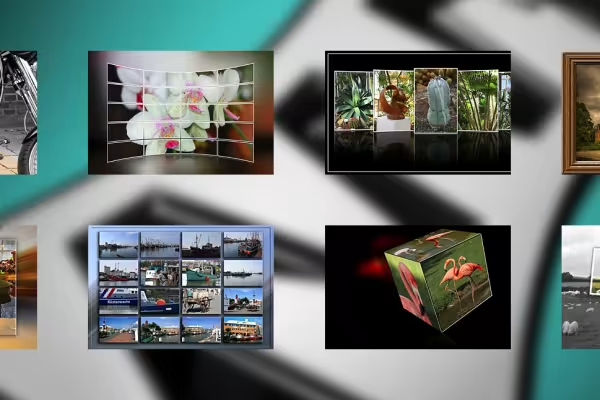 The actions can be used in a variety of ways: smooth background patterns, cool styles for texts, creative frames for photos.


Comment now „Photoshop Actions Pack - Vol. 2 - Top 100 Actions“