

Presets for stunning photo effects to download
This much is certain: presets make your workflow much easier! Presets are working files that you load into a program and after applying them, certain results are automatically achieved. Presets are particularly popular in photo optimization with Lightroom, Camera or Capture One, but you can also use presets in video editing to create effects worth seeing. Dive into the extensive selection of our presets to achieve your goals even faster when editing photos, images and videos.
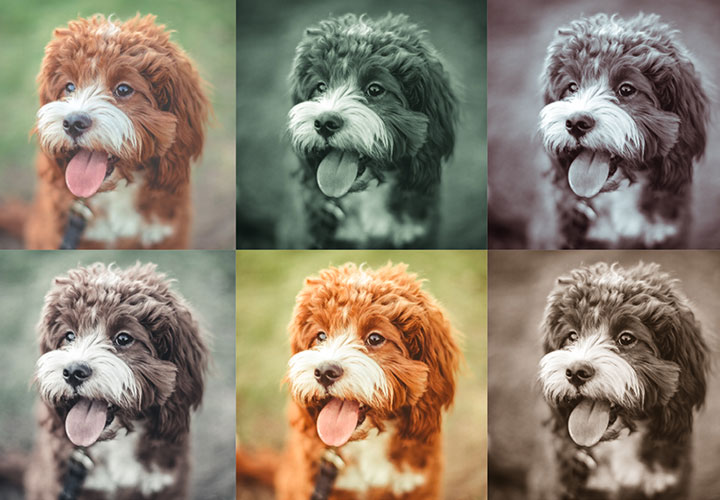
Two-tone and luminous effects
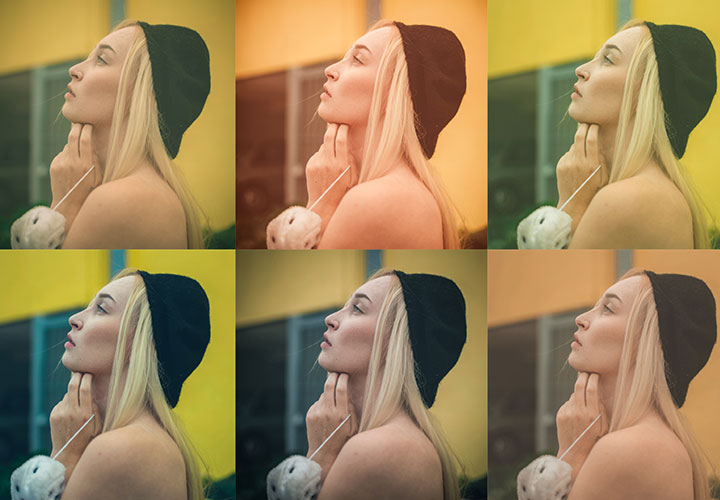
Real mood makers
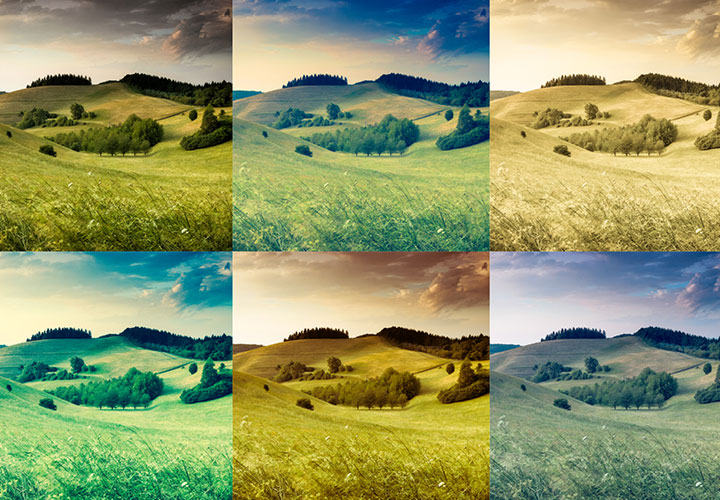
From black and white to intense color
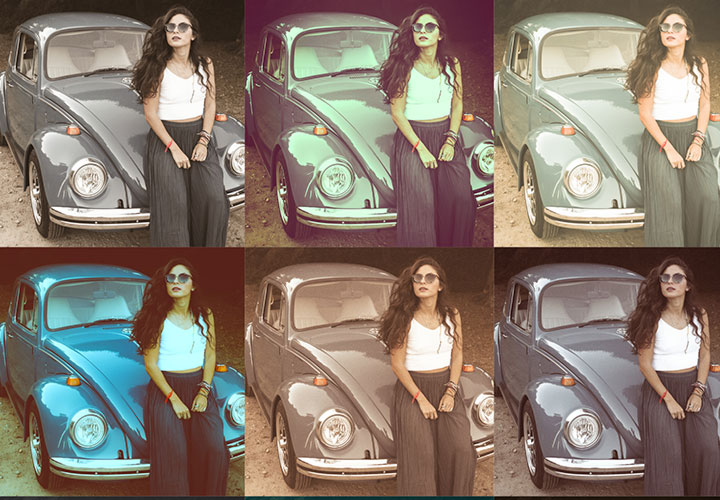
Charming as-if looks
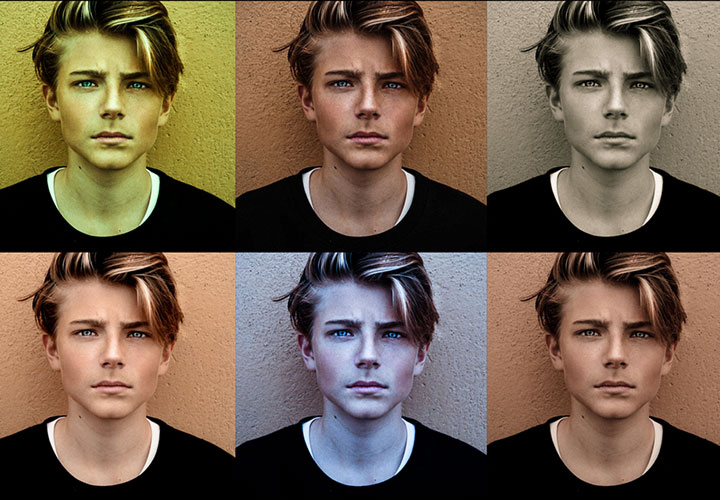
Modern looks for your pictures
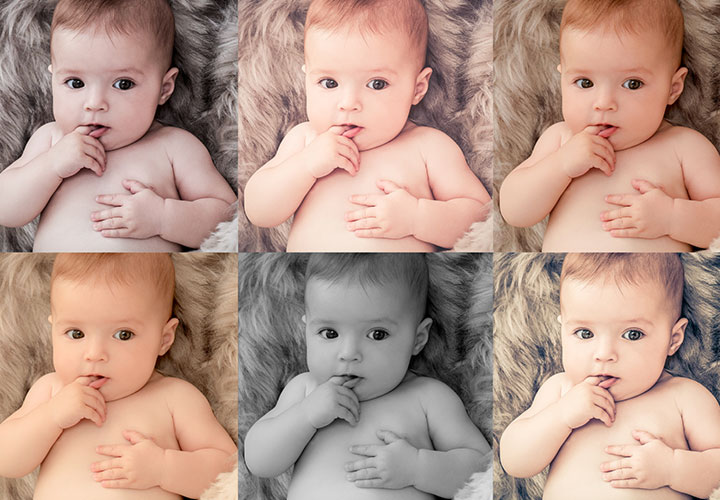
For magical moments
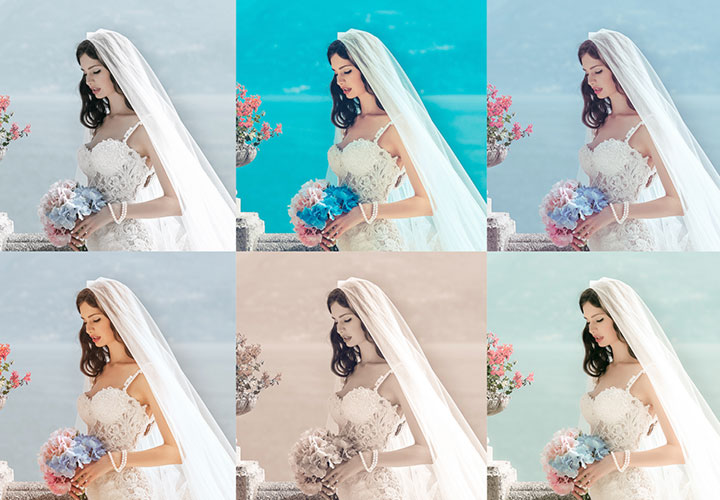
Presets for dreamlike moments
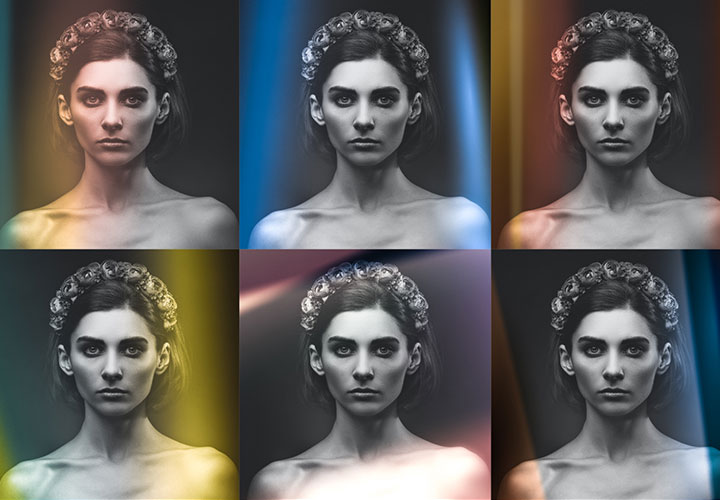
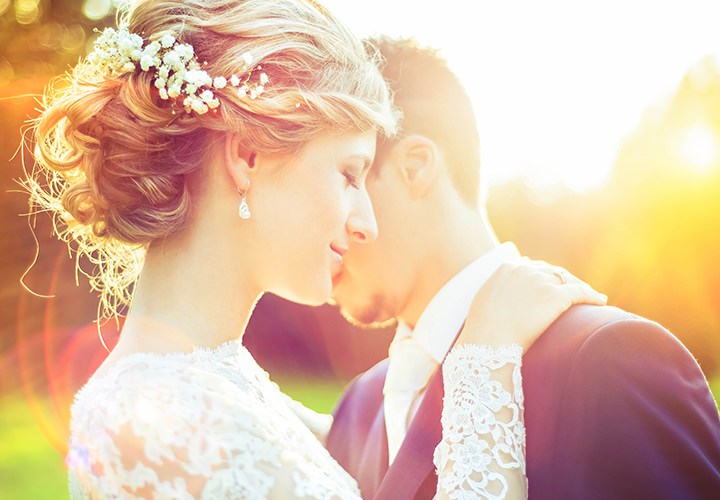
Presets for beautiful light leaks
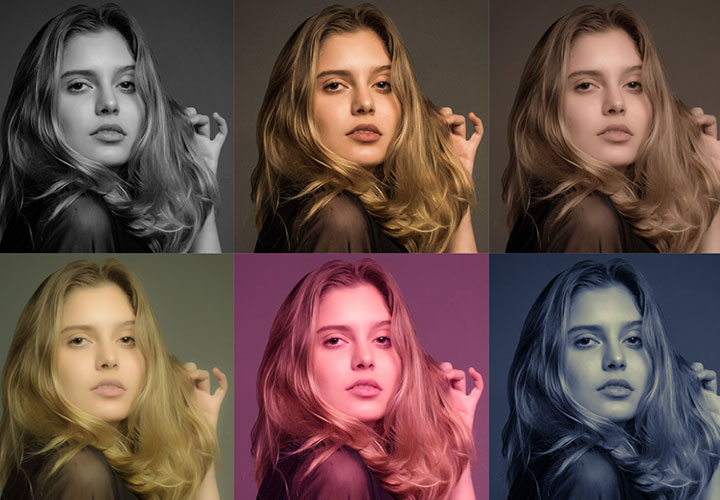
A catwalk of stylish specifications
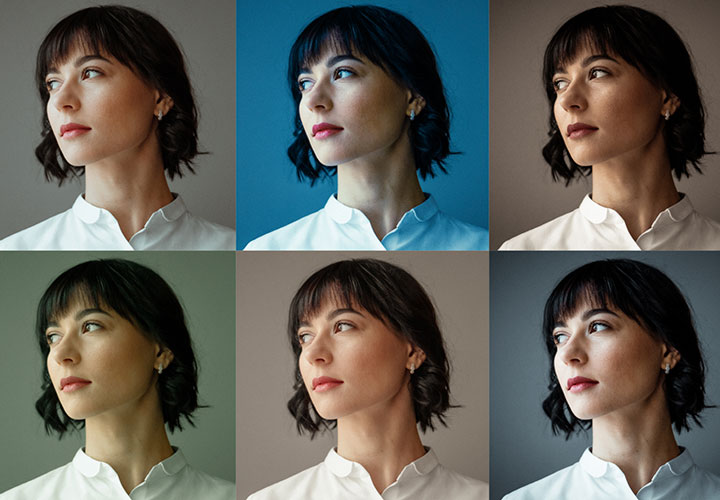
For cinematic photos
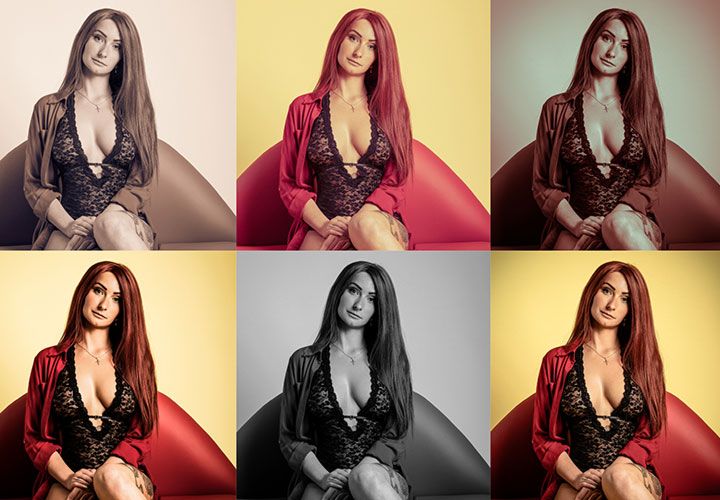
More crackle in your photos
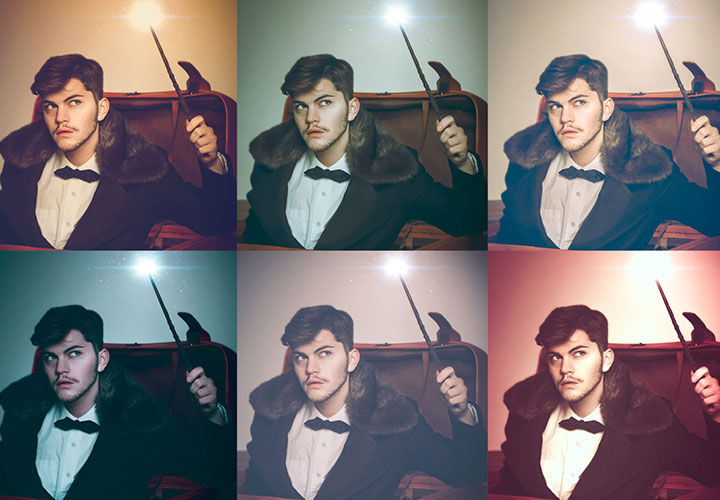
High-quality looks for your photos
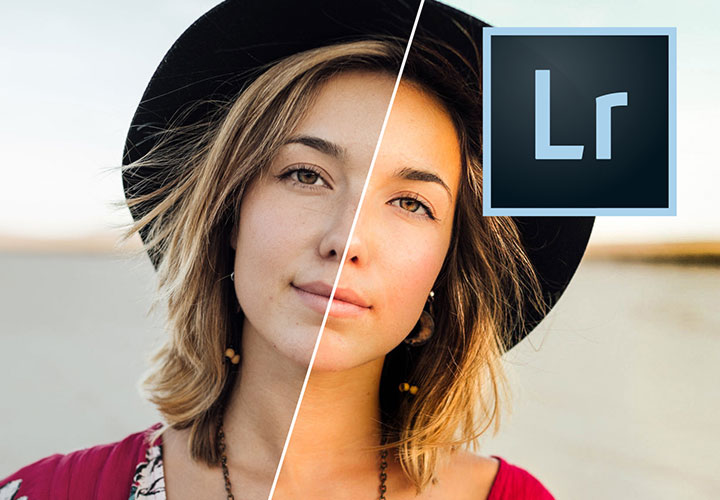
Specialized specifications for skin, eyes and co.
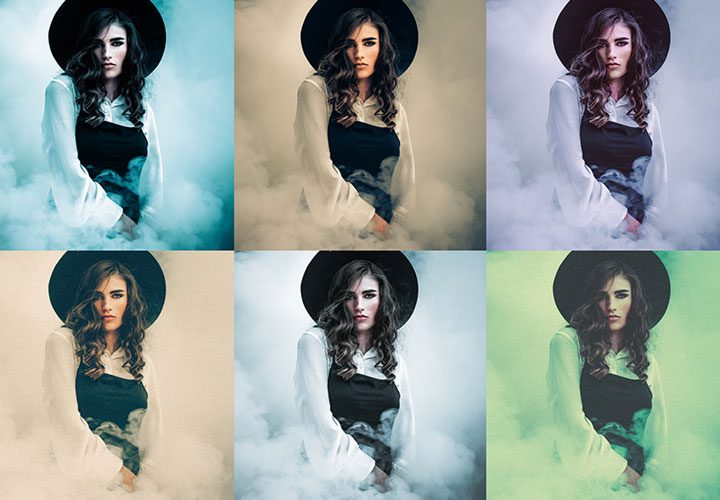
For the dark side of photo editing
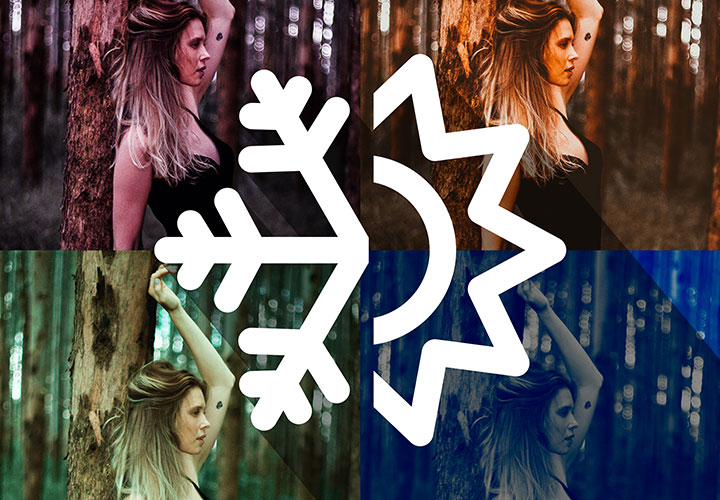
Matching photo looks for the whole year
Over 700 assets for cool pictures
Digital camera bag!
Create trendy looks in your photos!
Presets, actions, mockups, bokehs and brushes
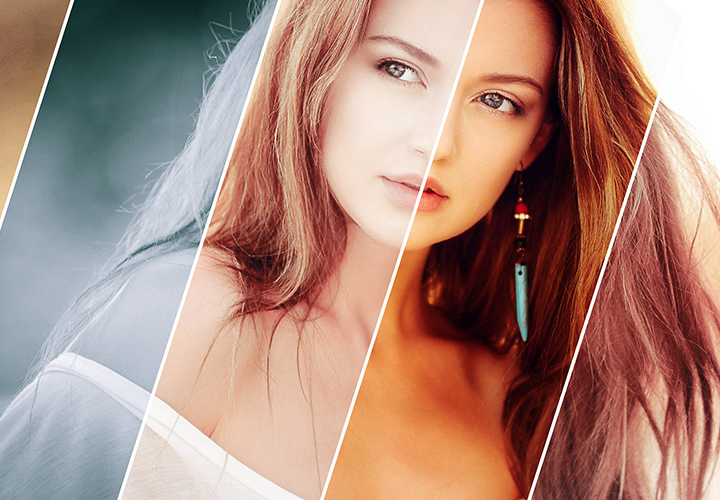
Looks & styles for your pictures
295 wonderful picture looks created quickly
For fast, high-quality image results
Download presets and use them directly
Presets for different programs & image styles
Presets for Lightroom, Camera Raw and Capture One
In programs such as Lightroom, Capture One and Camera Raw, you use dozens of sliders to adjust the looks of your photos. Starting this process from scratch for every image is both tedious and time-consuming. This is exactly where our photo presets can help you: the presets automatically move the sliders to defined positions, resulting in a specific look. In this way, you can quickly achieve a sepia, black and white or pastel look, for example, which you can even refine afterwards.
Use presets multiple times for uniform photo effects
Presets are truly unbeatable in this respect: Once you have found a certain look, you can apply it to several photos at once if required. This results in a consistently uniform, captivating overall look across an entire photo series. If you then combine the photos in a photo album, flyer or brochure, for example, one image style will fit perfectly with the other. And if we may recommend our internally most popular highlight: Try out these flickering, beautiful lighting effects directly in Lightroom or Camera Raw.
Presets ... and so much more!
Presets for Photoshop, Affinity Photo and video software
In addition to the presets for optimizing photos, you will also find helpful presets for other purposes. These include actions for Photoshop and macros for Affinity Photo as well as various Photoshop styles and color gradients. You can also discover helpful assets for editing your videos, such as slideshows, light leaks and film burns. You can find an overview of the compatibility of the respective file formats in our help center. Start your program - import the appropriate presets - and look forward to fast, great results.