How to import brushes into Photoshop
In this video, we explain how to import brushes into Photoshop.


Compiled from our content: A valuable pool of material, perfectly tailored to wedding photography and wedding reportages! From now on, you no longer have to search, but can apply the right material straight away!
In this video, we explain how to import brushes into Photoshop.

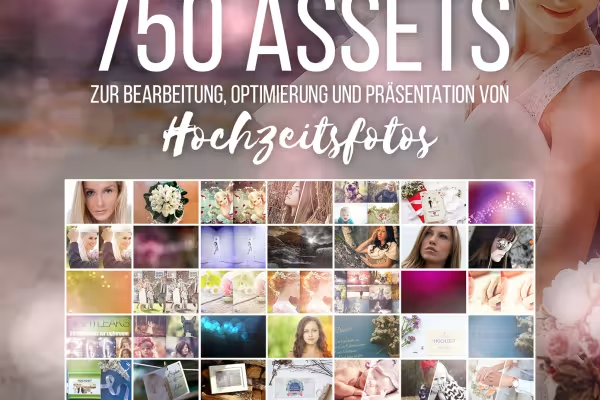
Weddings and wedding events are as unique as the couples getting married. In order to react even faster to customer requests or implement your own ideas, this presets collection with over 750 digital assets is available to you. The presets, bokehs, brushes, and actions are suitable for editing your wedding photos. Create uniform series of images for wedding reports with just a few clicks and effort. Use the mockups to showcase your photographic works or to send wedding greetings.
Whether a dreamy atmosphere, an additional touch of romance, or a vintage look - with the wedding collection, you receive Lightroom presets for various color and style nuances. These include creamy tones, black and white, fairytale-like, as well as softly interwoven red, yellow, orange, or blue. Simply load the presets into Lightroom, and the sliders will automatically adjust to predefined positions and give your wedding photos a finely balanced wedding look.
Your wedding photos capture more than just the bride and groom, guests, and locations - they convey moods, emotions, and stories. The Camera Raw presets, also available for use in Lightroom, support you in this aspect. Similar to the Lightroom presets, once loaded, parameters such as color temperature, exposure, or saturation are automatically set. The result: stylish, consistent looks for your wedding images.
Sometimes an additional effect is needed. Whether subtle and barely noticeable or prominent and powerful, it's up to you to decide. Simply choose a suitable bokeh and place it in Photoshop over your image. With an appropriate blending mode (recommended: Negate multiply), incorporate the effect as an overlay onto your wedding photo. All bokehs are available in 5,760 px × 3,840 px resolution.
These actions make your photo editing life easier. Start a Photoshop action and within a few clicks, you'll achieve the desired result. With the actions in this collection, you can perform the following:
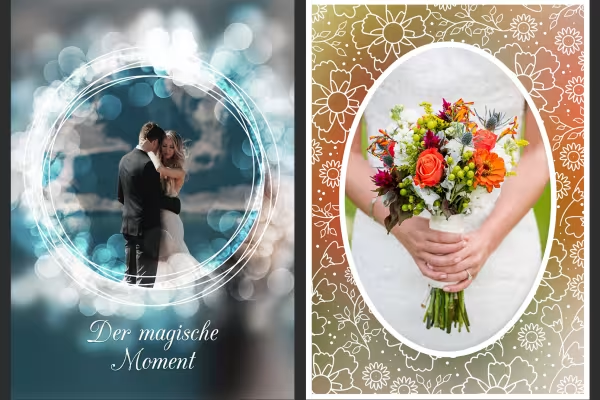
Is your wedding photos lacking glitter and sparkle? Could a few extra sun rays enhance the atmosphere? Then use the brush tips and simply add the missing elements to your shots using the brush tool. The motifs you create resemble sparks like those from sparklers, show formations of varying sizes of light points, or create a fascinating light and dark fan shape.
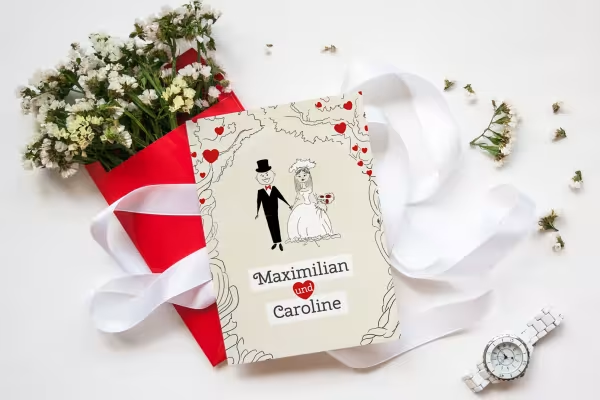
Mockups are photorealistic scenes where you can incorporate your wedding photos. Simply drag your image into the corresponding mockup - Photoshop will automatically adjust the perspective. You can use the mockups in the package to showcase your portfolio on your website or prepare digital greetings for your clients. Find suitable romantic wedding quotes and wishes for the bride and groom on our blog.
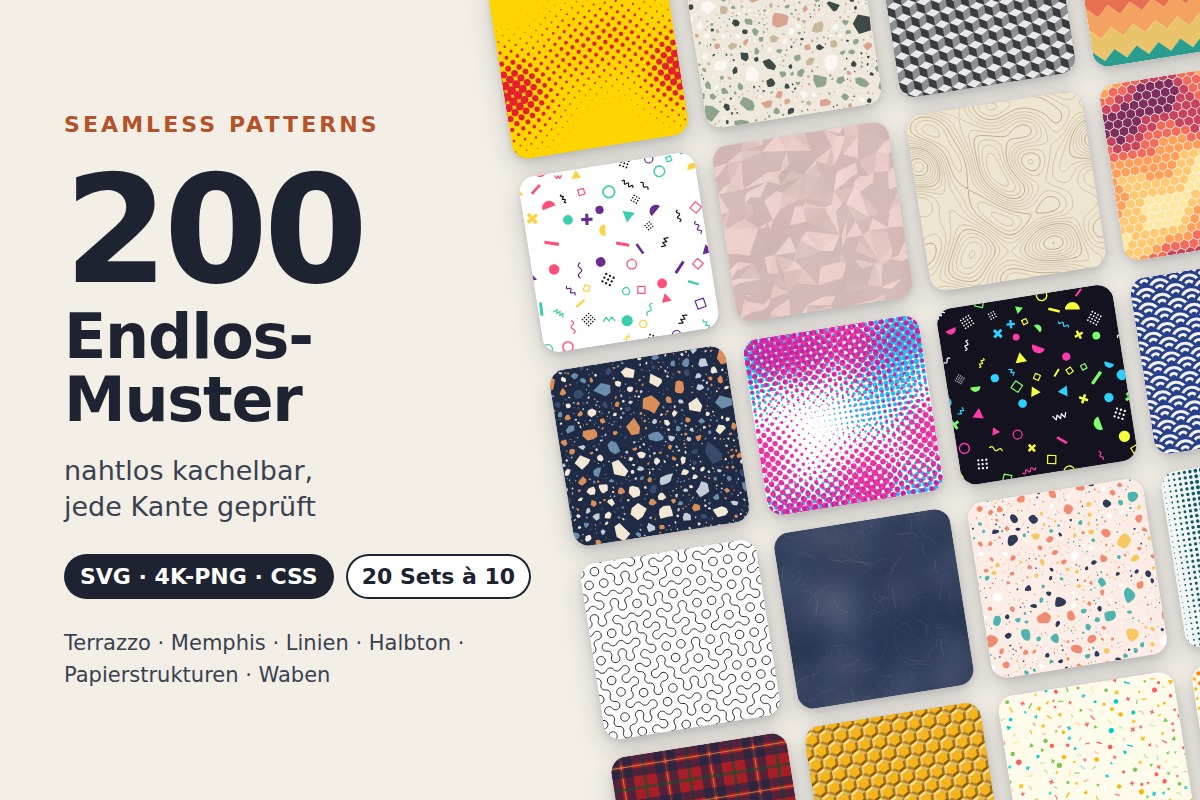
20 sets of 10 seamless patterns: Terrazzo, Memphis, lines, halftone, paper textures, and honeycombs
20 sets in 4K (4096 × 4096 px, 300 DPI) as JPG plus Photoshop patterns, calibrated to the fill method

Seven theme packages as .cube and as Lightroom presets

100 presets in 5 themes · each look in .xmp, .dng, and .costyle · for desktop and smartphone


Comment now „Presets collection for wedding photographers“