
Superior dynamics: the "Score" design for PowerPoint, Keynote and Google Slides

- Design meets variety: 75 templates for Google Slides, PowerPoint and Keynote
- Fast and individual: Simply place your content and adjust the colors as required
- Choose your format: in 16:9, 4:3 or A4 landscape
- Slides for images, texts, graphics, overviews, diagrams and more
- Bonus: 10 icons and maps of Germany, Austria, Switzerland, Europe and the world
Result: You'll get your presentation on screen quickly and confidently and make a professional impression at the same time. Download the big time saver.
content
1 item
Design "Score" for PowerPoint, Keynote, Google Slides

Examples of use
-
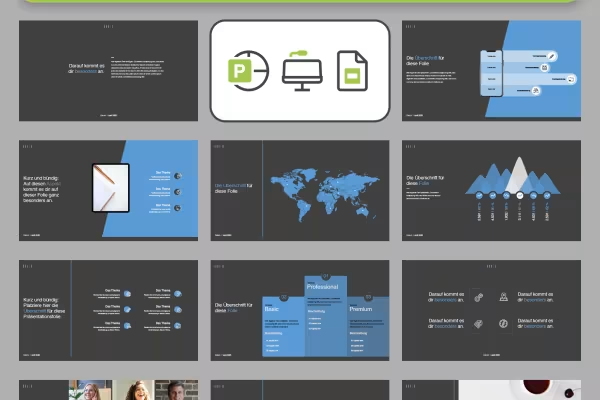 Everything in a uniform design: choose the one you need from 75 slides.
 -
 Simply choose 16:9, 4:3 or A4 landscape - all formats are prepared!
 -
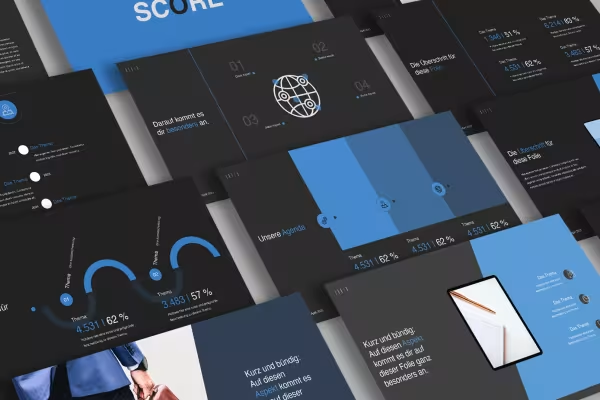 Drag out the desired slide layouts and only insert your content.
 -
 Create your presentation quickly, from the title slide to diagram and text slides to the final slide.
 -
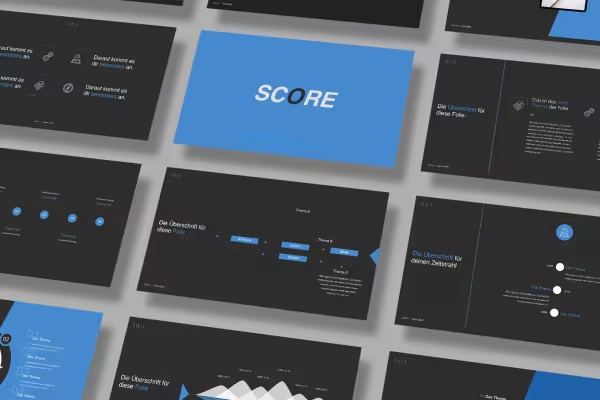 You can edit the template in PowerPoint, Keynote and Google Slides.
 -
 Simply download, customize and present: Get the score design!
Other users are also interested
You might also like
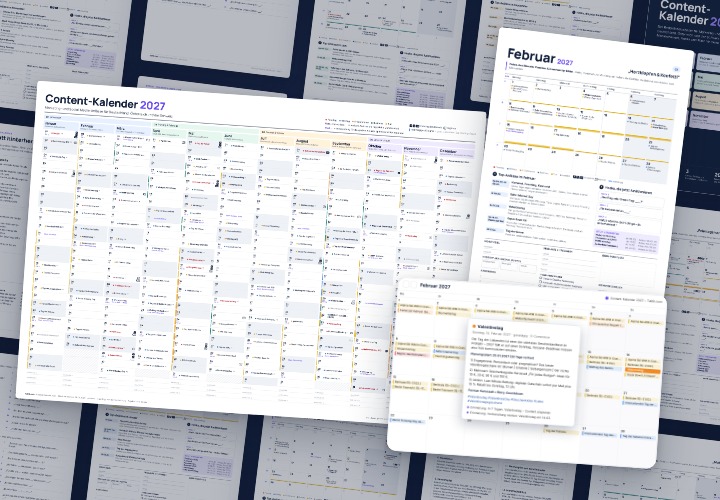
Content Calendar 2027 for Social Media | TutKit.com
277 occasions with 3 post ideas each, wall planner A2/A1, monthly calendar A4, Excel database, calendar file, and bonus tools
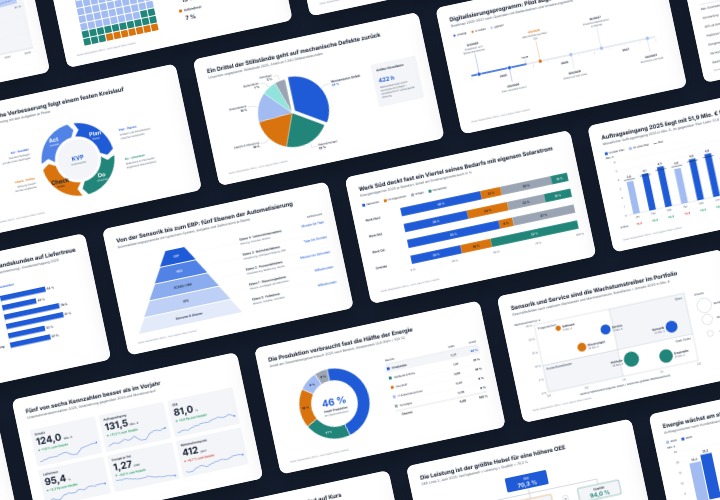
Infographic templates & diagrams for technology & B2B | TutKit
48 editable chart templates in SVG, PDF, EPS, PNG, and PowerPoint – in under a minute in the customer’s corporate identity

500 Beverage & Gastro Icons in SVG, EPS, PNG
10 sets of 50 vector icons in line and duotone, available in SVG, EPS, and PNG

Excel Calculators for the Creative Industry: 10 Templates | TutKit.com
Prices, projects, vacation, working hours, and travel expenses
Comment now „Superior dynamics: the "Score" design for PowerPoint, Keynote and Google Slides“