
Midjourney tutorial: How the AI creates spectacular images for you

- Midjourney tutorial: How the AI automatically creates spectacular images and layouts for you
- For a quick start: How to register and easily generate your first images
- Individualized results: Use your own photos and let Midjourney change them
- Tips and tricks for more quality: how to achieve exactly the images you want
- Free vs. paid: Which version of Midjourney offers which functions
- Advantages: How to derive concrete benefits from Midjourney for your own image and layout work
- Reference card as PDF with the most important commands and tips
Use Midjourney in a targeted manner to create spectacular images and layouts: Start this tutorial to get the AI working at full speed for you and your purposes.
15 Videos, 174 minutes
Midjourney in practice: Automatically create images and layouts
Midjourney: 0 | Intro to the video tutorial
4 minCreate images easily with the AI Midjourney?! That's what this video training course is all about. In this intro, your trainer Stefan Petri explains what you can expect in the course.
Midjourney: 1 | Free registration with the image AI
6 minIn Part 1, I explain exactly what you need to bear in mind when you register for free at https://midjourney.com. Especially at the beginning, you will be overwhelmed by information that is not all relevant.
Midjourney: 2 | Create sensational images quickly
10 minPart 2 is all about finally getting started and creating breathtaking images in under 60 seconds with just a few words.
Midjourney: 3 | Use and edit your own photos
7 minMany people will be interested to know: How can you upload your own pictures and then give them a new look? It's easy if you know how!
Midjourney: 4 | Settings for even better pictures
11 minThe default settings are already quite good, but if you want to use the full power of Midjourney, you can't avoid looking at the settings. I'll go into the most important ones here.
Midjourney: 5 tips and tricks for better results
21 minYou only get a feel for how Midjourney "thinks" once you have been working intensively with Midjourney for weeks. In this part, I will give you all this knowledge in a compact form so that you don't have to wait so long.
Midjourney: 6 | Take out a paid membership and try out the benefits
8 minThe paid version of Midjourney opens up further doors that offer me even more possibilities. I will take out a paid membership directly in the video and then show you the advantages.
Midjourney: 7 | What are the benefits of AI for professional agencies - several examples
12 minMany people probably think that Midjourney is only interesting for people who want to create cool pictures. Far from it! Professional agencies also have great advantages here. I'll show you exactly which ones using various examples.
Midjourney: 8 | Much better pictures in Midjourney with the help of ChatGPT!?!
7 minCan ChatGPT generate better commands for working in Midjourney? I have tested it and have to say: Yes & No :-) ... more about this in a really crisp video. Article from the Standard.
Midjourney: 9 | Reference card with the most frequently used commands & tips
15 minHow often have I wished for a list of the best commands for Midjourney? Tada ... now it's finally here ... and there's even a video! It's worth watching and downloading anyway!
Midjourney: 10 | Adobe introduces new AI Firefly. Can Midjourney pack it in now?
15 minHave you heard of Adobe Firefly? This is Adobe's answer to Midjourney to easily create really cool images and even more awesome text effects. Watch my video to get a quick overview of the new AI. If you want to sign up for Adobe Firefly, click here: https://survey.adobe.com/jfe/form/SV_2tNbydqEp6ovet0
Midjourney: 11 | Leonardo Ai and other AI systems at a glance
20 minIn this tutorial, I'll mainly show you the power of Leonardo Ai ... in my opinion, it has better functions than Midjourney. But watch this video yourself to form your own opinion.
Midjourney: 12 | New functions in version 5.2 (zoom, short commands and better styles)
9 minWhat an update! There are some very cool new functions that make my work and yours easier. I'll show you exactly what they are in this video.
Midjourney: 13 | New features in version 5.2 update (change certain areas, more pixels certain direction)
7 minAlthough it is still version 5.2, two new functions have been added that I would like to share with you:
- Only change certain areas of an image
- Add more pixels, e.g. to the right or left
Midjourney: 14 | New features in version 6
10 minIn version 6 a lot has changed. Among other things, texts are finally created correctly, and the style can also be replicated quite well based on a reference image. Watch the entire video so that you quickly get introduced to all the new features. You can find the alpha version website (access after creating 1000 images) here. There is a general beta site available here.
Examples of use
-
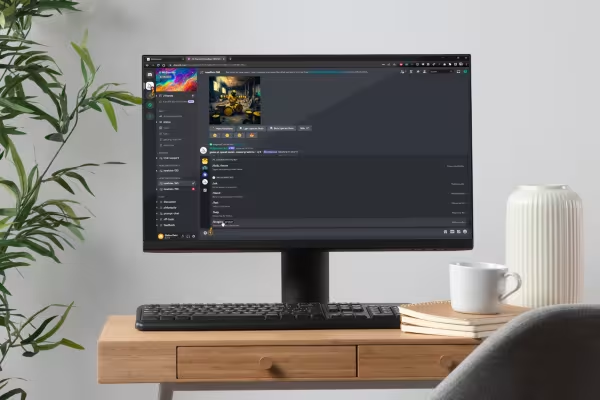 Start with an introduction to Midjourney and find out how to sign up for free.
 -
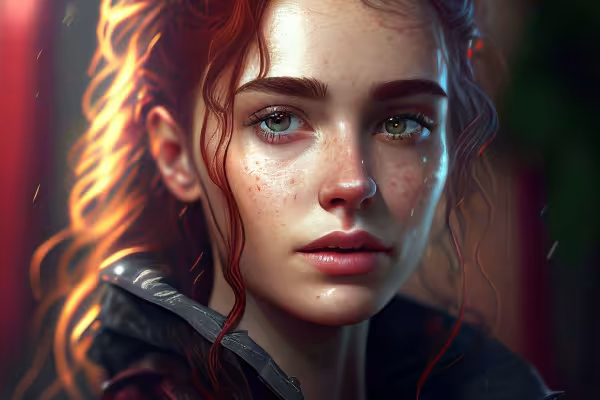 Example: It takes a while to understand how the AI "thinks" - with the tutorial you get better results right from the start.
 -
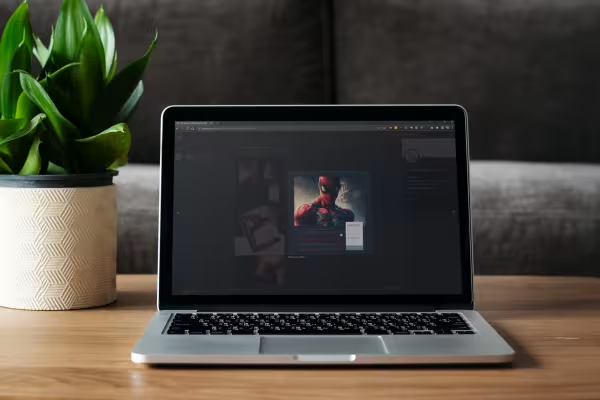 Let Midjourney create fascinating images for you by entering just a few words.
 -
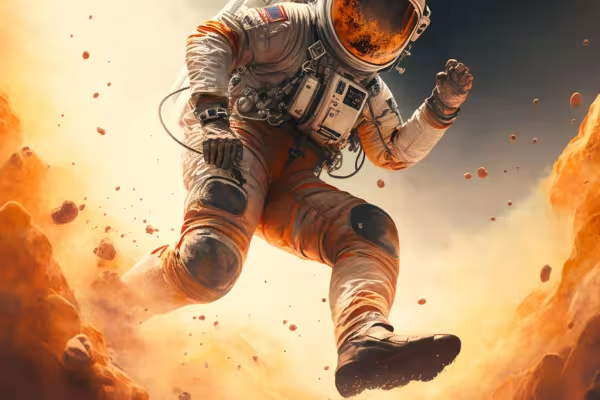 Example: What would otherwise take you a long time to compose manually, Midjourney puts together quickly and automatically.
 -
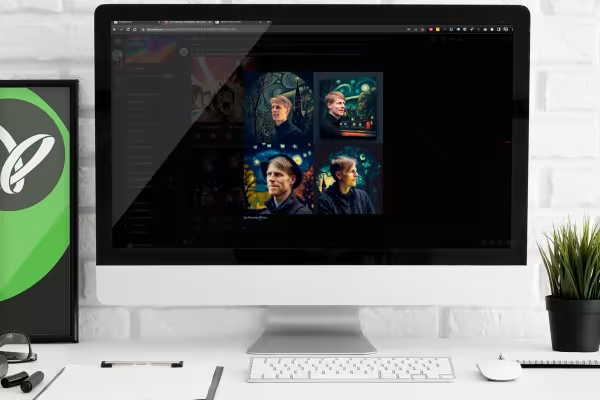 Find out how you can have Midjourney edit your own images and give them a new style.
 -
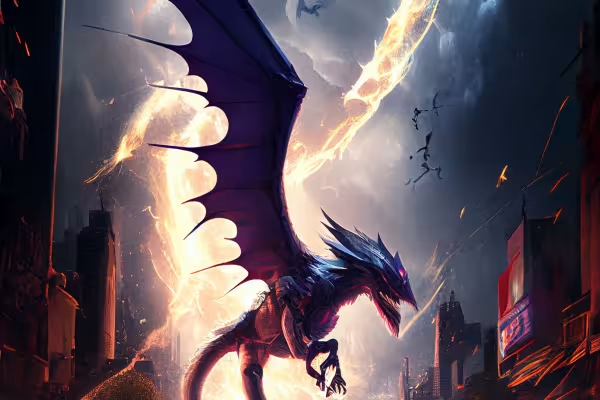 Example: Start the tutorial and take off by making the AI your tool!
 -
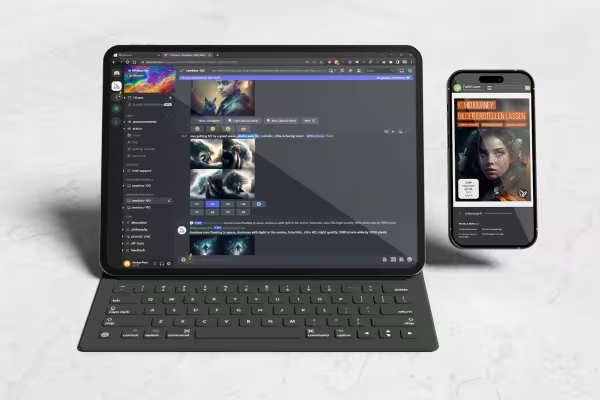 Tips and tricks: How to get the images and layouts you want from the AI.
 -
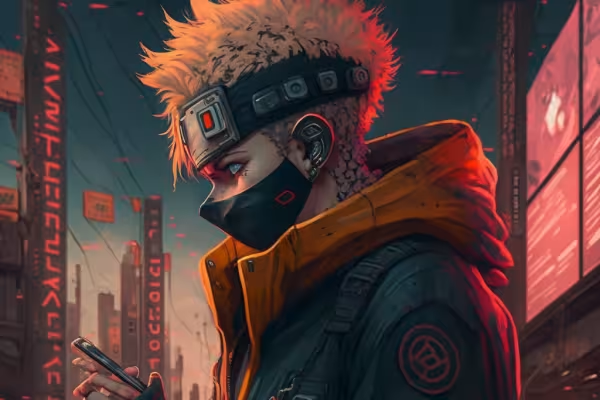 Example: What scene do you have in mind? Tell the AI - and it will create the image for you.
 -
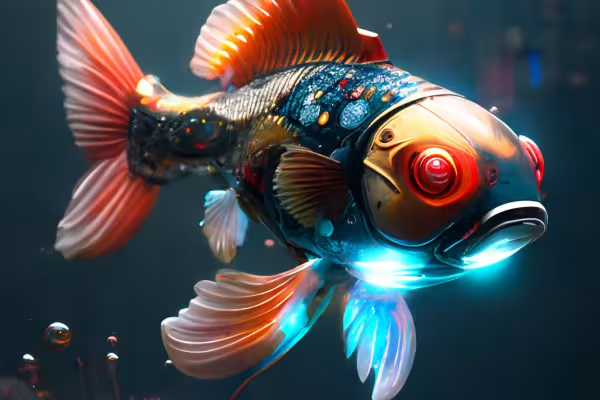 Example: Is it supposed to be a robo-fish? The AI can also create scenes like this in a minute.
 -
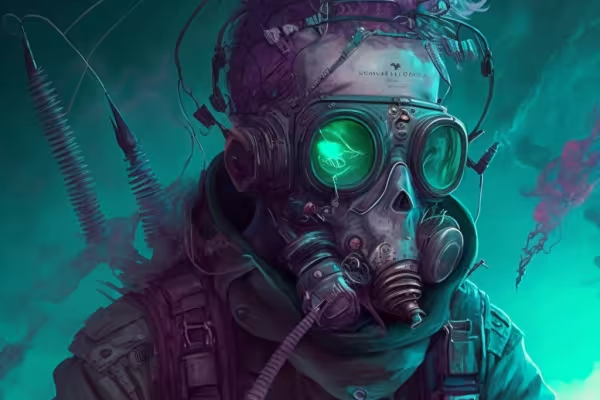 Example: Create images automatically - find out how in the tutorial.
 -
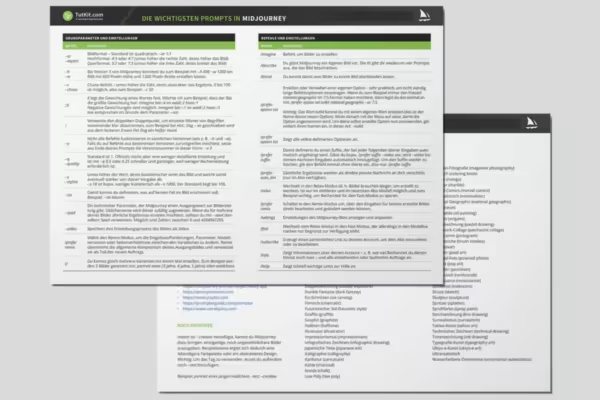 Grab the reference card and get started!
You might also like

20 sets in 4K (4096 × 4096 px, 300 DPI) as JPG plus Photoshop patterns, calibrated to the fill method

From log analysis to incident report: ChatGPT, Claude, Gemini & local models in everyday security

100 presets in 5 themes · each look in .xmp, .dng, and .costyle · for desktop and smartphone

From Context Hints to Conversion: Campaigns in ChatGPT
Comment now „Midjourney tutorial: How the AI creates spectacular images for you“