
AI guide: Generating and editing images with Midjourney, DALL-E and co.

- Edit photos, generate images - these AI tools will help you!
- From well-known representatives such as Midjourney to specialized AIs such as Palette and AdCreative
- Remove objects, revitalize old photos, create logos and images: Which software can do what
- Canva vs. Midjourney vs. DALL-E and BlueWillow - who wins the comparison?
- Save time and money with image AI programs - a tutorial by Sascha Delp lasting over two and a half hours
If you're missing the right motifs again or want your own pictures to look better: Here you will get to know exactly the AI programs that will help you!
17 Videos, 155 minutes
AI tools for images
AI for pictures: 01 | Intro - what to expect
1 minHere you will get an overview of the topics and tools that will be discussed in this training.
AI for pictures: 02 | Cleanup pictures - removing annoying objects is child's play!
7 minIn this section, you will learn about Cleanup pictures, a tool that makes it easier for you to remove unwanted objects.
AI for images: 03 | Midjourney - the world-famous AI text-to-image tool
19 minMidjourney is a world-renowned AI text-to-image tool that you will learn about in this section.
AI for pictures: 04 | Midjourney - private Discord server: How it works!
5 minYou will learn how to set up a private server on Discord to communicate with other Midjourney course participants.
AI for pictures: 05 | Palette - Bringing the past back to life
9 minPalette allows you to let past events shine in new colors - in this section you will learn how to do this.
AI for images: 06 | AdCreative - Want to advertise? Then definitely use this tool!
8 minAdCreative is a tool that helps you to place ads - learn how it works in this section.
AI for pictures: 07 | DALL-E - become an artist with this tool!
6 minDALL-E helps you to become an artist - in this section you will learn how to use the tool correctly.
AI for images: 08 | Clipdrop - the all-rounder in image editing
9 minClipdrop is an all-rounder among image editing tools - in this section you will learn how to use the tool.
AI for pictures: 09 | Kaiber - bring your pictures to life!
9 minKaiber brings your pictures to life - in this section you will find out how.
AI for images: 10 | WatermarkRemover - watermark removal made easy
3 minYou will learn how to remove watermarks from images quickly and easily.
AI for images: 11 | Canva - Text to image with designer page #1!
9 minIn this section, I'll show you how to use Canva to quickly and easily turn text into stunning images and graphics.
AI for images: 12 | Looka - Logo? Lacking ideas? Never again!
8 minYou'll learn how to use Looka to create a professional logo for your business in minutes, even if you have no design skills.
AI for pictures: 13 | PromptoMANIA - when fantasy becomes reality!
8 minYou will learn how PromptoMANIA can help you generate ideas for stories, scripts or other texts.
AI for images: 14 | BlueWillow - Alternative to Midjourney
11 minFind out how BlueWillow works as an alternative to Midjourney and what advantages it offers.
AI for images: 15 | PromptHero - Inspiration for text-to-image
6 minYou'll learn how PromptHero can help you find inspiration for your texts and how you can then quickly and easily turn them into stunning images.
AI for images: 16 | 13 more AI tools that I don't want to keep from you!
22 minHere I present 13 other AI tools that can help you at work and in your creative work.
AI for images: 17 | The comparison: Midjourney vs. DALL-E2 vs. BlueWillow vs. Canva
15 minIn this section, we compare Midjourney with three other popular AI tools and look at their respective strengths and weaknesses.
Examples of use
-
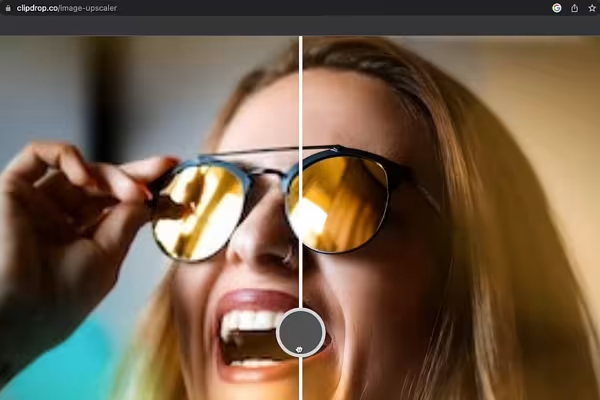 Find out which AI tools are suitable for editing your images quickly and easily.
 -
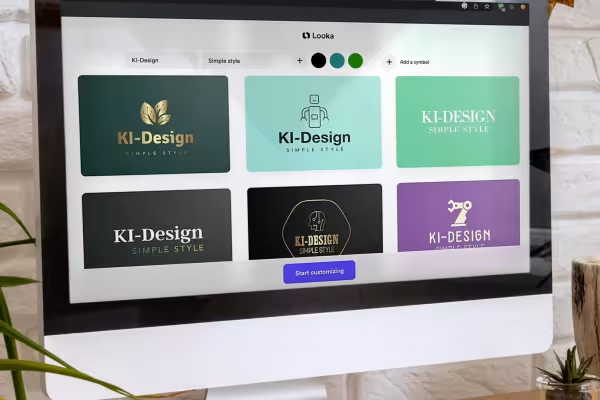 Get to know AI-based programs that you can use to generate logos and images.
 -
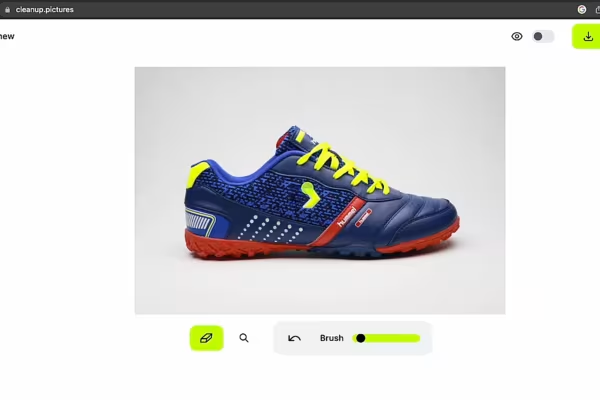 Remove distracting objects? That used to be a manual effort. Tools like Cleanup pictures make it easier.
 -
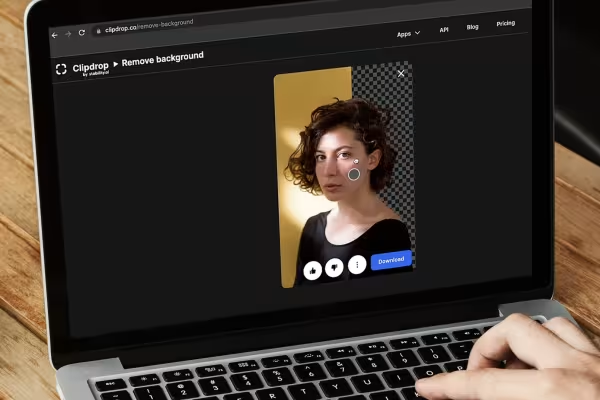 Would you like to conjure up a new background for your picture? Take a look at which programs are suitable for this.
 -
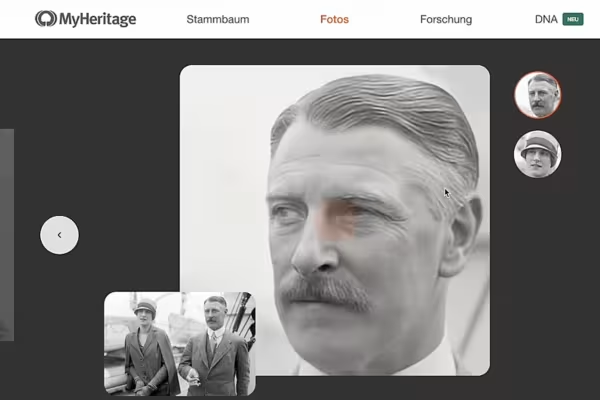 Edit images. Generate images. Breathe new life into shots. Get to know the AI tools that can do all this!
You might also like

From log analysis to incident report: ChatGPT, Claude, Gemini & local models in everyday security

20 sets in 4K (4096 × 4096 px, 300 DPI) as JPG plus Photoshop patterns, calibrated to the fill method

100 presets in 5 themes · each look in .xmp, .dng, and .costyle · for desktop and smartphone

From Context Hints to Conversion: Campaigns in ChatGPT
Comment now „AI guide: Generating and editing images with Midjourney, DALL-E and co.“