


Photoshop instructions for using the -Pop Art- action
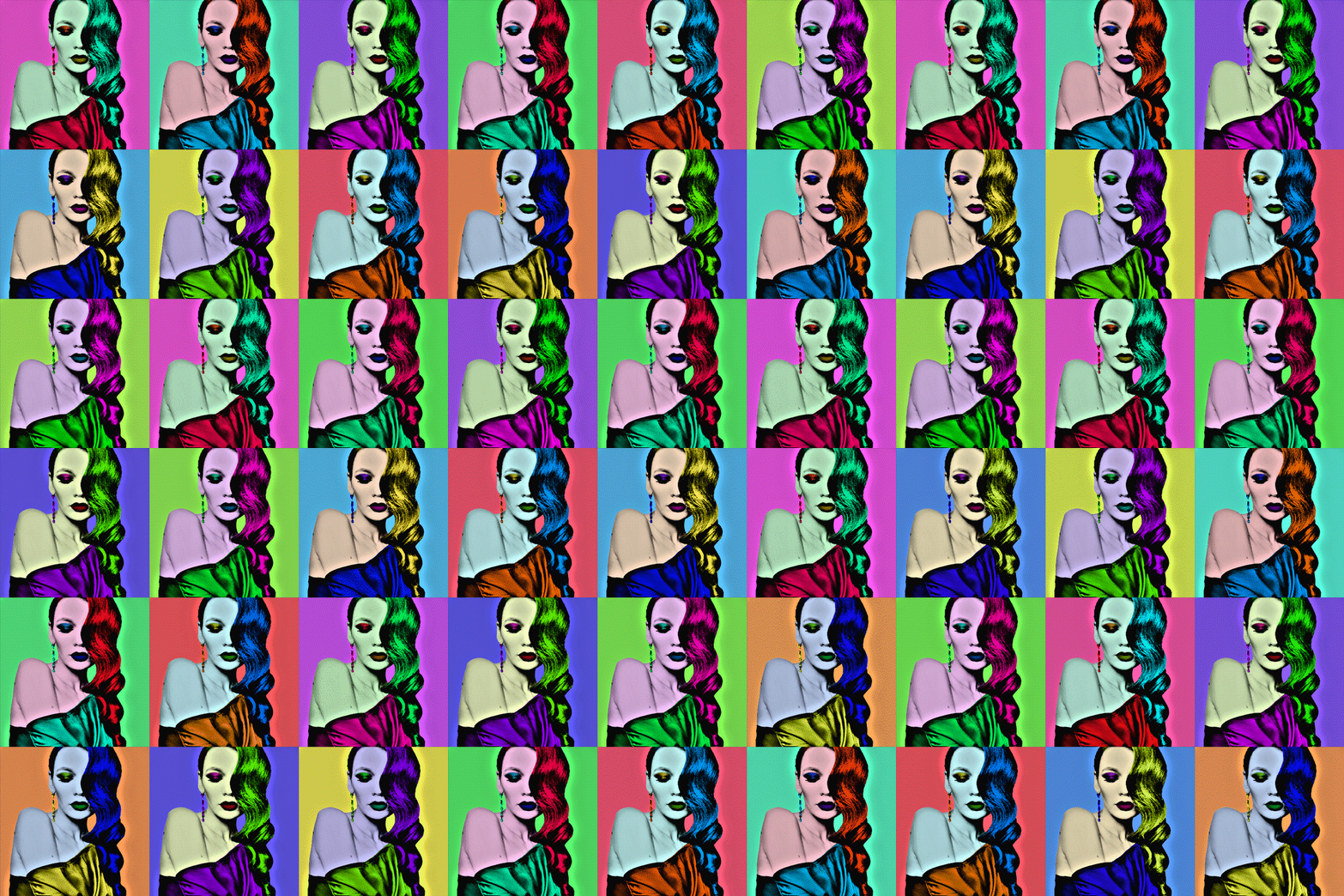
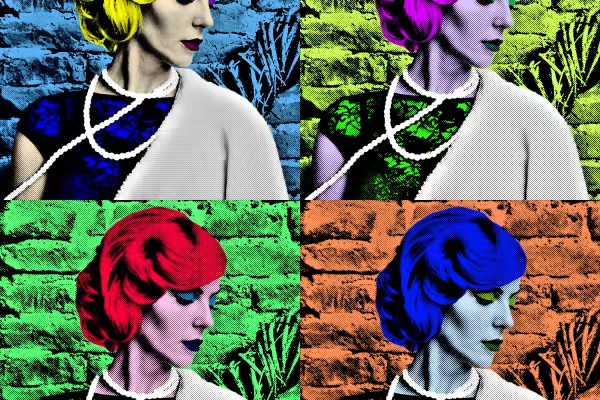
With the "Pop Art" Photoshop action, you can transform your portraits into artistic works. You have all kinds of creative freedom. You can create individual images and collages, add your own colors, choose between two different display sizes and even create GIF animations. In addition to the actions, you have two Photoshop files and brushes at your disposal. Sounds extensive? - It is. To help you explore all the possibilities of the action, Matthias Petri shows you how to proceed step by step in this Photoshop tutorial.



Comment now „Photoshop action "Pop Art": Look and animation“