Just a few clicks and the effect is perfect. With these 15 Photoshop actions you can create photo and text effects worth seeing. Pop art, aging, disruption, engraving lines and frames for your images. Retro, metal, 3D and holography for your texts.
15 Photoshop actions for photo effects and text effects
Great looks for your pictures: Engraving lines, pop art, deckle edge or deckle frame, aging, watercolor and disruptive effect actions
Effective: whirl up clouds of dust in pictures, let the feathers fly and the ink (animated) waft.
Create sparkling streaks of light in your pictures and photos
Choose from eight high-quality picture frames to showcase your most beautiful photos.
Impress with texts and smart objects in watercolor, retro, holographic and metal looks.
You "click", Photoshop provides the "boom", and the result is an impressive "wow" - create effects and looks in seconds that you would otherwise have to spend hours meticulously creating yourself.
content
Details of the content
Photoshop actions
Premium class Photoshop actions - Vol. 2: 01 | Four romantic picture frames
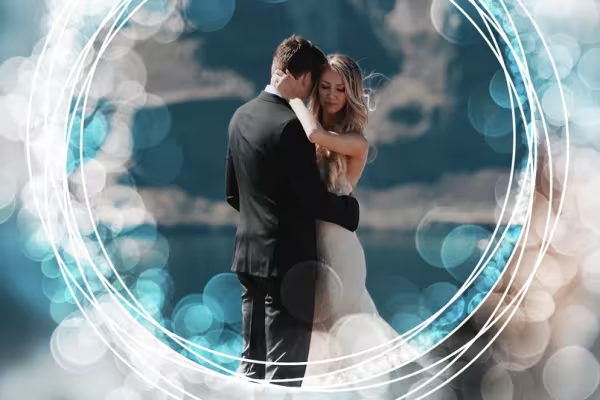
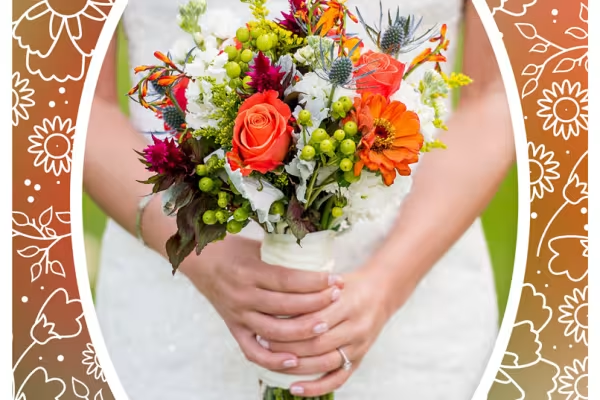
One Photoshop action - four different picture frames. Place your photos in frames decorated with filigree ornaments and create the matching background at the same time. This action is particularly suitable for wedding photos, pictures of couples in love, portraits of a husband, wife, child and baby or simply for your favorite photos that you want to present in a decorative and high-quality illustrated way.
The principle is simple: load your image into Photoshop, start the action, move your motif to the desired position - done! Whether circular with delicate foliage or in the middle of an enchanting bokeh effect, whether oval with surrounding flower ornaments or in an artfully decorated frame - with this action you can transport your photos to the sweet side of life. Included are the Photoshop action in ATN format, a brush file (ABR) and a pattern file (PAT) as well as a PDF quick start guide.
Premium class Photoshop actions - Vol. 2: 02 | Four high-quality photo frames
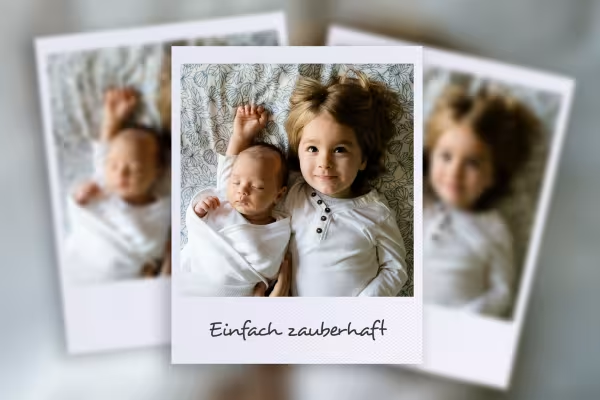
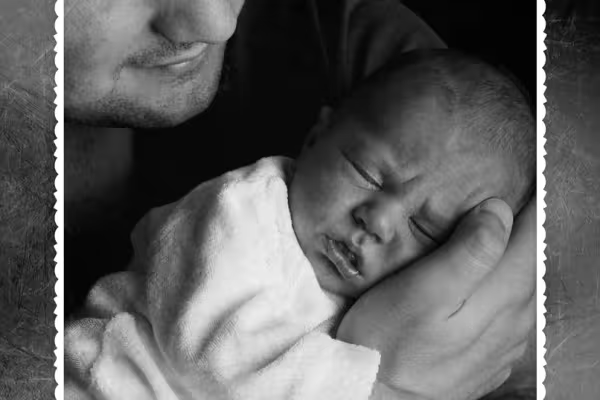
Would you like to display your most beautiful photos in photo frames that are at least as beautiful? Then treat yourself to a Photoshop action that will give you four high-quality results. With just a few clicks, you can insert your picture into a white, rectangular photo frame, display it in a Polaroid look or have it quickly converted to black and white so that it appears in a jagged vintage frame and in the middle of a tissue paper setting. The backgrounds are always created based on your image.
It's very easy to get to the photo in the frame: load the image, start the action, adjust your image section by simply transforming it - done. Included are the Photoshop action in ATN format, a brush file (ABR) and two pattern files (PAT) as well as a PDF quick start guide.
Premium class Photoshop actions - Vol. 2: 03 | Pop Art effect and animation
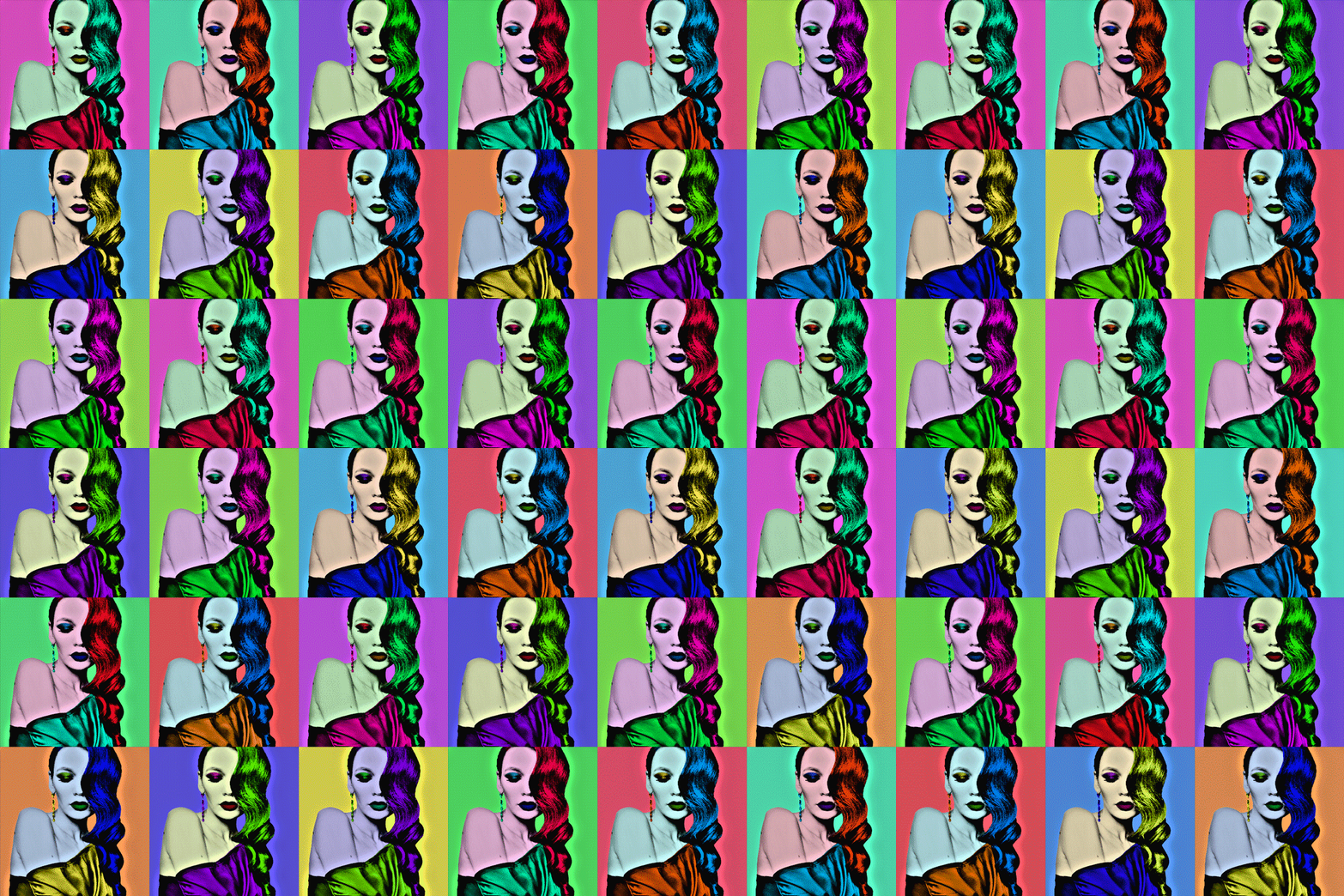
With this Photoshop action, you can transform your pictures and portraits into your personal Pop Art artwork in a matter of seconds. After just one click, everything is done - but that's not all: use the brush to draw your desired colors on lips, eyelids or hair to further refine the result. The layers required for this are already prepared. Then, if you like, you can continue: Create a collage with four or nine pop art images from the picture and then generate a colorful GIF animation.
Don't invest hours, just a few clicks and brushstrokes to let your images shine in Pop Art style. Included are the Photoshop action in ATN format, a PSD file and a brush file (ABR) as well as a PDF quick start guide.
Premium class Photoshop actions - Vol. 2: 04 | Painterly watercolor effect for images
A realistic watercolor look that gallantly covers your images - that's what you can create in fractions of a minute with a click and a brushstroke using this Photoshop action. Whether your compositing is still missing the final style or your photographed still life needs a delicate, artistic color effect - load your image, select the areas where you want the effect to be strongest and start the action - done!
What you would otherwise have to adjust and calibrate dozens of individual tools and filters for is almost done by itself here. Included are the Photoshop action in ATN format, a brush file (ABR) and a PDF quick guide.
Premium class Photoshop actions - Vol. 2: 05 | Sturgeon effect for photos
The subject distorted into stripes, the color reduced, a few loosely distributed red and cyan spots - this is the perfect look for a picture that wants to stand out, that wants to disturb. Whether it's an expressive character portrait, a photo with a powerful motorization or a dark scene that is supposed to evoke shivers - take your picture, start this Photoshop action and your digital noise is ready.
Who knows, maybe you could even apply the glitch effect to a delicate flower photo to see what else you can do with the look? There's no quicker or easier way to create this effect yourself - load the image, click and save the result! Included are the Photoshop action in ATN format and a PDF quick guide.
Premium class Photoshop actions - Vol. 2: 06 | Ageing effect for images
A touch of sepia blows through your photos with fine textures - with this Photoshop action you can age your photos by a few years. Create an eye-catching effect without any effort and add a convincing ageing effect to portraits, landscapes or any other motif you can think of with just a few clicks and brushstrokes.
Everything you need is included: the Photoshop action in ATN format, a brush file (ABR) and a sample file (PAT) as well as a PDF quick start guide.
Premium class Photoshop actions - Vol. 2: 07 | Painterly watercolor effect for texts and smart objects
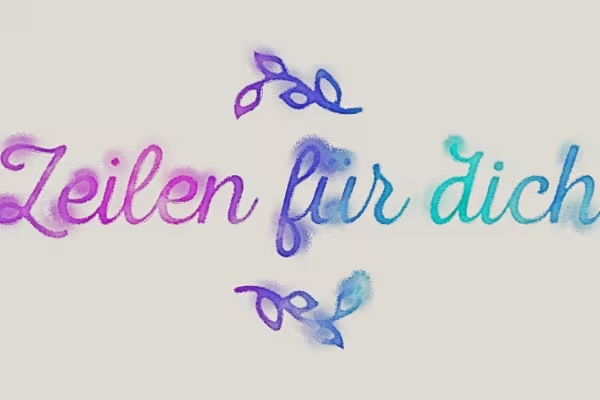
"As if painted" - from now on, every single one of your letters and your smart object graphic will convey this impression. To create the watercolor look, you don't have to do much more than start the Photoshop action and wait for the result.
Everything you need is already prepared here: the Photoshop action in ATN format, a brush file (ABR) and a PSD file as well as a PDF quick guide.
Premium class Photoshop actions - Vol. 2: 08 | Retro effect for texts and smart objects
Whether it's a slogan on a poster or a headline on the web - make your text stand out and be remembered. With this Photoshop action, you can give your letters and smart object graphics a vintage look without much effort. You decide where you want the 3D effect and shadow to fall - top left or right, bottom left or right - there is a corresponding sub-action for each direction.
Included are the Photoshop action in ATN format, a sample file (PAT) and a PDF quick start guide.
Premium class Photoshop actions - Vol. 2: 09 | Metal effect for texts and smart objects
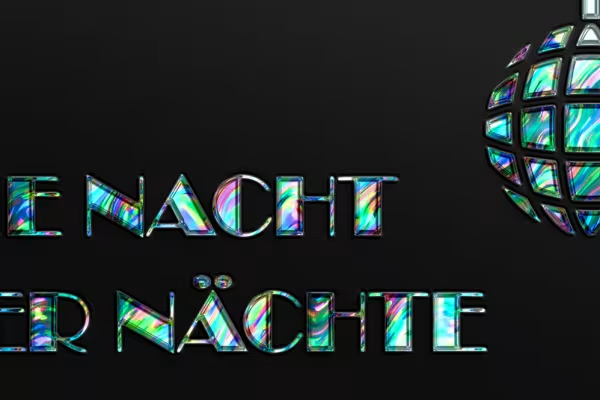
Gloss, relief, 3D effect - it's not so easy to create a realistic metal effect using Photoshop. This action offers a remedy, with which you can quickly and easily transform your texts or smart object graphics into metal without any additional effort. The result makes an impression on posters, flyers, websites and, of course, on your pictures.
Included are the Photoshop action in ATN format, a sample file (PAT) and a PDF quick start guide.
Premium class Photoshop actions - Vol. 2: 10 | Holographic effect for texts and smart objects
You think it doesn't always have to be black on white? Then treat yourself, your texts and your smart object graphics to something colorful and dazzling. With this Photoshop action, you can transform boring deserts of letters into eye-catching eye-catchers in one or two clicks.
The Photoshop action and a short PDF guide are included.
Premium class Photoshop actions - Vol. 2: 11 | Colorful clouds of dust
Now it's getting really colorful! It's so easy to kick up some dust in your pictures, and in your desired colors: Load the Photoshop action and brushes into Photoshop. Open your image there and set your motif free. Then just one click is all it takes for colorful dust to flicker through the air. You can easily make further adjustments by setting the colors using the slider or removing dust from certain areas using brush strokes. Use the action for colorful eye-catchers!
Included are the Photoshop action in ATN format, a brush file (ABR) and a PDF quick guide.
Premium class Photoshop actions - Vol. 2: 12 | Animated, colorful swaths of ink
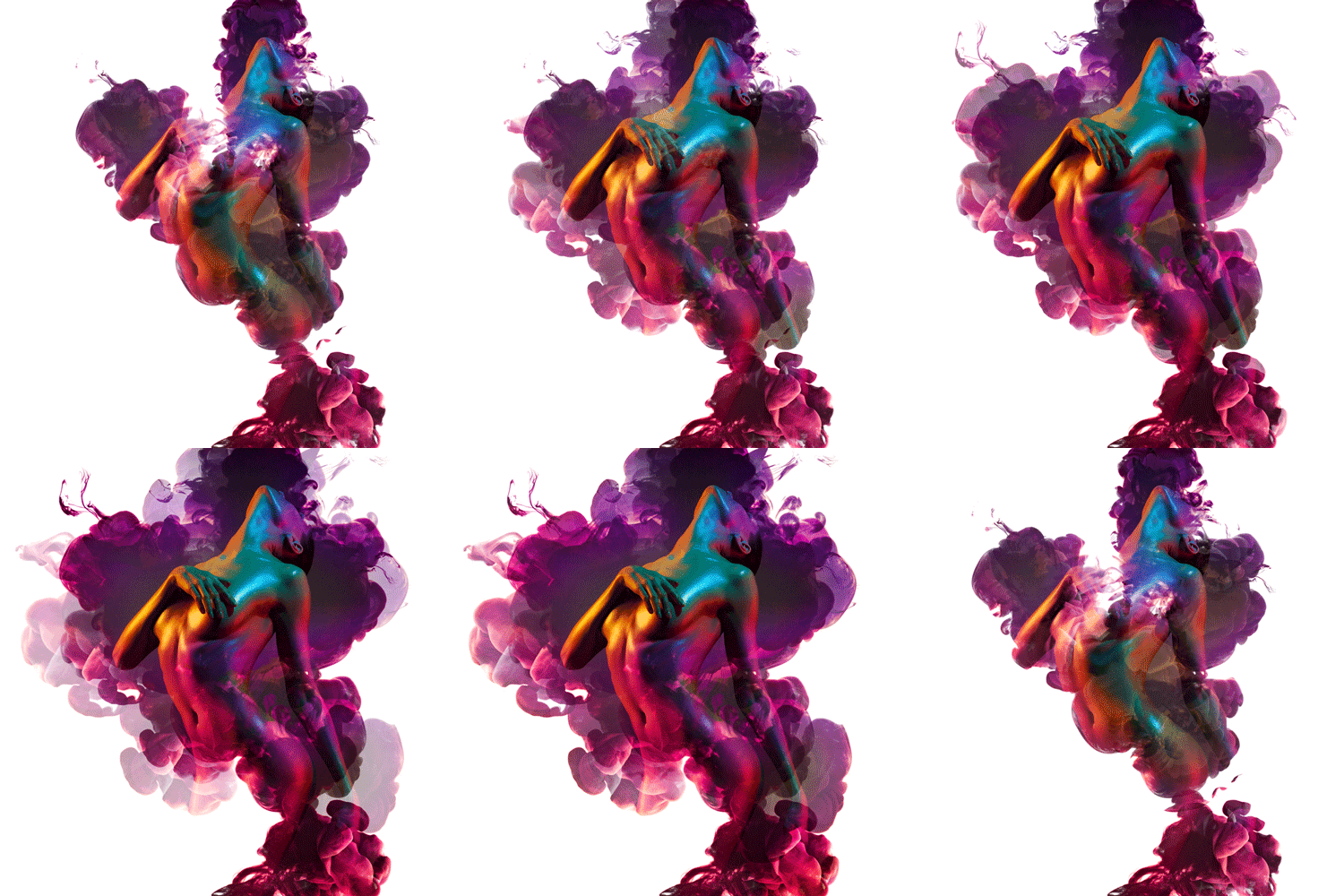
You're probably familiar with the wonderful swirling effect when a shot of ink dissolves in the transparency of water. The result of two liquids coming into contact is stunning. You can create such an effect with this Photoshop action and blend it with your images.
To do this, load the action and the brushes provided into Photoshop. Open your image, apply a few brushstrokes and start the action. The result: colorful swathes of ink run through your motif.
But don't leave it at this static, still view! If you want, you can start a second action and create a GIF animation. One swath of ink after another will then appear in it, adding the animated finishing touch to the already beguiling effect.
Included are the Photoshop action in ATN format, a brush file (ABR) and a PDF quick guide.
They flutter in from the vastness of the background to create a fluffy explosion in front of your subject - let the feathers fly! After briefly preparing your image, this Photoshop action creates a fluffy swirl of bird feathers in a matter of seconds. The colors are based on the color information of your motif. You determine the direction of flight yourself, whether to the left, right or in both directions. An action that makes your pictures take off effectively!
Included are the Photoshop action in ATN format, a brush file (ABR) and a PDF quick guide.
Just apply a few brushstrokes and conjure up wonderfully shiny and sparkling streaks of light in your photos and images. Photoshop takes care of the subtle but intoxicating sparkle all by itself. You can change the color impression of the light strips and the glow effect at the bottom of your image as desired.
You will receive the Photoshop action (ATN) and a file for brushes (ABR). Double-click to load both into Photoshop and you're ready to go. A PDF quick start guide is included. Get a sparkle for your photos and pictures.
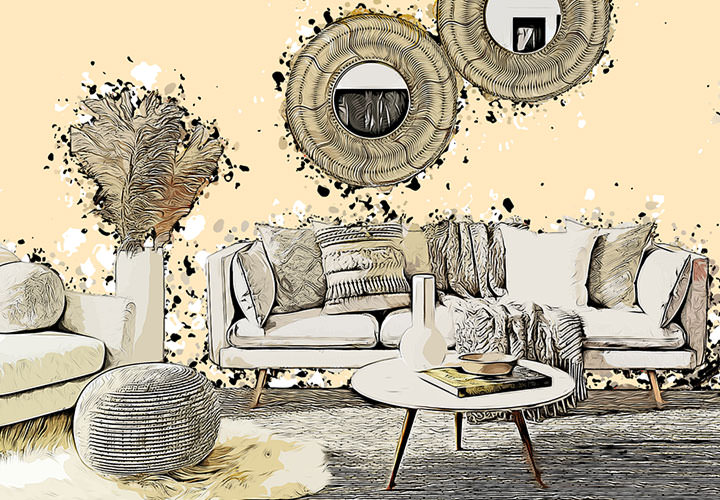
This look is simply "engravable"! Download the Photoshop action in ATN format with the corresponding pattern file in PAT format and double-click to import both into Photoshop. Shortly after starting the action, your image will be divided into wavy engraving lines, the color of which you can adjust later. A quick PDF guide is included.
Comment now „Click, Boom, Wow! Photoshop actions for photo and text effects - Vol. 2“