






Click, boom, wow! Photoshop actions of the premium class!

Click, boom, wow! Photoshop actions of the premium class!

A vintage look, painting flames and fire, transforming photos into a pencil drawing or blending two images using double exposure - all this and more is possible with these 14 Photoshop actions. You click, Photoshop does the rest. Take a look at the sample images below!

  • 14 Photoshop actions for special looks, styles and effects plus bonus action for Illustrator
  • For even faster results: including PDF instructions for using the actions
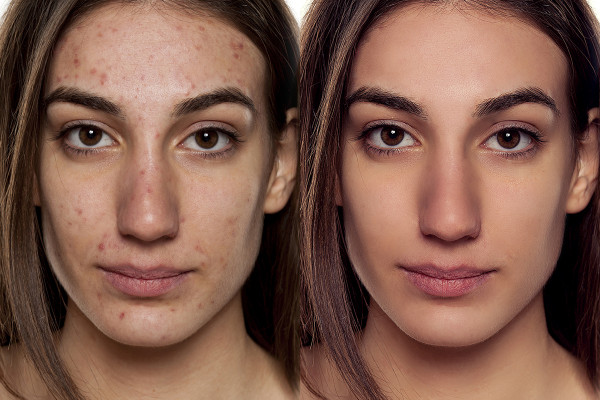
  • Skin retouching in four steps - including frequency separation
  • Looks for your photos: vintage, watercolor, shimmering particles and double exposure
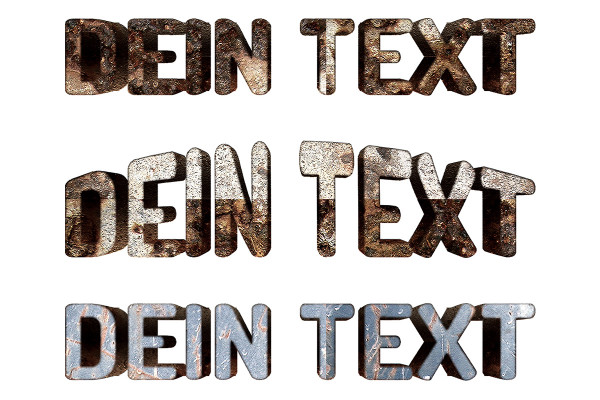
  • Create a cool 3D text quickly and easily

Short-term action with a long-term effect: sit back, perform actions and marvel at the results! Get the click-boom-wow experience!

content

Details of the content

Photoshop actions

Click, boom, wow! Photoshop actions of the premium class! - 01 Natural skin

Click, boom, wow! Photoshop actions of the premium class! - 01 Natural skin

Click, boom, wow! Photoshop actions of the premium class! - 02 Fire

Click, boom, wow! Photoshop actions of the premium class! - 02 Fire

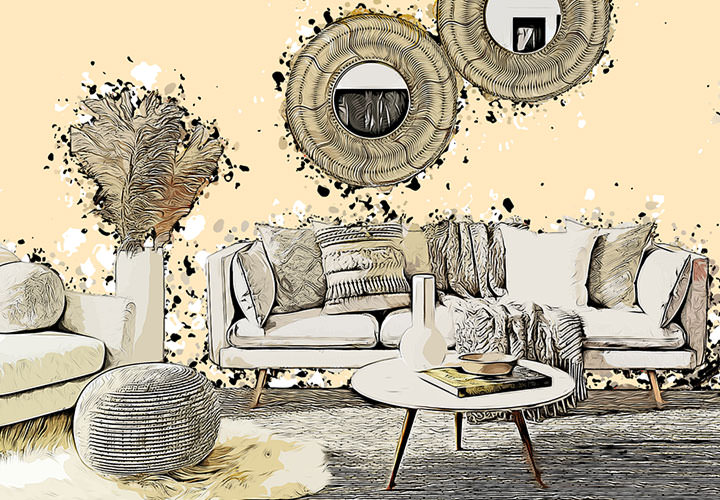
Click, boom, wow! Photoshop actions of the premium class! - 03 Vintage look

Click, boom, wow! Photoshop actions of the premium class! - 03 Vintage look

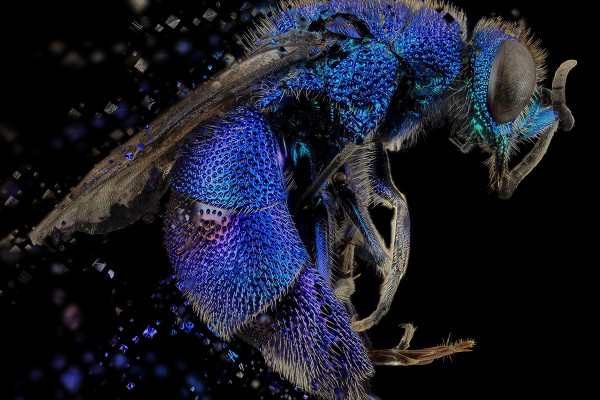
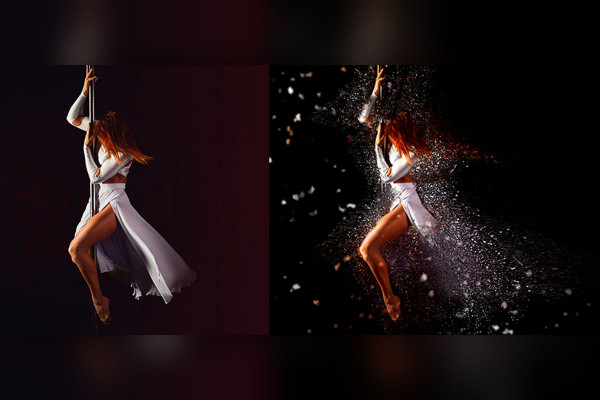
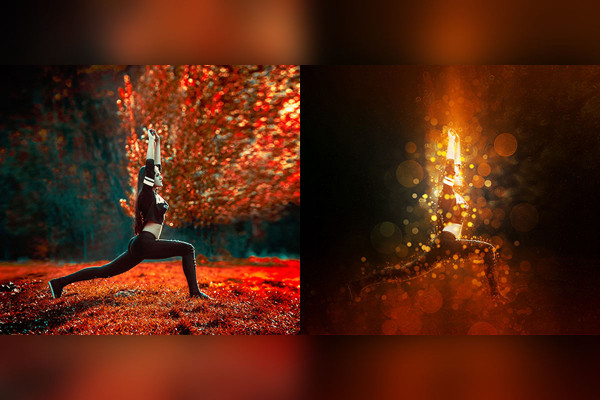
Click, boom, wow! Photoshop actions of the premium class! - 04 Particles

Click, boom, wow! Photoshop actions of the premium class! - 04 Particles

Click, boom, wow! Photoshop actions of the premium class! - 05 Double exposure

Click, boom, wow! Photoshop actions of the premium class! - 05 Double exposure

Click, boom, wow! Photoshop actions of the premium class! - 06 Watercolor

Click, boom, wow! Photoshop actions of the premium class! - 06 Watercolor

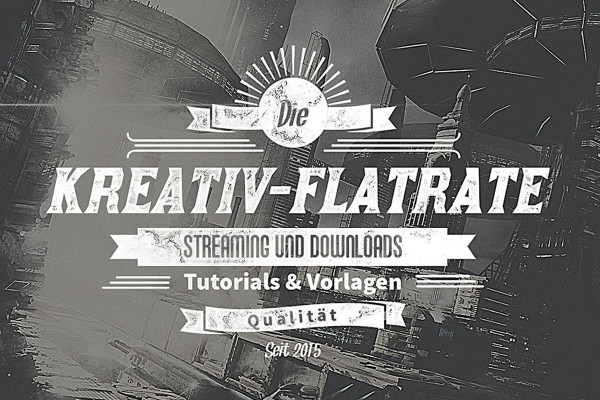
Click, boom, wow! Premium class Photoshop actions! - 07 3D text

Click, boom, wow! Premium class Photoshop actions! - 07 3D text

Click, boom, wow! Photoshop actions of the premium class! - 08 Typo effect

Click, boom, wow! Photoshop actions of the premium class! - 08 Typo effect

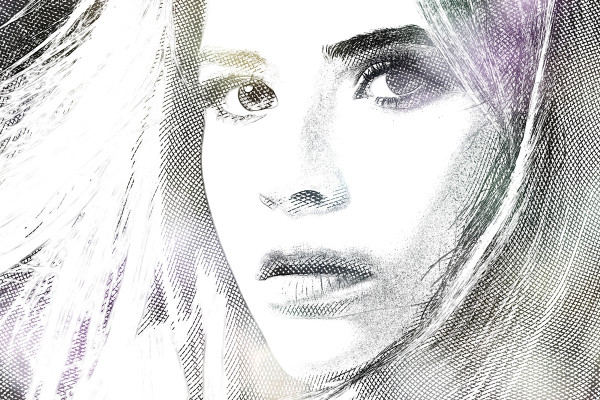
Click, boom, wow! Photoshop actions of the premium class! - 09 Engraving effect

Click, boom, wow! Photoshop actions of the premium class! - 09 Engraving effect

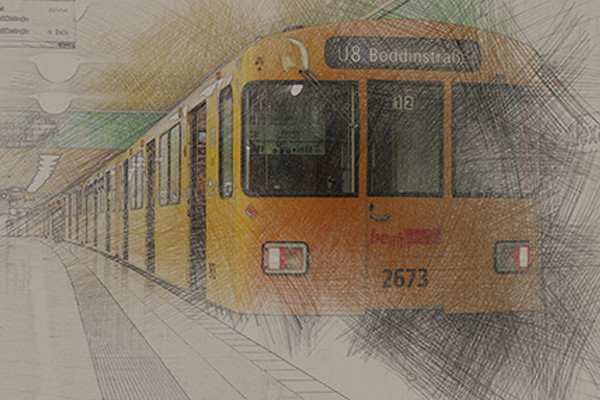
Click, boom, wow! Premium class Photoshop actions! - 11 Pencil and colored pencil drawings in color and black and white

Click, boom, wow! Premium class Photoshop actions! - 11 Pencil and colored pencil drawings in color and black and white

Click, boom, wow! Premium class Photoshop actions! - 12 Watercolor look in color and black and white

Click, boom, wow! Premium class Photoshop actions! - 12 Watercolor look in color and black and white

Click, boom, wow! Photoshop actions of the premium class! - 13 Shimmering particle magic

Click, boom, wow! Photoshop actions of the premium class! - 13 Shimmering particle magic

Click, boom, wow! Photoshop actions of the premium class! - 14 Bokeh effect

Click, boom, wow! Photoshop actions of the premium class! - 14 Bokeh effect

free of charge
Click, boom, wow! Premium class Photoshop actions! - 15 Animated snowflakes

Click, boom, wow! Premium class Photoshop actions! - 15 Animated snowflakes

Bonus - Illustrator actions

Click, boom, wow! Premium class Photoshop actions! - 10 rays of light (bonus illustrator action)

Click, boom, wow! Premium class Photoshop actions! - 10 rays of light (bonus illustrator action)

help video for application

Photoshop tutorial: How to create great effects with the actions

Now it's click, boom and wow! With our Photoshop actions, you can create stunning effects in just a few clicks. Stefan Petri explains how to do it in this crisp how-to video. Action time for your pictures, photos and composings!


6 minutes · free of charge
Comments (189)

Comment now „Click, boom, wow! Photoshop actions of the premium class!“