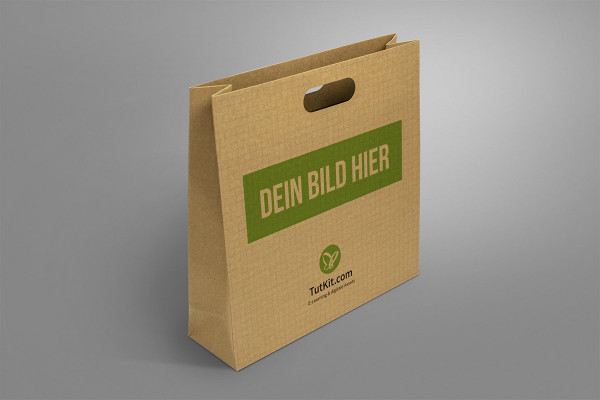
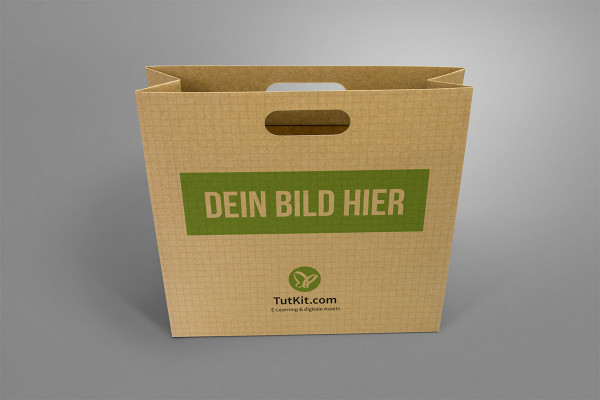
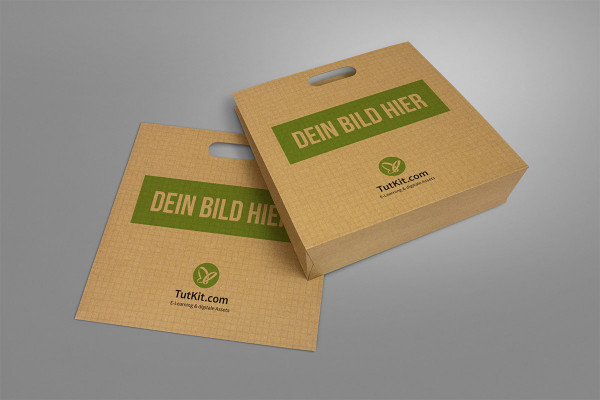
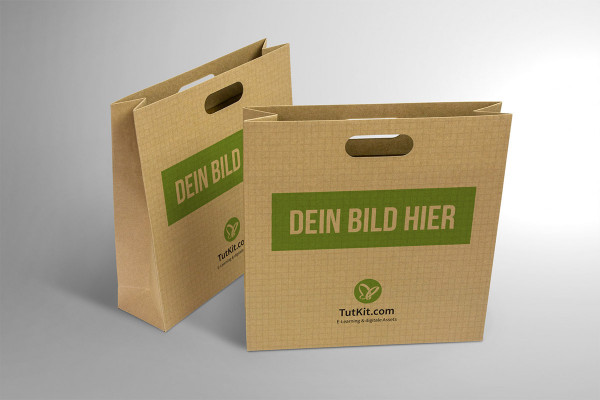
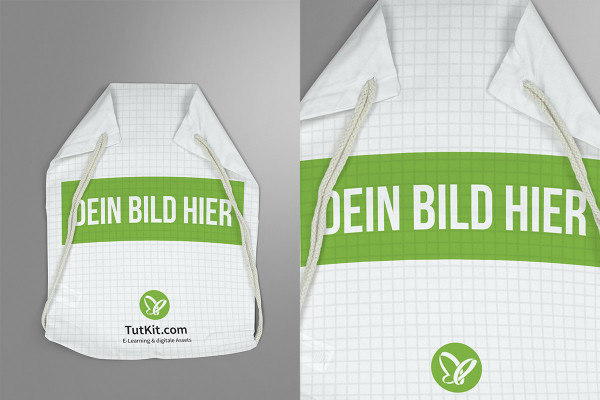
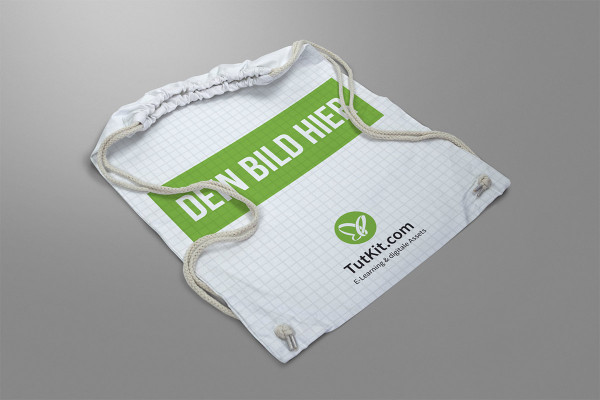
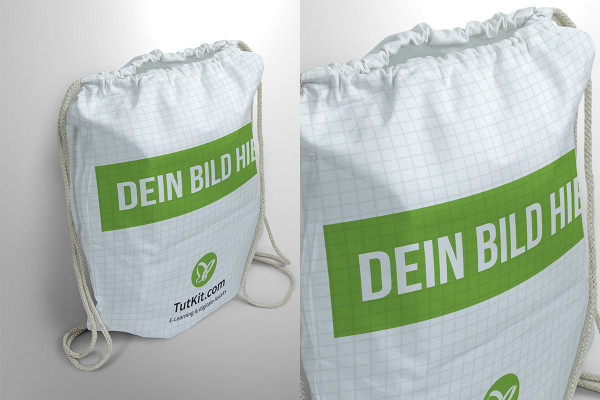

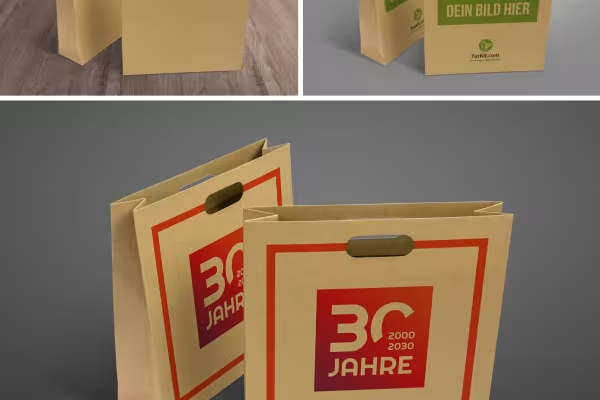
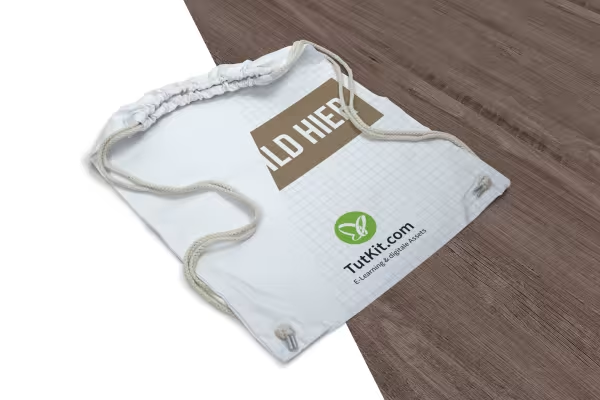
How will your designs ultimately look on fabric bags and paper bags? - Try it out with these 10 mockups. You simply insert your designs and Photoshop adapts them to the scenes. Once you have decided on a variant, you can use the photorealistic images for a vivid presentation in your portfolio or in front of your customers.
The workflow: purely digital. The effect: just like the real thing - that's exactly how your designs look after you've applied them to the fabric bags and paper bags in these mockups.
Using the mockups is very simple: insert your 2D design into the scenes and Photoshop will do the rest.
When working on designs, the question always arises as to how the designs will look in their real environment - all the more so when it comes to three-dimensional objects such as cloth bags, paper bags and carrier bags. With the help of the 10 mockups in this package, you will quickly find the answer to this question for each of your designs. Let Photoshop show you what your designs will look like - a very practical decision-making aid for you.
Once you've narrowed down the design options to a smaller selection, the high-resolution and photorealistic scenes are perfect for making an impression on clients and with your portfolio. Present your designs as if they were actually already applied to cloth bags and paper bags - a crucial visualization aid for your customers and those who would like to become one.
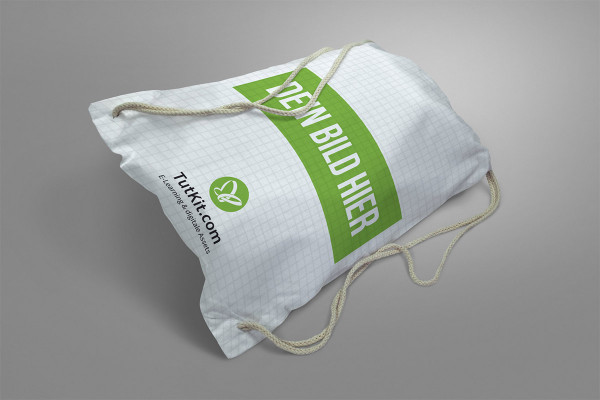
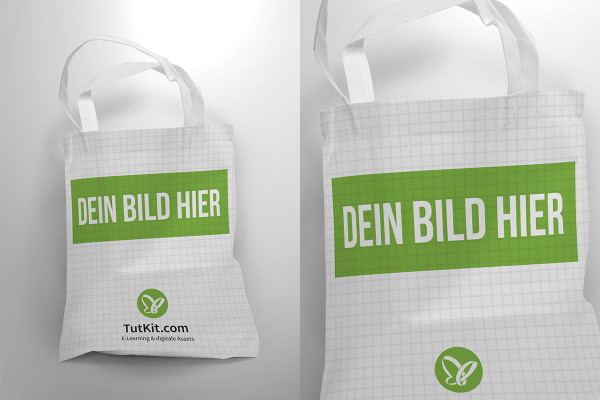
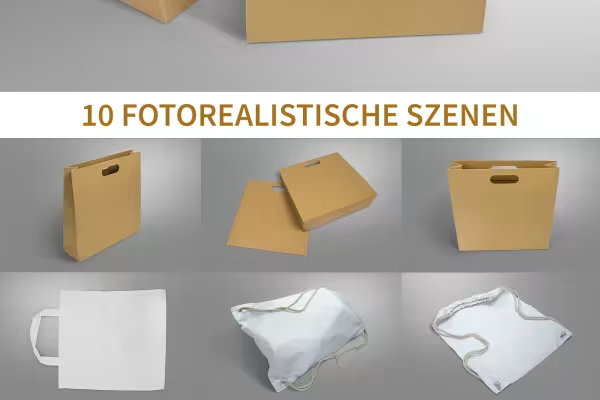
The package contains four mockups for paper bags made from recycled paper, four for sports cloth bags and two for white cloth bags or carrier bags . To add variety to your illustrations, you will receive scenes in which the objects are both standing and lying down. The prepared backgrounds, from which you select the appropriate one, are also useful for variety. Alternatively, you can add your own background.
To add your designs to the scenes, open the desired mockup in Photoshop. Then double-click on the smart object layer and insert your design in the open workspace via File>Place and Embed.... Set the selection for Crop to Media frame. Blend out the example image and save your cover file - your design is now in the correct perspective on the fabric bag and paper bag.
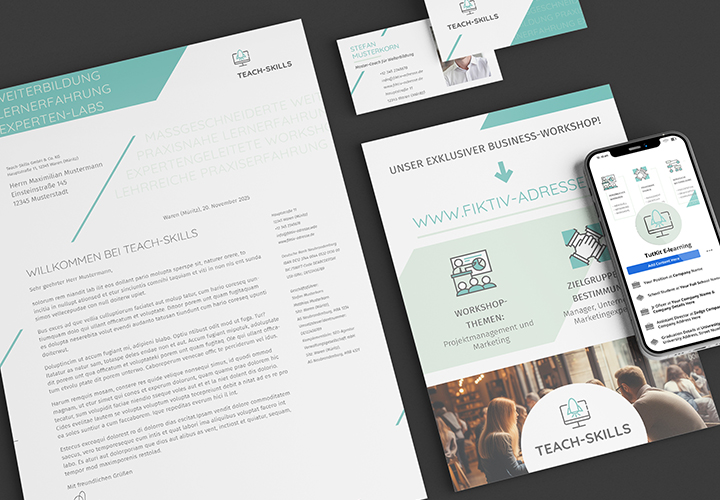
Fully equipped from flyer to roll-up
How to build trust with customers
For complete business equipment
With flyer, business card & Co.
Quickly create high-quality business equipment
Effectively create modern slides
Create, set up & optimize online advertising
From the business card to the roll-up