



Photoshop instructions: How to use the -Vibrant Halftone Art- action
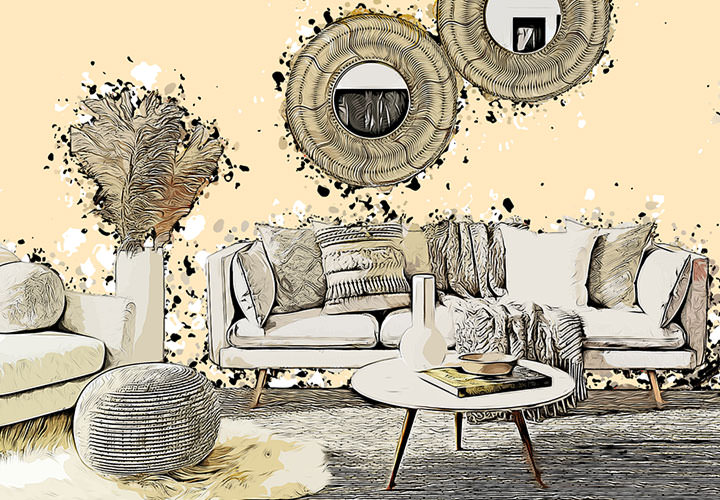
Use the Photoshop action "Vibrant Halftone Art" to quickly and easily create an eye-catching and creative halftone look for your photos. Import the action, patterns and brushes into Photoshop. Then open your photo and paint a few strokes with a black brush. Start the action and decide for yourself which splashes of color you want to place where. After the action has finished, you can adjust the background color, for example. Matthias Petri explains exactly how to proceed in this Photoshop tutorial.



Comment now „Photoshop action "Vibrant Halftone Art": Click raster effects and splashes of color into your photos“