


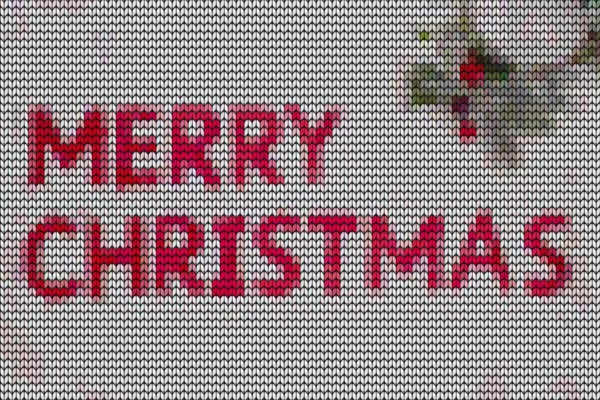
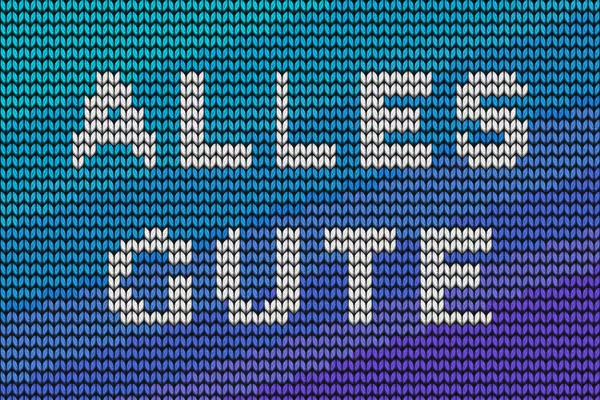
Photoshop instructions: How to create your knitted look with smart objects
Whether text or image - with our smart objects you can create a modern knitted look in no time at all. To do this, open the PSD file with the desired stitch size (40, 60 or 80 px). Then fill the smart objects for the text and the image with your content. Now all you have to do is save, Photoshop will do the rest. Matthias Petri explains exactly how to proceed in this instruction video.



Comment now „Knitting pattern textures for images and texts as Photoshop smart objects“