Retro & Neon in Photoshop: 3D effects for text and graphics

Retro & Neon in Photoshop: 3D effects for text and graphics

Luminosity in 3D! Add neon-glowing, three-dimensional effects to your text and graphics with the help of these 10 Photoshop smart objects. Created in just a few clicks - and ideal for your lettering on posters and advertising banners, for example.

  • 10 easy-to-use 3D effects for Photoshop
  • Let your texts and graphics shine in a retro and neon look
  • Ideally suited for posters, advertising banners and social media posts

Simply dazzlingly beautiful: download the Photoshop effects now and turn up the radiance of your letters and graphic shapes to maximum!

content

Details of the content

Retro & Neon in Photoshop: 3D effects for texts and graphics (Download)

3D retro effects for Photoshop: "Disco, electro & neon"

3D retro effects for Photoshop: "Disco, electro & neon"

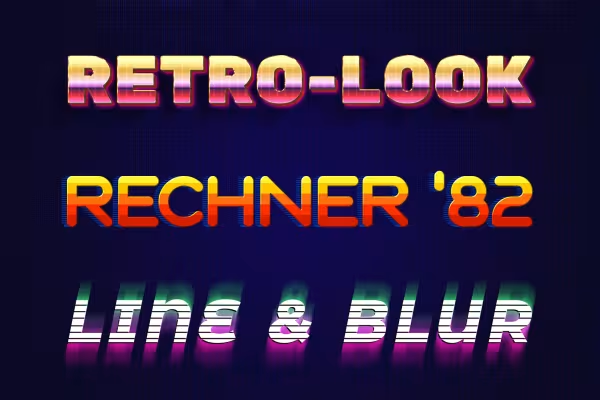
3D retro effects for Photoshop: "Lines, Calculator & Universe"

3D retro effects for Photoshop: "Lines, Calculator & Universe"

Examples of use

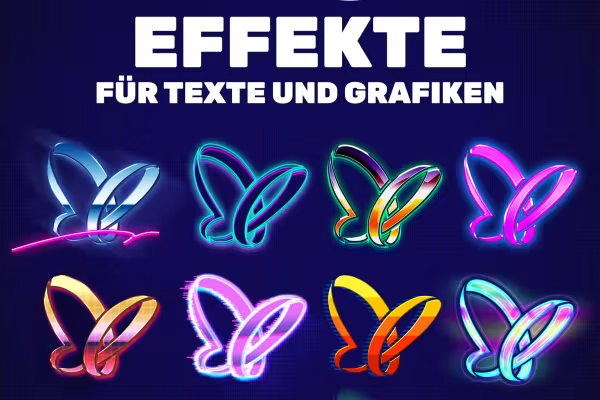
  • Make your texts and graphics shine with these 10 effects!
    Open gallery
    Make your texts and graphics shine with these 10 effects!
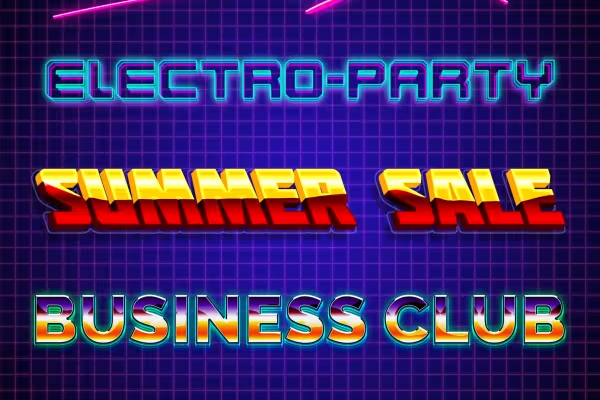
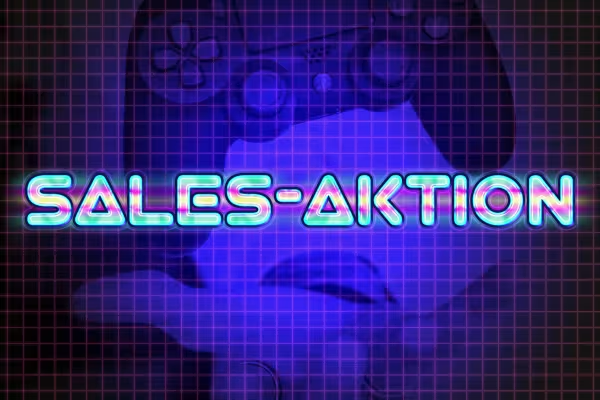
  • Examples: Use the effects for radiant lettering.
    Open gallery
    Examples: Use the effects for radiant lettering.
  • Examples: Simply select the appropriate look - Photoshop will apply it to your text and graphics.
    Open gallery
    Examples: Simply select the appropriate look - Photoshop will apply it to your text and graphics.
  • Open gallery
    Example: So simple - create the lettering, save the smart object. Done!
  • Example: Design advertising banners for your websites and social media channels.
    Open gallery
    Example: Design advertising banners for your websites and social media channels.
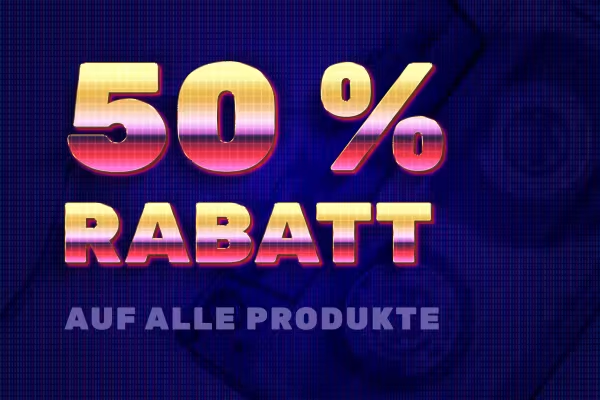
  • Examples: Use the neon retro look to announce your sales promotions.
    Open gallery
    Examples: Use the neon retro look to announce your sales promotions.

help video for application

Photoshop tutorial: How to use the 3D effects for retro neon looks

Whether lettering or graphics: With the help of our 3D effects, you can create cool 80s looks quickly and easily. Simply place your letters and graphic shapes in the prepared Photoshop smart objects - the program does the rest all by itself. In this video tutorial by Matthias Petri, you can find out exactly how to proceed and make your texts and graphics shine in glowing neon style.
4 minutes · free of charge
Comments (1)

Comment now „Retro & Neon in Photoshop: 3D effects for text and graphics“