
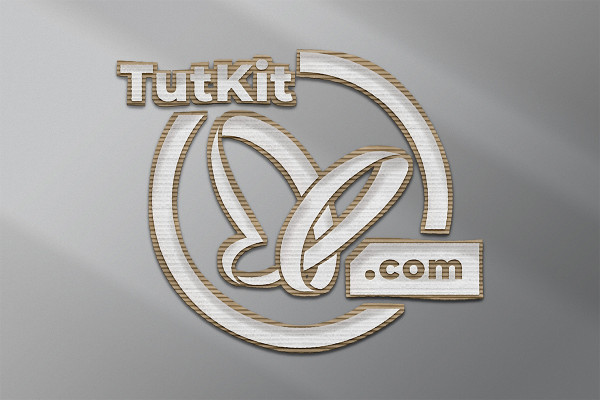
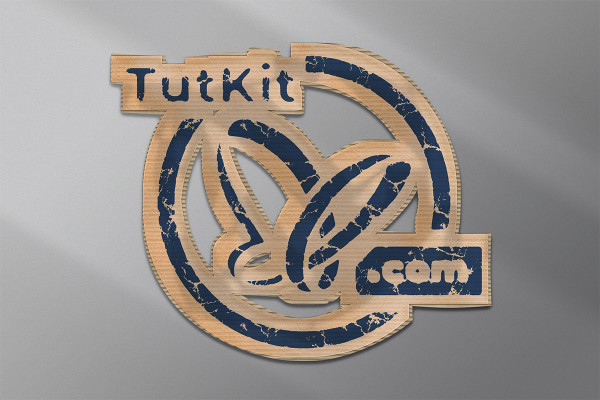
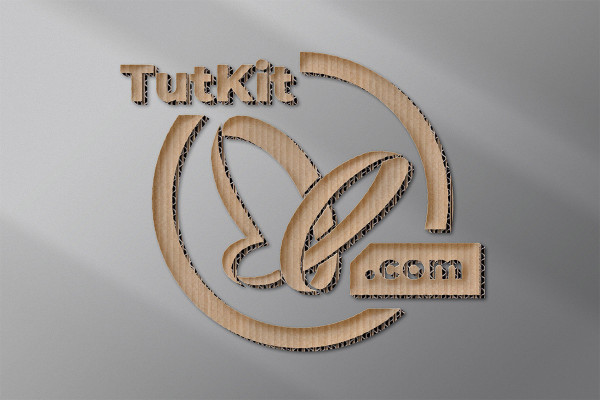
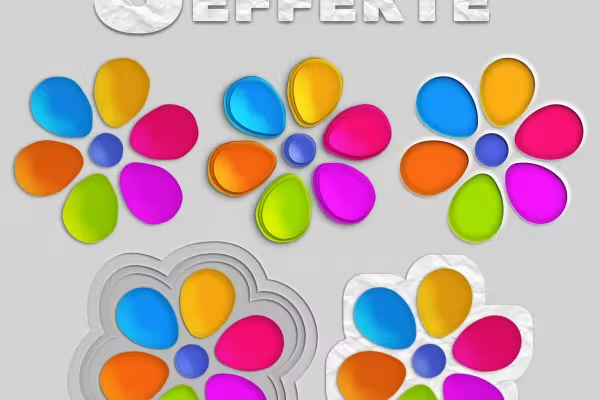
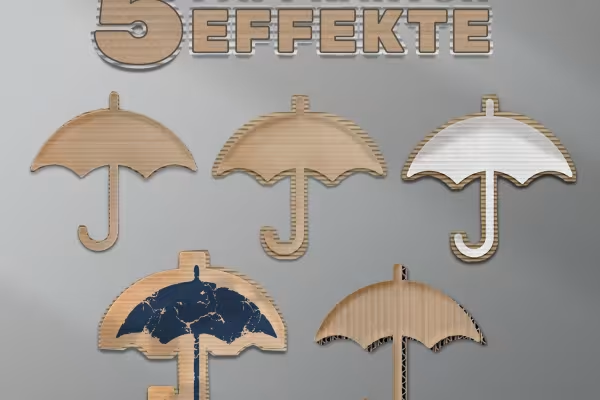
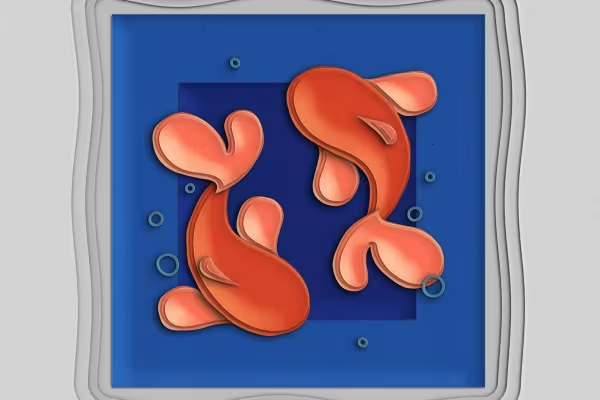
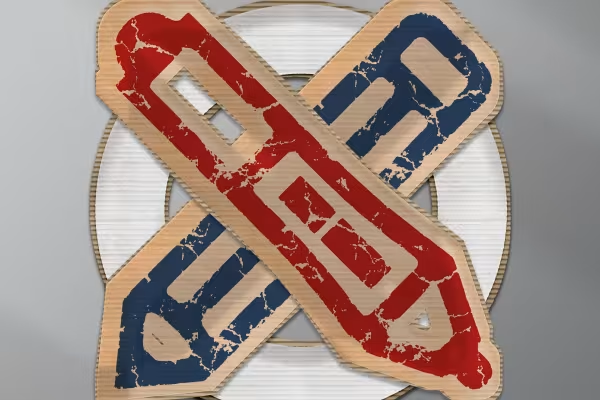
Want to make a paper cut in Photoshop? It's easy with these 10 mockups. Insert your lettering or graphic shape - the program will automatically create the sleek, beautiful colored paper or cardboard effect. Perfect for logos and advertising banners, for example!
First snap, then cut: Load the digital scissors into the program and create beautiful paper-cutting effects in just a few clicks.
To display your lettering and graphics as colored paper or cardboard , you would have to painstakingly add textures to them and create corresponding effects. This can take time. It's quicker with our paper-cut mock-ups!
You can create the colored paper and cardboard effects with the contents of this package in just a few clicks and in a short time. Open the PSD file with the desired visualization in Photoshop. Double-click on the prepared smart object. Insert your lettering and graphic shapes into it. Now close the smart object and save it. Photoshop will automatically apply the effect to your original letters and graphics.
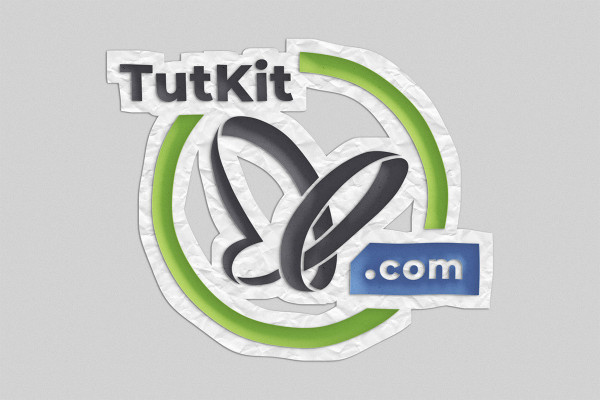
The mockups initially provide you with two variants that display your text and graphics in the classic way as colored paper and cardboard . There are also many other visualization options available to you: How about colored paper on white paper that was previously crumpled and now has a crumpled structure? Or an effect with your logo in paper white on cardboard? Photoshop automatically creates all this and more for you , including the necessary effects for a three-dimensional effect.
Two-tone and luminous effects
Real mood makers
From black and white to intense color
Simply Blender beautiful!
What kind of face are you making?
Including paper and board backgrounds
You'll make big eyes!
Pixel look meets knitwear style