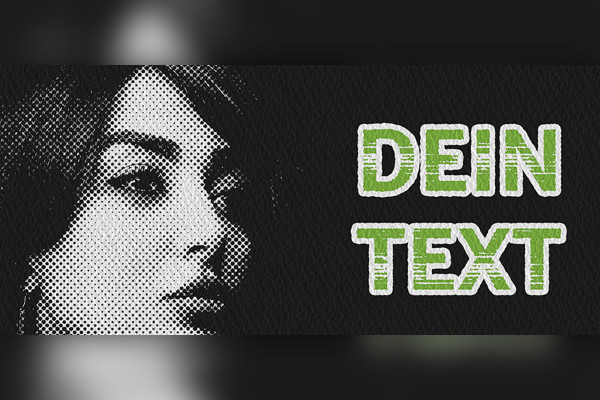
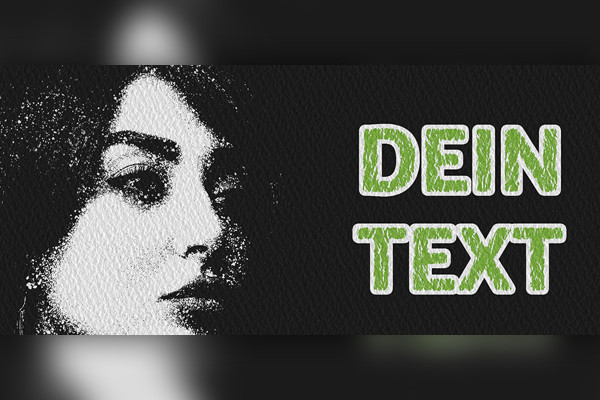
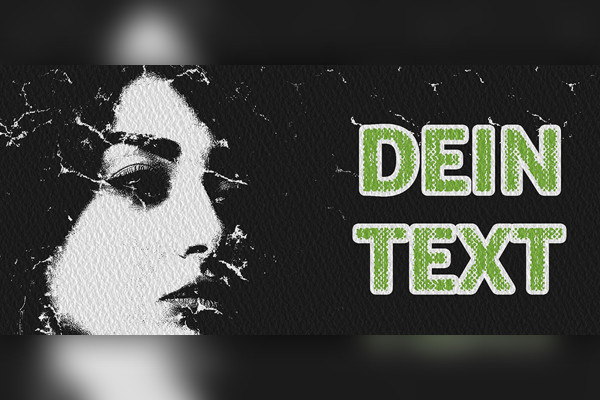
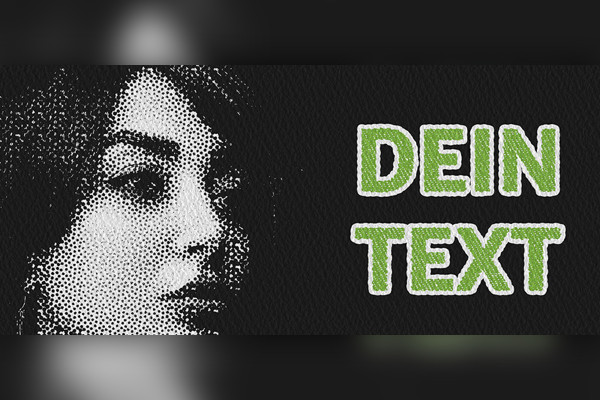
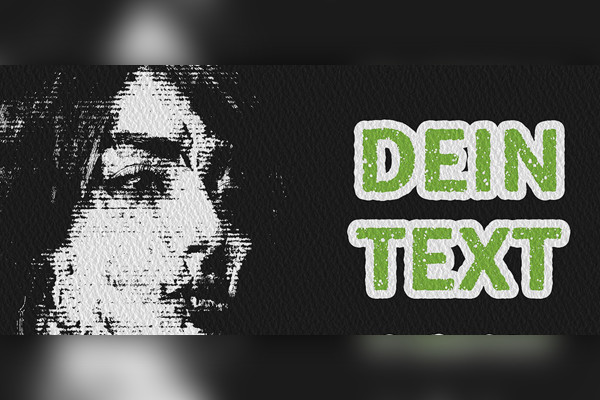
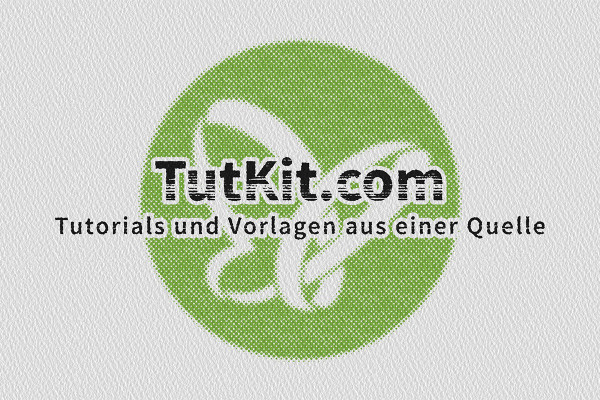
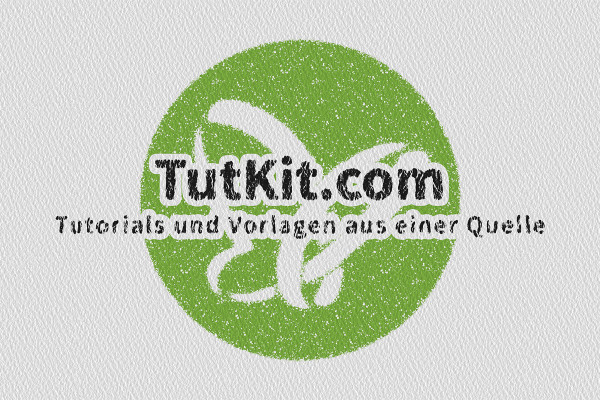
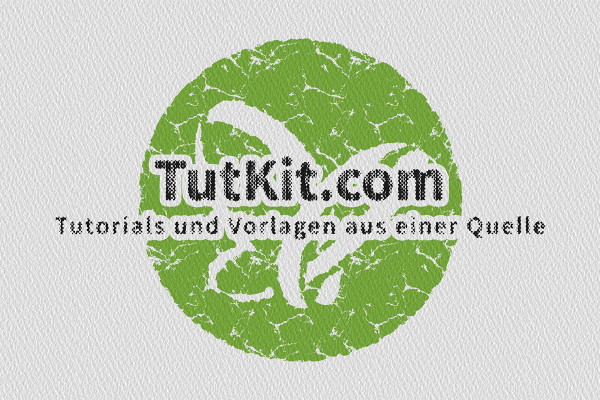
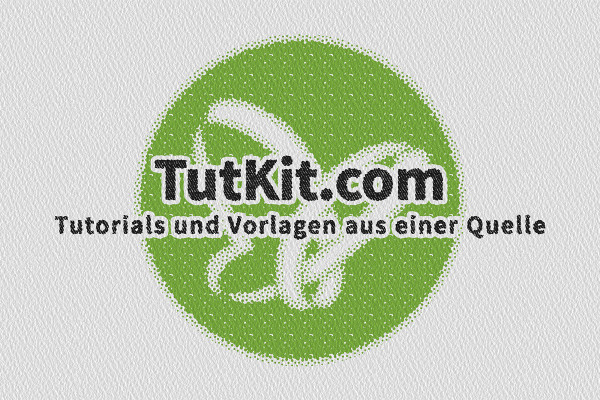
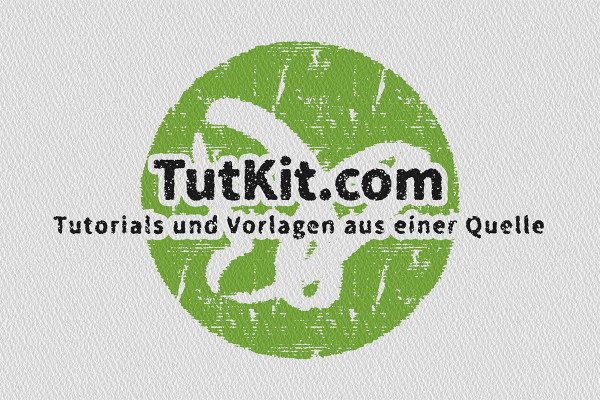
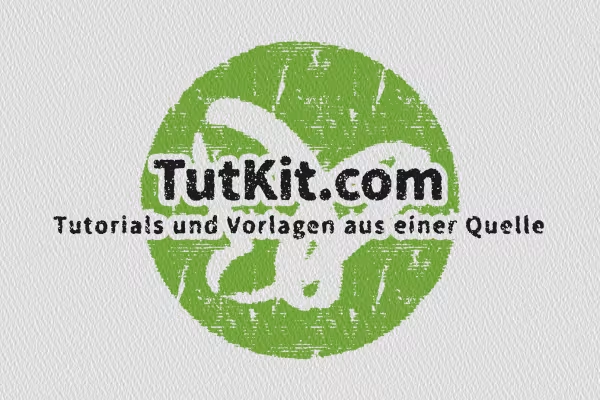
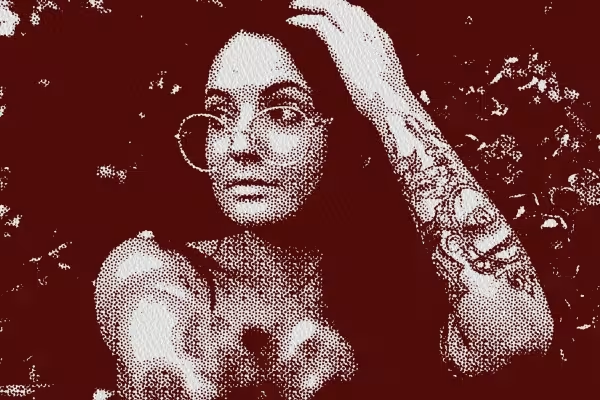
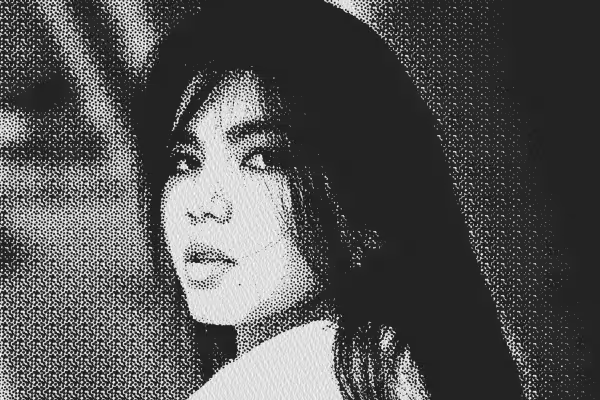
You want others to make big eyes? Here's how: Lay down your logo, image or lettering - Photoshop automatically creates spectacular retro-style grunge looks. You get 10 high-quality Smart Object templates for this gallant process. Download them. Insert. Marvel at the results!
Does your logo want to look all torn up? Is your photo looking forward to large and small halftone dots? Then load these Photoshop effects into your program now!
Black, white and one color - plus a rough texture: these are the ingredients for your grunge look recipe . The best thing about it all: Photoshop applies the effects to your logos, images and lettering all by itself. You can spice up the result afterwards.
Rating: "Very cool". At least that's what our team said when our designers presented these stylish Photoshop effects . Do you agree? Then let's get started:
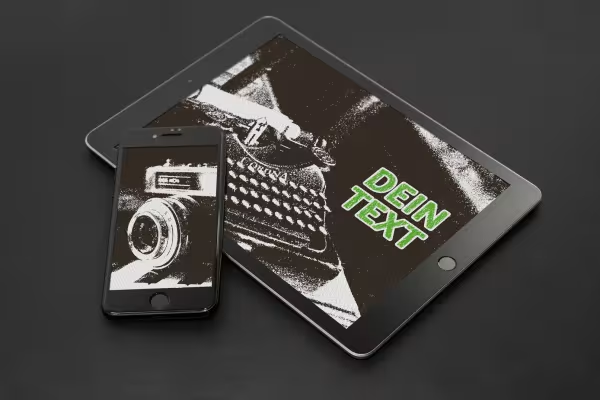
Use the looks for your next advertising banners, for example - looking at the styles like this, perhaps the upcoming Black Friday is recommended ? Or turn up the effect on your social media channels during a campaign week - you'll definitely draw attention to your logo! And if a concert with a guitar is coming up, a grunge look to announce the event can also work wonders.
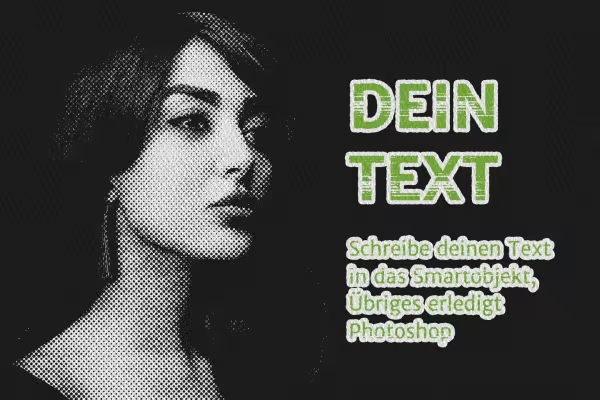
Five of the Photoshop Smart Objects have been specially designed for logos, five others for photos and images. In both cases, the application is child's play: open the desired PSD file, double-click on the Smart Object and insert your logo or photo. Once you have closed the Smart Object, the grunge retro effect appears automatically .
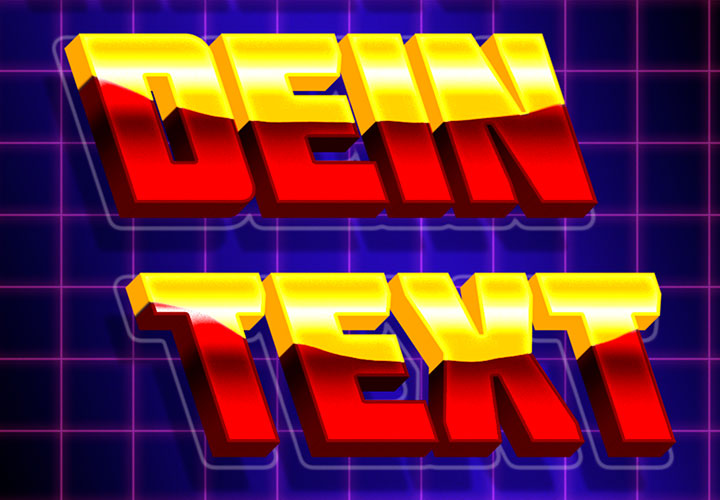
On board in all versions: a smart object for text effects. You can hide this so that you only show your logo or photo in the grunge look . Or you can change the text and create the desired lettering. You can then display this in combination with the logo or photo. Or you can use it on its own.
Finally, you can adjust the color, move the textures and adjust the outline thickness of the letters if required. As always with our assets, this is also the case here: Use templates to get to your goal quickly. AND: Use the flexibility of the templates to adapt the look to your wishes in the best possible way!
Pixel look meets knitwear style
From black and white to intense color
What kind of face are you making?
Including paper and board backgrounds
Real mood makers
For lettering and graphic shapes
Two-tone and luminous effects
Simply Blender beautiful!