Pattern Brushes: 20 Photoshop brushes for stylish ornamental patterns

Pattern Brushes: 20 Photoshop brushes for stylish ornamental patterns

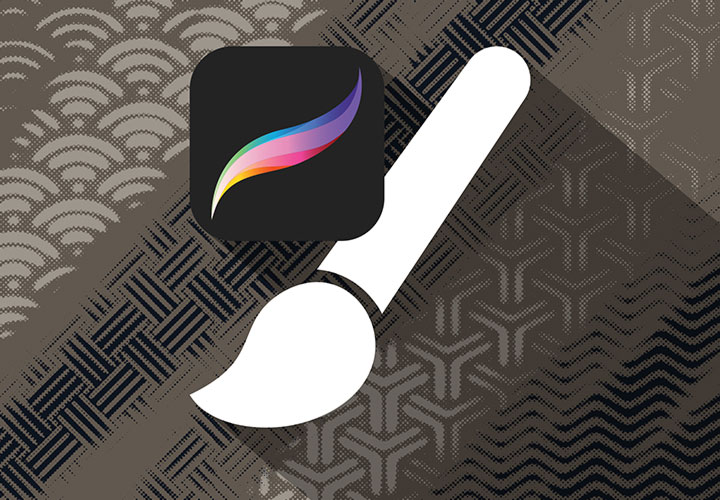
Our statement for stylish ornaments: 20 matching pattern brushes. With our pattern brushes, you can give Photoshop works pure halftone grid variety. You'll make an impression in no time at all. By the way: all brushes react to pen pressure - so you can dynamically control the strength of the effects.

  • 20 Pattern Brushes: Decorate your pictures with impressive halftone ornaments
  • Simply load the brushes into Photoshop or Adobe Fresco and start creating decorative patterns
  • Use ornaments with wave, dot and line shapes - we'll give you a taste below
  • Ideal for artistic structures - for example for wedding and birthday cards, banners and posters

Make creative marks with the Pattern Brushes - across the board, in waves or dot by dot. Simply load them into Photoshop - and say goodbye to the same old, same old.

content

Details of the content

Pattern Brushes: 20 Photoshop brushes for stylish ornament patterns (Download)

10 Photoshop brushes with stylish halftone ornaments (version 1)

10 Photoshop brushes with stylish halftone ornaments (version 1)

10 Photoshop brushes with stylish halftone ornaments (version 2)

10 Photoshop brushes with stylish halftone ornaments (version 2)

Examples of use

  • 20 brushes for Photoshop with halftone ornaments
    Open gallery
    Give your designs the ideal finish - with 20 Photoshop pattern brushes.
  • Open gallery
    Example: Empty before, flair after. It's so easy to give your designs structure.
  • Tablet: Shows the patterns that result from using the Photoshop pattern brushes
    Open gallery
    You can also use the Pattern Brushes in Adobe Fresco.
  • Open gallery
    Example: Fascinating over the entire surface. Fill your surfaces to your taste.

help video for application

Photoshop instructions: How to use the pattern brushes

With our Photoshop brushes for halftone ornaments, you can create artistic elements on your surfaces with every brushstroke. Load the ABR files into the program and start drawing straight away. We'll show you how to proceed and what options the brushes offer you in this Photoshop tutorial.
8 minutes · free of charge
Comments (2)

Comment now „Pattern Brushes: 20 Photoshop brushes for stylish ornamental patterns“