
Christmas Text Effects: 36 Layer Styles – Gold, Snow, Gingerbread & Co.

- 36 different materials instead of color variants: from gingerbread with an icing line, through gold foil and a block of ice, to paper cut-out and chalkboard.
- A single click on text, shape, or logo is enough; the text remains editable, and the effect grows along with you as you type.
- 19 specially created, endlessly tileable patterns are included in the styles and are also provided as a PAT file.
- German PDF guide for each set with a size chart, color tips for every style, and recommended free fonts.
- Six themed sets, individually or as a bundle, from a cute cookie look to an elegant greeting card.
Load styles, click the text, done: your Christmas greetings will then look as if they were baked, gilded, or freshly snowed in.
6 items
Sweet & noble


Winter & Light


Handmade & Paper


You might also like
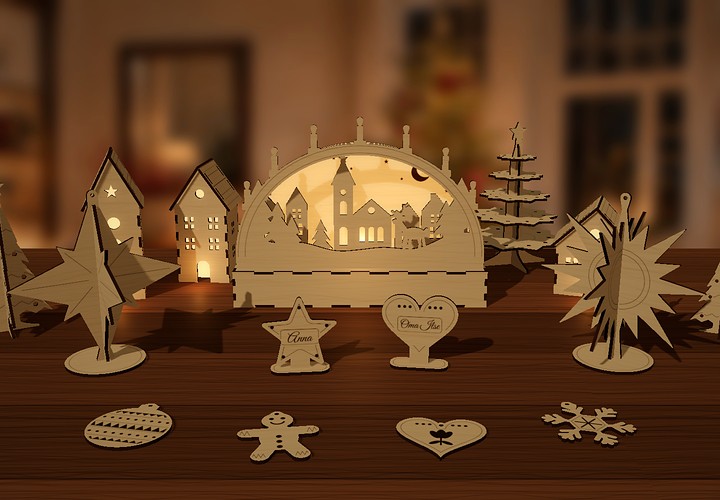
5 laser projects with 23 designs · SVG, DXF and PDF for 3, 4 and 6 mm wood and 3 mm acrylic · with a perfect-fit generator
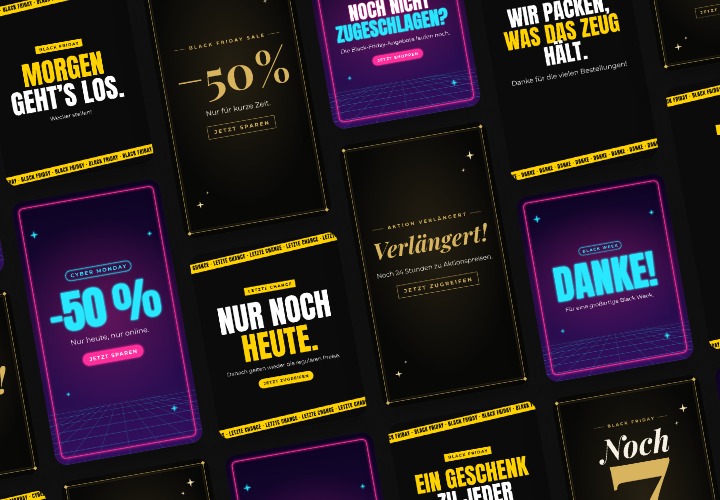
Social graphics, web banners, newsletter headers and 60 headlines for the entire Black Friday week – PPTX, SVG, JPG, PNG, DOCX, PDF and XLSX
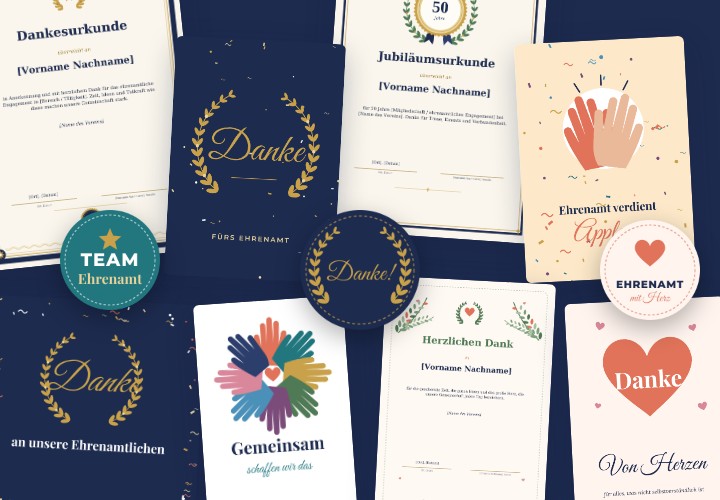
9 individual items with 32 certificates, 6 card designs, mail merge, presentation, text bank, buttons, and social media templates – DOCX, PPTX, XLSX, CSV, PDF, and PNG
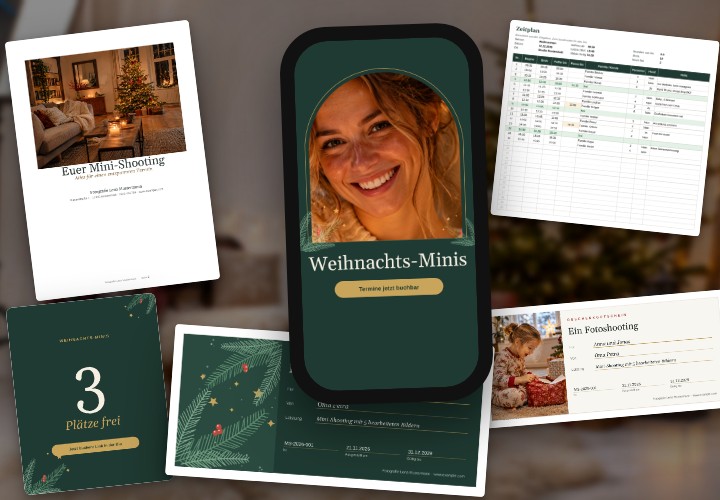
7 template sets for Christmas and four other seasons: Excel, Word, PowerPoint, fillable PDFs, and PNG
Comment now „Christmas Text Effects: 36 Layer Styles – Gold, Snow, Gingerbread & Co.“