Photoshop mockups for flyers, posters, business cards, books & co - Volume 1

Photoshop mockups for flyers, posters, business cards, books & co - Volume 1

Whether it's a brochure, book, business card, envelope, poster or flyer - turn your designs into eye-catching, photorealistic scenes with these 100+ Photoshop mockups. Included: the perfect background and effects such as drop shadows. Best of all: all mockups have been created for German DIN formats such as A4, A5 or C5. This means that your designs automatically adapt to the mockup in just a few clicks.

  • Over 125 different Photoshop mockups in one package for quick editing in Photoshop
  • Easy to customize via smart objects and perfectly matched to the environment
  • Visualize your designs as if they were actually printed out (e.g. flyers, folders, pads)

Your designs deserve it and your customers will be convinced: Get the Photoshop mockups and simply insert your flyers, posters, business cards and co. into the exactly fitting mockup.

content

128 items

Business cards and letterhead

A4 flyer

Folded flyer DIN long

Folded flyer DIN A5

Flyer DIN long (99 mm x 210 mm)

Flyer DIN long (100 mm x 210 mm)

Flyer DIN A6

Flyer A4 half

Flyer: Other formats

brochures

Books

Mappen

Blocks

envelopes

Examples of use

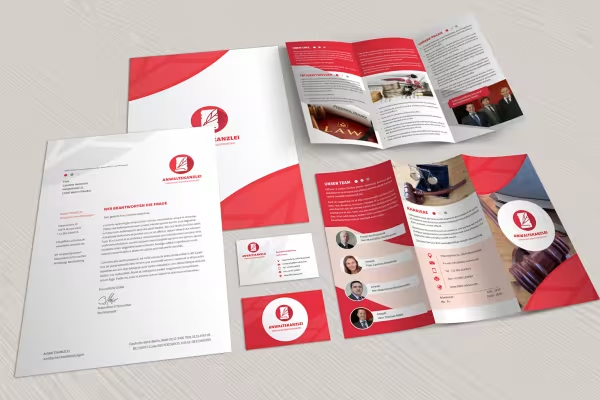
  • Business card, flyer and stationery, presented with the help of a mockup
    Open gallery
    What your designer heart desires: mockups for flyers, posters, brochures or business cards, among other things!
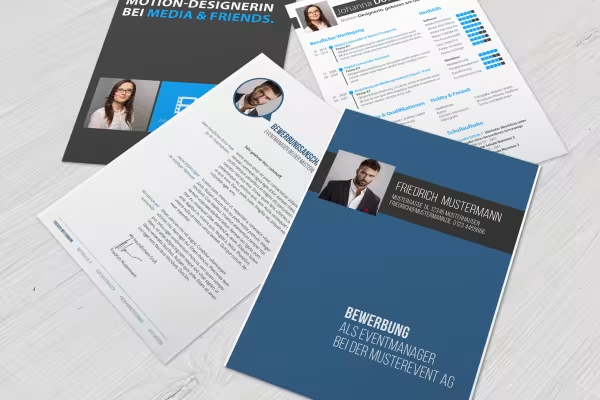
  • A4 pages, inserted into a Photoshop mockup
    Open gallery
    Add your work with just a few clicks using a smart object - the mockup does the rest!
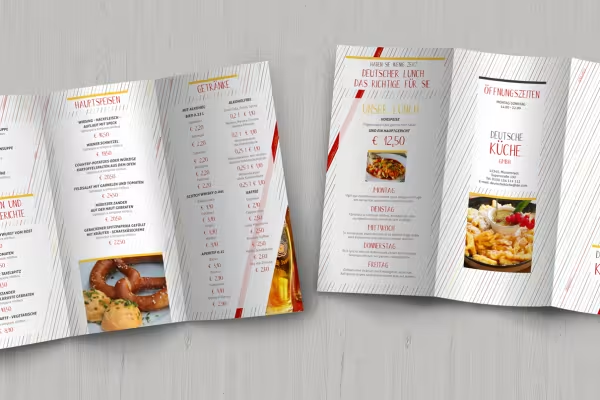
  • Mockup for a flyer
    Open gallery
    In the right perspective, against the right background: this is how your designs come to life.
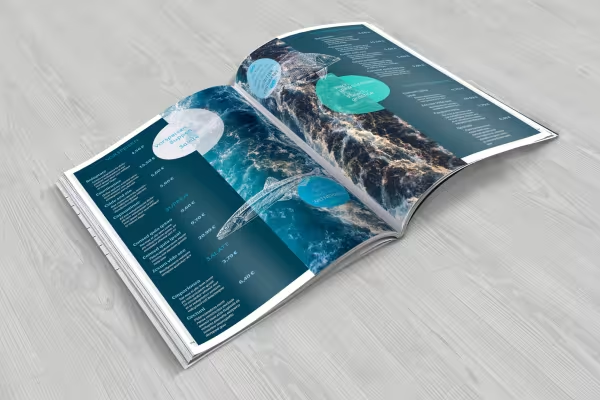
  • Mockup for a magazine
    Open gallery
    Your designs nestle against the digital print product with appropriate curvature and distortion.
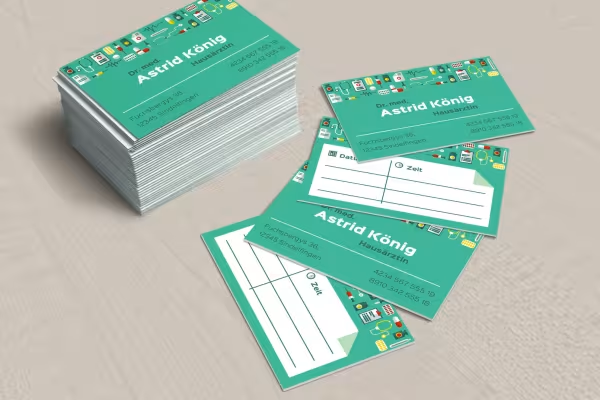
  • Mockup for a business card
    Open gallery
    All mockups have been prepared for German DIN formats - you don't have to cut anything to size!
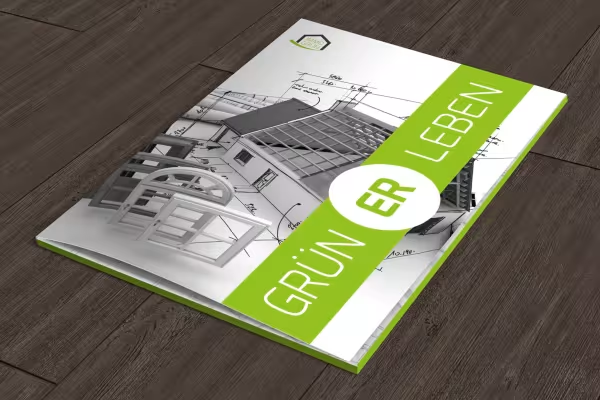
  • Photoshop mockup for a portfolio
    Open gallery
    Create a scene that more than meets your requirements and those of your customers!
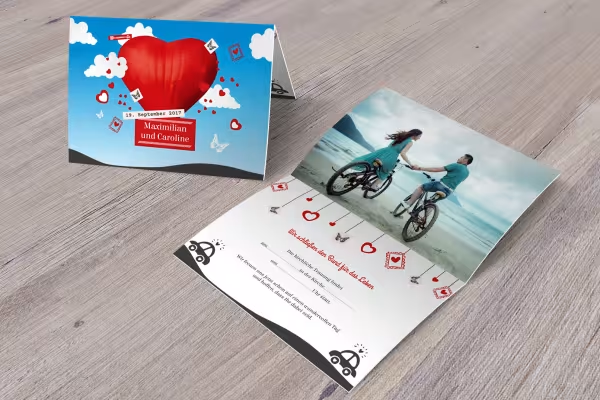
  • Mockup for an invitation card
    Open gallery
    Whether portrait or landscape format, single sheet or with fold - there is no one-sidedness here!

help video for application

Photoshop instructions: How to use the mockups for flyers, posters and co.

Use mockups to present your designs in photorealistic scenes. What do you need? Photoshop, a mockup and your layout. Watch this video to find out how to use PSD mockups for print media. Matthias Petri gives you helpful tips and tricks so that you can visualize your designs in high quality in a short time.
10 minutes · free of charge
Comments (9)

Comment now „Photoshop mockups for flyers, posters, business cards, books & co - Volume 1“