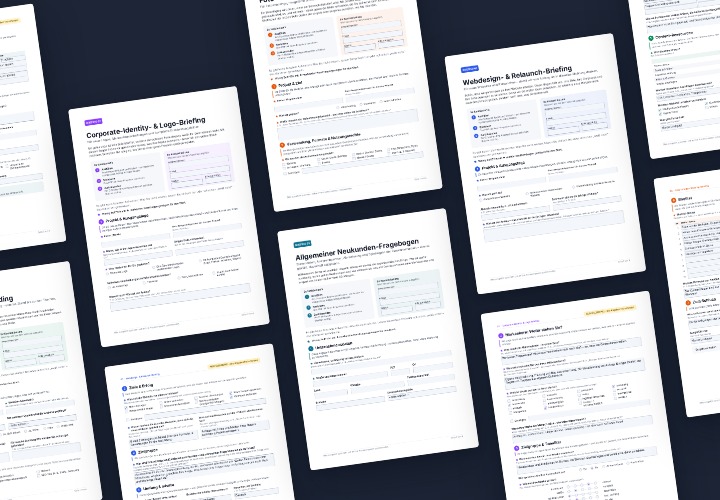
Logo mockups for 3D, gloss and relief effects

Logo mockups for 3D, gloss and relief effects

Grab the design of your logo. Insert it into one of these 47 logo mockups and effortlessly create representative images that you can use for your print products and websites in a matter of seconds. Including: 3D, gloss and relief effects as well as many photorealistic scenes. Your logo in gold on a business card? Easy to do - with these mockups:

  • 47 high-resolution mockups for the external presentation of logos with realistic effects
  • Quick and easy: insert your logo - Photoshop does the job - use the result
  • Various scenes & effects, including relief, silver and gold gloss, embossing, 3D, on business card, glass door, paper
  • Including: colored pencil and pencil drawings, embossing in leather, your logo on textured paper

Experience the versatility of your logo - create a stunning scene for your logo with every mockup in just a few moments!

content

47 items

Your logo completely different: with mockups for 3D, gloss, and relief effects

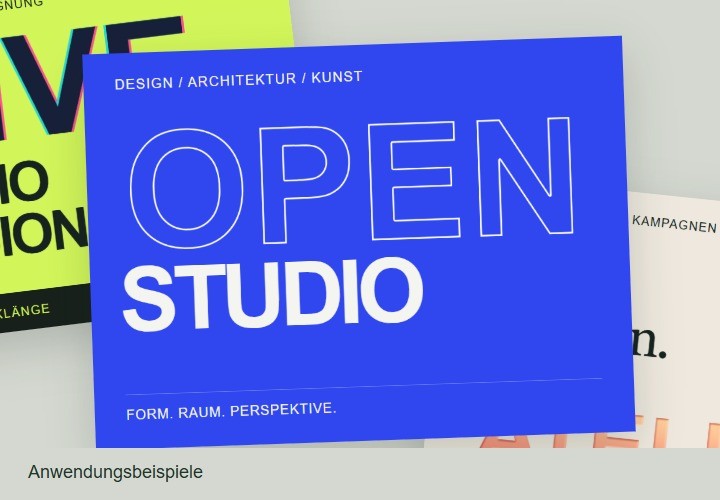
Examples of use

  • What about stunning 3D effects that showcase your logo?
    Open gallery
    What about stunning 3D effects that showcase your logo?
  • Open gallery
    Example: Insert your logo - Photoshop does the job - use the result.
  • Possible with mockups - you don't need a printer or photographer for these scenes!
    Open gallery
    Possible with mockups - you don't need a printer or photographer for these scenes!
  • How would you like your logo to look? - You will receive various scenes.
    Open gallery
    How would you like your logo to look? - You will receive various scenes.
  • Open gallery
    Example: Do you want your logo to look classy and elegant in a fine white within white?
  • As if painted and drawn - with just a few clicks your logo shows its photorealistic side!
    Open gallery
    As if painted and drawn - with just a few clicks your logo shows its photorealistic side!
  • Create great relief effects for your logo quickly and easily!
    Open gallery
    Create great relief effects for your logo quickly and easily!
  • Open gallery
    Example: Choose the right mockup and set the scene for your logo.

help video for application

Photoshop instructions: How to use the logo mockups

Would you like to present your logo or that of others in a completely new "light" using our logo mockups? Wonderful! You can already look forward to great effects with which you can present your logo in a visually convincing way. Matthias Petri explains how to use the logo mockups in this Photoshop tutorial.
7 minutes · free of charge
Comments (9)

Comment now „Logo mockups for 3D, gloss and relief effects“