
Cut out hair - the compendium (free)

- 7 Design-Vorlagen zur Ankündigung von weihnachtlichen Events
- Format änderbar – zur Verwendung als Weihnachtsposter und -flyer
- With 8 practical video workshops
- Free: Simply watch the video training and start right away! (Below are the individual free videos for streaming)
This compendium provides a remedy and promises more success hair by hair!
8 Videos, 201 minutes
Videos (free)
Hair clipping with channels - achieve perfect results without loss
14 minExtracting hair is one of the most challenging techniques in Photoshop. The difficulties lie in extracting the hair from the background with its fine textures. They are not always sharp in the image, sometimes appearing semi-transparent and taking on the color of the background. The usual selection tools such as the lasso tool, color range selection etc. unfortunately do not work for hair extraction. However, there are several techniques that are suitable for hair extraction, which can lead to a good result depending on the subject (hair type) and intended use. In this video training, I would like to introduce hair extraction using channels. This technique is optimal for images where the hair should be extracted in great detail and with sufficient sharpness and a visible difference from the background.
Download for free now - a thank you to the many viewers of the videos over the past years.
Cut out hair in the best possible way with difficult backgrounds using selection sectors
33 minIsolating hair is one of the most challenging techniques in Photoshop, especially with an irregular background. The approach to isolating hair in difficult backgrounds is to gradually approach the result sector by sector. Depending on the background, I create a selection that highlights and isolates the hair. In this video training, I will demonstrate how to isolate hair using channels with selection sectors. In the third sector, where the hair is very difficult to separate from the background, I will show a trick to achieve a satisfactory result. The video was created with CS4, but is backwards compatible with previous versions.
Download for free now - a thank you to the many viewers of the videos over the past years.
Optimal hair removal with extraction - perfect for curls, fur and feathers
24 minExtrahieren is a filter for extracting, which allows certain hairy matters such as curls, animal fur, or a bird's plumage to be easily separated. In this tutorial, I will show you how the Extracting Filter works perfectly. In the first example, I will separate a cockatoo with complex feather structures. In the second example, I will separate a curly wig (see preview image) and show some tips and tricks for post-processing, which offer very good solutions, especially for problems in the image material with depth of field.
It was recorded with CS4, but is backward compatible with the previous versions.
Download for free now - a thank you to the many viewers of the videos in recent years.
Hair clipping with color range selections and color range fades
23 minWhen using uniform backgrounds, it is advisable to make the selection based on a color range. Similarly, an effective method can be color range masking, which can yield good results even with irregular backgrounds. In this video training, I want to introduce two techniques for cutting out hair. I will show the possibilities and limitations of color range selections and color range masks in a total of three examples. The examples include curls, hair swirling in the air, smooth hair, and dog hair. Do not be confused by the term "color range"! Especially the second technique, which explains the hiding of tonal values, is quite powerful and still relatively unknown. So be sure to watch it!
Download now for free - a thank you to the many viewers of the videos in recent years.
Crop hair with the background eraser - it's never been so easy
16 minSince Photoshop CS3 there has been the background eraser, which although involves a destructive extraction, makes the extraction of delicate details easier than ever before. The eraser tool can cause some irritation for advanced Photoshop users who have internalized non-destructive work. The eraser tools background eraser and magic eraser are hardly used or known due to this "bad neighborhood" experience. However, the background eraser introduced in version CS3 can produce astonishing results when extracting hair, which are just as good as extractions made with selections and even have an underestimated advantage. And those who believe that this is just a type of "magic wand extraction" will be surprised. In three sample images, I show the extraction of blonde hair and brown hair against a uniform background, as well as of dog fur against an irregular background. So be sure to check it out. The technique is as simple as it is astonishing! The video was recorded with CS4 and is compatible with CS3 onwards.
Download now for free – a thank you to the many viewers of the videos over the past years.
Hair clipping with layer mode offsets - so quick and fantastic
32 minThere are various methods for hair masking that achieve good to very good results depending on the motive. Depending on further editing, I can also save myself the hair masking by overlaying the new background with the existing image. The possibilities of this overlay should not be underestimated. Once you understand the principle of overlays, you can achieve very fast and fantastic results. In this video training, I want to show in a total of six examples how blending modes can be applied for "hair masking". The technique is truly extraordinarily effective and brilliant! The video was recorded with CS4 and is compatible with previous versions.
Download now for free - a thank you to the many viewers of the videos in recent years.
Extreme hair clipping - the tricks for problem cases and difficult conditions
40 minIn this tutorial, I would like to show a combination of precise and simulated clipping, so that the result at the end is perfect despite difficult initial conditions. A total of six problem cases will be discussed in this tutorial and solved using various techniques from the bag of tricks. This includes brushing, drawing, and wiping hair, the tricky clipping via a hair simulation selection, creating hair brush presets and copy sources to correct clipping errors, the destructive and non-destructive techniques to fix color fringes, and accentuating hair edges through clipping duplicates in altered layer modes. The video was recorded with CS4 and is compatible with previous versions.
Download now for free - a thank you to the many viewers of the videos over the past years.
New features in Photoshop CS5: Enhance Edge and Smart Masks
18 minThe Refine Edge dialog (Ctrl+Alt+R) has been significantly redesigned and improved with version CS5. Thanks to the new Radius Refine tool (E) and Smart Radius for edge detection, it is now possible to achieve amazingly detailed selection results from rough selections of fine structures such as hair. In the example of three images, I demonstrate the capabilities and limitations of the Refine Edge dialog when creating cutouts of hair.
Download now for free - a thank you to the many viewers of the videos in recent years.
Examples of use
-
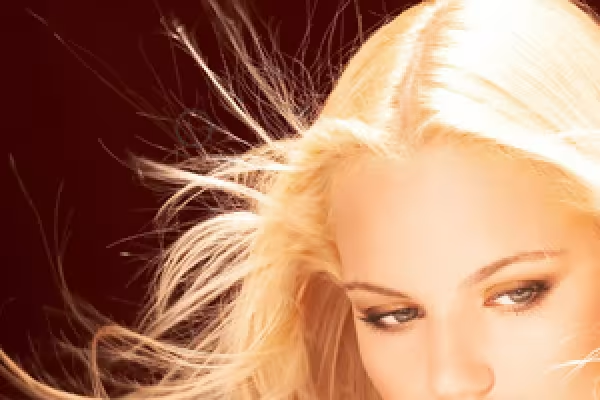 Hair clipping with channels - achieve perfect results without loss
 -
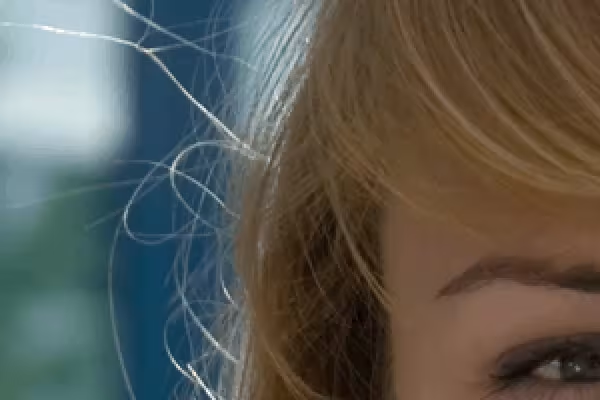 Cut out hair in the best possible way with difficult backgrounds using selection sectors
 -
 Optimal hair removal with extraction - perfect for curls, fur and feathers
 -
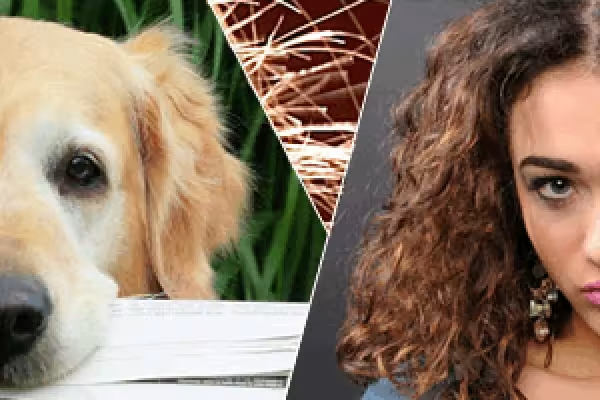 Hair clipping with color range selections and color range fades
 -
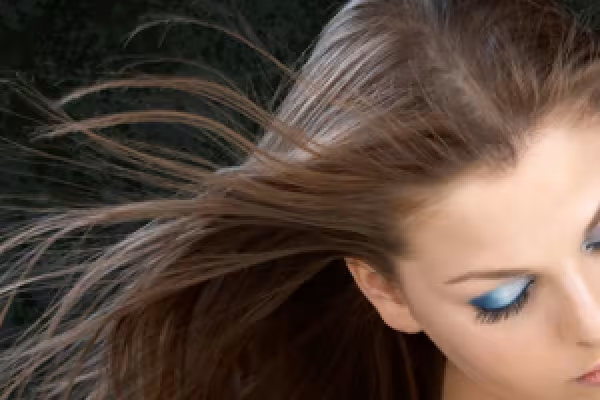 Crop hair with the background eraser - it's never been so easy
 -
 Hair clipping with layer mode offsets - so quick and fantastic
 -
 Extreme hair clipping - the tricks for problem cases and difficult conditions
 -
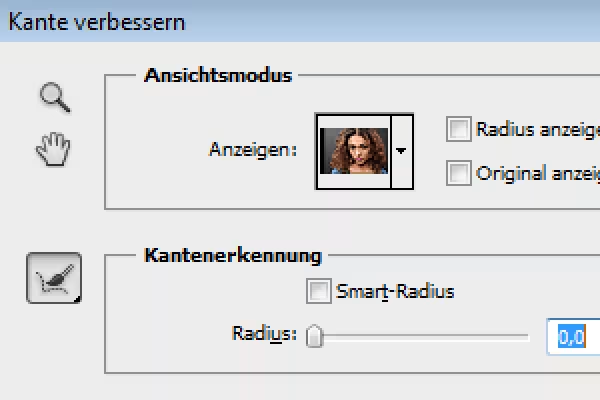 Improve edge and intelligent masks
You might also like

100 presets in 5 themes · each look in .xmp, .dng, and .costyle · for desktop and smartphone

Full power, more inspirations, maximum WOW effect!

20 sets in 4K (4096 × 4096 px, 300 DPI) as JPG plus Photoshop patterns, calibrated to the fill method

More style, more power, more templates!
Comment now „Cut out hair - the compendium (free)“