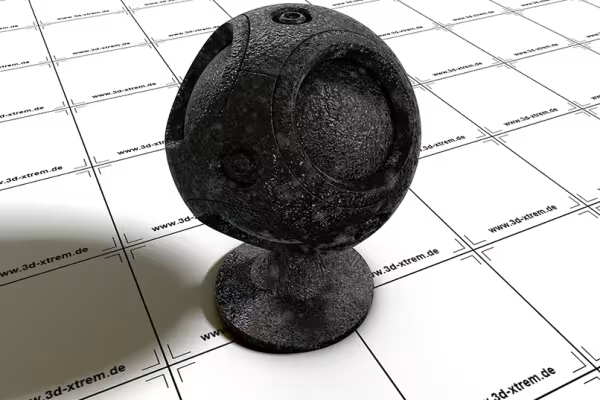
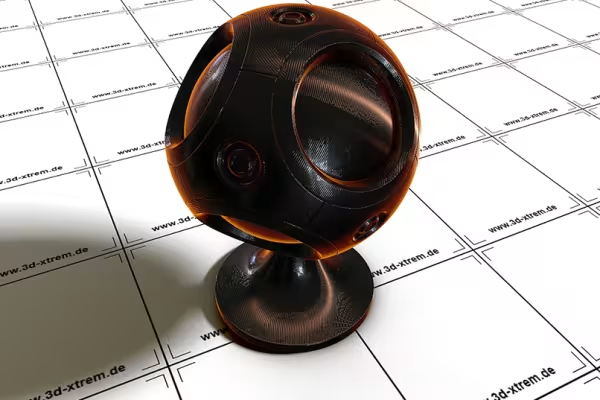
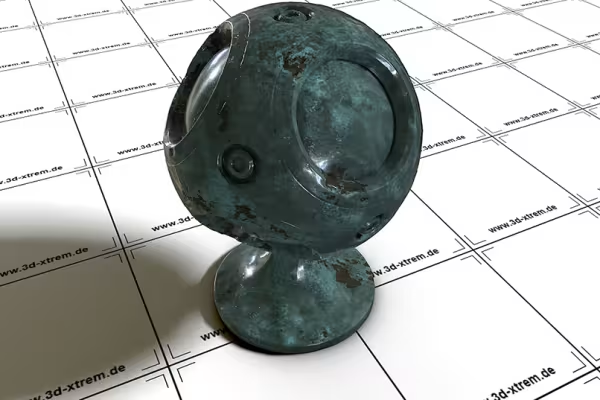
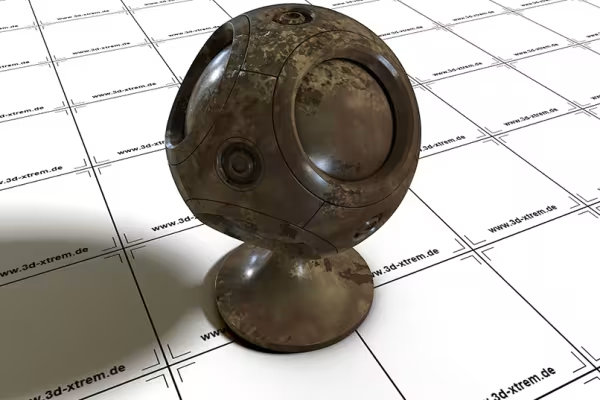
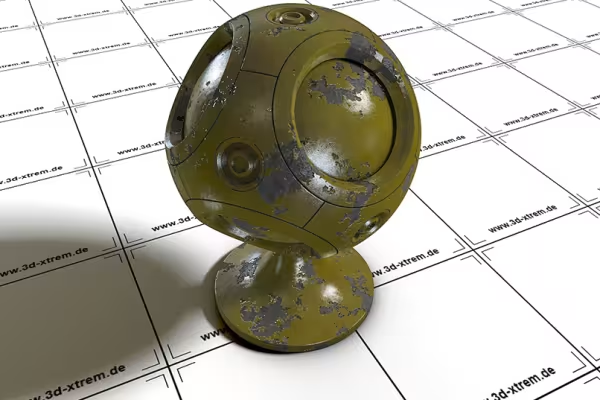
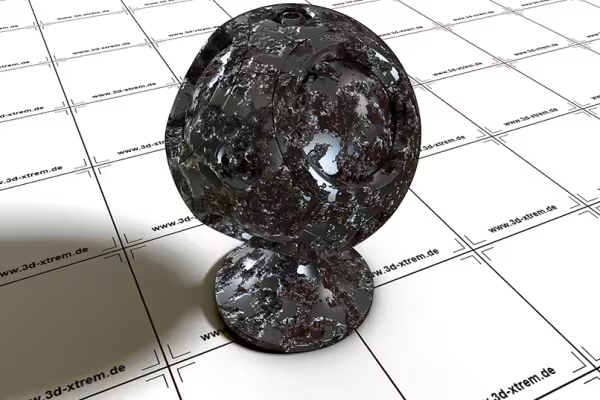
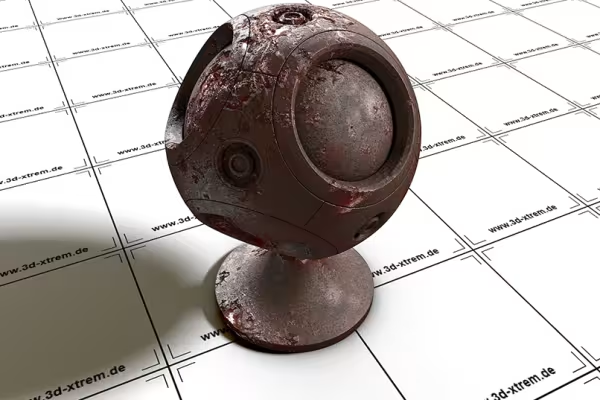
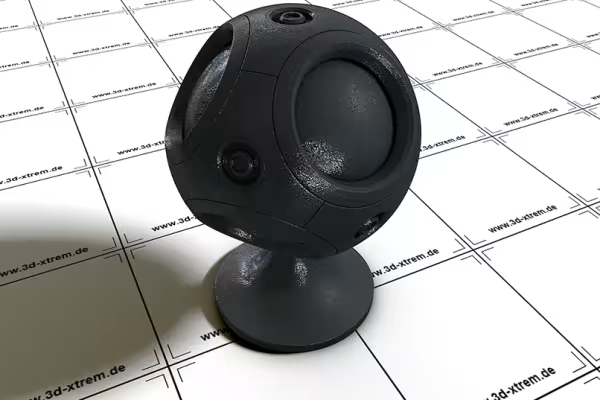
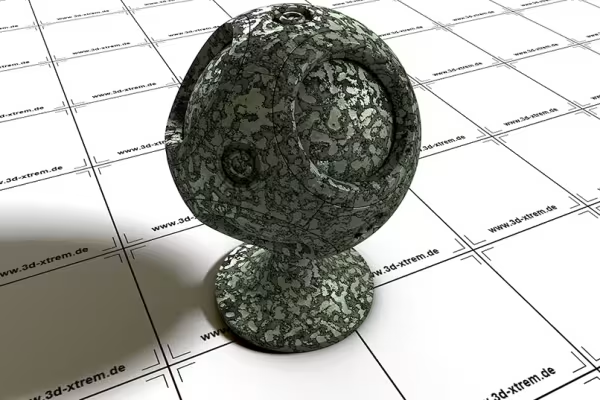
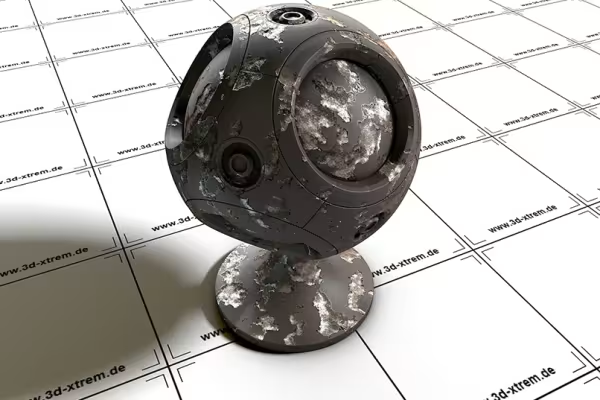
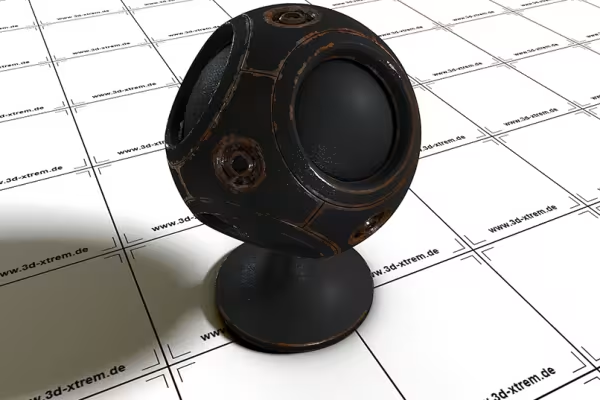
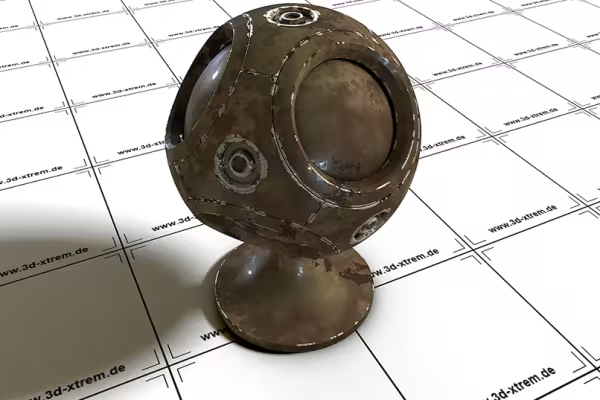
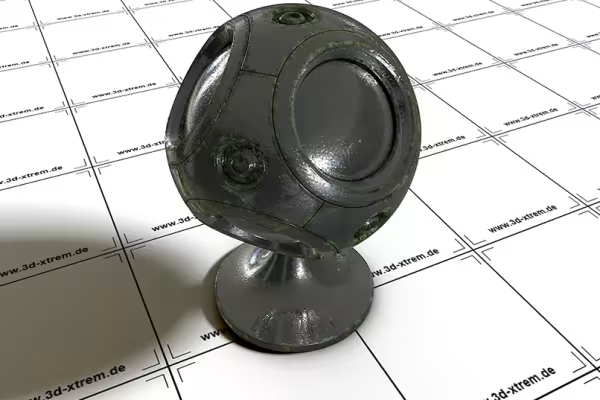
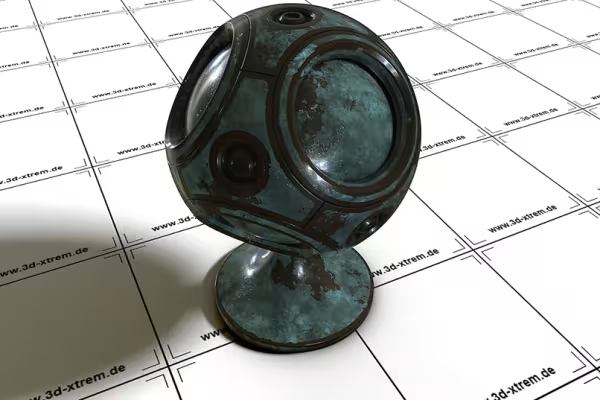
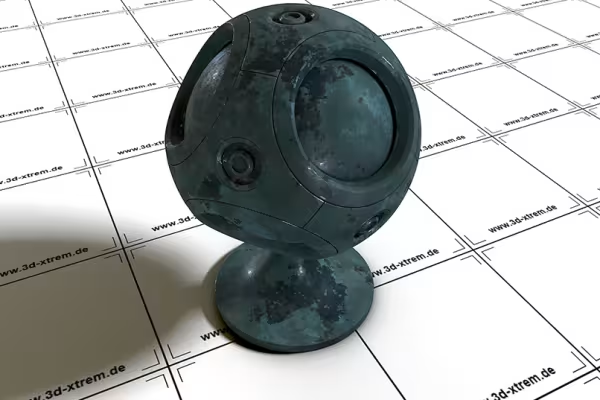
Add a photorealistic rust or metal texture to your 3D surfaces in C4D. For robots, cars, machines and all your other 3D objects, 22 textures are available for use in Cinema 4D. Whether shiny gold, silver and black or abrasion, corrosion and rust - you can scale the procedural textures infinitely.
No matter how your 3D surfaces twist and turn - these shiny to rusty metal textures won't let them go! Download the shaders and put them on!
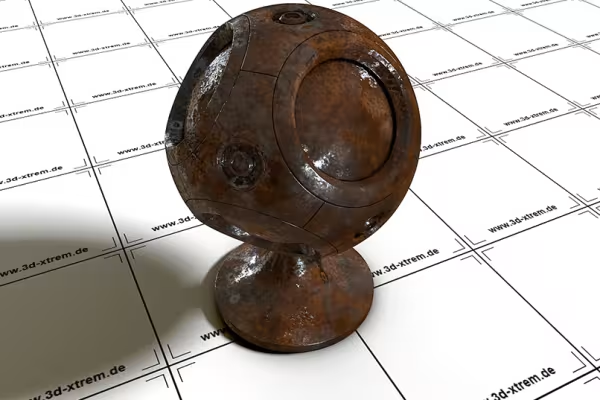
Does your 3D object need a metallic sheen or a rusty, decayed appearance? Then apply these C4D textures and create surfaces that look as natural as if they came straight out of the camera.
You receive 22 shaders with a wide variety of metal textures , so that you have the right surface available for your 3D objects. Most of them are applicable from Cinema 4D R13 upwards, one shader works from R16. Some shaders use Inverse Ambient Occlusion, which is used from Cinema 4D R18 onwards. The advantage: with this function, effects such as rust or chipped paint are also created at corners or overlaps - for an even more realistic appearance. You can find other shaders here, for example for rock and stone surfaces as well as for ice textures.
Shaders are much more than just textures. While these are usually tiled, i.e. joined together, the procedural textures in this package are created using algorithms. The automatic calculation ensures a photorealistic representation - without cut edges, with multi-level reflections, no matter how large your surface is. The natural look of the render result is usually achieved by using fractal noise and turbulence functions.
A step-by-step quick guide is included in the package in case you have never or rarely worked with materials in Cinema 4D. Basically, you copy the supplied LIB file into the browser subfolder, which is located in the library folder of your Cinema 4D folder structure.
In Cinema 4D, open the Content Browser under Window. Here you will find the library of metal shaders in the presets, sorted into three subfolders. Double-click on the desired shader and its alpha to load it into the scene you have already opened. Alternatively, you can also use a C4D file. Use the tools and functions of Cinema 4D to further customize the textures to your liking.
For backgrounds in web & print
Hopp and top for Easter greetings
Modern motifs for vibrant backgrounds
Floral magic for the whole area
Moving & invigorating
Simply create shiny effects
A tasteful design mix
Fully covered, from starter to dessert!