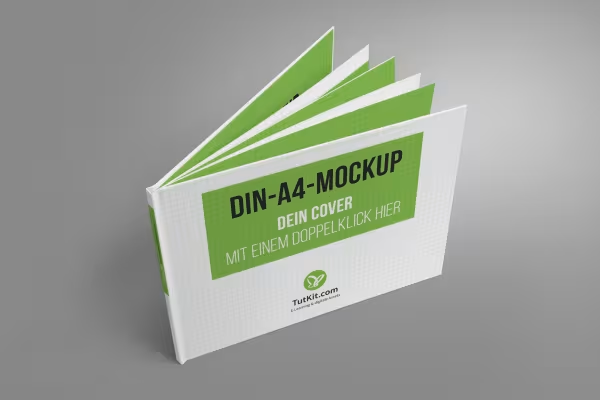
Mockups: Photorealistic representation of a hardcover book

Mockups: Photorealistic representation of a hardcover book

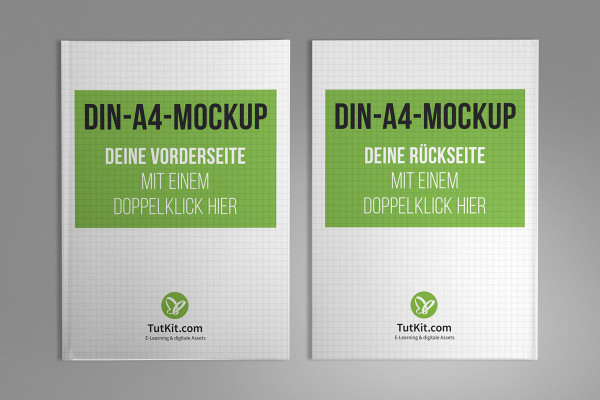
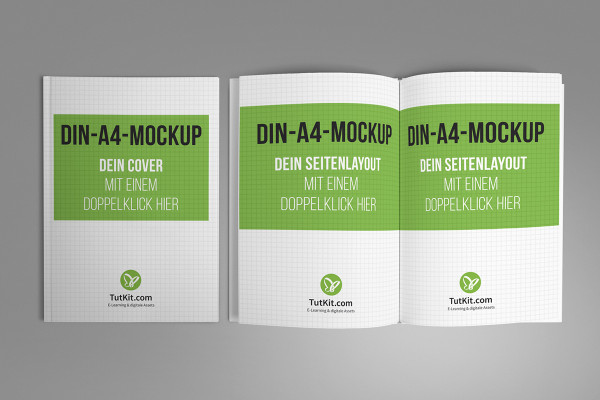
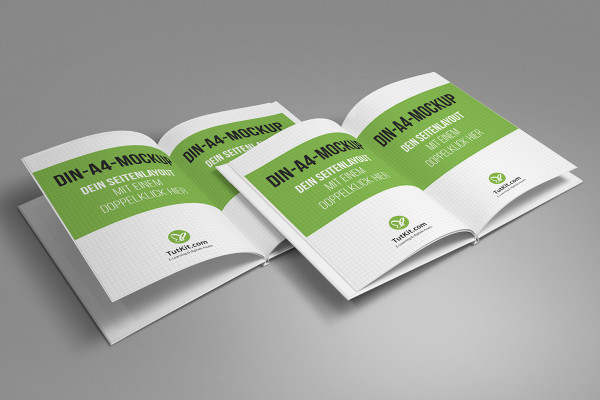
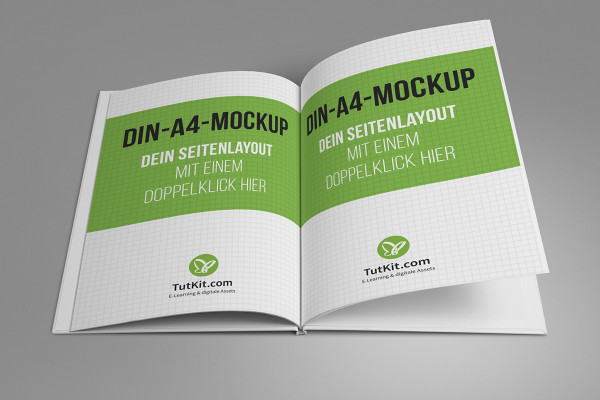
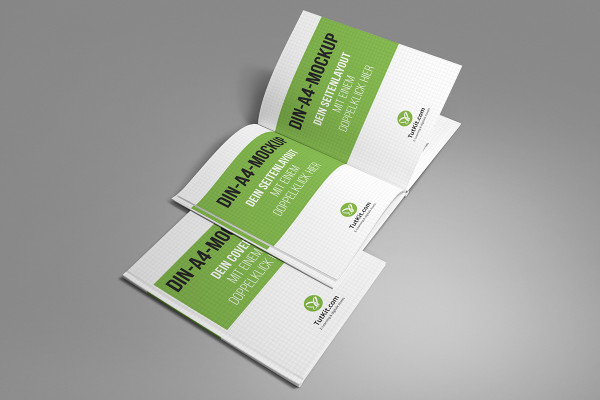
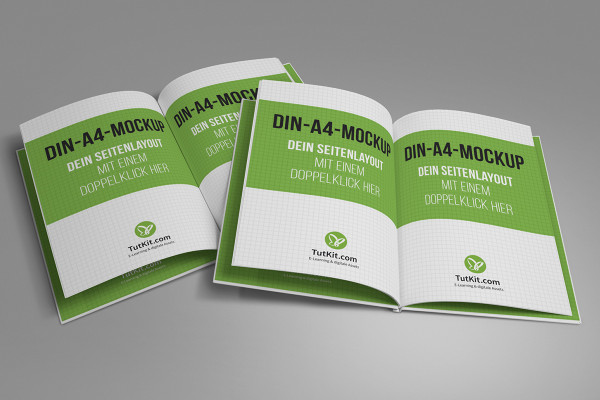
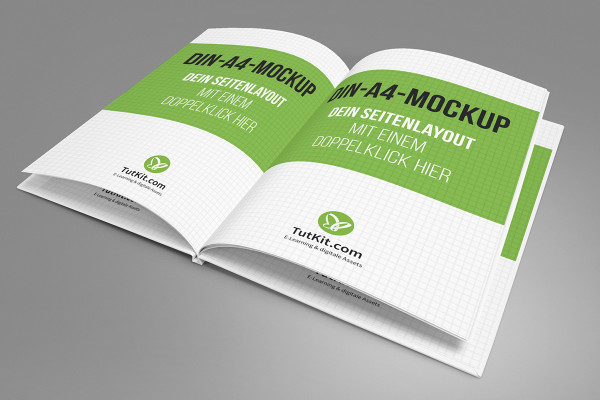
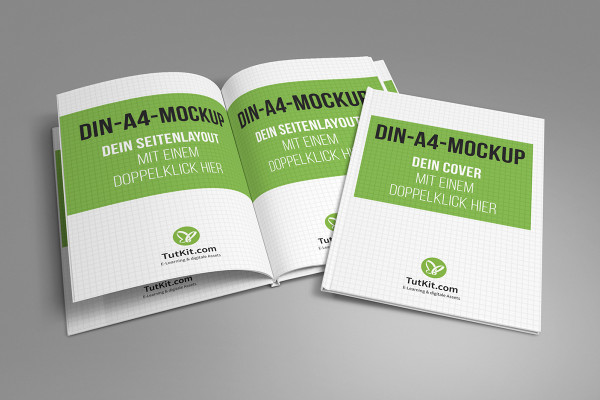
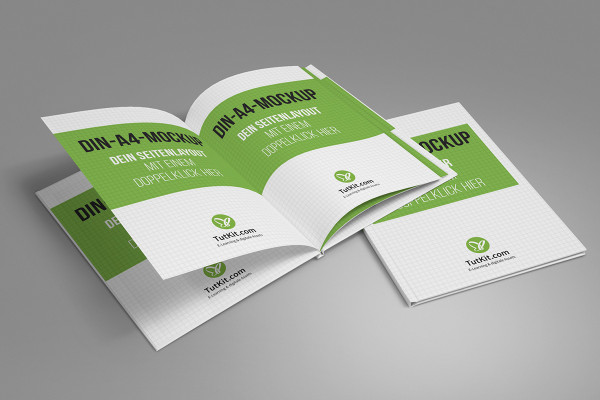
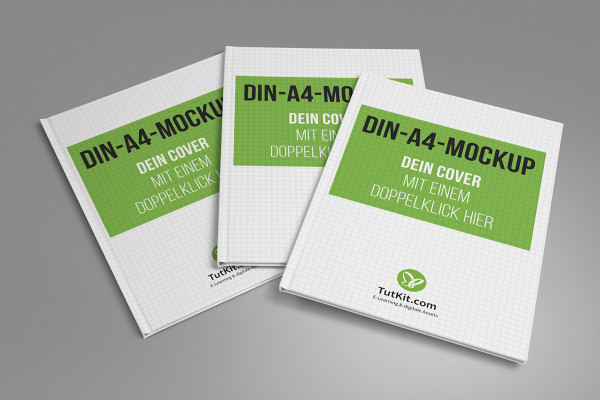
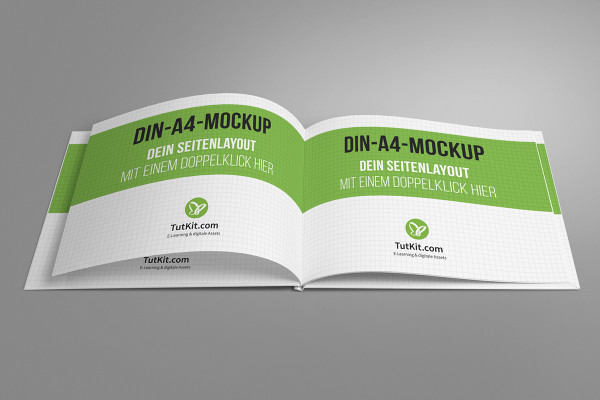
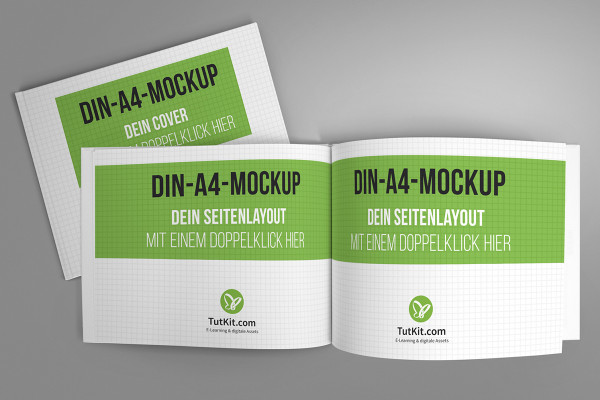
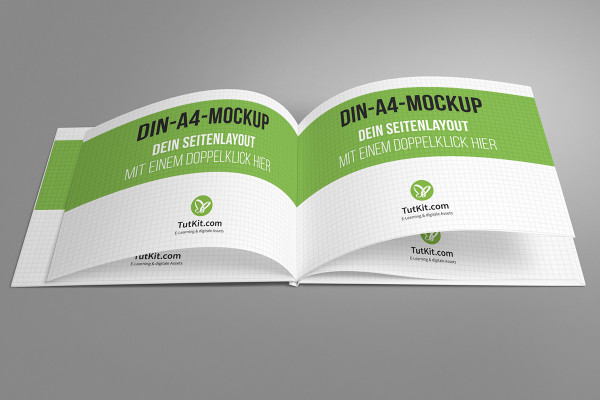
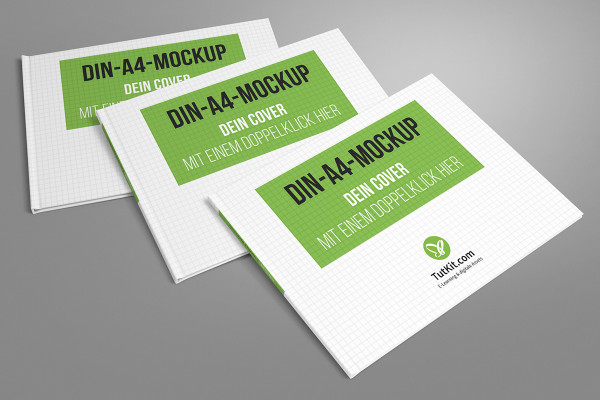
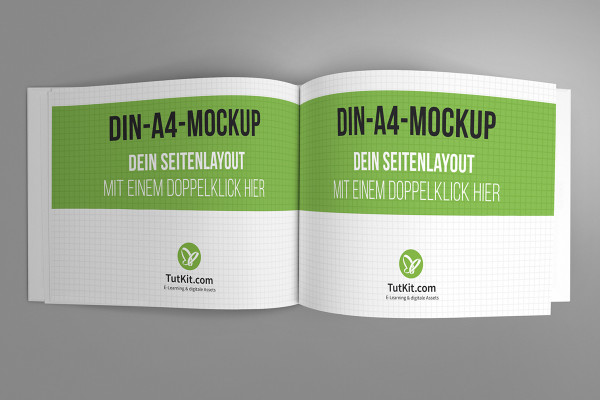
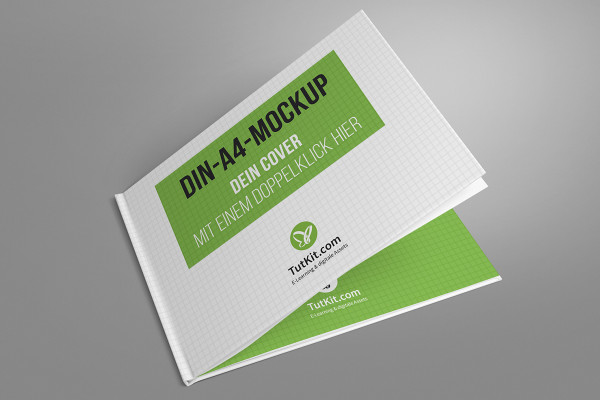
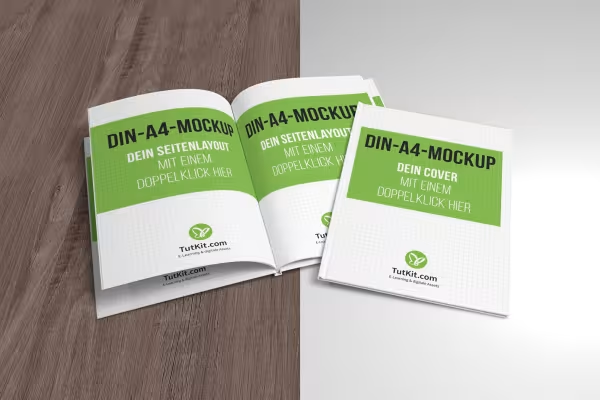
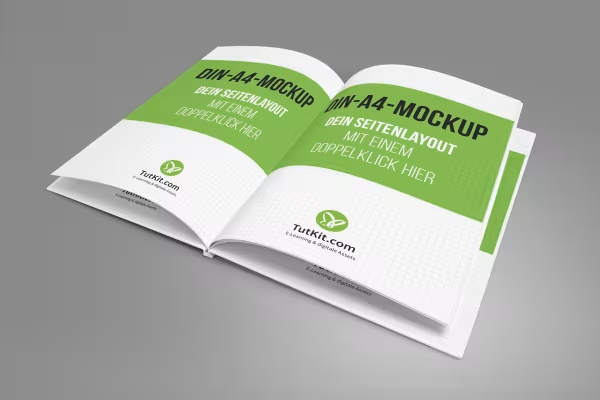
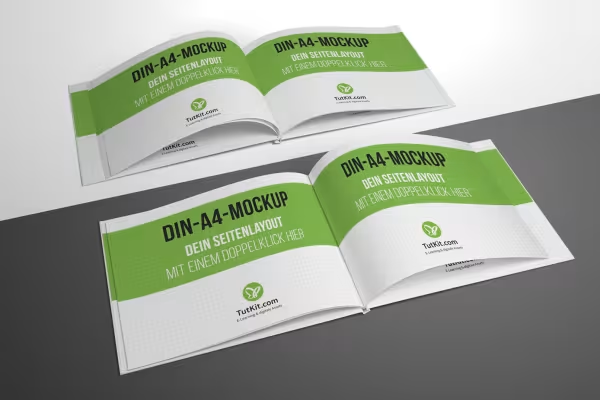
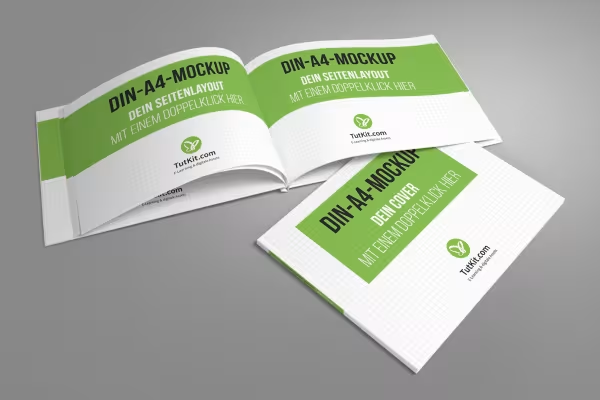
Present the design of a hardcover book in a photorealistic way with just a few clicks. To do this, load a suitable mockup into Photoshop and simply drag your layouts onto the placeholders. In no time at all, you can show both the hardcover and individual pages as if they had been printed out. Ideal for your portfolio, for book advertising, for displaying printed content, for illustration on websites or for the digital presentation of photo books.

  • 30 mockups to illustrate the book and hardcover
  • As if printed: present your book designs in photorealistic images
  • Easy to use: Paste your template, Photoshop adjusts it automatically
  • Format variety: mockups for books in portrait, landscape and square format, for hardcover and inside pages
  • Each book mockup comes in its own PSD file for use in Photoshop
  • Mockups with high resolution for use in web and print
  • Suitable for your portfolio, for illustrative contributions, for book advertising and for photo books

Why print and photograph first when you can present a book digitally right away? Simply lay out these 30 mockups!

content

Details of the content

Mockups with hardcover book in A4 portrait format

Mockup with hardcover book in A4 portrait format - Version 1

Mockup with hardcover book in A4 portrait format - Version 1

Mockup with hardcover book in A4 portrait format - Version 2

Mockup with hardcover book in A4 portrait format - Version 2

Mockup with hardcover book in A4 portrait format - Version 3

Mockup with hardcover book in A4 portrait format - Version 3

Mockup with hardcover book in A4 portrait format - Version 4

Mockup with hardcover book in A4 portrait format - Version 4

Mockup with hardcover book in A4 portrait format - Version 5

Mockup with hardcover book in A4 portrait format - Version 5

Mockup with hardcover book in A4 portrait format - Version 6

Mockup with hardcover book in A4 portrait format - Version 6

Mockup with hardcover book in A4 portrait format - Version 7

Mockup with hardcover book in A4 portrait format - Version 7

Mockup with hardcover book in A4 portrait format - Version 8

Mockup with hardcover book in A4 portrait format - Version 8

Mockup with hardcover book in A4 portrait format - Version 9

Mockup with hardcover book in A4 portrait format - Version 9

Mockup with hardcover book in A4 portrait format - Version 10

Mockup with hardcover book in A4 portrait format - Version 10

Mockups with hardcover book in A4 landscape format

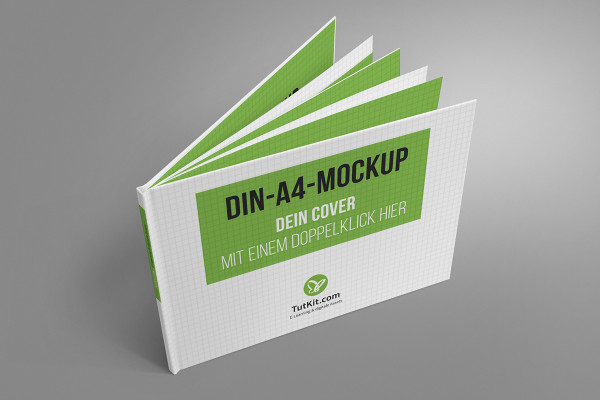
Mockup with hardcover book in A4 landscape format - Version 1

Mockup with hardcover book in A4 landscape format - Version 1

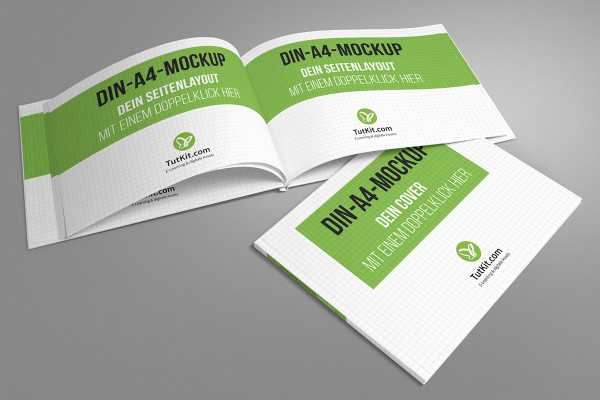
Mockup with hardcover book in A4 landscape format - Version 2

Mockup with hardcover book in A4 landscape format - Version 2

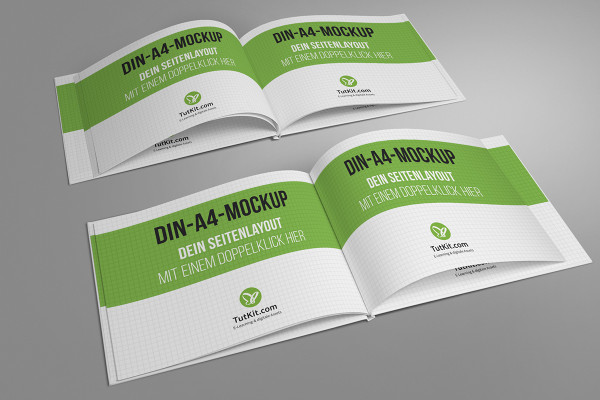
Mockup with hardcover book in A4 landscape format - Version 3

Mockup with hardcover book in A4 landscape format - Version 3

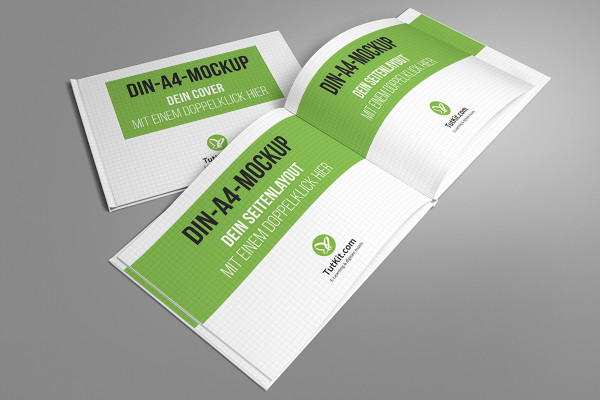
Mockup with hardcover book in A4 landscape format - Version 4

Mockup with hardcover book in A4 landscape format - Version 4

Mockup with hardcover book in A4 landscape format - Version 5

Mockup with hardcover book in A4 landscape format - Version 5

Mockup with hardcover book in A4 landscape format - Version 6

Mockup with hardcover book in A4 landscape format - Version 6

Mockup with hardcover book in A4 landscape format - Version 7

Mockup with hardcover book in A4 landscape format - Version 7

Mockup with hardcover book in A4 landscape format - Version 8

Mockup with hardcover book in A4 landscape format - Version 8

Mockup with hardcover book in A4 landscape format - Version 9

Mockup with hardcover book in A4 landscape format - Version 9

Mockup with hardcover book in A4 landscape format - Version 10

Mockup with hardcover book in A4 landscape format - Version 10

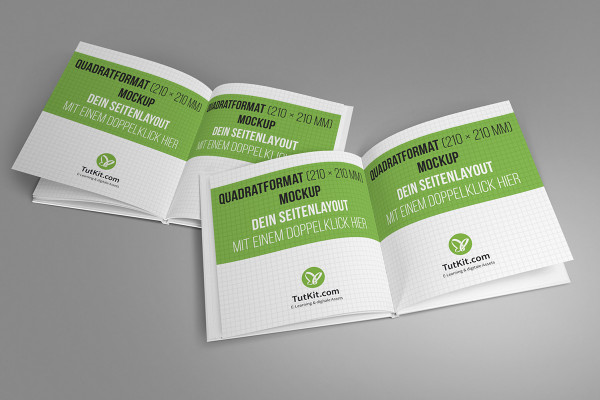
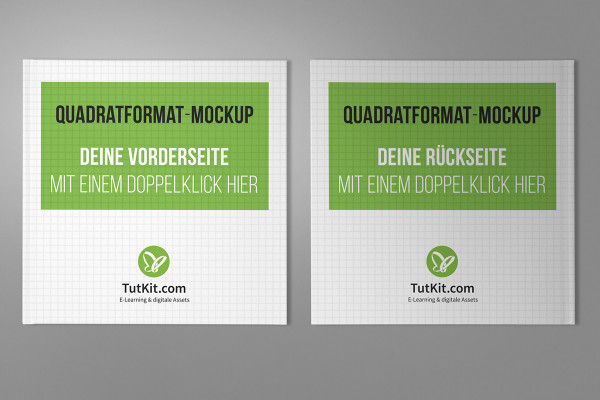
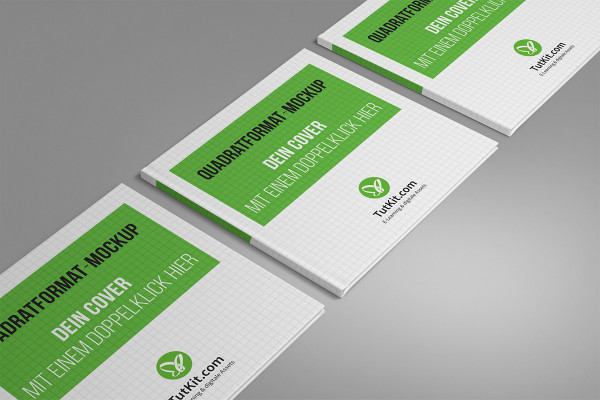
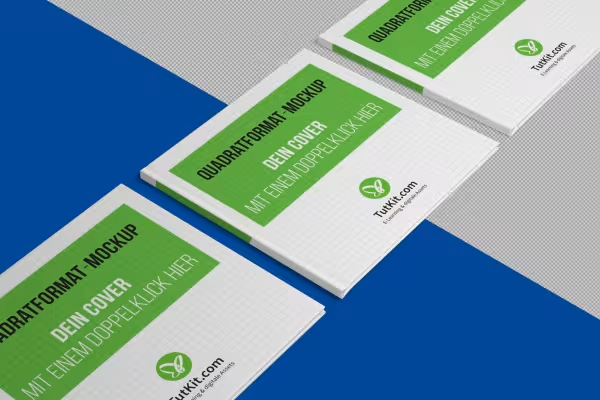
Mockups with square hardcover book

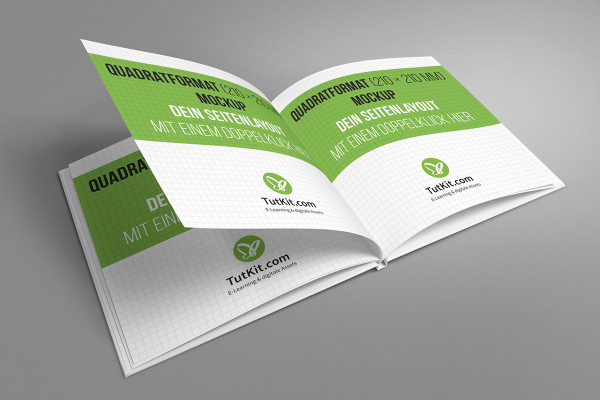
Mockup with square hardcover book - Version 1

Mockup with square hardcover book - Version 1

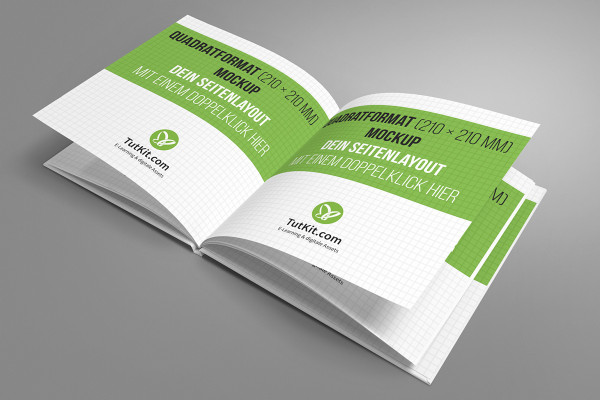
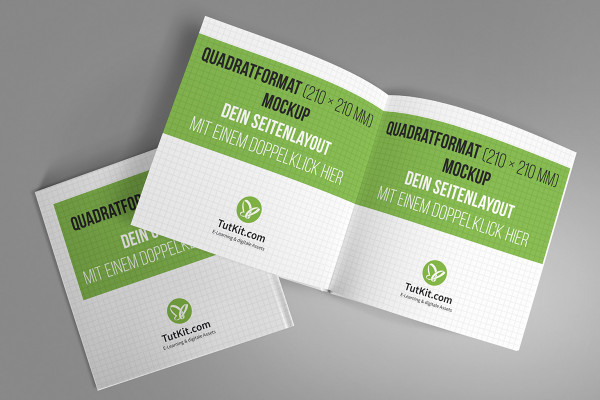
Mockup with square hardcover book - Version 2

Mockup with square hardcover book - Version 2

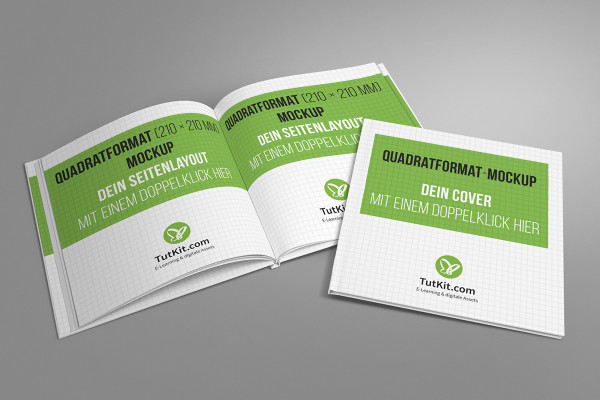
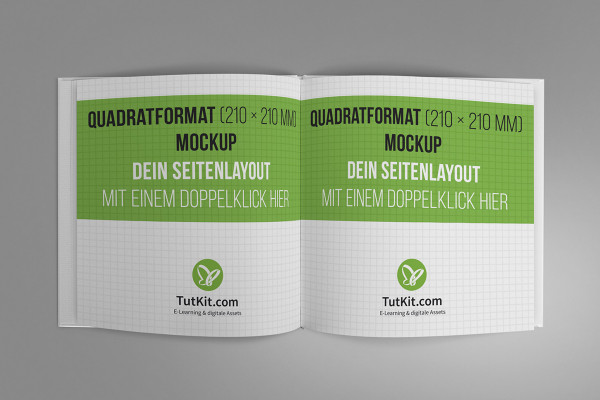
Mockup with square hardcover book - Version 3

Mockup with square hardcover book - Version 3

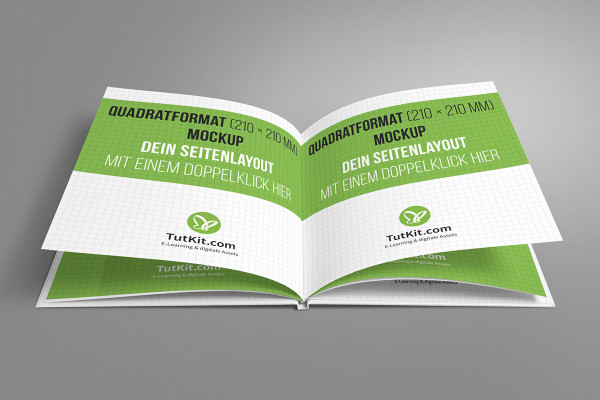
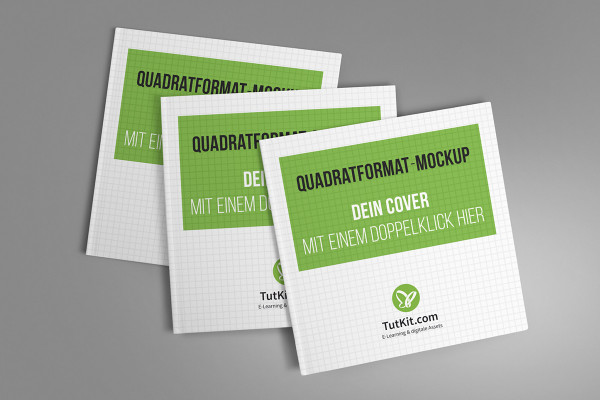
Mockup with square hardcover book - Version 4

Mockup with square hardcover book - Version 4

Mockup with square hardcover book - Version 5

Mockup with square hardcover book - Version 5

Mockup with square hardcover book - Version 6

Mockup with square hardcover book - Version 6

Mockup with square hardcover book - Version 7

Mockup with square hardcover book - Version 7

Mockup with square hardcover book - Version 8

Mockup with square hardcover book - Version 8

Mockup with square hardcover book - Version 9

Mockup with square hardcover book - Version 9

Mockup with square hardcover book - Version 10

Mockup with square hardcover book - Version 10

Examples of use

  • Mockup for hardcover book
    Open gallery
    You can fill the placeholders with your designs in just a few clicks.
  • Mockup for hardcover book
    Open gallery
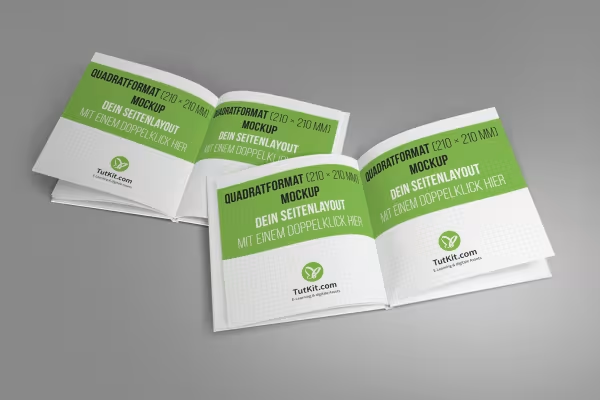
    Looks like printed: Show the inside pages of a book as if you had photographed them.
  • Mockup for hardcover book
    Open gallery
    Perfect for portrait and landscape format as well as for square books.
  • Mockup for hardcover book
    Open gallery
    Photoshop makes the perspective adjustment automatically.
  • Mockup for hardcover book
    Open gallery
    Use the mockups for your portfolio, for book presentations and advertising, for illustration.
  • Mockup for hardcover book
    Open gallery
    Flat and two-dimensional? - Go for three-dimensional vividness instead.
  • Mockup for hardcover book
    Open gallery
    Easy to use: Simply drag your designs onto the stored smart objects.

help video for application

Photoshop instructions: How to use the mockups for hardcover books

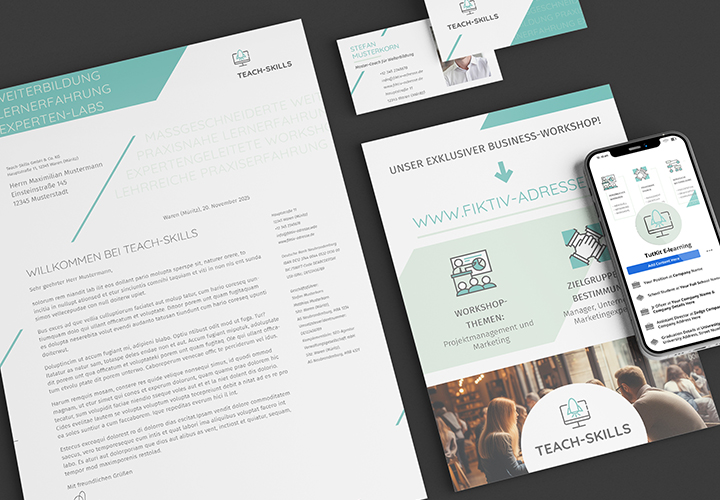
Use mockups to present your designs in photorealistic scenes. What do you need? Photoshop, a mockup and your layout. Watch this video to see how to use PSD mockups for hardcover books. Matthias Petri gives you helpful tips and tricks so that you can visualize your designs in high quality in a short time.

8 minutes · free of charge
Comments (1)

Comment now „Mockups: Photorealistic representation of a hardcover book“

