Photoshop action "Sketch": Scribble look for your photos

Photoshop action "Sketch": Scribble look for your photos

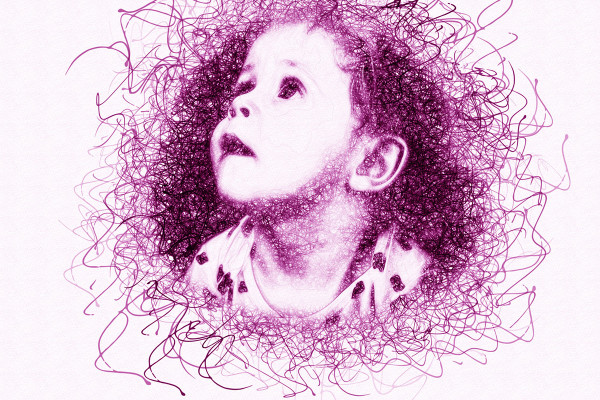
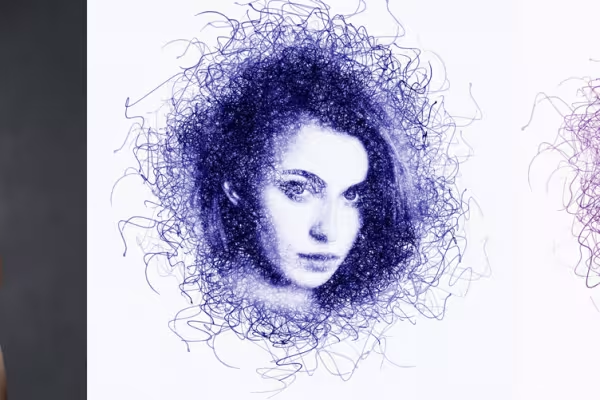
As if you had artfully sketched a picture on paper with a ballpoint pen - this Photoshop action gives your photos a strikingly modern Sketch and Scribble look in the color of your choice. Excellent for portraits and easy to apply with just a few clicks.

  • Effortlessly create a modern Sketch look for your pictures
  • Define an area and start the action - Photoshop creates the scribble style automatically
  • Ideally suited for portraits, but also for other motifs that you want to artistically enhance
  • Includes action, pattern, brush file, video and PDF quick guide

Create real eye-catchers for your portfolio, your social media presence or for a special gift - let Photoshop put the pen to your pictures!

content

Details of the content

Photoshop action "Sketch": Scribble look for your photos

Photoshop action "Sketch": Scribble look for your photos

Photoshop action "Sketch": Scribble look for your photos

Examples of use

  • Open gallery
    Example: Create a modern sketch look in just a few seconds!
  • Portrait of a woman in Sketch look, created with Photoshop action
    Open gallery
    Example: You can freely choose the color of the effect.
  • Open gallery
    Example: Ideally suited for portraits - both human and animal.
  • Open gallery
    Example: How about a very special photo gift?
  • Open gallery
    Example: This Sketch look will look great in your portfolio!

help video for application

Photoshop instructions: How to use the "Sketch" action

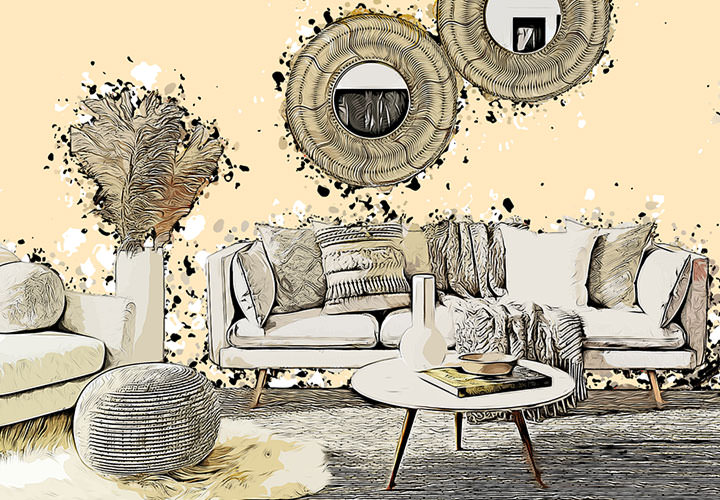
Using the Photoshop "Sketch" action to create a modern scribble look is very simple. If you get stuck, this video tutorial will help you. Matthias Petri shows you how to use the action and make adjustments. Have fun changing the image!

8 minutes · free of charge
Comments (15)

Comment now „Photoshop action "Sketch": Scribble look for your photos“

