

Moving tutorials and templates for After Effects
Let yourself be animated into cinematic film projects - with many tutorials and templates for Adobe After Effects . Whether for your clients or your own film fireworks - thanks to After Effects, you can combine video sequences with dynamic typography or fascinating animations, for example. In our tutorials, we guide you step by step from cut to cut. This is how you become a skilled motion designer in After Effects . And you can integrate our ready-made templates directly into your video projects. Get the material for your film career now ...
On this page
Free tutorials for Adobe After Effects
- Concentric Shape Amplifier in After Effects: Creating Effects Easily
- Slanted Shape Outlines in After Effects: Tutorial May 2020
- Roto Brush 2.0 in After Effects CC 2020: Isolating Objects Step by Step
- 3D Transform Gizmo in After Effects: Navigating 3D Space Made Easy
- Mastering the 3D Design Space in After Effects CC 2020: A Step-by-Step Guide
- Simulating a car accident in After Effects: mask, alpha layer, and Puppet tool
Trainers for Adobe After Effects






Seven theme packages as .cube and as Lightroom presets
Practical examples to join in!

Pure atmosphere!
Just hang up!

Automatically more atmosphere!

Your videos - real classics!

Flickering lights in dirty style
Increase the coolness factor of your videos

More winter atmosphere in your videos

Two-tone and luminous effects
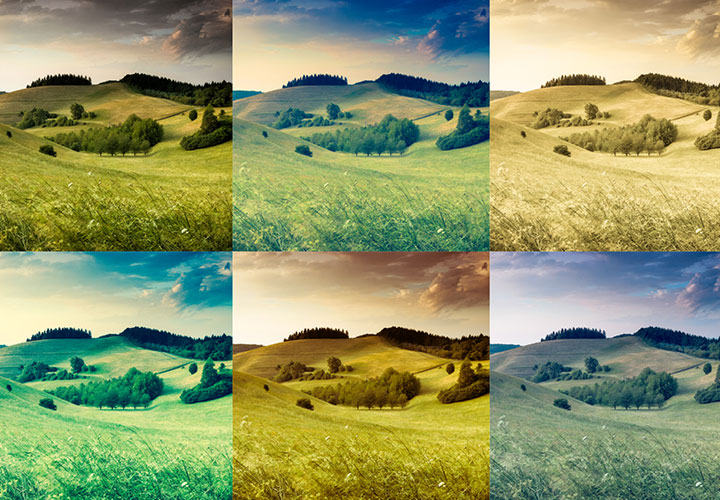
From black and white to intense color

Charming as-if looks
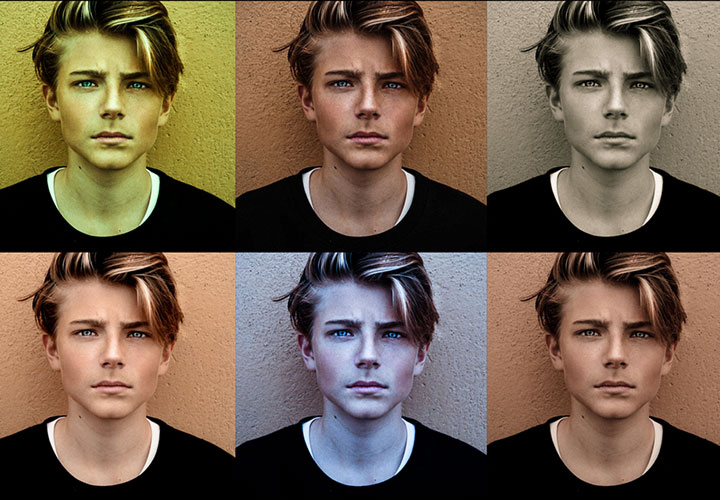
Modern looks for your pictures

For magical moments

Discover the most important innovations
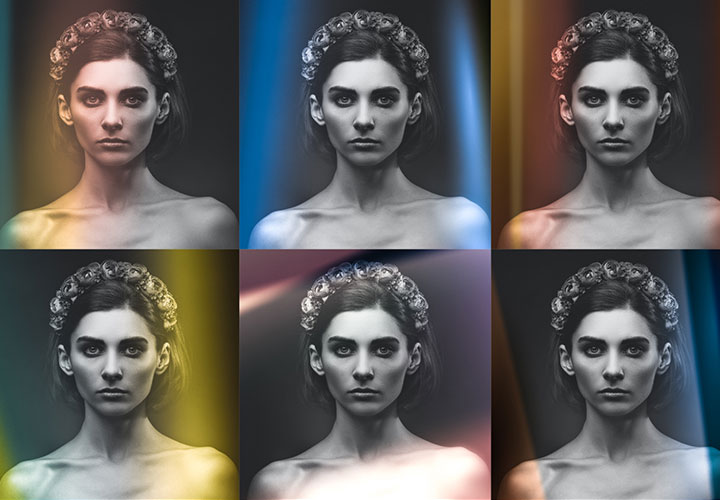
Presets for beautiful light leaks
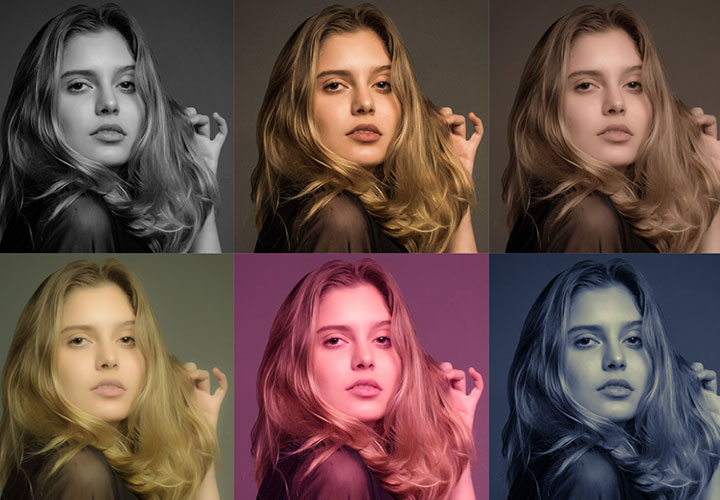
A catwalk of stylish specifications

For cinematic photos
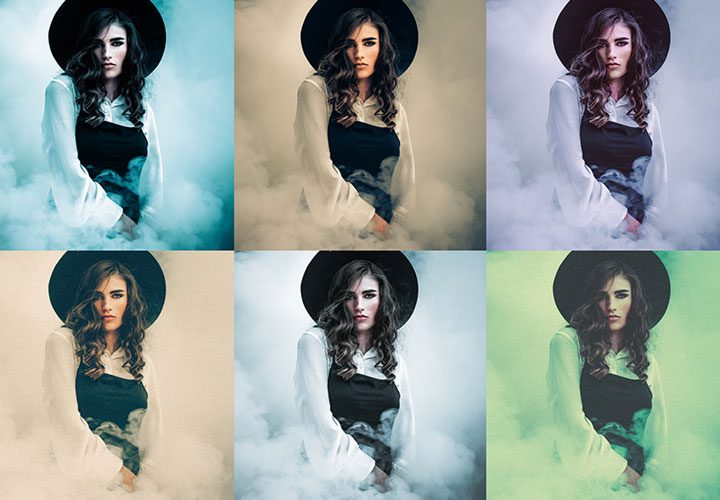
For the dark side of photo editing
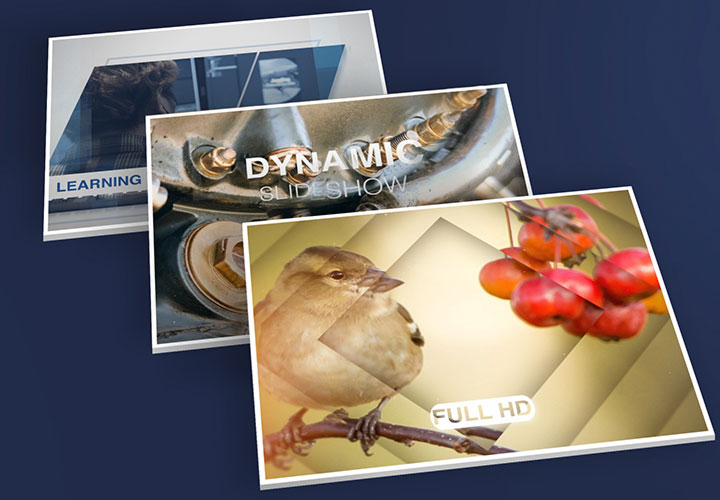
For dynamic display of photo and video
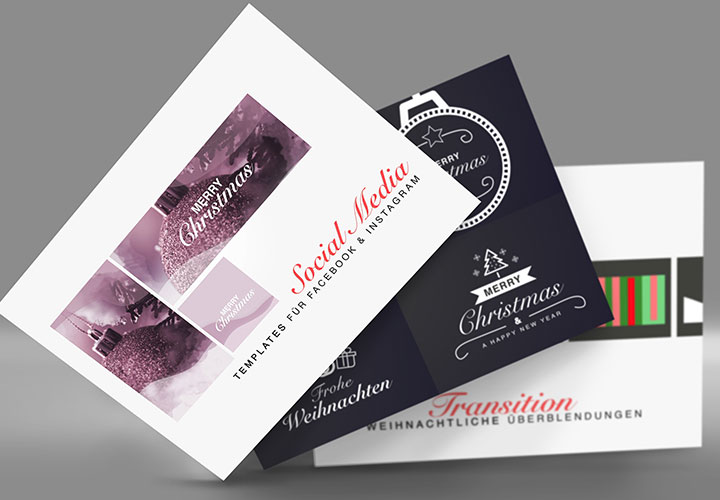
The big Merry Christmas CreatorsKIT

Matching photo looks for the whole year

Over 700 assets for cool pictures

Digital camera bag!
Ideal for video editing
Tutorials & Templates for After Effects
Get to know the program comprehensively
Exciting movie material: Our tutorials for After Effects
From the intro to the credits, whether animation or a gripping trailer - we have filmed a whole series of training courses and tutorials for After Effects for you. Our trainers will guide you through specific projects in a practical and easy-to-understand way, provide you with suitable working files and familiarize you with tools, control panels, functions and updates of After Effects. You will get to know and understand it from the user interface to its basics and fantastic film experiences. Depending on your previous knowledge, you can build up or expand your expertise.
Use our assets in your projects
Films need good templates: Our templates for After Effects
You've already got a good grasp of motion design? Save yourself money. And time. Our ready-to-use After Effects templates make your workflow easier - whether you're a professional or a beginner. For example, go for frosty-looking freezing ice animations or beautiful lighting effects. Everything can be easily integrated into your film project. Or use our video slideshow templates for impressive film presentations and use retro effects as moving overlays to enhance your entire movie. You'll be surprised how quickly you can turn a simple movie into an impressive event - whether it's charming and elegant, playful or action-packed, depending on the central theme.