

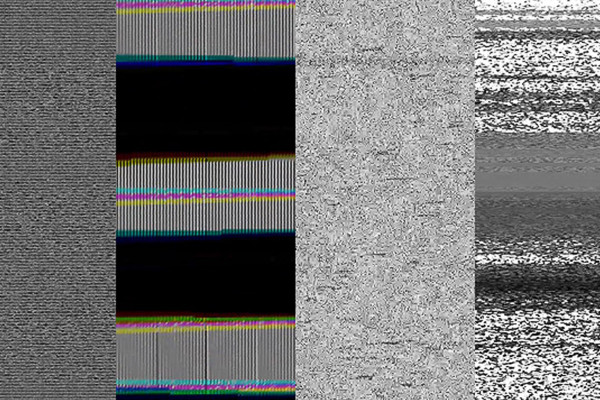

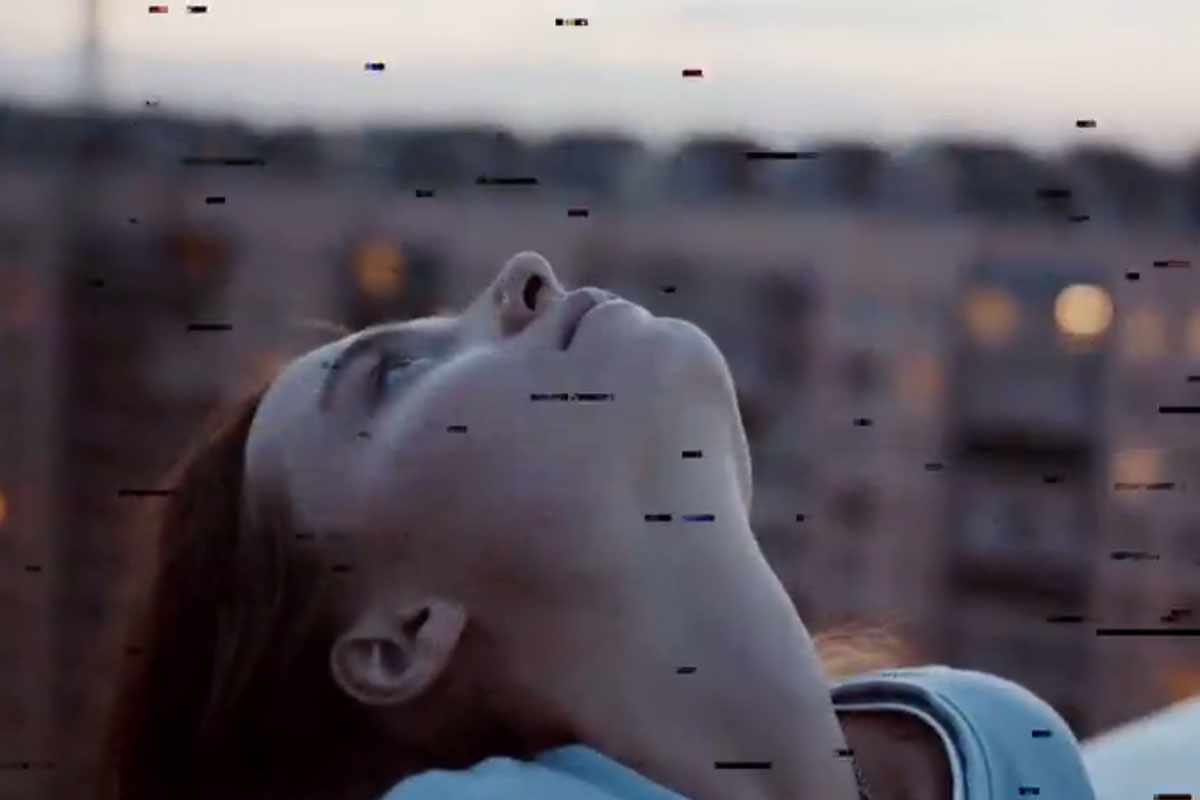
VEGAS Pro guide: How to use the overlays for video glitches
With the help of our video glitches, you can easily create noisy glitch effects in your clips. Select the overlay, place it over your scenes in the Vegas Pro timeline and simply change the fade mode. Peter Leopold explains exactly how to use the overlays in this instruction video.



Comment now „Video glitches: overlays for noisy glitch effects in your videos“