


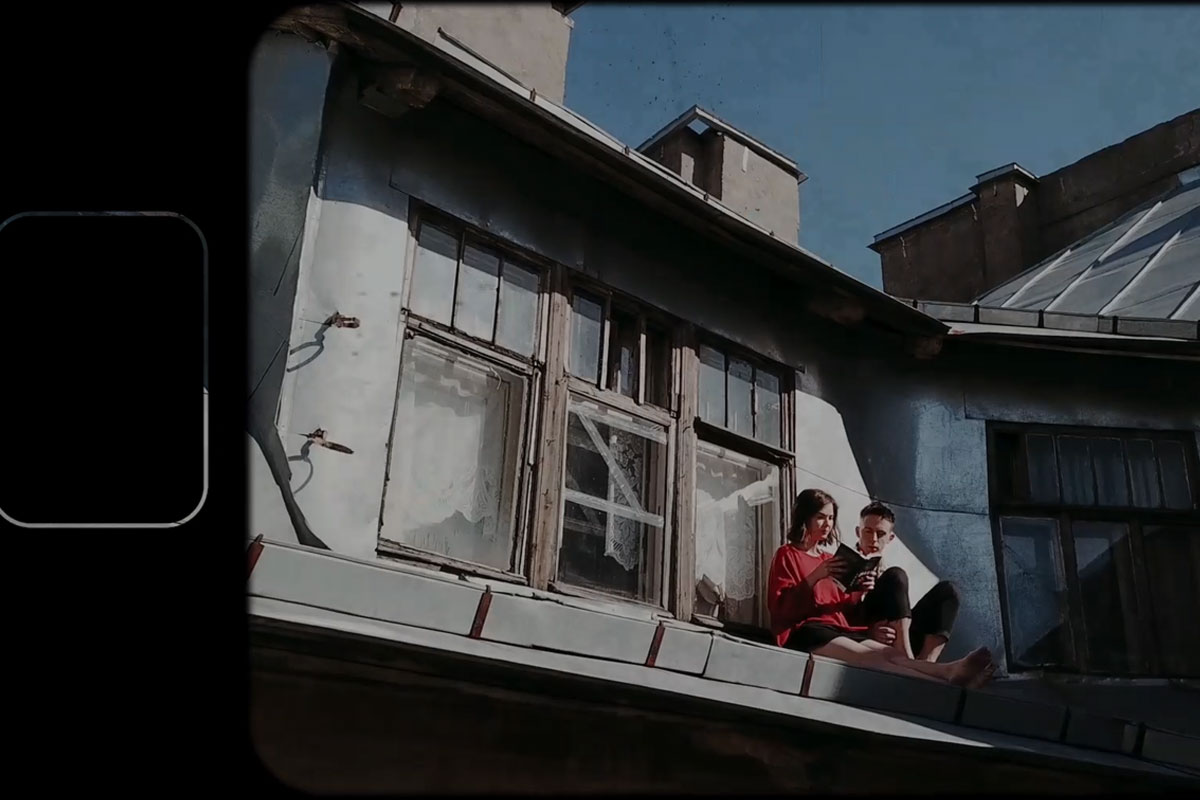
Premiere Pro CC tutorial: How to apply overlay effects for old-looking videos
Choose the look you want from our 10 overlay effects for old-looking videos. Place the corresponding clip over your scenes in the Premiere Pro CC timeline. Now set the blending mode to Multiply. Your how-old effect is ready.
Peter Leopold explains exactly how to do this in this how-to video. Watch it right away - you'll soon realize that much more is possible with the overlays!


Comment now „Frosted screen & film reel: overlay effects for old-looking videos“