Light Leaks: magical overlay effects for video editing and motion design

Light Leaks: magical overlay effects for video editing and motion design

These overlays are the finishing touches your videos have been missing! Treat your footage to 15 fascinating light leaks that you can simply apply to create dreamlike effects - from gentle changes between red and blue to glistening light reflections. More radiance, more dynamism, more romance or more tension - whatever emotions you want to evoke, these light leaks will make it possible!

  • 15 magic light leaks to overlay your videos (overlay 10 seconds each, 1920 × 1080 px, 25 frames)
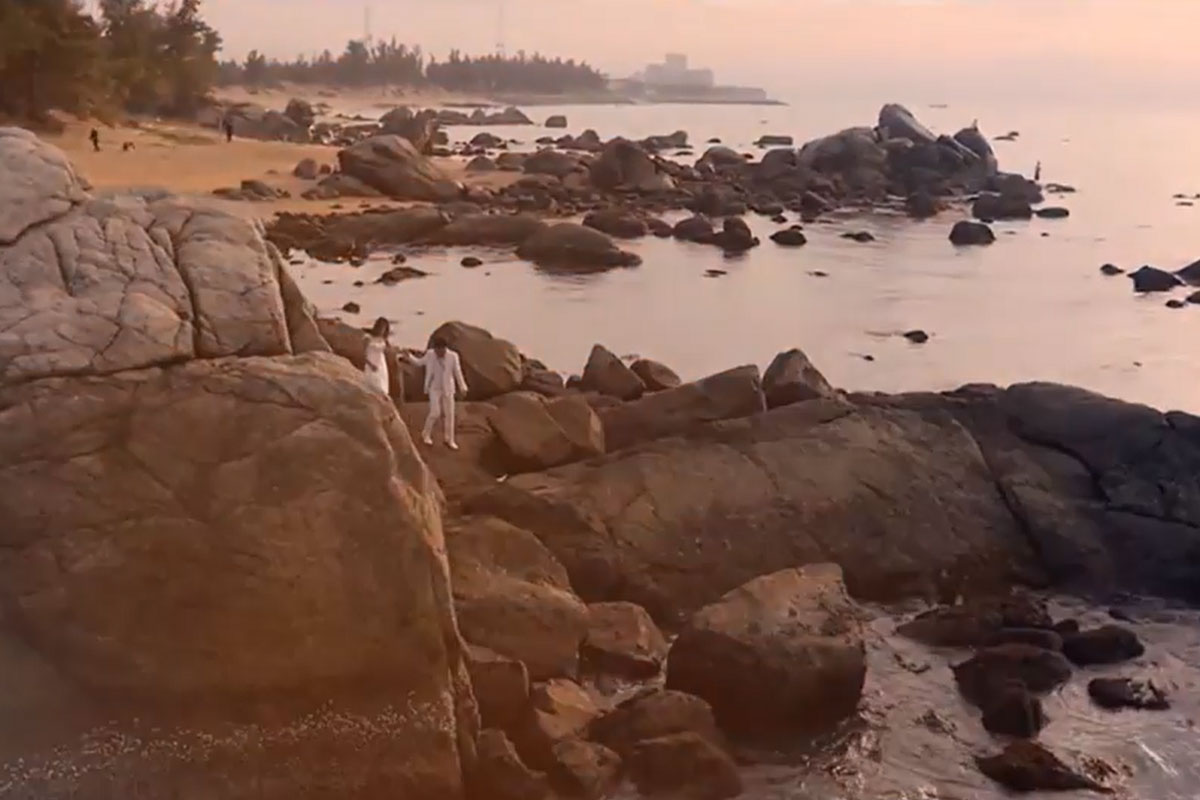
  • Wide range of applications for video editing and processing (e.g. for wedding, architecture or drone videos)
  • Easy to use in all video editing programs with layer function
  • Simply place the desired light leak over your scene, select a suitable fill mode and captivate the viewer.
  • Included: Working files for After Effects and video instructions on how to use the content

Use these light leaks as an overlay and turn your videos into colorful sequences.

content

Details of the content

Magical Light Leaks

Light leaks for spectacular video effects: magical moments - Part 1

Light leaks for spectacular video effects: magical moments - Part 1

Light leaks for spectacular video effects: magical moments - Part 2

Light leaks for spectacular video effects: magical moments - Part 2

Light leaks for spectacular video effects: magical moments - Part 3

Light leaks for spectacular video effects: magical moments - Part 3

Examples of use

  • Trailer: Achieve great effects and color effects on your videos
    Go to content 
    Trailer: Achieve great effects and color effects on your videos
  • Give your videos radiance and color power
    Go to content 
    Give your videos radiance and color power

help video for application

How to apply light leaks in After Effects

The video formats provided with the package allow you to use the Light Leaks in any layer-based video editing program. You can find out how to use them in After Effects here.

4 minutes · free of charge
Comments (0)

Comment now „Light Leaks: magical overlay effects for video editing and motion design“