Film Burns for video editing and motion design

Film Burns for video editing and motion design

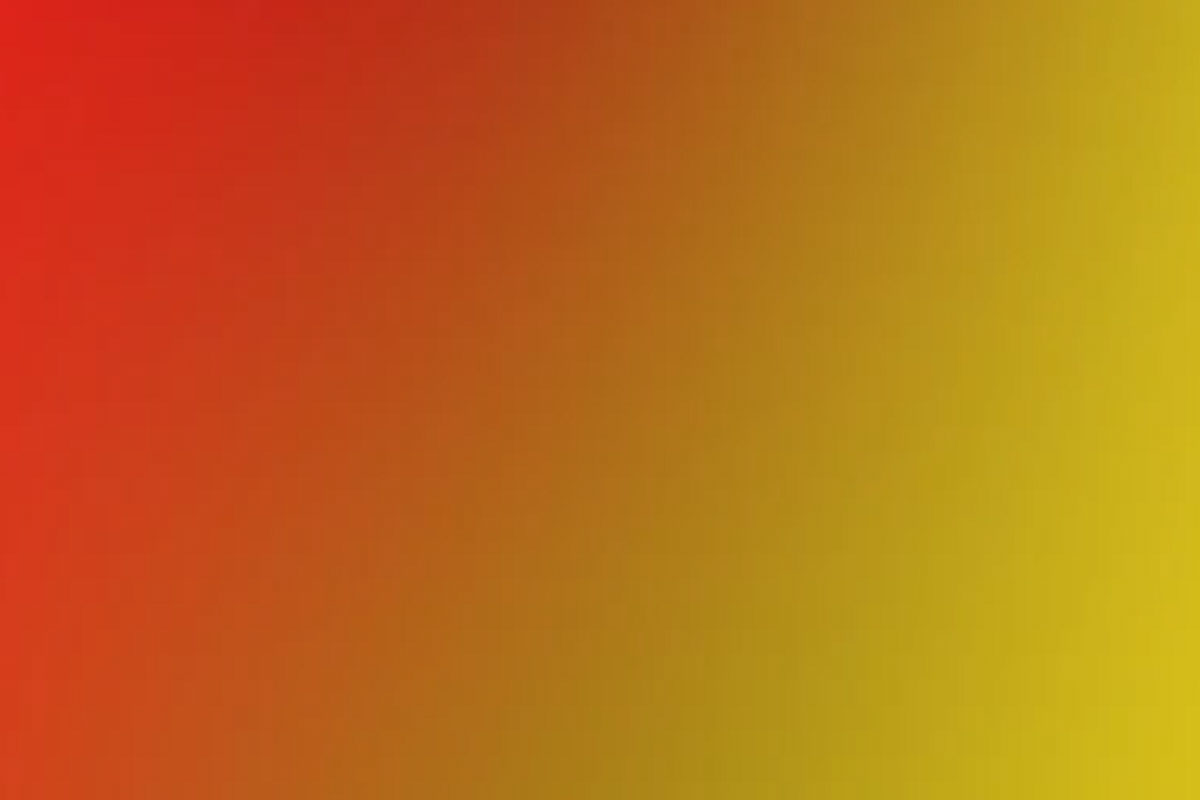
With these 15 film burns, you can give your videos a radiant boost of vitality and dynamism. Simply place the bright animations over your scenes and assign a suitable fill method. Whether you want to add extra radiance to sunbeams, more emotion to romantic moments or more tension to action-packed scenes - create exactly the scene you have in mind!

  • 15 film burns for effective overlaying of your videos (overlay 10 seconds each, 1920 × 1080 px, 25 frames)
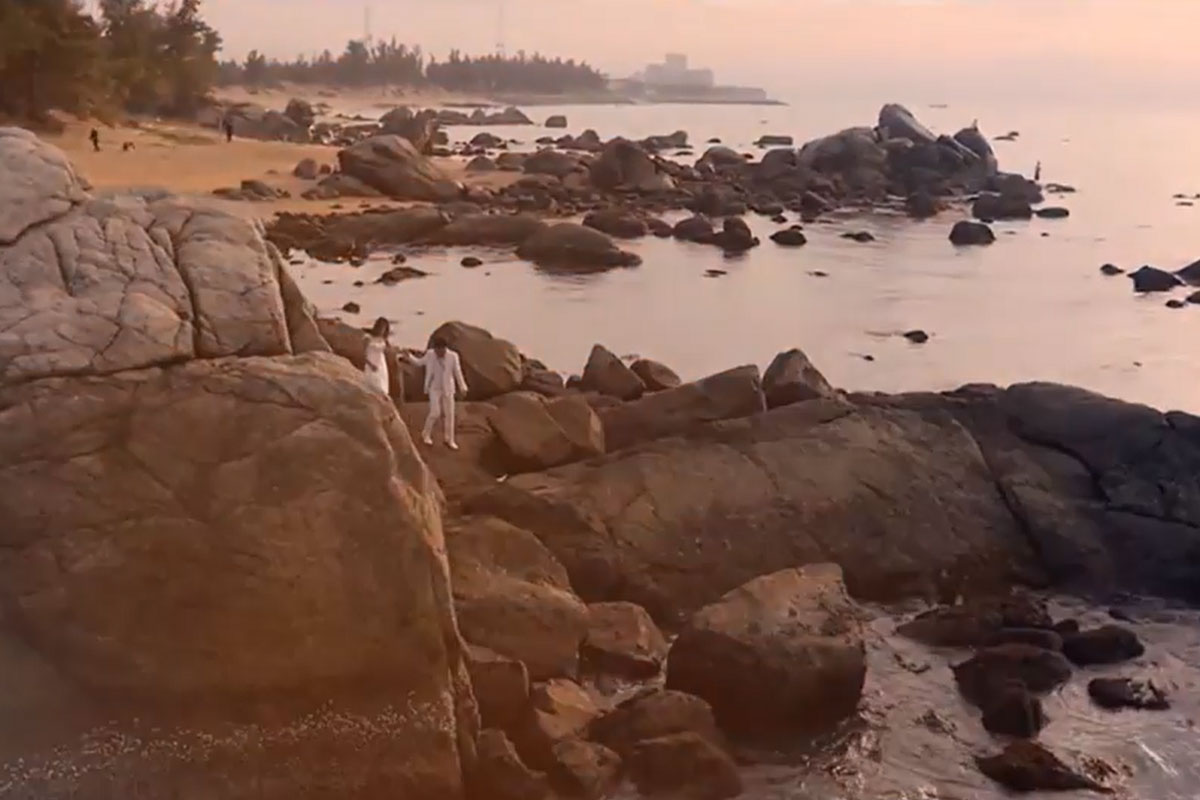
  • Wide range of applications - e.g. for wedding, architecture or drone videos
  • Easy to use in all video editing programs with layer function
  • Includes working files for After Effects and video instructions on how to use the content

Download, place over your own video and then wow your viewers - grab Film Burns for video effects that will make people take notice.

content

Details of the content

Film Burns

Light Leaks for spectacular video effects: Film Burns - Part 1

Light Leaks for spectacular video effects: Film Burns - Part 1

Light Leaks for spectacular video effects: Movie Burns - Part 2

Light Leaks for spectacular video effects: Movie Burns - Part 2

Light Leaks for spectacular video effects: Movie Burns - Part 3

Light Leaks for spectacular video effects: Movie Burns - Part 3

Examples of use

  • Trailer: Achieve great effects and color effects on your videos
    Go to content 
    Trailer: Achieve great effects and color effects on your videos
  • Choose the right overlay and let the colors dance.
    Go to content 
    Choose the right overlay and let the colors dance.

help video for application

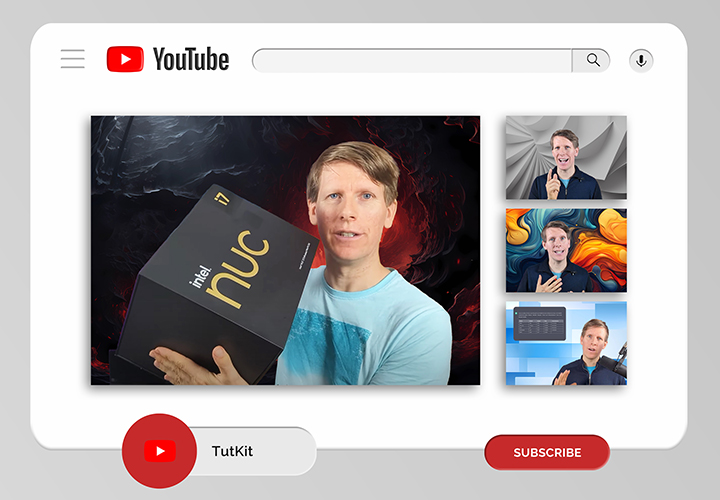
How to apply light leaks in After Effects

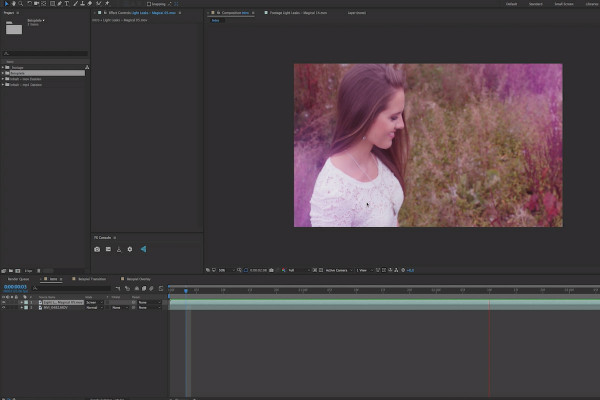
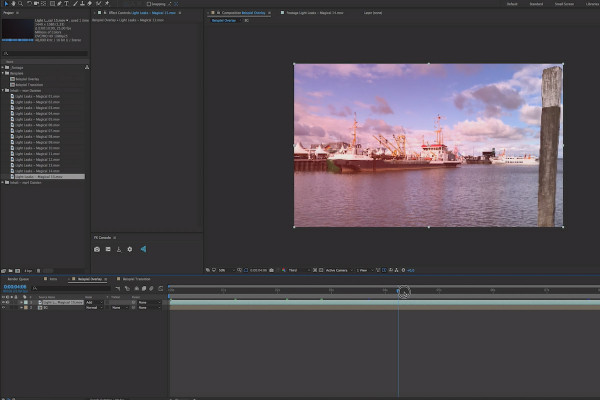
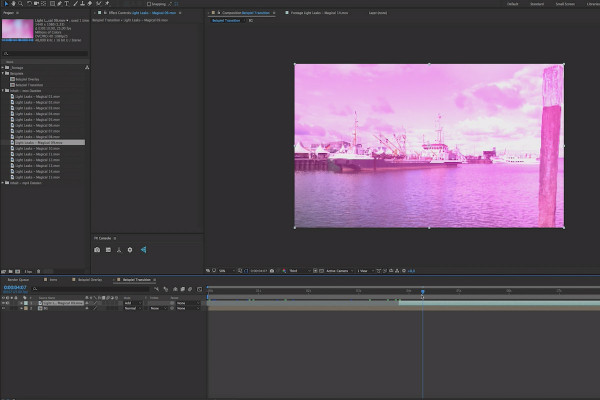
The video formats provided with the package allow you to use the Light Leaks in any layer-based video editing program. You can find out how to use them in After Effects here.

4 minutes · free of charge
Comments (0)

Comment now „Film Burns for video editing and motion design“